Samsung
Samsung's Stats
Reviews
- Review Count0
- Helpfulness Votes0
- First ReviewNone
- Last ReviewNone
- Featured Reviews0
- Average Rating0
Reviews Comments
- Review Comment Count0
- Helpfulness Votes0
- First Review CommentNone
- Last Review CommentNone
- Featured Review Comments0
Questions
- Question Count0
- Helpfulness Votes0
- First QuestionNone
- Last QuestionNone
- Featured Questions0
- Answer Count75028
- Helpfulness Votes37,976
- First AnswerApril 24, 2013
- Last AnswerOctober 26, 2026
- Featured Answers0
- Best Answers3949
Samsung's Reviews
Samsung has not submitted any reviews.
Samsung's Questions
Samsung has not submitted any questions.
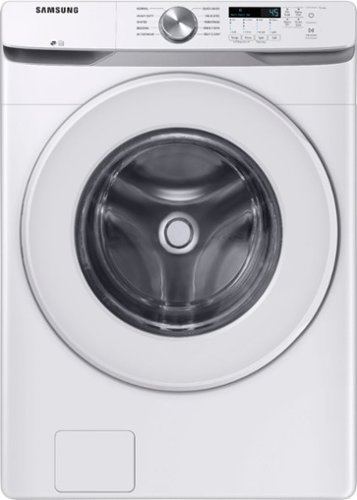
Samsung~s Energy Star Certified Front Load washer has 4.5 cu. ft. capacity to fit more in every load and cut down on laundry time. It is equipped with Vibration Reduction Technology+ to reduce noise for quiet washing and features Self Clean+ to eliminate 99% of bacteria that can form in the drum.1
Which way do the doors swing?

Thanks for asking, Joie! If you are facing the front of the washer, the hinge will be to your left, and the handle to your right. ^Jecca
5 years ago
by
Posted by:
Samsung
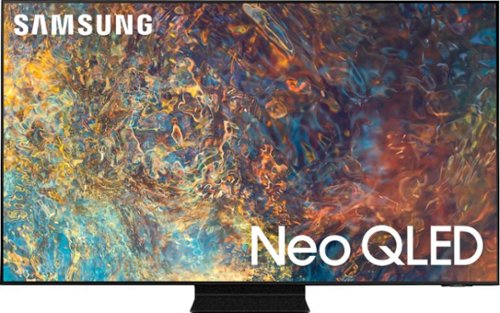
Samsung - 50" Class QN90A Neo QLED 4K UHD Smart Tizen TV (2021)
Our best 4K picture offers lush visuals and crisp detail that create an unmatched cinematic experience.
Does the youtubetv app come pre installed ?
Hi Chris! Yes, the YouTube TV app will come preinstalled in the QN90A TV's App Launcher upon setup. ^Gina
5 years ago
by
Posted by:
Samsung
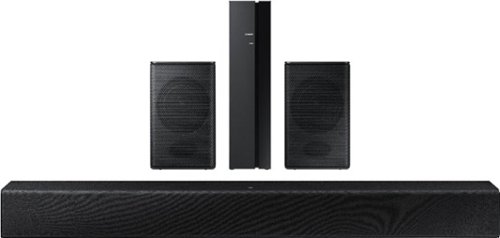
Samsung - HW-A40R 4ch Sound bar with Surround sound expansion - Black
Powerful, yet compact sound experience
Is this wireless speaker
Hi! The HW-A40R Soundbar is Bluetooth enabled, and can wirelessly connect to your TV and any other devices that are also Bluetooth enabled. The A40R subwoofer will need to be connected to a power source but will pair wirelessly with the soundbar. The rear speaker wireless module requires a power cord to function and speaker cables to connect to the rear speakers. Once they are connected to the speaker cables, the rear speakers will pair wirelessly with the soundbar as well. ^Tim
5 years ago
by
Posted by:
Samsung

Samsung - 5.1.2-Channel Soundbar with Dolby Atmos/DTS:X
Explore realistic 3D audio with sound precisely projected from above, in front, behind and to the side of you with the latest acoustic technologies.
Would this system or any system be good for two twin samsung TVs I mounted on the same wall?
Hi Mike, Samsung soundbars are only compatible with one device at a time, and would not be able to connect to both TVs mounted on the wall. You could utilize the optical connection for one, and HDMI for the other, however you would need to switch sources on the soundbar in order to play audio from one TV or the other.
^Tim
^Tim
5 years ago
by
Posted by:
Samsung
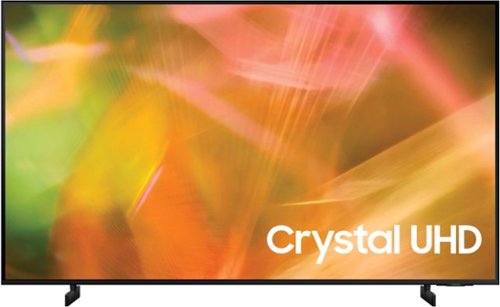
Samsung - 43" Class 8000 Series LED 4K UHD Smart Tizen TV (2021)
Step up to the world of Crystal UHD from Samsung. Elevated color and clarity offer you a picture that has to be seen to be believed. Add in smart features that make watching TV even easier, and you have a TV that is essential.
After unboxing I did a look for issues and found what looked like 2 small particles of dust. I wiped. Nothing. The screen doesnt look chipped but it looks like there is lint in between top layer and screen. Is this something that happens?
Hi RobR8ge, so that we can gather additional information and provide troubleshooting or warranty assistance, please reach out to Samsung Support at: 1-800-SAMSUNG (ask for TVs), available 8AM - 12AM EST, 7 days a week, or Chat with us on Samsung.com: https://www.samsung.com/us/support/contact/
^Tim
^Tim
5 years ago
by
Posted by:
Samsung
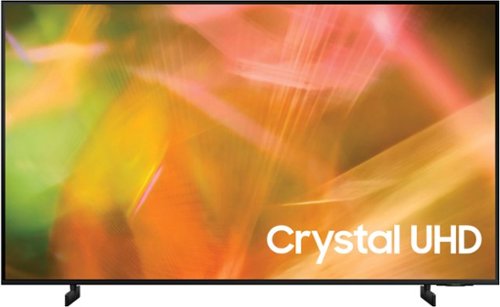
Samsung - 50" Class 8000 Series LED 4K UHD Smart Tizen TV (2021)
Step up to the world of Crystal UHD from Samsung. Elevated color and clarity offer you a picture that has to be seen to be believed. Add in smart features that make watching TV even easier, and you have a TV that is essential.
Sorry I'm still confused. I'm looking @ a 50" & 55" Samsung Class 8000 Smart Tizen TV. I don't even know what Tizen means. Please explain. My other issue TV I had 42" Sharp. It finally lost the picture. I have a VCR DVD/combo. Worked. Can I use it?
Hi! Tizen refers to the Samsung TV’s operating system, this is what powers the smart features within the TV. The Samsung 50" AU8000 is compatible with external video devices that support HDMI. Check the back of your VCR DVD/combo player, or consult the manual if needed, to determine if your device supports HDMI. If your device only supports a composite connection (yellow, white, red cables) you will not be able to connect it to the Samsung TV.
^Tim
^Tim
5 years ago
by
Posted by:
Samsung
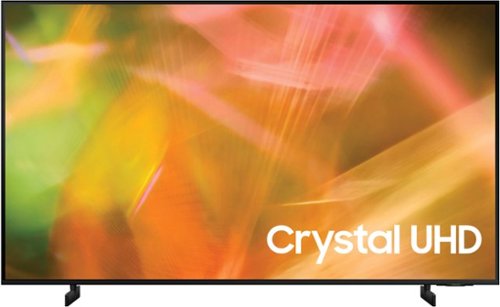
Samsung - 55" Class 8000 Series LED 4K UHD Smart Tizen TV (2021)
Step up to the world of Crystal UHD from Samsung. Elevated color and clarity offer you a picture that has to be seen to be believed. Add in smart features that make watching TV even easier, and you have a TV that is essential.
What are measurements?
Hi! Here are the dimensions for the 55" AU8000: (Inches WxHxD)
Without Stand: 48.5 x 27.9 x 1
With Stand: 48.5 x 29.9 x 8.9
^Tim
Without Stand: 48.5 x 27.9 x 1
With Stand: 48.5 x 29.9 x 8.9
^Tim
5 years ago
by
Posted by:
Samsung

Samsung - 43" Class The Frame Series LED 4K UHD Smart Tizen TV (2021)
Artwork, television, movies, and memories -The Frame TV showcases it all on a beautiful QLED screen. Every piece of content is displayed in stunning 4K resolution and accented by a customizable, stylish bezel that seamlessly complements your home~s d~cor.
How much light does this emit when in picture mode? Can I leave it like that in my bedroom at night?
Hannah - When The Frame TV is in Art Mode, please know you can adjust the brightness within the SmartThings app which can be downloaded from your Smart phone's app store if you have not installed it already. When your TV is connected via SmartThings, follow these steps to adjust the brightness:
1. Open the SmartThings or Smart View app and select the Frame TV.
2. Tap the Art Mode button located in the upper right corner. Then tap Settings. ^Gina
1. Open the SmartThings or Smart View app and select the Frame TV.
2. Tap the Art Mode button located in the upper right corner. Then tap Settings. ^Gina
5 years ago
by
Posted by:
Samsung

Samsung - 50" Class The Frame Series LED 4K UHD Smart Tizen TV (2021)
Artwork, television, movies, and memories -The Frame TV showcases it all on a beautiful QLED screen. Every piece of content is displayed in stunning 4K resolution and accented by a customizable, stylish bezel that seamlessly complements your home~s d~cor.
Can I display my own pictures in Art Mode?
Hi David - Absolutely! You're not limited to the works of art in the Samsung Collection. Show off your artistic flair on The Frame using your own pictures! You can upload your artwork or photography with the SmartThings app or via a USB drive. ^Gina
5 years ago
by
Posted by:
Samsung
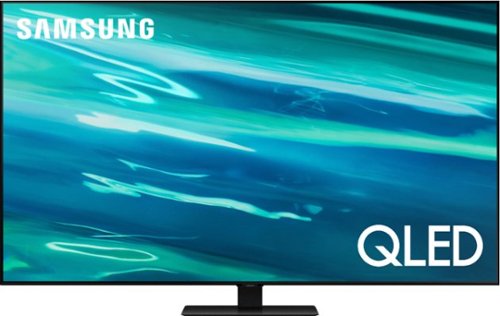
Samsung - 55" Class Q80A Series QLED 4K UHD Smart Tizen TV (2021)
Nothing will get by you with the precise visible details, even in the darkest scenes, and sound that moves around you.
How well does it work with the over the air antenna.Does it use ATSC 3.0 technology if not witch one does.
Hi Glebaou812- The Q80A TV features a built-in digital tuner (ATSC/ClearQAM) that can scan for and automatically program local channels that will appear on your channel list. Adding an antenna will help your TV find even more channels and improve the quality of the signal. When stepping up to our QN90A Series and higher, you will gain a built-in ATSC 3.0/ClearQAM tuner. ^Gina
5 years ago
by
Posted by:
Samsung