Samsung
Samsung's Stats
Reviews
- Review Count0
- Helpfulness Votes0
- First ReviewNone
- Last ReviewNone
- Featured Reviews0
- Average Rating0
Reviews Comments
- Review Comment Count0
- Helpfulness Votes0
- First Review CommentNone
- Last Review CommentNone
- Featured Review Comments0
Questions
- Question Count0
- Helpfulness Votes0
- First QuestionNone
- Last QuestionNone
- Featured Questions0
- Answer Count75067
- Helpfulness Votes37,976
- First AnswerApril 24, 2013
- Last AnswerOctober 26, 2026
- Featured Answers0
- Best Answers3949
Samsung's Reviews
Samsung has not submitted any reviews.
Samsung's Questions
Samsung has not submitted any questions.
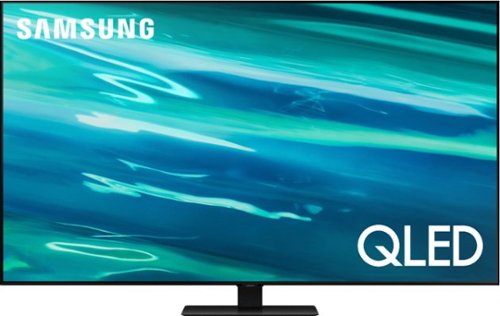
Samsung - 65" Class Q80A Series QLED 4K UHD Smart Tizen TV (2021)
Nothing will get by you with the precise visible details, even in the darkest scenes, and sound that moves around you.
Overall size?

Bev - Here are the dimensions of the 65" Q80A TV without its stand attached (WxHxD in INCHES): 56.9 x 32.7 x 2.2. ^Gina
5 years, 1 month ago
by
Posted by:
Samsung
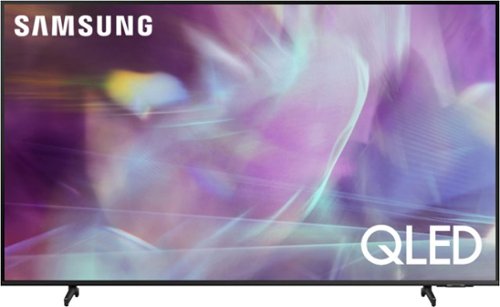
Samsung - 70" Class Q60A Series QLED 4K UHD Smart Tizen TV (2021)
Enter a world saturated with color and sharpened to refreshing clarity, all of it made possible through the power of Quantum Dot technology
How wide is the bezel on the front of the screen?
Caro - The top/side bezels are approximately .18" in width; the bottom bezel is approximately .5". ^Gina
5 years, 1 month ago
by
Posted by:
Samsung
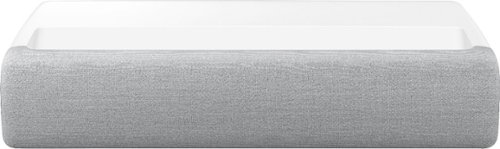
Samsung - The Premiere 4K UHD Single Laser Wireless Smart Ultra Short Throw Projector with High Dynamic Range - White
Get ready for a whole new home cinema experience. Experience immersive detail from any angle with the 120-inch wide screen, while crystal 4K resolution provides staggeringly crisp images and optimized color expression.
Does it need flat screen and what's the best one for it?
Hi Curious - Adding an Ambient Light Rejecting (ALR) screen can take your home entertainment to impressive new levels with The Premiere Projector. Our recommended screen partners are Elite Screens, Screen Innovations, and Stewart Filmscreen. ^Gina
5 years, 1 month ago
by
Posted by:
Samsung
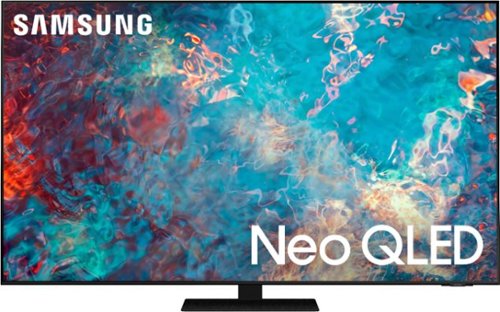
Samsung - 85" Class QN85A Neo QLED 4K UHD Smart Tizen TV (2021)
The QN85A upgrades your home entertainment experience with super charged 4K, an anti-glare screen, and an ultra-high contrast picture. These Advanced-Premium Samsung models feature a breakthrough matrix of Quantum Mini LEDs that focus light precisely where needed for breathtaking contrast. With the QN85A, our most advanced Samsung 4K TV processor powers Next-Gen Gaming capabilities, a new generation of apps, and sound that moves with the onscreen action. And with HDR10+, colors are adjusted scene-by-scene to enhance what you watch.
Does this tv come with one connect
Hi Jim - The One Connect box is not included with this model. It does come included with The Frame Series and a Slim One Connect Box is included with our 8K Neo QLED models. ^Gina
5 years, 1 month ago
by
Posted by:
Samsung
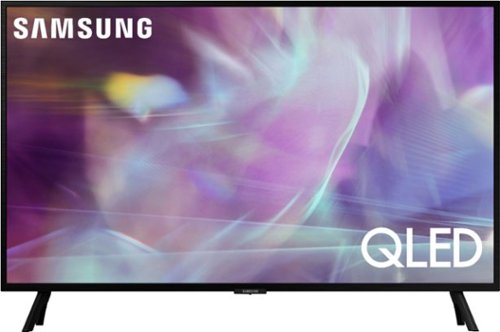
Samsung - 32" Class Q60A Series QLED 4K UHD Smart Tizen TV (2021)
Enjoy ultra-intense 4K vivid color and sharpened clarity with the Q60A / Q60AB. It combines Quantum Dot Technology with the power of 100% Color Volume to deliver a billion of shades for colorful, razor-sharp visuals. The ultra-smart Quantum Processor 4K Lite automatically upscales and transforms your content into 4K. Dual LED backlighting adjusts and coordinates with content in real time to enhance contrast and detail. Plus, with the rechargeable SolarCell Remote, you can easily access and control Smart TV and all your connected devices.
I have a Sonos Playbase with rear surround speakers. Will this TV output surround sound to my Sonos system? My current TV does not.
Stephanie - You can connect a Sonos Playbase to the Q60A TV via Optical cable. ^Gina
5 years, 1 month ago
by
Posted by:
Samsung
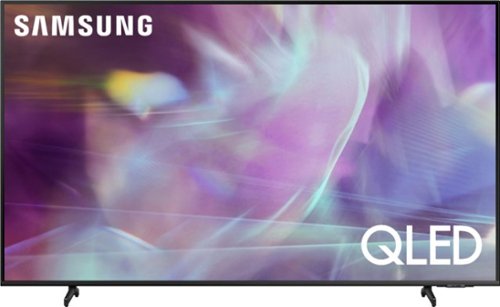
Samsung - 65" Class Q60A Series QLED 4K UHD Smart Tizen TV (2021)
Enter a world saturated with color and sharpened to refreshing clarity, all of it made possible through the power of Quantum Dot technology
Where is the volume control on the remote of a Samsung Q604 series QLED4K. I cannot change the volume. I
Lola - The volume button (indicated with + / -) is located above the Netflix button on the Solar Cell Remote. Simply rock the button up to increase, or down to decrease volume. ^Gina
5 years, 1 month ago
by
Posted by:
Samsung
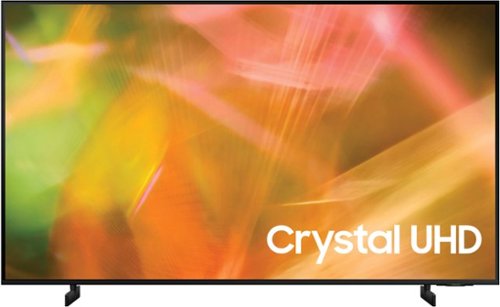
Samsung - 55" Class 8000 Series LED 4K UHD Smart Tizen TV (2021)
Step up to the world of Crystal UHD from Samsung. Elevated color and clarity offer you a picture that has to be seen to be believed. Add in smart features that make watching TV even easier, and you have a TV that is essential.
are any of the 3 HDMI ports 2.2 compatible?
Hi jd! Thank you for considering this TV. Because HDMI 2.1 is a complicated spec, we hope that focusing on TV features will be more helpful to you when deciding on the best model for your usage scenario. The 55” AU8000 TV has 3 HDMI ports, all of which support Auto Low Latency Mode (ALLM) and Dynamic Metadata (HDR10+). “HDMI In 2” port further supports eARC. If you are looking for a TV capable of 4K@120fps (FRL), please consider the Q70A Series, which supports “FRL on HDMI In 4”. If you are referring to HDCP 2.2, all of the HDMI ports fully support HDCP 2.2. ^Tim
5 years, 1 month ago
by
Posted by:
Samsung
Samsung - 55" Class 8000 Series LED 4K UHD Smart Tizen TV (2021)
Step up to the world of Crystal UHD from Samsung. Elevated color and clarity offer you a picture that has to be seen to be believed. Add in smart features that make watching TV even easier, and you have a TV that is essential.
what is the bolt pattern and dimensions of the bolt pattern on the back of the TV?
Hi! The 55" AU8000 features a VESA mounting pattern of 200 x 200. You will need 4 M8 Screws, 11-13mm length, 1.25mm pitch. ^Tim
5 years, 1 month ago
by
Posted by:
Samsung
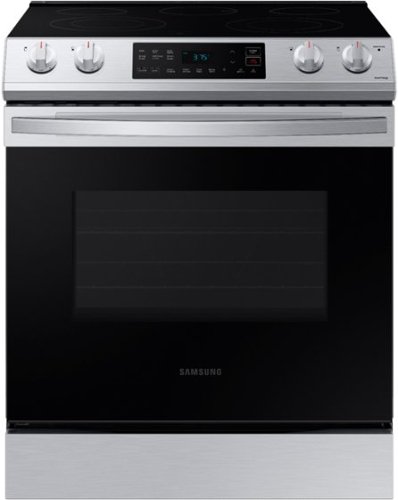
Samsung - 6.3 cu. ft. Front Control Slide-In Electric Range with Wi-Fi, Fingerprint Resistant - Stainless Steel
The Samsung Front Control Slide-In Electric Range is fully Wi-Fi connected and voice enabled, making it easy to create delicious meals for your family.
What is the filler trim kit?
Hey there deecee! The trim kit is a small metal frame that can sit around the unit to help give it a more finished look, and also fill in any gaps between the unit and surrounding cabinets. You can find these types of accessories at SamsungParts.com or by calling 1-800-627-4368. ^Jecca
5 years, 1 month ago
by
Posted by:
Samsung
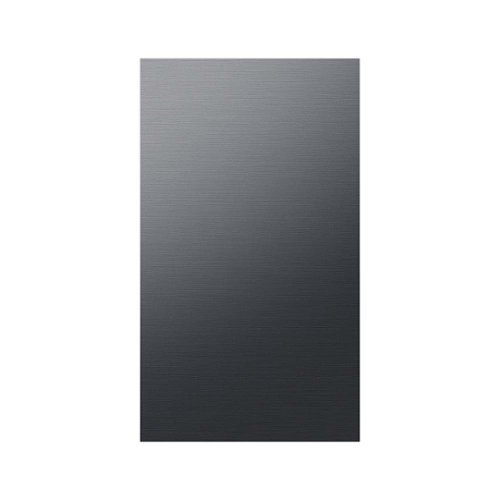
Design a refrigerator that~s uniquely you with the BESPOKE 4-Door Flex Refrigerator, with customizable door panels. Choose from eight door panel colors and two finishes, steel or glass, to create a refrigerator that fits your space and style. If you change your d~cor, you can simply change the color of your refrigerator by purchasing new panels. Contact a professional installer to switch out the panels.
Will this panel work fit the regular 4 door flex Samsung refrigerator. My bottom left panel is dented and I was thinking about replacing it with a new door.
Thanks so much for asking, Momgeek! This panel is actually specifically designed to fit the BESPOKE models located here: https://www.samsung.com/us/bespoke/. However, you can purchase replacement parts (such as the door) through SamsungParts.com or by calling 1-800-627-4368. ^Jecca
5 years, 1 month ago
by
Posted by:
Samsung