Samsung
Samsung's Stats
Reviews
- Review Count0
- Helpfulness Votes0
- First ReviewNone
- Last ReviewNone
- Featured Reviews0
- Average Rating0
Reviews Comments
- Review Comment Count0
- Helpfulness Votes0
- First Review CommentNone
- Last Review CommentNone
- Featured Review Comments0
Questions
- Question Count0
- Helpfulness Votes0
- First QuestionNone
- Last QuestionNone
- Featured Questions0
- Answer Count73567
- Helpfulness Votes37,918
- First AnswerApril 24, 2013
- Last AnswerAugust 11, 2026
- Featured Answers0
- Best Answers3939
Samsung's Reviews
Samsung has not submitted any reviews.
Samsung's Questions
Samsung has not submitted any questions.
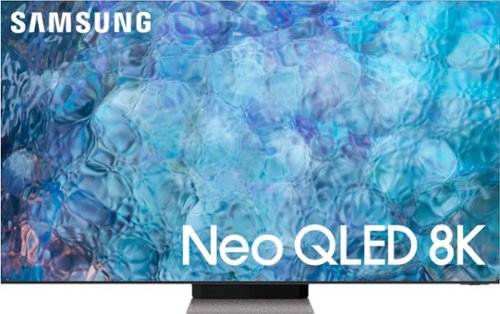
Samsung - 65" Class QN900A Series Neo QLED 8K UHD Smart Tizen TV (2021)
The flagship QN900A is the best of the Samsung Neo QLED 8K lineup. Content not already in 8K resolution are upgraded to crisp 8K UHD on an edge-to-edge Infinity Screen that will make you feel like you~re watching all picture with virtually no bezel. Leading-edge Quantum Matrix Technology Pro, powers an ultra-high contrast picture with an expansive array of Quantum Mini LEDs, each the size of a grain of sand. Hollywood content leaps off the screen with Quantum HDR 48X, while a billion colors come to life on our slimmest, revolutionary screen design. Immerse yourself in sound with Object Tracking Sound Pro to hear the audio where you see the action. The Q900A is by far our best Samsung TV picture, design and sound experience yet.
What is the main difference between the QN900A and QN800A? When comparing the two, I can't find any advantages for QN900A in fact it does worse in energy conservation. What makes the QN900A the flagship, would I lose anything going with QN800A?

Hi Mikey! The QN800A & QN900A both include features such as: Neo Quantum Processor 8K with 8K AI Upscaling, Quantum Matrix Technology Pro with Mini LED Backlighting, Motion Xcelerator Turbo+, Freesync Premium Pro, Ultra Viewing Angle, Expert Calibration, Active Voice Amplifier, Q-Symphony (when paired with a compatible Q-Series Soundbar), and many more.
The QN800A features Quantum HDR 32X, 70 Watt 4.2.2 Channel sound, and the Infinity One Design – a thin display at just 15mm and a boundless screen design enhancement that minimizes the bezel of the TV. When stepping up to the QN900A, you will gain Quantum HDR 48X (Quantum HDR 64X on 75” & 85”), 80 Watt 6.2.2 Channel sound, as well as an expanded viewing experience with the Infinity Screen – a 99% screen to body ratio, leaving virtually no bezel on the TV, resulting in a truly immersive 8K experience. ^Gina
The QN800A features Quantum HDR 32X, 70 Watt 4.2.2 Channel sound, and the Infinity One Design – a thin display at just 15mm and a boundless screen design enhancement that minimizes the bezel of the TV. When stepping up to the QN900A, you will gain Quantum HDR 48X (Quantum HDR 64X on 75” & 85”), 80 Watt 6.2.2 Channel sound, as well as an expanded viewing experience with the Infinity Screen – a 99% screen to body ratio, leaving virtually no bezel on the TV, resulting in a truly immersive 8K experience. ^Gina
5 years, 2 months ago
by
Posted by:
Samsung
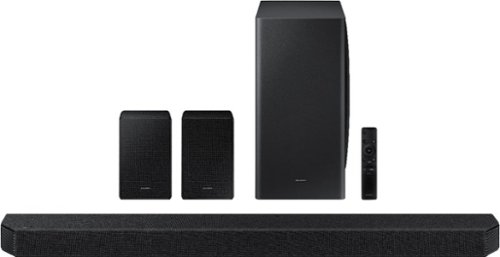
Samsung - HW-Q950A 11.1.4ch Sound bar with Dolby Atmos - Black
Breakthrough innovation with True 11.1.4ch sound.
What speaker stands will work with this?
Hi Paul! The dimensions of the rear speakers included with the HW-Q950A are (WxHxD) 4.9" x 8.0" x 5.6" and each speaker weighs approximately 3.7lbs; you will be able to utilize any universal speaker stands that support the dimensions and weight. Check out this great option at Best Buy: https://www.bestbuy.com/site/sanus-speaker-stands-pair-black/5590489.p?skuId=5590489 ^Gina
5 years, 2 months ago
by
Posted by:
Samsung
Samsung - HW-Q950A 11.1.4ch Sound bar with Dolby Atmos - Black
Breakthrough innovation with True 11.1.4ch sound.
Samsung, when are you going to fix the EARC and enable LPCM with this bar? As it is, it's critically limited by not accepting multi-channel or 'real' (full fat) Atmos through the EARC port.
Hi Kyne - You definitely can enjoy full-fat Atmos with the HW-Q950A. When connected to a non-Samsung TV, please change the TV’s eARC output setting to “Automatic” – this will allow Atmos to play on the HDMI ARC port. ^Gina
5 years, 2 months ago
by
Posted by:
Samsung
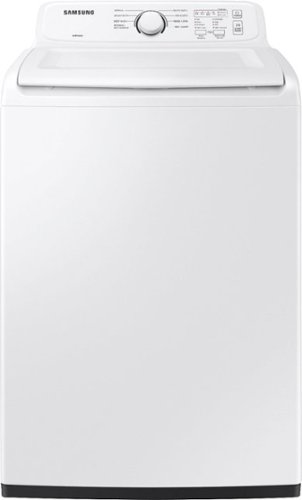
Samsung~s large 4.0 cu. ft. capacity Top Load Washer is equipped with our ActiveWave Agitator that is designed to reduce noise, vibration, and tangling while delivering powerful cleaning and also features a premium Soft-Close Lid that closes safely, gently and quietly
Can I dye fabric in the Samsung 4.0 HE top load washer? It requires filling with water first, adding the dye, agitating for a few minutes and then adding the fabric.
Great question, Leigh! This model does not have a pre-fill option that would allow you to fill the drum prior to adding clothes. This is because it uses weight sensing technology to determine the amount of water needed based on the amount of items in the wash. ^Jecca
5 years, 2 months ago
by
Posted by:
Samsung
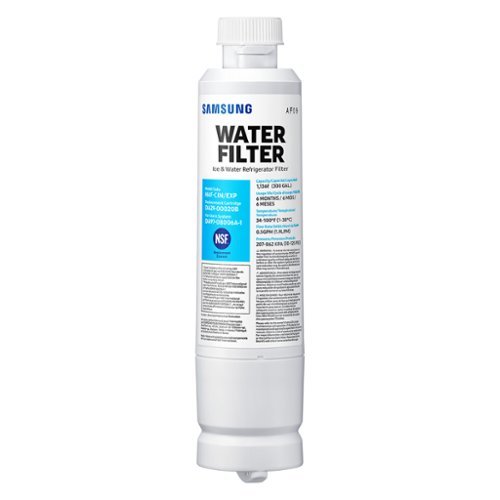
Give your family safe, fresh-testing water with Samsung genuine filters. Samsung water filters remove over 99% of numerous harmful contaminants, including lead. Each filter lasts for 6 months or 300 gallons.
Can I use this filter for system - DA97-08006A-1?
I'd like to help with this! First, the part number DA97-08006* is actually a part number for an internal component of the filter housing setup. However, I can provide this link (https://bit.ly/3vaoKIo) to this water filter on our parts website. It has a complete list of all refrigerator models this filter currently fits. ^Jecca
5 years, 2 months ago
by
Posted by:
Samsung
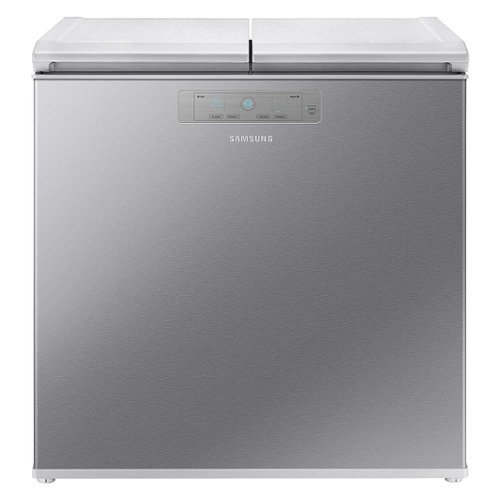
Samsung - 7.6 cu. ft. Kimchi & Specialty 2-Door Chest Refrigerator - Silver
Samsung~s 7.6 cu. ft. Kimchi & Specialty 2-Door Chest Refrigerator features super precise cooling to store, preserve and ferment specialty foods at their optimal temperature.
What does it weigh?
Thanks so much for asking, Bob! According to our specifications, this model weighs 137 lbs. ^Jecca
5 years, 2 months ago
by
Posted by:
Samsung
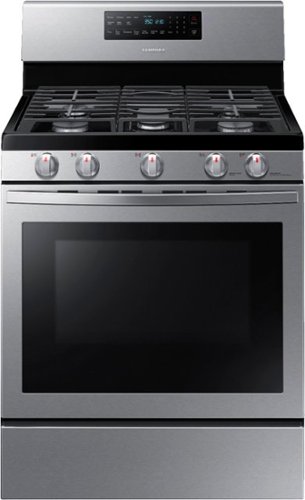
Samsung - 5.8 Cu. Ft. Freestanding Gas Convection Range with Self-High Heat Cleaning - Stainless Steel
The fan convection distributes heat throughout the oven faster and more evenly, saving much time. The large oven interior capacity can easily accommodate a big roast, multiple casserole dishes, or two racks of cookies for the holidays. The powerful and flexible cooktop comes with a griddle and cooks faster with 5 specialized burners, including two power burners and a simmer burner.
Does this product come with a warranty?
I'm so glad you asked, Nina! This model does come with a one year warranty from the manufacturer. You can find the full terms and conditions of this warranty here: https://bit.ly/3vaegsD. I would also like to note that many retailers offer extended warranties for purchase. ^Jecca
5 years, 2 months ago
by
Posted by:
Samsung
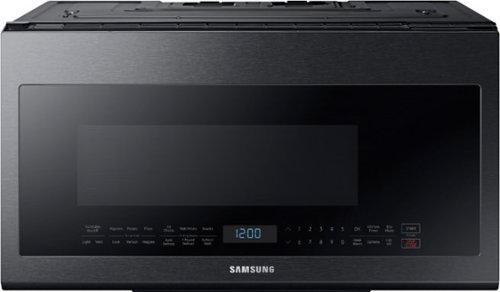
Samsung - 2.1 Cu. Ft. Over-the-Range Microwave with Sensor Cook - Black Stainless Steel
This Samsung Over-the-Range Microwave makes preparing multiple dishes effortless with its large 2.1cu. ft. capacity, accommodating even your biggest dishes. The Glass Control panel provides a seamless, integrated look, ensuring all design elements will match in your kitchen. Sensor Cook technology automatically adjusts your cooking time for optimal results. Additionally, the Ceramic Enamel Interior provides a durable, scratch-resistant and easy to clean interior, making everyday maintenance simple.
Is there a trim kit for this microwave?
Hey SALTY1! I recommend checking with SamsungParts.com or calling 1-800-627-4368 for information on available and compatible accessories. ^Jecca
5 years, 2 months ago
by
Posted by:
Samsung
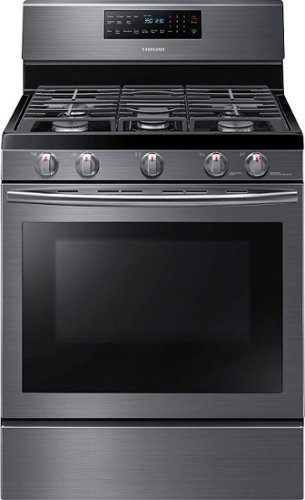
Samsung - 5.8 Cu. Ft. Self-Cleaning Freestanding Fingerprint Resistant Gas Convection Range - Black Stainless Steel
This 5.8 cu. ft. large capacity oven allows you to cook multiple dishes at once. Two oven racks let you prepare enough food for large gatherings. Cook food faster and more evenly with a heated fan system that is great for baking and broiling.
Can the oven be used in conventional mode?
Absolutely, RickS! This model has separate buttons for bake and convection bake, so you can pick whichever you want each time you use it! ^Jecca
5 years, 2 months ago
by
Posted by:
Samsung
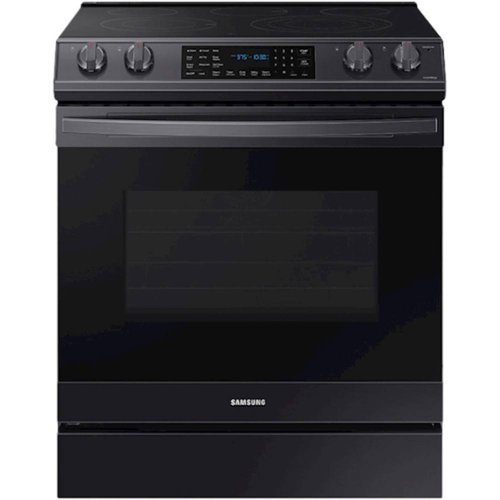
Samsung - 6.3 cu. ft. Front Control Slide-In Electric Convection Range with Air Fry & Wi-Fi, Fingerprint Resistant - Black Stainless Steel
The Samsung Front Control Slide-In Electric Convection Range with Air Fry is fully Wi-Fi connected and voice enabled, making it easy to create delicious and healthier* meals for your family. *As compared to deep frying.
Is this model suppose to come with an air fryer tray
It sure does, Lomar! According to our specifications, this model comes with two wire racks and one air fry tray. ^Jecca
5 years, 2 months ago
by
Posted by:
Samsung