Samsung
Samsung's Stats
Reviews
- Review Count0
- Helpfulness Votes0
- First ReviewNone
- Last ReviewNone
- Featured Reviews0
- Average Rating0
Reviews Comments
- Review Comment Count0
- Helpfulness Votes0
- First Review CommentNone
- Last Review CommentNone
- Featured Review Comments0
Questions
- Question Count0
- Helpfulness Votes0
- First QuestionNone
- Last QuestionNone
- Featured Questions0
- Answer Count73567
- Helpfulness Votes37,918
- First AnswerApril 24, 2013
- Last AnswerAugust 11, 2026
- Featured Answers0
- Best Answers3939
Samsung's Reviews
Samsung has not submitted any reviews.
Samsung's Questions
Samsung has not submitted any questions.
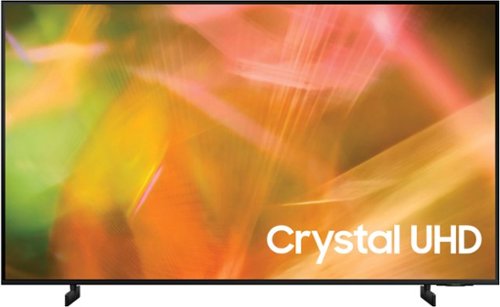
Samsung - 50" Class 8000 Series LED 4K UHD Smart Tizen TV (2021)
Step up to the world of Crystal UHD from Samsung. Elevated color and clarity offer you a picture that has to be seen to be believed. Add in smart features that make watching TV even easier, and you have a TV that is essential.
Are the legs on the 50" really only 30" apart? That's not good at all for those like myself who want to fit a soundbar *under* the TV instead of letting it stick out in front. Might have to reconsider getting this model.

PapaSmurf - The leg width of the 50" AU8000 is 30.1". The legs are also adjustable between two positions. In the lower position, you will have a clearance of 1.6" and the raised position gives you 2.6". ^Gina
5 years, 2 months ago
by
Posted by:
Samsung
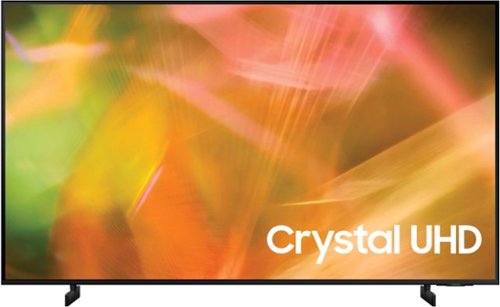
Samsung - 43" Class 8000 Series LED 4K UHD Smart Tizen TV (2021)
Step up to the world of Crystal UHD from Samsung. Elevated color and clarity offer you a picture that has to be seen to be believed. Add in smart features that make watching TV even easier, and you have a TV that is essential.
Does this tv support HDMI 2.1 ? Please answer with (yes) or (no) so i can pick the best budget tv for my PS5
Mohammed - Thank you for considering this TV. Because HDMI 2.1 is a complicated spec, we hope that focusing on TV features will be more helpful to you when deciding on the best model for your usage scenario. The 43” AU8000 has 4 HDMI ports, all of which support Auto Low Latency Mode (ALLM) and Dynamic Metadata (HDR10+). “HDMI In 3” port further supports eARC. If you are looking for a TV capable of 4K@120fps (FRL), please consider the Q70A Series, which supports “FRL on HDMI In 4”. ^Gina
5 years, 2 months ago
by
Posted by:
Samsung
Samsung - 43" Class 8000 Series LED 4K UHD Smart Tizen TV (2021)
Step up to the world of Crystal UHD from Samsung. Elevated color and clarity offer you a picture that has to be seen to be believed. Add in smart features that make watching TV even easier, and you have a TV that is essential.
Can you download Spectrum tv app?
Hi Jeff444 - The Spectrum app can be downloaded from the built-in App Store on the AU8000. ^Gina
5 years, 2 months ago
by
Posted by:
Samsung
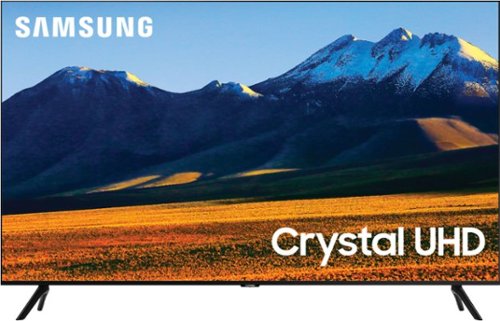
Samsung - 86 Class TU9010 LED 4K UHD Smart Tizen TV (2021)
Experience your favorite movies and shows on a vibrant, stunning 4K UHD screen, using the Universal Guide to surf smoothly and select content. Everything you watch is automatically upscaled into 4K for stunningly vivid color and detail.
I know there's 4 HDMI ports but how many are 2.1? When will this be released on Bestbuy? Why did the price go up on your website from $1799.99 to $2199? I was getting ready to purchase but the priced change plus Samsung doesn't offer extended warranty
Hi AntiLiberal - With HDMI 2.1 being such a complex topic, we feel it is clearer to highlight the specific features supported by each TV model. This model has 4 HDMI ports, all of which support HDR10+ and Auto Low Latency Mode (Auto Game Mode). The “HDMI In 2” port further supports eARC.
If you are looking for a TV capable of 4K@120fps (FRL), please consider a step up to the 55" Q70A, which supports FRL on HDMI 4. All Samsung 2021 model year QLED TVs 55” and larger starting from the Q70A Series are capable of 4K@120fps, as well as FreeSync and VRR.
If we can help answer any other questions, please call us at 1-800-SAMSUNG. ^Gina
If you are looking for a TV capable of 4K@120fps (FRL), please consider a step up to the 55" Q70A, which supports FRL on HDMI 4. All Samsung 2021 model year QLED TVs 55” and larger starting from the Q70A Series are capable of 4K@120fps, as well as FreeSync and VRR.
If we can help answer any other questions, please call us at 1-800-SAMSUNG. ^Gina
5 years, 2 months ago
by
Posted by:
Samsung
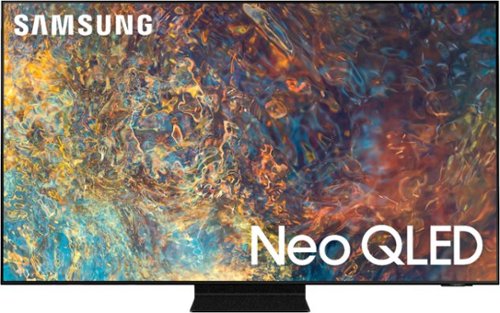
Samsung - 55" Class QN90A Neo QLED 4K UHD Smart Tizen TV (2021)
Our best 4K picture offers lush visuals and crisp detail that create an unmatched cinematic experience.
does it get HBOMAX?
Hi there! You can download the HBO Max app directly from the built-in App Store on the QN90A TV. ^Gina
5 years, 2 months ago
by
Posted by:
Samsung
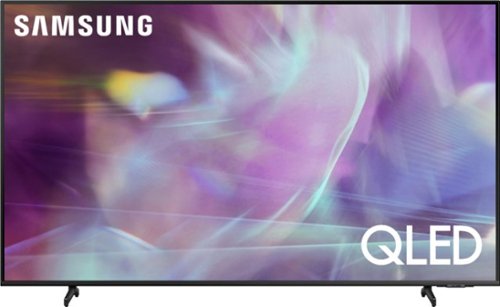
Samsung - 43" Class Q60A Series QLED 4K UHD Smart Tizen TV (2021)
Enter a world saturated with color and sharpened to refreshing clarity, all of it made possible through the power of Quantum Dot technology
Does the Samsung - 43" Class Q60A Series QLED 4K UHD Smart Tizen TV have a digital optical out port to connect to an external speaker?
Hi Doug! Yes, the Q60A TV features an Optical port. ^Gina
5 years, 2 months ago
by
Posted by:
Samsung

Samsung - 75" Class QN90A Neo QLED 4K UHD Smart Tizen TV
Our best 4K picture offers lush visuals and crisp detail that create an unmatched cinematic experience.
Will there be a firmware upgrade for Dolby Atmos and Vision? It's hard to believe Atmos isn't supported on this new model particularly when HDMI 2.1 and eArc and the new 3.0 ATSC tuner is included. Blows my mind.
Hi InSearchofAtmos - The QN90A TV absolutely supports Atmos pass-through! You can set the TV to allow Dolby Digital+ with Atmos streams that are input from external devices. Set to ON if the audio device connected via HDMI (eARC) supports Dolby Atmos. eARC will allow uncompressed Atmos. As long as your external device supports Atmos, you can pass-through Atmos via eARC without issue. ^Gina
5 years, 2 months ago
by
Posted by:
Samsung

Samsung - 32" Class The Frame Series Full HD Smart Tizen TV
Enjoy a cinematic viewing experience with this 32-inch Samsung Life Style Full HD smart TV. Voice control through Bixby, Alexa and Google Assistant allows seamless hands-free operation, while the 20W speaker system delivers powerful sound. This Samsung Life Style Full HD smart TV has Wi-Fi connectivity for streaming online content smoothly, and Bluetooth technology lets you wirelessly connect devices.
Hello, Can I make a slideshow of pictures on the TV with a flash drive?
Hi niul! You sure can upload your own photos via USB drive and create your own slideshow on The Frame TV. ^Gina
5 years, 2 months ago
by
Posted by:
Samsung
Samsung - 43" Class Q60A Series QLED 4K UHD Smart Tizen TV (2021)
Enter a world saturated with color and sharpened to refreshing clarity, all of it made possible through the power of Quantum Dot technology
How do you change height with the stand? See markings on legs but don't know how to click in?
Hi basic - Please refer to the Quick Setup Guide included with your TV for instructions on how to adjust the Q60A TV's leg height. You can also find this guide on Samsung's website by clicking "Support" > "Manuals & Software" > "TVs & Home Theater" > "TVs". From there, you can select the Q60A TV under "4K QLED TVs" and download the Quick Setup Guide. ^Gina
5 years, 2 months ago
by
Posted by:
Samsung
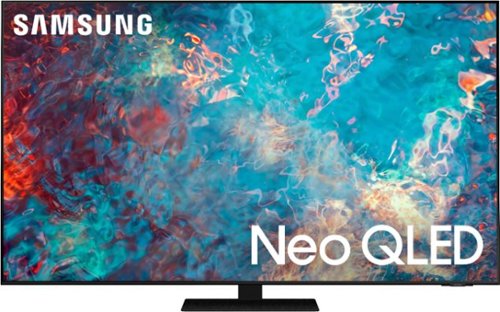
Samsung - 85" Class QN85A Neo QLED 4K UHD Smart Tizen TV (2021)
The QN85A upgrades your home entertainment experience with super charged 4K, an anti-glare screen, and an ultra-high contrast picture. These Advanced-Premium Samsung models feature a breakthrough matrix of Quantum Mini LEDs that focus light precisely where needed for breathtaking contrast. With the QN85A, our most advanced Samsung 4K TV processor powers Next-Gen Gaming capabilities, a new generation of apps, and sound that moves with the onscreen action. And with HDR10+, colors are adjusted scene-by-scene to enhance what you watch.
no speakers in this tv ?
Hi there - The QN85A TV features 60 Watt 2.2.2 Channel sound. The QN85A also features Object Tracking Sound which utilizes 4 strategically placed speakers to place sounds exactly where they appear on-screen and optimizes sound based on each scene. Should you choose to add a Samsung Soundbar to your TV, please know that our Q-Series soundbars (such as the HW-Q850A) feature Q-Symphony which will synchronize with the speakers of the QN85A TV for an immersive 3D sound experience. ^Gina
5 years, 2 months ago
by
Posted by:
Samsung