Samsung
Samsung's Stats
Reviews
- Review Count0
- Helpfulness Votes0
- First ReviewNone
- Last ReviewNone
- Featured Reviews0
- Average Rating0
Reviews Comments
- Review Comment Count0
- Helpfulness Votes0
- First Review CommentNone
- Last Review CommentNone
- Featured Review Comments0
Questions
- Question Count0
- Helpfulness Votes0
- First QuestionNone
- Last QuestionNone
- Featured Questions0
- Answer Count73567
- Helpfulness Votes37,918
- First AnswerApril 24, 2013
- Last AnswerAugust 11, 2026
- Featured Answers0
- Best Answers3939
Samsung's Reviews
Samsung has not submitted any reviews.
Samsung's Questions
Samsung has not submitted any questions.
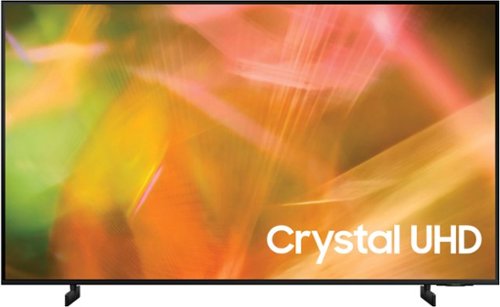
Samsung - 50" Class 8000 Series LED 4K UHD Smart Tizen TV (2021)
Step up to the world of Crystal UHD from Samsung. Elevated color and clarity offer you a picture that has to be seen to be believed. Add in smart features that make watching TV even easier, and you have a TV that is essential.
What is ambient mode....... when watching on demand, why must i raise volume to 70

Hi Lolog - Ambient Mode offers customizable themes, colors, and photo options. Instead of seeing a blank background when your TV is turned off, you can enhance your screen with landscape images, artwork, and unique scenes. Your own photos can be turned into backgrounds as well with the My Album feature. Ambient Mode can be accessed directly on your 2021 TV or with the SmartThings app on your phone or tablet. ^Gina
5 years, 2 months ago
by
Posted by:
Samsung
Samsung - 50" Class 8000 Series LED 4K UHD Smart Tizen TV (2021)
Step up to the world of Crystal UHD from Samsung. Elevated color and clarity offer you a picture that has to be seen to be believed. Add in smart features that make watching TV even easier, and you have a TV that is essential.
Does this tv have bluetooth capability in case I want the audio to play on my personal speaker?
Hi MarcoC - Yes, the AU8000 is a Bluetooth enabled TV. ^Gina
5 years, 2 months ago
by
Posted by:
Samsung
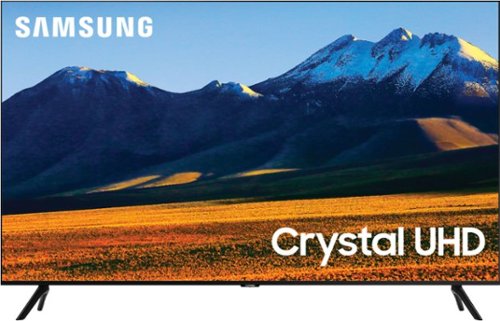
Samsung - 86 Class TU9010 LED 4K UHD Smart Tizen TV (2021)
Experience your favorite movies and shows on a vibrant, stunning 4K UHD screen, using the Universal Guide to surf smoothly and select content. Everything you watch is automatically upscaled into 4K for stunningly vivid color and detail.
I'm confused. What's the difference between 9000 & 9010 other than the year? It says the 9000 is direct lit & 9010 is edge which edge is inferior. It says 240hz on Samsung site but here it says 60 hz so which one?
AntiLiberal - Thank you for bringing these Specs to our attention, we will work to get this corrected on the website. Both the TU9000 and TU9010 are the same model, the only difference is the drop-in model number. Both of these models feature Motion Rate 240 / 120Hz Refresh Rate. Both models are Direct Lit. Should you need further assistance, please contact Samsung Customer Support at 1-800-SAMSUNG. We look forward to hearing from you. ^Gina
5 years, 2 months ago
by
Posted by:
Samsung
Samsung - 50" Class 8000 Series LED 4K UHD Smart Tizen TV (2021)
Step up to the world of Crystal UHD from Samsung. Elevated color and clarity offer you a picture that has to be seen to be believed. Add in smart features that make watching TV even easier, and you have a TV that is essential.
Is the Samsung UN50 AU800fxza now available in the Chicago market? If not now, when?
Hi Larry, please contact your local Best Buy for availability, or check back on BestBuy.com. ^Gina
5 years, 2 months ago
by
Posted by:
Samsung

Samsung - 75" Class The Frame Series LED 4K UHD Smart Tizen TV (2021)
Transform your home with The Frame. Showcases artwork, watch television, movies, or display photos on this beautiful QLED screen. TV when it~s on, and art when it~s off. In Art Mode, the screen becomes a work of art, and with a subscription to the Samsung Art Store, you can choose from an entire library of artists~ works with something for everyone. You can even change the onscreen artwork as often as you like. Quantum Processor 4K automatically upscales all you content to 4K, and 100% Color Volume with Quantum Dot enriches every scene with millions of shades of color. The Frame truly changes the definition of what a TV can be.
What are the dimensions for a 75” Samsung picture frames?
Stace - Here are the full dimensions of The Frame 75" without the stand attached (WxHxD in INCHES): 66.2 x 37.8 x 1.1 ^Gina
5 years, 2 months ago
by
Posted by:
Samsung

Samsung - 32" Class The Frame Series Full HD Smart Tizen TV
Enjoy a cinematic viewing experience with this 32-inch Samsung Life Style Full HD smart TV. Voice control through Bixby, Alexa and Google Assistant allows seamless hands-free operation, while the 20W speaker system delivers powerful sound. This Samsung Life Style Full HD smart TV has Wi-Fi connectivity for streaming online content smoothly, and Bluetooth technology lets you wirelessly connect devices.
Can i use my own pictures as artworks for the frame series and what image format should be used?
Hi REY, absolutely! You're not limited to the works of art in the Samsung Collection. Show off your artistic flair on The Frame using your own pictures! You can upload your artwork or photography with the SmartThings app or via a USB drive. For a full list of supported USB formats, please see the E-Manual which can be downloaded on Samsung's website under 'Support'. ^Gina
5 years, 2 months ago
by
Posted by:
Samsung
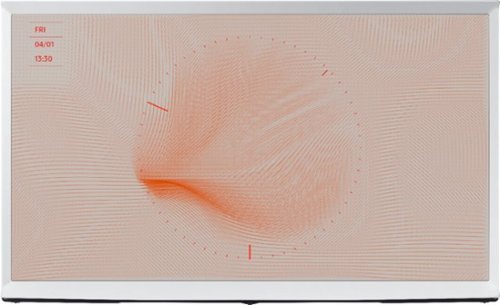
Samsung - 43" Class Serif Series LED 4K UHD Smart Tizen TV
Experience next-level home entertainment with this 43-inch Samsung Series Lifestyle smart TV. Tizen OS provides access to multiple streaming options, while the Quantum Processor 4K engine delivers crisp, detailed picture quality. This Samsung Series Lifestyle smart TV. is compatible with popular virtual assistants for voice control, and the Bluetooth and Wi-Fi connectivity syncs with wireless sources.
Are taller legs available for this tv?
Raji - There are no additional leg options for The Serif TV. ^Gina
5 years, 2 months ago
by
Posted by:
Samsung
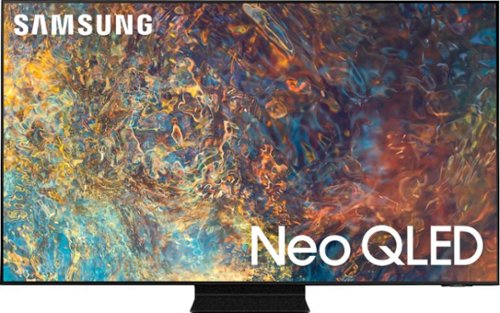
Samsung - 50" Class QN90A Neo QLED 4K UHD Smart Tizen TV (2021)
Our best 4K picture offers lush visuals and crisp detail that create an unmatched cinematic experience.
I will be putting this TV is a room with many windows and I am concerned about the reflection on the screen. I currently have a Sharp 52 inch that has a matte finish and works well. Will this be an issue? Does this TV have a Matte finish?
Hi Aggie! Samsung's QN90A TV features Ultra Viewing Angle giving you the best seat in the house no matter where you sit. It is also designed with Anti Reflection Technology reducing ambient light reflections on the TV screen. For optimal glare control, we recommend positioning the TV to minimize incident light falling on the screen or consulting a professional installer. ^Gina
5 years, 2 months ago
by
Posted by:
Samsung
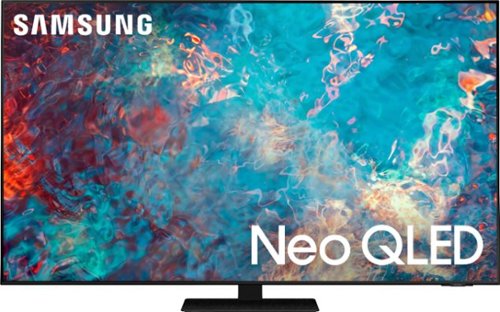
Samsung - 65" Class QN85A Series Neo QLED 4K UHD Smart Tizen TV
The QN85A upgrades your home entertainment experience with super charged 4K, an anti-glare screen, and an ultra-high contrast picture. These Advanced-Premium Samsung models feature a breakthrough matrix of Quantum Mini LEDs that focus light precisely where needed for breathtaking contrast. With the QN85A, our most advanced Samsung 4K TV processor powers Next-Gen Gaming capabilities, a new generation of apps, and sound that moves with the onscreen action. And with HDR10+, colors are adjusted scene-by-scene to enhance what you watch.
Can the Samsung - 65" QN85A be wall mounted with the 2021 Slim Fit Wall Mount (WMN-A50EB/ZA)? (0)
Hi there! Yes, the QN85A TV is compatible with the Slim Fit Wall Mount. ^Gina
5 years, 2 months ago
by
Posted by:
Samsung
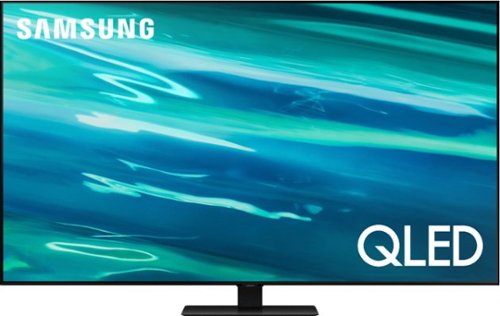
Samsung - 65" Class Q80A Series QLED 4K UHD Smart Tizen TV (2021)
Nothing will get by you with the precise visible details, even in the darkest scenes, and sound that moves around you.
What is the measurement of the stand in inches, making sure it’ll fit on our current TV stand.
Bama77 - Here are the full dimensions of the 65" Q80A TV stand footprint (WxHxD in INCHES): 15.4 x 9.2 x 11.4 ^Gina
5 years, 2 months ago
by
Posted by:
Samsung