Samsung
Samsung's Stats
Reviews
- Review Count0
- Helpfulness Votes0
- First ReviewNone
- Last ReviewNone
- Featured Reviews0
- Average Rating0
Reviews Comments
- Review Comment Count0
- Helpfulness Votes0
- First Review CommentNone
- Last Review CommentNone
- Featured Review Comments0
Questions
- Question Count0
- Helpfulness Votes0
- First QuestionNone
- Last QuestionNone
- Featured Questions0
- Answer Count75112
- Helpfulness Votes37,967
- First AnswerApril 24, 2013
- Last AnswerOctober 28, 2026
- Featured Answers0
- Best Answers3950
Samsung's Reviews
Samsung has not submitted any reviews.
Samsung's Questions
Samsung has not submitted any questions.
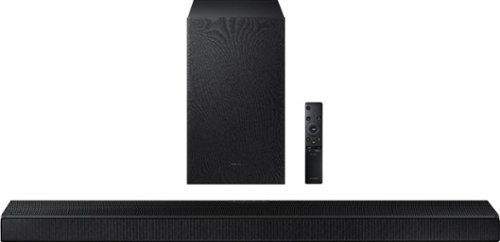
Samsung - HW-A650 3.1ch Sound bar - Black
Elevate your experience with 3D virtual surround sound and built-in center speaker.
Resubmitting as I think I miss typed my email address. Will this sound bar solve a lip sync issue I have with my new q70a tv? An older Samsung sound bar does not sync lips with image on tv.

Hi Eddie! If the video on the TV and audio from the HW-A650 Soundbar are not synchronized, press the SOUND CONTROL button on the soundbar remote, until you see AUDIO SYNC on the display. You can then set the audio delay between 0~300 milliseconds by using the Up/Down buttons. You can also try the below to minimize the delay: 1) Connect the source directly to the Soundbar’s HDMI input, then connect the Soundbar to the HDMI ARC input on the TV. 2) On the TV, set the Sound Delay level to 0. Home > Settings > Sound > Expert Settings > Digital Output Audio Delay: “0” 3) Change the audio format to PCM on both the source device and the TV. Please also make sure you are running the latest firmware update which includes improved connectivity. Should you need further assistance with this issue, or have any questions about features or operation, please contact Samsung Customer Support at 1-800-SAMSUNG (ask for Soundbars), available 8AM -12AM EST (Mon-Fri), 9AM – 6PM EST (Sat), text HELP to 62913, LiveChat on Samsung.com, or Email: https://www.samsung.com/us/support/#contact_us_for_support
^Tim
^Tim
5 years, 2 months ago
by
Posted by:
Samsung
Samsung - HW-A650 3.1ch Sound bar - Black
Elevate your experience with 3D virtual surround sound and built-in center speaker.
Does this sound bar have settings to solve a lip syncing problem I am having with my new Samsung q70a tv? I have an older Samsung sound bar that does not sync moving lips with the image on the screen
Hi Eddie! If the video on the TV and audio from the HW-A650 Soundbar are not synchronized, press the SOUND CONTROL button on the soundbar remote, until you see AUDIO SYNC on the display. You can then set the audio delay between 0~300 milliseconds by using the Up/Down buttons. You can also try the below to minimize the delay: 1) Connect the source directly to the Soundbar’s HDMI input, then connect the Soundbar to the HDMI ARC input on the TV. 2) On the TV, set the Sound Delay level to 0. Home > Settings > Sound > Expert Settings > Digital Output Audio Delay: “0” 3) Change the audio format to PCM on both the source device and the TV. Please also make sure you are running the latest firmware update which includes improved connectivity. Should you need further assistance with this issue, or have any questions about features or operation, please contact Samsung Customer Support at 1-800-SAMSUNG (ask for Soundbars), available 8AM -12AM EST (Mon-Fri), 9AM – 6PM EST (Sat), text HELP to 62913, LiveChat on Samsung.com, or Email: https://www.samsung.com/us/support/#contact_us_for_support ^Tim
5 years, 2 months ago
by
Posted by:
Samsung
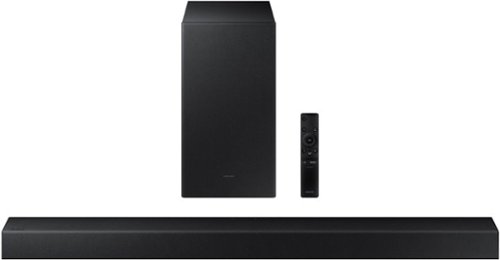
Samsung - HW-A450 Wireless 2.1ch Sound bar with Dolby Audio - Black
Elevate your sound experience with powerful bass.
Is this sound bar set compatible with my Samsung model PN51E530A3F television? If compatible, is hook up and set up difficult for a not too technically competent person?
Hi Denny! The HW-A450 features a digital optical audio connection as well as Bluetooth audio. Check the back of your TV or user manual if needed to determine if one of these two connections are supported. The HW-A450 includes the digital optical audio cable in the box eliminating the need for an additional purchase. ^Tim
5 years, 2 months ago
by
Posted by:
Samsung
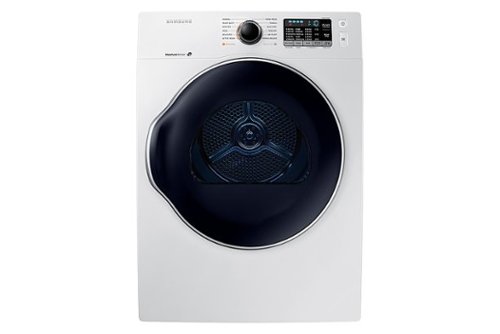
Samsung - 4.0 Cu. Ft. Stackable Electric Dryer with Ventless Heat Pump - White
This Samsung ENERGY STAR~ certified ventless heat pump dryer offers a more energy-efficient, cost-effective and gentle way to dry your clothes. The sensor dry feature optimizes the time and temperature of the drying cycle so clothes are always thoroughly dry without being damaged. The 40' Express cycle gets a small 2 lb load of clothing dry and ready to wear in just 40 minutes. The Samsung Smart Care application interacts with your dryer to perform an immediate diagnosis and offer quick solutions straight from your smartphone device.
How many amps and voltage does this unit use or need
Thanks for asking! According to our specifications, the energy consumption of this model is about 145 kWh/year. ^Jecca
5 years, 2 months ago
by
Posted by:
Samsung
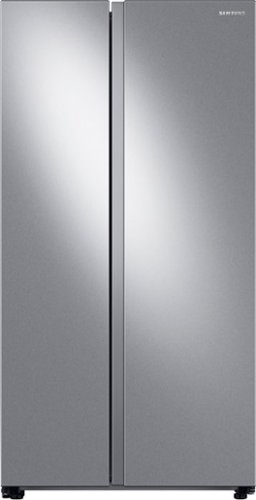
Large capacity Smart Side-by-Side Refrigerator with In-Door Ice Maker is beautifully designed with a modern look that blends seamlessly into your kitchen and a finish that withstands everyday smudges.
CAN SOMEONE PLS GIVE ME (STEP BY STEP) DIRECTIONS TO DISABLE THE WI-FI ON THIS MODEL - WE DO NOT WISH TO: USE THIS FEATURE OR CONNECT TO THE APP - THANKS
Hello there! This model does not have an option to turn off the Wi-Fi feature. However, you do not have to connect it in order to use the standard refrigerator features. ^Jecca
5 years, 2 months ago
by
Posted by:
Samsung
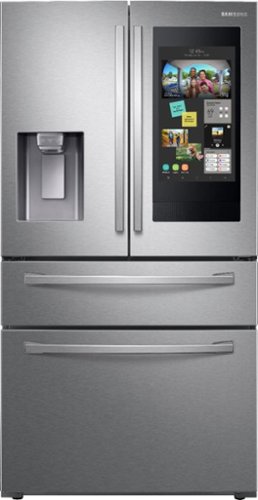
Samsung - Family Hub 22.2 Cu. Ft. 4-Door French Door Counter-Depth Fingerprint Resistant Refrigerator - Stainless Steel
This Samsung Family Hub refrigerator makes it easier to connect to what's most important to you: your family and home, whenever and wherever you want. Family Hub lets you manage your family's calendars, play music on Spotify, share pictures, and stay connected right on your refrigerator. With Family Board, a digital bulletin board, you can customize pictures, add stickers, and leave handwritten notes for your family.
Are the doors lockable with the app?
Hi there KMP! While this model does have a control lock feature that prevents the buttons from being engaged, it does not have door locking mechanism. ^Jecca
5 years, 2 months ago
by
Posted by:
Samsung
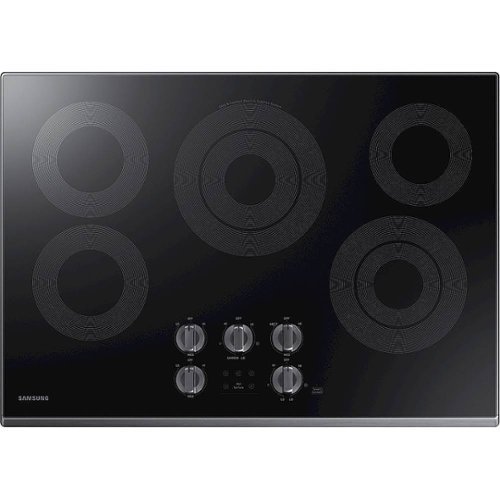
Samsung - 30" Electric Cooktop with WiFi - Black Stainless Steel
The Samsung Electric Cooktop offers fine tuned power to address a wide range of cooking needs. The Rapid Boil burner has precise control to make quick adjustments between boiling and a low even simmer. There's a burner for all of your needs, whether you're boiling water, melting chocolate or simmering sauce. Distinctive Blue LED Illuminated knobs let you know if your cooktop is on, even from a distance.
What is the material of the knobs, metal or plastic?
Thanks for asking, Dan! Our specifications list this model as having metal knobs. ^Jecca
5 years, 2 months ago
by
Posted by:
Samsung
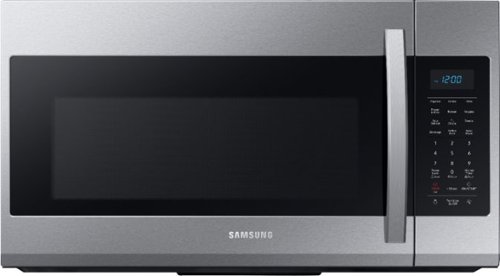
Samsung - 1.9 Cu. Ft. Over-the-Range Microwave with Sensor Cook - Stainless Steel
Samsung 1.9 Cu. Ft. Over-the-Range Microwave: This Samsung over-the-range microwave makes preparing multiple dishes effortless with a large 1.9 cu. ft. capacity, accommodating even your big dishes. The Sensor Cook technology automatically adjusts your cooking time for optimal results. Additionally, the fingerprint-resistant finish helps reduce smudges and minimizes cleaning.
What does it mean when the display shows filter
I'm so glad you asked, Nick! The filter you're seeing on your control panel is an indicator light letting you know it's time to change or clean one of the filters in your microwave. But not to worry, I have this helpful link (https://bit.ly/3zTeya9) that can walk you through how to do this. ^Jecca
5 years, 2 months ago
by
Posted by:
Samsung
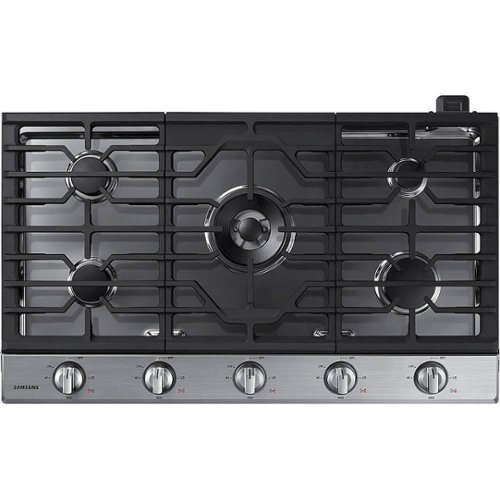
This Samsung Gas Cooktop offers a full range of burners for all of your cooking needs. Its 19K BTU power burner with two heat options quickly boils water or maintains a simmer. Use the griddle to cook breakfast foods, grill sandwiches or saut~ vegetables. Blue LED illuminated knobs visually let you know your cooktop is on even at a distance.
Can this be converted to propane?
Absolutely! In fact, currently all Samsung gas model ranges and cooktops come with a compatible LP (liquid propane) conversion kit. We do recommend having a licensed professional perform the conversion due to the risks associated with gas and propane. ^Jecca
5 years, 2 months ago
by
Posted by:
Samsung
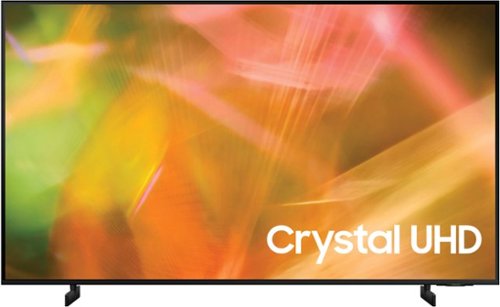
Samsung - 55" Class 8000 Series LED 4K UHD Smart Tizen TV (2021)
Step up to the world of Crystal UHD from Samsung. Elevated color and clarity offer you a picture that has to be seen to be believed. Add in smart features that make watching TV even easier, and you have a TV that is essential.
Can the Zoom app be downloaded to this TV?
Hi! The Zoom app is not currently available, but Samsung offers hundreds of apps in our App Store that you can download, and we are continuously adding more premium content and new services to our Smart TV platform. ^Tim
5 years, 2 months ago
by
Posted by:
Samsung