Samsung
Samsung's Stats
Reviews
- Review Count0
- Helpfulness Votes0
- First ReviewNone
- Last ReviewNone
- Featured Reviews0
- Average Rating0
Reviews Comments
- Review Comment Count0
- Helpfulness Votes0
- First Review CommentNone
- Last Review CommentNone
- Featured Review Comments0
Questions
- Question Count0
- Helpfulness Votes0
- First QuestionNone
- Last QuestionNone
- Featured Questions0
- Answer Count73550
- Helpfulness Votes37,918
- First AnswerApril 24, 2013
- Last AnswerAugust 11, 2026
- Featured Answers0
- Best Answers3939
Samsung's Reviews
Samsung has not submitted any reviews.
Samsung's Questions
Samsung has not submitted any questions.
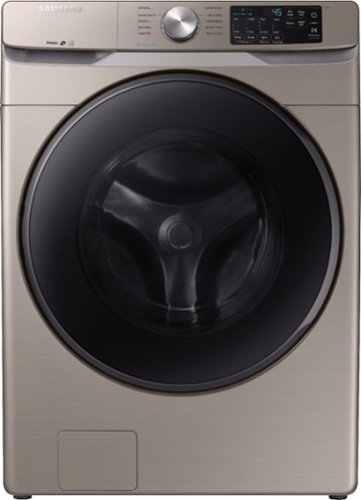
Samsung - 4.5 Cu. Ft. High-Efficiency Stackable Front Load Washer with Steam and Self Clean+ - Champagne
Samsung's 4.5 cu. ft. capacity front load washer with steam eliminates stains without the need to pretreat. Self Clean+ keeps your washer drum fresh and clean, while Smart Care allows for easy troubleshooting from the convenience of your smartphone. Bring inspiration to your laundry room with beautiful designer colors, including a new champagne finish.
What are the depth requirements to accommodate the washer supply and drain hoses and dryer vent? How much depth does this ultimately occupy?

I'm happy to help with this! First, I'm providing this link (https://bit.ly/2QctUp5) to the user manual for this model. Pages 18-20 have in depth diagrams with all the required spacing dimensions. ^Jecca
5 years, 3 months ago
by
Posted by:
Samsung
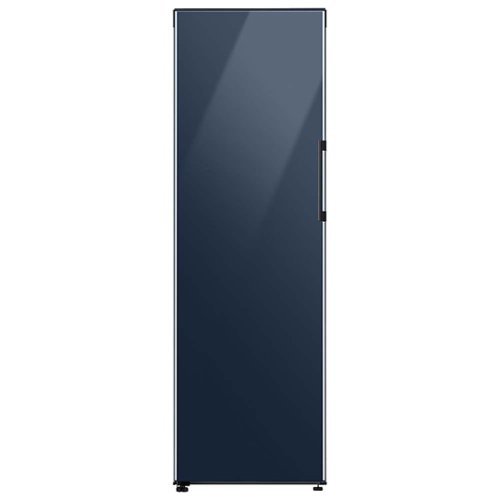
Samsung - Bespoke 11.4 cu. ft. Flex Column refrigerator - Navy Glass
BESPOKE Flex Column refrigerator, which converts from fridge to freezer, can be used alone or combined with another BESPOKE Flex Column or Bottom Freezer refrigerator, to design the perfect refrigerator for your home. Plus, choose from three unique colors
Is this fridge insulated for outdoor use in a protected area.
Thanks so much for asking! According to page 15 of the user manual (https://bit.ly/2QHiQAa), the refrigerator requires a location with a temperature range between 38 °F (3 °C ) and 110 °F (43 °C). ^Jecca
5 years, 3 months ago
by
Posted by:
Samsung
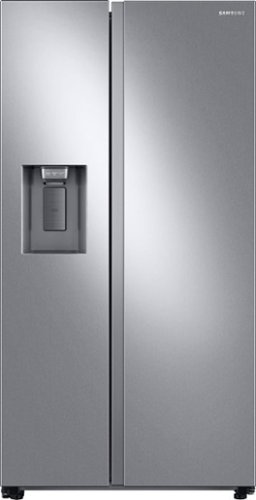
Samsung 27.4 cu. ft. large capacity Side-by-Side refrigerator that is beautifully designed with a minimal display dispenser, modern design that blends beautifully into your kitchen, and a finish that withstands everyday smudges.
Why is my freezer section getting frosty? It should be frost free.
We'd like to help with this, wandelust! This link (https://bit.ly/3x6tX6e) has detailed information on what to do if there is frost forming in the refrigerator or freezer. ^Jecca
5 years, 3 months ago
by
Posted by:
Samsung
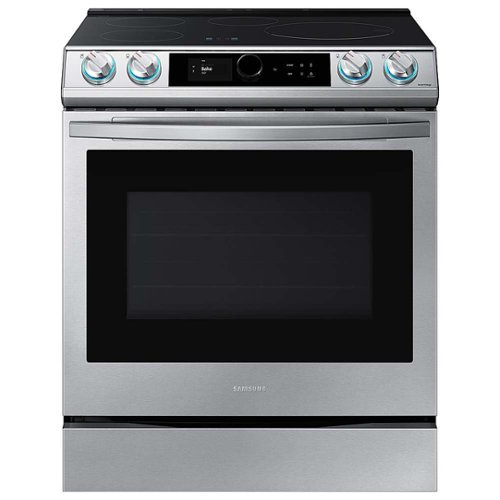
Samsung - 30 in. Wide 4 Elements 6.3 cu. ft. Slide-in Induction Range with Smart Dial, WiFi & Air Fry - Stainless Steel
The Samsung Smart Slide-In Induction range with Smart Dial and Air Fry is fully Wi-Fi connected and voice-enabled, giving you the tools you need to simplify the cooking experience in the kitchen. This Slide-In range features Virtual Flame technology giving the visual of gas cooking, with the precision of induction cooking.
Does this oven have a self-clean feature?
It sure does, Sherry2! In fact, page 52 of the user manual (https://bit.ly/3x6tqBg) has detailed information about how and when to use the self clean feature. ^Jecca
5 years, 3 months ago
by
Posted by:
Samsung
Samsung 27.4 cu. ft. large capacity Side-by-Side refrigerator that is beautifully designed with a minimal display dispenser, modern design that blends beautifully into your kitchen, and a finish that withstands everyday smudges.
How do I change the water filter?
I'm happy to help with this! This link (https://bit.ly/2QHe3ia) can walk you step by step through how to change the water filter and reset the indicator light. ^Jecca
5 years, 3 months ago
by
Posted by:
Samsung
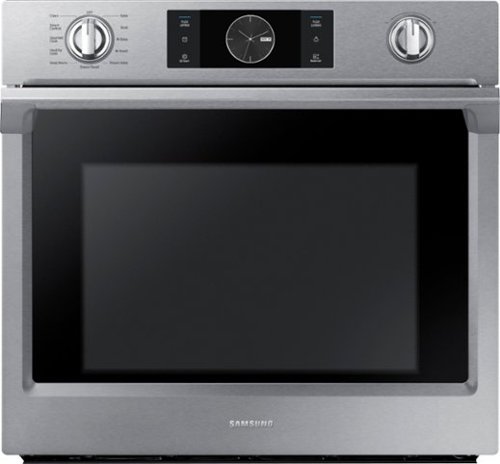
Samsung - 30" Single Wall Oven with Flex Duo, Steam Cook and WiFi - Stainless Steel
The Samsung Single Wall Oven has steam cooking so you can bake and roast with professional results. Steam Cook delivers moisture at precise times for a crisp, browned outside, and tender inside. Enjoy the comfort of Analog-Knobs combined with the advanced technology of a touch controlled digital display. The removable Smart Divider splits one oven into two, creating two independent temperature controls to cook multiple dishes simultaneously.
Hi what is Flex Duo,?
I'm so glad you asked, David! The Flex Duo is an amazing feature that allows you to convert this single oven into 2 smaller ovens. This allows you to cook 2 separate dishes at different temperatures at the same time. You can find more details about this feature in this link: https://bit.ly/3tDKEnj. ^Jecca
5 years, 3 months ago
by
Posted by:
Samsung
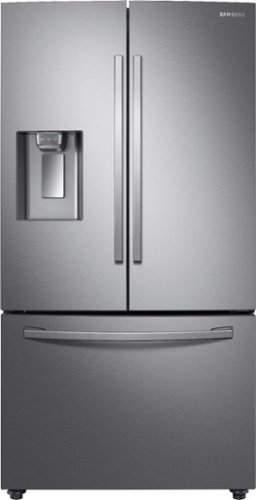
Samsung - 28 Cu. Ft. French Door Refrigerator with CoolSelect Pantry - Stainless Steel
A full-depth refrigerator that is beautifully designed with a minimal dispenser, sleek-edge doors, and modern handles. CoolSelect Pantry provides a full-width drawer to chill or defrost food to ideal temperatures.
Can you remove or bypass the water filter if the water is already filtered?
Absolutely, DW! If your home has a built in water filtration system, and you do not wish to use the refrigerator's water filter, simply remove the water filter. The housing for the filter has a valve that closes automatically to prevent leaks if the filter is removed. ^Jecca
5 years, 3 months ago
by
Posted by:
Samsung
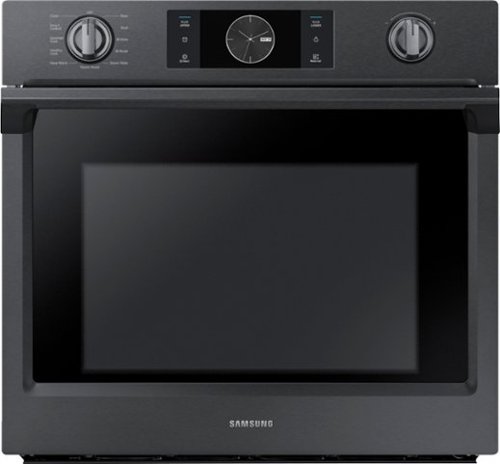
Samsung - 30" Single Wall Oven with Flex Duo, Steam Cook and WiFi - Black Stainless Steel
The Samsung Single Wall Oven has steam cooking so you can bake and roast with professional results. Steam Cook delivers moisture at precise times for a crisp, browned outside, and tender inside. Enjoy the comfort of Analog-Knobs combined with the advanced technology of a touch controlled digital display. The removable Smart Divider splits one oven into two, creating two independent temperature controls to cook multiple dishes simultaneously.
Does this oven use gas?
Thanks so much for asking! This model is an electric model and does not use gas. ^Jecca
5 years, 3 months ago
by
Posted by:
Samsung

Samsung - Bespoke 4-Door Flex Refrigerator Panel - Top Panel - Navy Steel
Design a refrigerator that~s uniquely you with the BESPOKE 4-Door Flex Refrigerator, with customizable door panels. Choose from eight door panel colors and two finishes, steel or glass, to create a refrigerator that fits your space and style. If you change your d~cor, you can simply change the color of your refrigerator by purchasing new panels. Contact a professional installer to switch out the panels.
Do this have a freezer
Thanks so much for asking, J! This model is actually a customizable panel that can be attached to refrigerator model RF23A9675* to change the appearance of the outside. The refrigerator model RF23A9675* does have a freezer compartment. ^Jecca
5 years, 3 months ago
by
Posted by:
Samsung
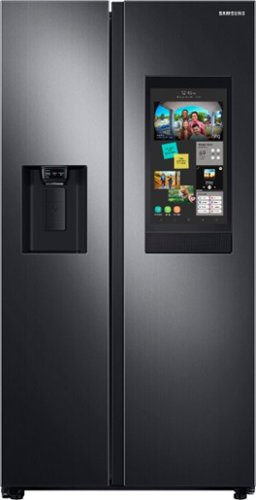
Samsung - 26.7 cu. ft. Side-by-Side Smart Refrigerator with 21.5" Touch-Screen Family Hub - Black Stainless Steel
Samsung's Family Hub side-by-side large capacity refrigerator is beautifully designed with a minimal display dispenser, modern design that blends beautifully into your kitchen, and a finish that withstands everyday smudges.
Hi! Can you tell me why there appears to be a third bin holder in the freezer door? The other bins do not on this spot. Is there an extra bin available for purchase? Thank you!
Hi DC! The space at the bottom of the freezer door is to allow the door to close properly against the drawers in the freezer. ^Jecca
5 years, 3 months ago
by
Posted by:
Samsung