Samsung
Samsung's Stats
Reviews
- Review Count0
- Helpfulness Votes0
- First ReviewNone
- Last ReviewNone
- Featured Reviews0
- Average Rating0
Reviews Comments
- Review Comment Count0
- Helpfulness Votes0
- First Review CommentNone
- Last Review CommentNone
- Featured Review Comments0
Questions
- Question Count0
- Helpfulness Votes0
- First QuestionNone
- Last QuestionNone
- Featured Questions0
- Answer Count75134
- Helpfulness Votes37,982
- First AnswerApril 24, 2013
- Last AnswerOctober 29, 2026
- Featured Answers0
- Best Answers3950
Samsung's Reviews
Samsung has not submitted any reviews.
Samsung's Questions
Samsung has not submitted any questions.
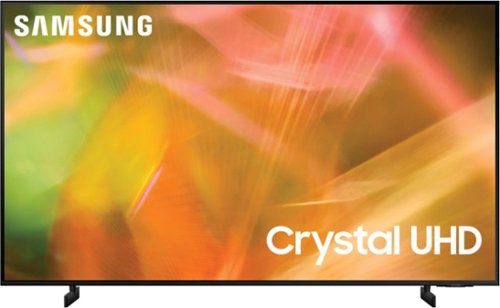
Samsung - 65" Class 8000 Series LED 4K UHD Smart Tizen TV (2021)
Step up to the world of Crystal UHD from Samsung. Elevated color and clarity offer you a picture that has to be seen to be believed. Add in smart features that make watching TV even easier, and you have a TV that is essential.
How deep are the feet from front to back?

Hi! Each leg for the 65" AU8000 is 8.6" in depth. ^Tim
5 years, 4 months ago
by
Posted by:
Samsung
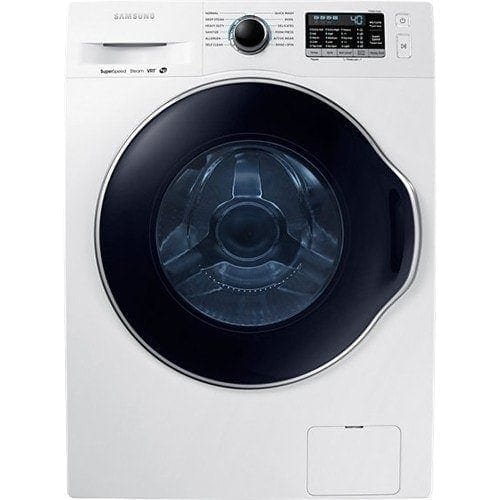
Samsung - 2.2 Cu. Ft. High-Efficiency Stackable Smart Front Load Washer with Steam and Super Speed Wash - White
Do laundry your way. Flush clothes with steam for truly deep clean, get each load done faster, and enjoy the peace and quiet of this Samsung washer.
Can you wash king size sheets in this?
Great question, TinaG! This link (https://bit.ly/3hkbdJh) can tell you all you need to know about laundry load sizes and your washer. ^Jecca
5 years, 4 months ago
by
Posted by:
Samsung
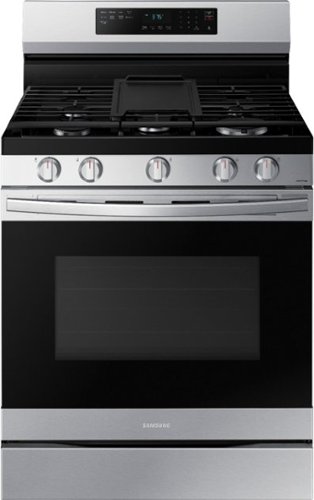
Elevate the look of your kitchen with Samsung~s Smart Freestanding Gas Range. Upgraded technology makes cooking simple and fun.
can this gas range be used with LPG?
It sure can, Golf! Currently all Samsung gas model ranges come with the compatible LP (liquid propane) conversion kit. Samsung does recommend having a licensed professional perform the conversion due to the high risks of working with gas and propane. ^Jecca
5 years, 4 months ago
by
Posted by:
Samsung
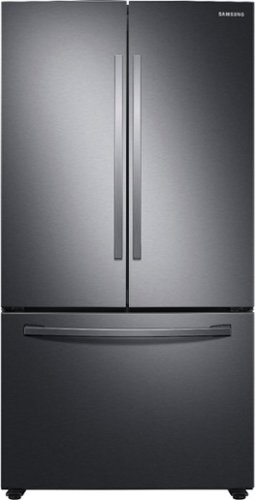
Samsung - 28 cu. ft. Large Capacity 3-Door French Door Refrigerator with Internal Water Dispenser - Black Stainless Steel
Samsung~s 28 cu. ft. large capacity 3-Door French Door refrigerator is beautifully designed, with sleek-edge doors and Internal Water Dispenser. The clean lines and modern form blend beautifully into your kitchen while the fingerprint resistant finish withstands everyday smudges.
Where is the water dispenser? I can't see it from any of the product photos or from any photos posted by customers. Thanks!
I'm happy to help with this, Sarah! First, here is a link to the user manual for this model (https://bit.ly/3vYAgqQ). Page 16 has a full diagram of all the parts of this refrigerator. The internal water dispenser is labelled with the number 09. ^Jecca
5 years, 4 months ago
by
Posted by:
Samsung
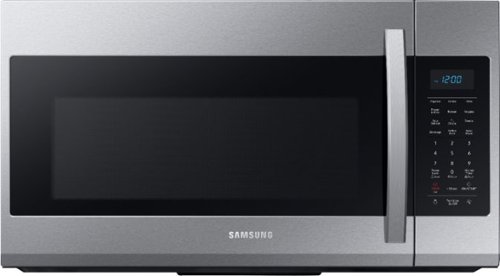
Samsung - 1.9 Cu. Ft. Over-the-Range Microwave with Sensor Cook - Stainless Steel
Samsung 1.9 Cu. Ft. Over-the-Range Microwave: This Samsung over-the-range microwave makes preparing multiple dishes effortless with a large 1.9 cu. ft. capacity, accommodating even your big dishes. The Sensor Cook technology automatically adjusts your cooking time for optimal results. Additionally, the fingerprint-resistant finish helps reduce smudges and minimizes cleaning.
what is the width needed for the opening or the dimensions of the microwave
Hi lenny! I have the cutout dimensions for this model listed as 20 13/16" x 10 13/16" x 14 9/16". ^Jecca
5 years, 4 months ago
by
Posted by:
Samsung

Samsung - 55" Class The Frame Series LED 4K UHD Smart Tizen TV (2021)
Artwork, television, movies, and memories -The Frame TV showcases it all on a beautiful QLED screen. Every piece of content is displayed in stunning 4K resolution and accented by a customizable, stylish bezel that seamlessly complements your home~s d~cor.
does a sound bar have to be used to provide the sound?
Hi DB - The Frame TV does not come with a soundbar. The TV itself features 40 Watt 4 Channel audio with Object Tracking Sound Lite (OTS Lite) which gives you immersive 3D surround sound with strategically places dynamic speakers that move the sound around you. ^Gina
5 years, 4 months ago
by
Posted by:
Samsung
Samsung - 75" Class Q60A Series QLED 4K UHD Smart Tizen TV (2021)
Enjoy ultra-intense 4K vivid color and sharpened clarity with the Q60A / Q60AB. It combines Quantum Dot Technology with the power of 100% Color Volume to deliver a billion of shades for colorful, razor-sharp visuals. The ultra-smart Quantum Processor 4K Lite automatically upscales and transforms your content into 4K. Dual LED backlighting adjusts and coordinates with content in real time to enhance contrast and detail. Plus, with the rechargeable SolarCell Remote, you can easily access and control Smart TV and all your connected devices.
I can't find anywhere if this support's ARC through HDMI!
Hi Spencer03108 - HDMI eARC/ARC is supported on port number 3 on the Q60A TV. ^Gina
5 years, 4 months ago
by
Posted by:
Samsung
Samsung - 43" Class Q60A Series QLED 4K UHD Smart Tizen TV (2021)
Enter a world saturated with color and sharpened to refreshing clarity, all of it made possible through the power of Quantum Dot technology
I need written instructions on how to change the leg height NOT pictures that say nothing on how to remove the legs and put them back on evenly. The pictures without any explanation is not helpful to me
Hi Mollie - So that we can better assist you in installing your Q60A TV's legs, please reach out to Samsung Support at: 1-800-SAMSUNG (ask for TVs), available 8AM -12AM EST, 7 days a week, text HELP to 62913, LiveChat on Samsung.com, or Email: https://www.samsung.com/us/support/#contact_us_for_support ^Gina
5 years, 4 months ago
by
Posted by:
Samsung
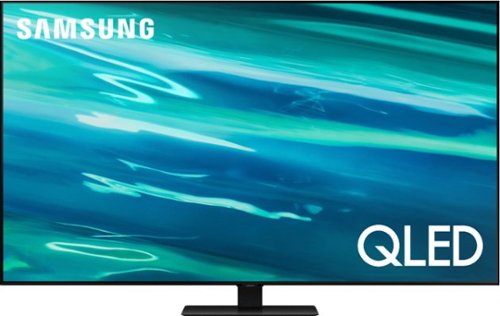
Samsung - 65" Class Q80A Series QLED 4K UHD Smart Tizen TV (2021)
Nothing will get by you with the precise visible details, even in the darkest scenes, and sound that moves around you.
I currently have a 65" Curve. I like the TV but it has a lot of glare and I have to keep my shutters closed. How is this TV when it comes to this problem?
Hi Bob12 - The Q80A offers Wide Viewing Angle, as well as Adaptive Picture technology which optimizes your picture with a lighting system that automatically senses, reacts, and adjusts to the brightness of the space you're in. Starting with our QN90A TV, you will gain Ultra Viewing Angle with anti-reflective technology which provides wider viewing angles, reduces glare and enhance color. Check out the QN90A at Best Buy: https://www.bestbuy.com/site/samsung-65-class-qn90a-neo-qled-4k-uhd-smart-tizen-tv/6452320.p?skuId=6452320 ^Gina
5 years, 4 months ago
by
Posted by:
Samsung
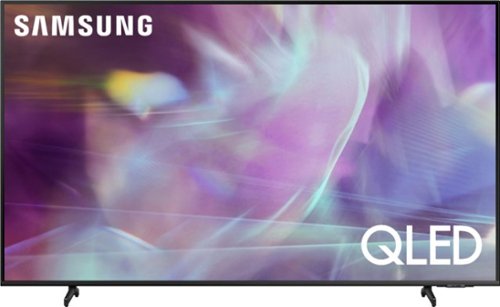
Samsung - 65" Class Q60A Series QLED 4K UHD Smart Tizen TV (2021)
Enter a world saturated with color and sharpened to refreshing clarity, all of it made possible through the power of Quantum Dot technology
When I put the legs on the tv, I did not put them on evenly, is there a way to take them off to re-adjust the feet to make them even? If so, where are the instructions on how to do this? The store told me I should not lay the tv down, is this true?
Hi NewOwner - When removing your TV's feet, we recommend laying the TV down with the screen facing up. It is also recommended to have at least one additional person assist you with this. Once the TV is laid down, you can simply slide the feet out of their slots to re-adjust them. If you need additional assistance, please reach out to Samsung Support at: 1-800-SAMSUNG (ask for TVs), available 8AM -12AM EST, 7 days a week, text HELP to 62913, LiveChat on Samsung.com, or Email: https://www.samsung.com/us/support/#contact_us_for_support ^Gina
5 years, 4 months ago
by
Posted by:
Samsung