Samsung
Samsung's Stats
Reviews
- Review Count0
- Helpfulness Votes0
- First ReviewNone
- Last ReviewNone
- Featured Reviews0
- Average Rating0
Reviews Comments
- Review Comment Count0
- Helpfulness Votes0
- First Review CommentNone
- Last Review CommentNone
- Featured Review Comments0
Questions
- Question Count0
- Helpfulness Votes0
- First QuestionNone
- Last QuestionNone
- Featured Questions0
- Answer Count73548
- Helpfulness Votes37,918
- First AnswerApril 24, 2013
- Last AnswerAugust 10, 2026
- Featured Answers0
- Best Answers3939
Samsung's Reviews
Samsung has not submitted any reviews.
Samsung's Questions
Samsung has not submitted any questions.
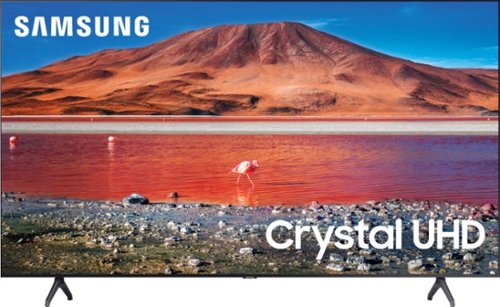
Samsung - 70 Class 7 Series LED 4K UHD Smart Tizen TV (2020)
Enhance your viewing experience with this 70-inch Samsung 4K UHD smart TV. The HDR technology and 4K UHD resolution render sharp details and realistic colors, while a Crystal processor delivers exceptional picture quality on the flat-panel display. This Bluetooth-enabled Samsung 4K UHD smart TV is voice controllable for hands-free operation and seamless wireless streaming.
Will this TV accept air casting from my Samsung mobile?

Hi MikeAlan! You can screen mirror from your Samsung mobile device to your TU7000 via Smart View or the SmartThings app. ^Gina
5 years, 4 months ago
by
Posted by:
Samsung
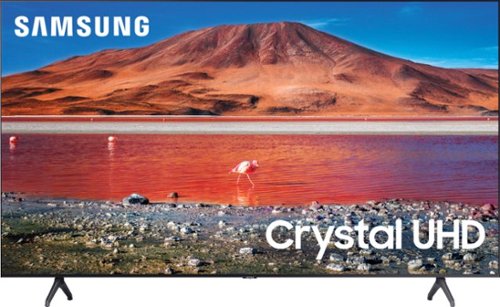
Samsung - 43" Class 7 Series LED 4K UHD Smart Tizen TV
Upgrade your home entertainment setup with this 43-inch Samsung LED Smart TV. Tizen OS provides access to popular streaming services, while the 4K Ultra HD resolution delivers true-to-life picture quality. This Samsung LED Smart TV is compatible with several virtual assistants for voice control, and the HDMI and USB inputs connect to external sources.
Do I get Samsung tv plus on this tv?
Hi Suzi! Yes, Samsung TV Plus will be preinstalled on your TV's App Launcher upon setup. ^Gina
5 years, 4 months ago
by
Posted by:
Samsung
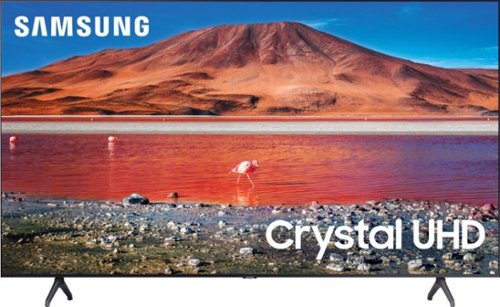
Samsung - 65" Class 7 Series LED 4K UHD Smart Tizen TV (2019)
Get enhanced smart capabilities with the TU7000 . Crystal Processor 4K automatically upscales your favorite movies, TV shows and sports events to 4K. Smart TV powered by Tizen lets you find content and navigate streaming services easily. PurColor fine tunes colors while HDR steps up to millions of shades of color that go beyond what HDTV can offer. And Direct Lit backlighting technology sharpens visuals and improves clarity.
Does this model su7000 have Art Frame?
Hi Cos! The Art Store and Frame Bezels are features exclusively supported on The Frame TV lineup. See it here at Best Buy: https://www.bestbuy.com/site/searchpage.jsp?st=samsung+the+frame&_dyncharset=UTF-8&_dynSessConf=&id=pcat17071&type=page&sc=Global&cp=1&nrp=&sp=&qp=&list=n&af=true&iht=y&usc=All+Categories&ks=960&keys=keys ^Gina
5 years, 4 months ago
by
Posted by:
Samsung
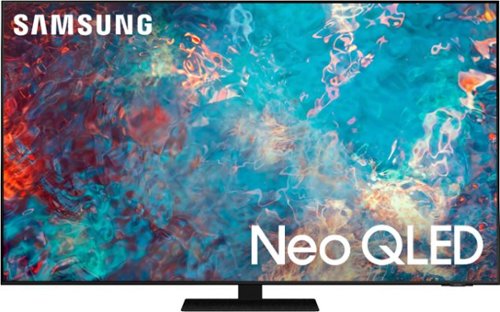
Samsung - 55" Class QN85A Neo QLED 4K UHD Smart Tizen TV (2021)
The QN85A upgrades your home entertainment experience with super charged 4K, an anti-glare screen, and an ultra-high contrast picture. These Advanced-Premium Samsung models feature a breakthrough matrix of Quantum Mini LEDs that focus light precisely where needed for breathtaking contrast. With the QN85A, our most advanced Samsung 4K TV processor powers Next-Gen Gaming capabilities, a new generation of apps, and sound that moves with the onscreen action. And with HDR10+, colors are adjusted scene-by-scene to enhance what you watch.
Does this have bluetooth and RGB port?
Hi ethyu765, the QN85A has Bluetooth, but does not have an RGB port. ^Val
5 years, 4 months ago
by
Posted by:
Samsung
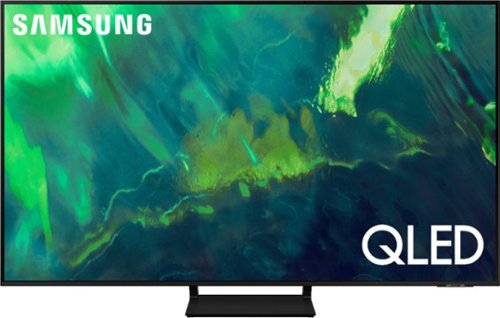
Samsung - 55" Class Q70A Series QLED 4K UHD Smart Tizen TV (2021)
As intelligent as it is beautiful. A Smart TV interface learns the content you like and makes suggestions based on what you watch.
What size screws are used for mounting? M8 screws are too narrow.
Hi , for your 55” Q70A, you will need 4 x M8 screws, 11-13 mm length, and 1.25mm pitch. ^Val
5 years, 4 months ago
by
Posted by:
Samsung
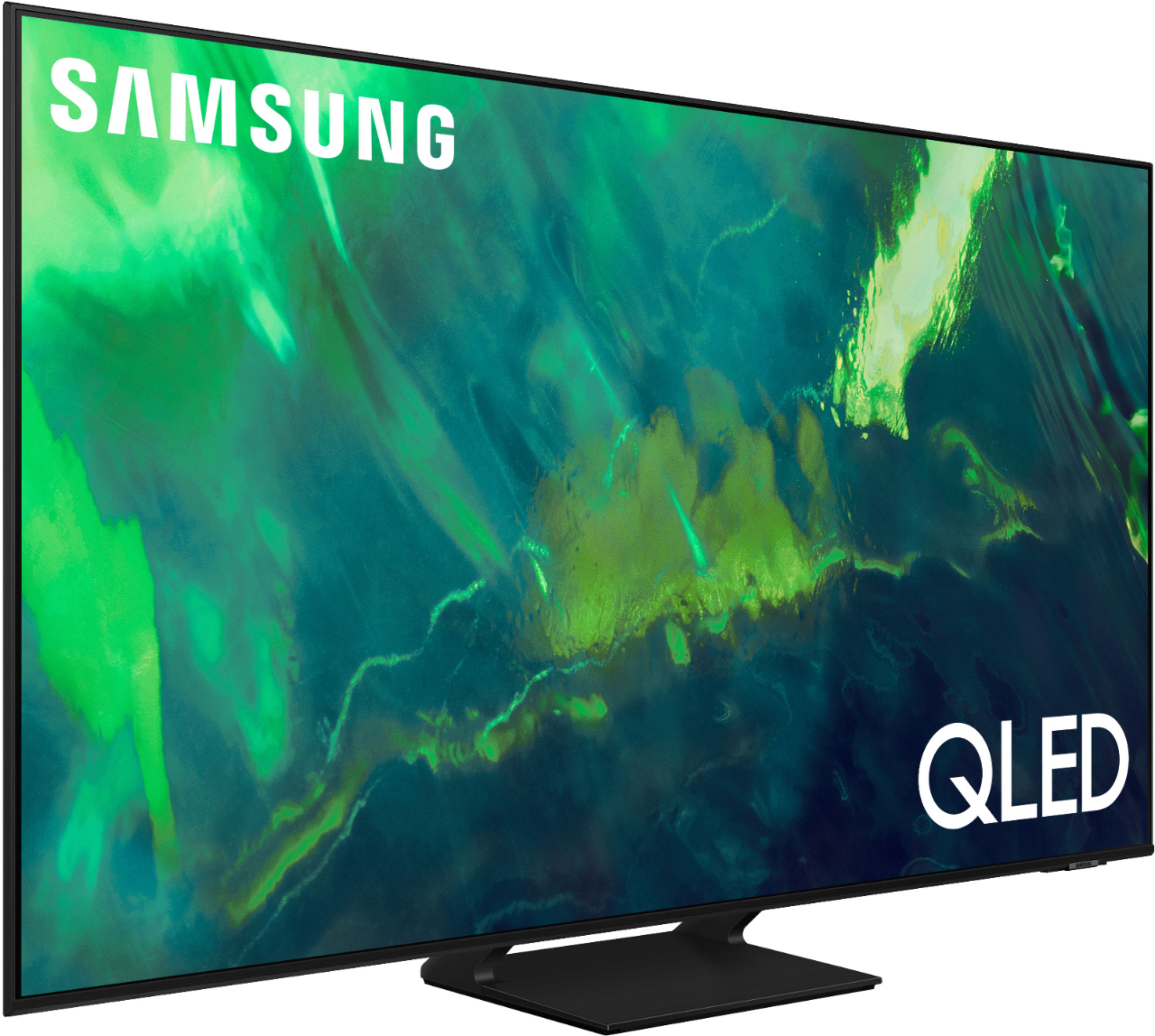
Samsung - 65" Class Q70A Series QLED 4K UHD Smart Tizen TV (2021)
As intelligent as it is beautiful. A Smart TV interface learns the content you like and makes suggestions based on what you watch.
What's the difference 70R ,70T ,70A
Hi Darrell, The 70R is our 2019 model. 70T is our 2020 model. 70A is our newest 2021 model which features exceptional motion enhancements up to 4K@120Hz with Motion Xcelerator Turbo+. 100% Color Volume with Quantum Dot Technology gives you 100% Color Volume in the DCI-P3 color space. For gamers, our 2021 models feature Super Ultrawide GameView & Game Bar. ^Val
5 years, 4 months ago
by
Posted by:
Samsung
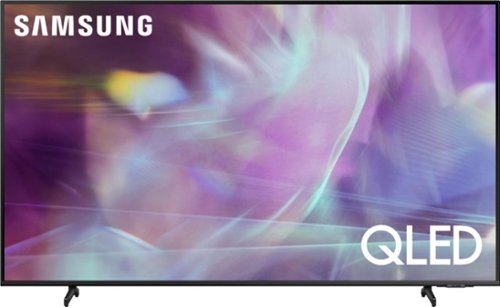
Samsung - 50" Class Q60A Series QLED 4K UHD Smart Tizen TV
Enter a world saturated with color and sharpened to refreshing clarity, all of it made possible through the power of Quantum Dot technology
I want to be sure about the stand separation. Is the total spread of the stand legs 30.1 inches? I see they are angled out and my table measurement is critical. Thank you.
Hi Steve, the legs of the 50" Q60A are 30.1" apart. ^Val
5 years, 4 months ago
by
Posted by:
Samsung
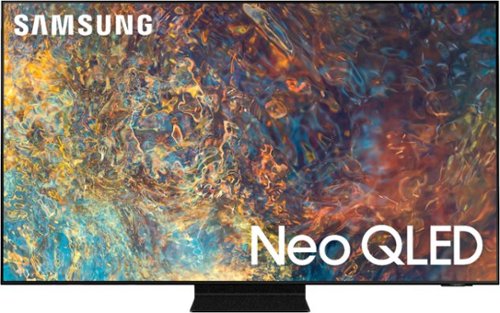
Samsung - 55" Class QN90A Neo QLED 4K UHD Smart Tizen TV (2021)
Our best 4K picture offers lush visuals and crisp detail that create an unmatched cinematic experience.
Does this TV implement eARC without the complication of CEC? If so, exactly which port(s) support it?
Hi Surroundguy, CEC must be turned on for ARC/eARC to work. The port is labeled on the TV. In the QN90A, HDMI port 3 supports eARC. The ports are labeled on the back of the TV. ^Val
5 years, 4 months ago
by
Posted by:
Samsung
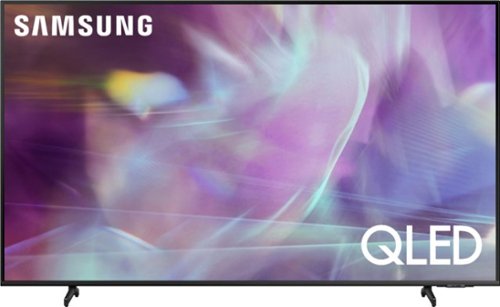
Samsung - 60" Class Q60A Series QLED 4K UHD Smart Tizen TV (2021)
Enter a world saturated with color and sharpened to refreshing clarity, all of it made possible through the power of Quantum Dot technology
What is the VESA pattern for this model, and is it located in the exact middle of the TV?
Hi SpeedRacer, Samsung TVs are VESA Compliant and works with any wall mount or stand that is also VESA Compliant and designed for the TV's size. For the 60" Q60A TV, you would need a VESA bolt pattern of 400 mm x 300 mm. Screws and adapters are not included with your TV. You will need 4 x M8 screws, 11 - 13 mm length, and 1.25mm pitch. The mounting holes are 8.2" from the top, 10.5" from the bottom, and 18.7" from each side. ^Val
5 years, 4 months ago
by
Posted by:
Samsung
Samsung - 55" Class QN90A Neo QLED 4K UHD Smart Tizen TV (2021)
Our best 4K picture offers lush visuals and crisp detail that create an unmatched cinematic experience.
Does this tv have built in WiFi??
Hi Chris, Absolutely! You can connect to your wireless network via Wi-Fi. It also supports Wi-Fi Direct. ^Val
5 years, 4 months ago
by
Posted by:
Samsung