Samsung
Samsung's Stats
Reviews
- Review Count0
- Helpfulness Votes0
- First ReviewNone
- Last ReviewNone
- Featured Reviews0
- Average Rating0
Reviews Comments
- Review Comment Count0
- Helpfulness Votes0
- First Review CommentNone
- Last Review CommentNone
- Featured Review Comments0
Questions
- Question Count0
- Helpfulness Votes0
- First QuestionNone
- Last QuestionNone
- Featured Questions0
- Answer Count73548
- Helpfulness Votes37,918
- First AnswerApril 24, 2013
- Last AnswerAugust 10, 2026
- Featured Answers0
- Best Answers3939
Samsung's Reviews
Samsung has not submitted any reviews.
Samsung's Questions
Samsung has not submitted any questions.
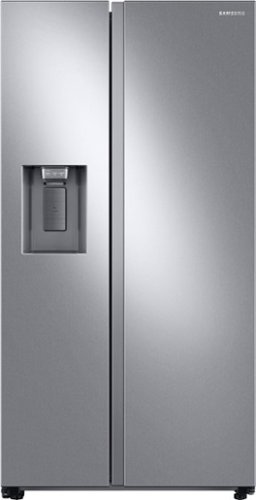
Samsung's 22 cu. ft. side-by-side counter-depth refrigerator is beautifully designed with a built-in look for a seamless fit. It offers smooth and streamlined exterior design with elegant flat doors, a minimal display dispenser, and easy-to-open recessed handles that blend perfectly into your cabinetry, adding function and style to your kitchen.
When changing the water filter, is there a valve in the FRONT of the fridge to turn off the water? Or do I have to pull the fridge out and turn off the water from the rear every time I need to change the filter?

Great question, skuke! Most homes do have a whole water shut off valve that could be used instead of the one located in back of the refrigerator. We generally recommend shutting of the water supply when changing the filter to make it easier to change the filter as it releases the pressure behind the filter. However, if you are unable to shut off the water supply, it is still safe to remove the filter. ^Jecca
5 years, 5 months ago
by
Posted by:
Samsung
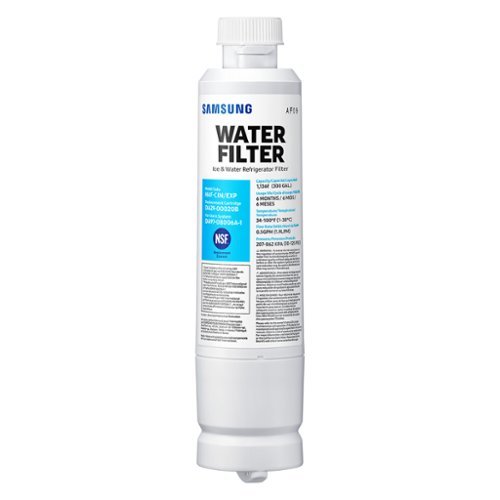
Give your family safe, fresh-testing water with Samsung genuine filters. Samsung water filters remove over 99% of numerous harmful contaminants, including lead. Each filter lasts for 6 months or 300 gallons.
Hi. I need help to find the water filter for my Samsung fridge model # RS22T5201.
Hi Traetru! I've got just what you're looking for! The refrigerator model RS22T5201 will actually require water filter model HAF-QIN. Here's a link (https://bit.ly/3kjHEsE) to that water filter. ^Jecca
5 years, 5 months ago
by
Posted by:
Samsung
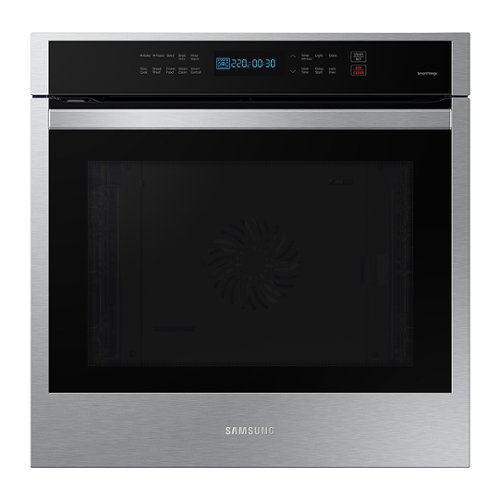
Samsung - 24" 3.1 cu. ft. Single Electric Wall Oven with Convection and Wi-Fi - Stainless Steel
The sleek 24" stainless steel convection oven cooks food quickly and evenly. With an expansive capacity, Wi-Fi connectivity and integrated Digital Touch Controls, it delivers high performance in a slim design that~s still large enough to cook a feast.
What is best cleaner for cleaning inside of the oven? I spilled something inside and I do not want to use anything abrasive.
I'm happy to help with this, Chuckd! This link (https://bit.ly/3uwK1gw) has everything you need to know about how to keep your oven looking it's best. ^Jecca
5 years, 5 months ago
by
Posted by:
Samsung
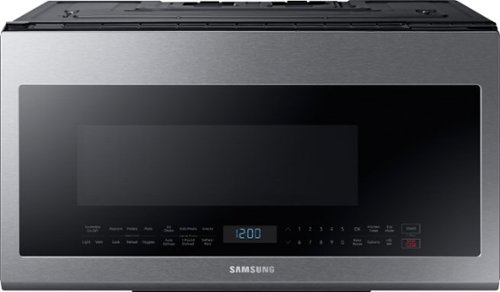
Samsung - 2.1 Cu. Ft. Over-the-Range Microwave with Sensor Cook - Stainless Steel
This Samsung Over-the-Range Microwave makes preparing multiple dishes effortless with its large 2.1cu. ft. capacity, accommodating even your biggest dishes. The Glass Control panel provides a seamless, integrated look, ensuring all design elements will match in your kitchen. Sensor Cook technology automatically adjusts your cooking time for optimal results. Additionally, the Ceramic Enamel Interior provides a durable, scratch-resistant and easy to clean interior, making everyday maintenance simple.
I push the popcorn button and the microwave starts. the bag starts popping and the bag is half full nd the microwave says done. not sure what will cause this. but the bag is half done
Hi Shane! According to page 18 of the user manual (https://bit.ly/3bxXjAA) the "popcorn" feature is designed for 3.0-3.5 oz. bags of popcorn. Larger bags may take longer to finish "popping". If you're still having trouble getting all the kernels to pop, I recommend using the information in this link: https://bit.ly/3aSEzwH. ^Jecca
5 years, 5 months ago
by
Posted by:
Samsung
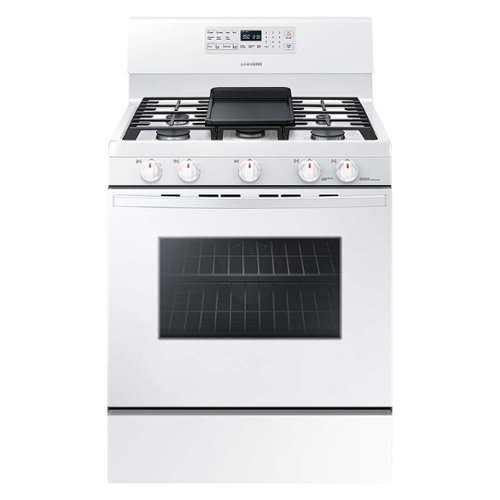
Samsung - 5.8 Cu. Ft. Freestanding Gas Convection Range with Self-High Heat Cleaning
Fan Convection distributes heat throughout the oven faster and more evenly, saving more time than traditional ovens. The large oven interior capacity can easily accommodate a big roast, multiple casserole dishes or two racks of cookies for the holidays. The powerful and flexible cooktop comes with a griddle and cooks faster with 5 specialized burners including two Power Burners and a Simmer Burner.
How does the self cleaning work?
I’m so glad you asked, Ket1! This link (https://bit.ly/2PbddJH) has everything you need to know about using the self clean feature. ^Jecca
5 years, 5 months ago
by
Posted by:
Samsung
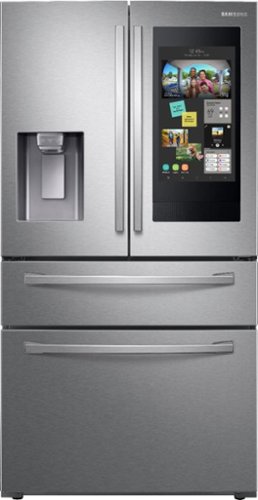
Samsung - Family Hub 22.2 Cu. Ft. 4-Door French Door Counter-Depth Fingerprint Resistant Refrigerator - Stainless steel
This Samsung Family Hub refrigerator makes it easier to connect to what's most important to you: your family and home, whenever and wherever you want. Family Hub lets you manage your family's calendars, play music on Spotify, share pictures, and stay connected right on your refrigerator. With Family Board, a digital bulletin board, you can customize pictures, add stickers, and leave handwritten notes for your family.
Will a gallon if milk fit in the door
It sure will! According to our specifications (https://bit.ly/3kllo1z) this model has gallon door bins, which are capable of holding a gallon of milk. ^Jecca
5 years, 5 months ago
by
Posted by:
Samsung
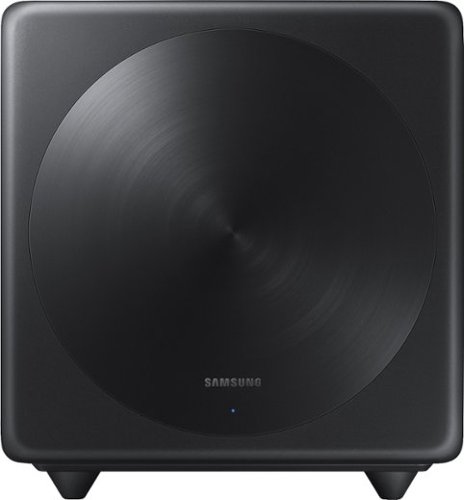
Samsung - Wireless Subwoofer - Black
Turn up the bass in your home theater or audio system with this 6.5-inch Samsung subwoofer. Wireless connectivity allows a neat cable-free setup, while compatibility with select Samsung S Series sound bars enables seamless integration with your system. With an output of up to 130W, this Samsung subwoofer offers powerful sound.
Can you pair 2 at the same time to one sound bar?
Hi Mikhail4095: You may only connect one SWA-W500 wireless subwoofer to a soundbar. This wireless subwoofer is compatible with the following soundbars: HW-S60T, HW-S66T, HW-S61T, and HW-S67T. ^Patty
5 years, 5 months ago
by
Posted by:
Samsung
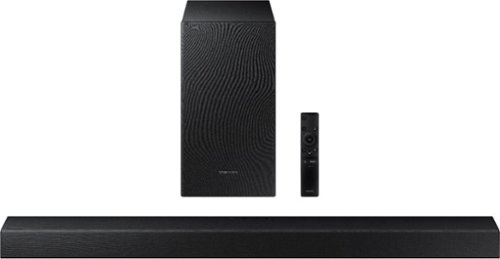
Samsung - 2.1-Channel Soundbar with Wireless Subwoofer and Dolby Audio (2020) - Black
Experience immersive entertainment with this Samsung soundbar system. The built-in Bluetooth lets you stream music from compatible devices, while the Smart Sound system automatically detects what you are watching and optimizes the audio for enhanced enjoyment. This Samsung soundbar system has an optical input that lets it connect directly to your Samsung TV.
Hi, My Soundbar for some reason when connecting the optical cable, I no longer see the red light shining through it. Could anyone advise why that is the case? I've only had this for half a year, no way for the cable to be damaged already.
Hi Optical: If the light isn't coming out of the cable with one end plugged into the TV, then it's nothing to do with the HW-T540 soundbar. It's either a bad cable, or the TV isn't outputting the signal. There may be a setting in the TV where you have to enable the optical output instead of TV speakers. Samsung TVs have this feature. ^Patty
5 years, 5 months ago
by
Posted by:
Samsung
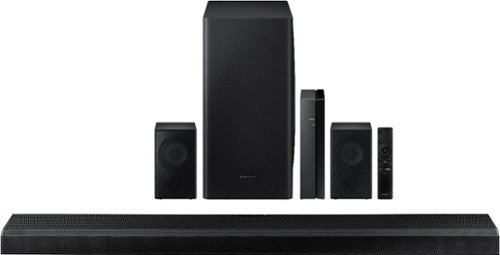
Samsung - 5.1.2-Channel Soundbar with Wireless Rear Speakers and Dolby Atmos/DTS:X - Black
Enhance your movie and audio experience with this Samsung Acoustic Beam Q Series sound bar. The 8-inch subwoofer and 1.5-inch tweeters produce powerful room-filling sound, while the included remote control lets you adjust settings and handle playback effortlessly. This Samsung Acoustic Beam Q Series sound bar has Bluetooth connectivity for streaming audio smoothly, and the wall-mountable design allows for a customized setup.
I have this soundbar and got an LG CX OLED tv. My 4k blu ray player connected to the bar's HDMI in passes everything thru just fine, and the tv even shows it receiving a Dolby Vision signal. Does the bar passthru DV, or am I seeing that message in error?
Hi Javin: The HW-Q850T soundbar suppports HDR10+ as passthrough. You may want to connect the blu ray directly to the TV and then run another HDMI to the soundbar using the ARC feature. ^Patty
5 years, 5 months ago
by
Posted by:
Samsung
Samsung - 5.1.2-Channel Soundbar with Wireless Rear Speakers and Dolby Atmos/DTS:X - Black
Enhance your movie and audio experience with this Samsung Acoustic Beam Q Series sound bar. The 8-inch subwoofer and 1.5-inch tweeters produce powerful room-filling sound, while the included remote control lets you adjust settings and handle playback effortlessly. This Samsung Acoustic Beam Q Series sound bar has Bluetooth connectivity for streaming audio smoothly, and the wall-mountable design allows for a customized setup.
I’ve read that Dolby Atmos does not work well with cathedral/vaulted ceilings. Would it be a waste of money for me to buy this system? Any suggestions on what system to buy that will work with my ceiling? Thank you.
Hi LA1970: The HW-Q850T may not reflect sound off of the cathedral/vaulted ceiling in your home, it will still fill the area above and provide a depth to the movie that wouldn't be there without the Atmos speakers. ^Patty
5 years, 5 months ago
by
Posted by:
Samsung