Samsung
Samsung's Stats
Reviews
- Review Count0
- Helpfulness Votes0
- First ReviewNone
- Last ReviewNone
- Featured Reviews0
- Average Rating0
Reviews Comments
- Review Comment Count0
- Helpfulness Votes0
- First Review CommentNone
- Last Review CommentNone
- Featured Review Comments0
Questions
- Question Count0
- Helpfulness Votes0
- First QuestionNone
- Last QuestionNone
- Featured Questions0
- Answer Count73423
- Helpfulness Votes37,909
- First AnswerApril 24, 2013
- Last AnswerJuly 31, 2026
- Featured Answers0
- Best Answers3938
Samsung's Reviews
Samsung has not submitted any reviews.
Samsung's Questions
Samsung has not submitted any questions.
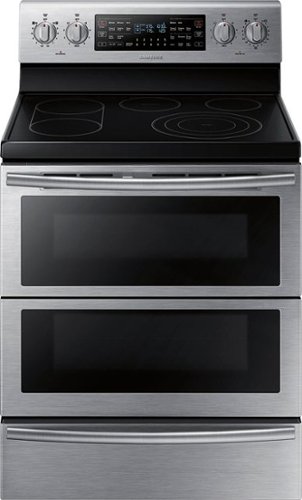
Samsung - Flex Duo 5.9 Cu. Ft. Self-Cleaning Freestanding Double Oven Electric Convection Range - Stainless Steel
Bring style and innovation to your kitchen. This Samsung electric range lets you cook two dishes at different temperatures simultaneously to speed up the cooking process. Plus, the steam clean system takes care of grease, oil, and stuck-on food.
How do I lower the rack on my lower oven? My Samsung has the dual oven doors so both ovens can be used.. Right now, the rack is just below the separation panel and won't hold anything more than an inch high.

I can help with this, Kakit! Beginning on page 30 of the user manual (https://bit.ly/2K8O7bI) you can find step by step instructions on all the ways you can use the oven racks. ^Jecca
5 years, 8 months ago
by
Posted by:
Samsung
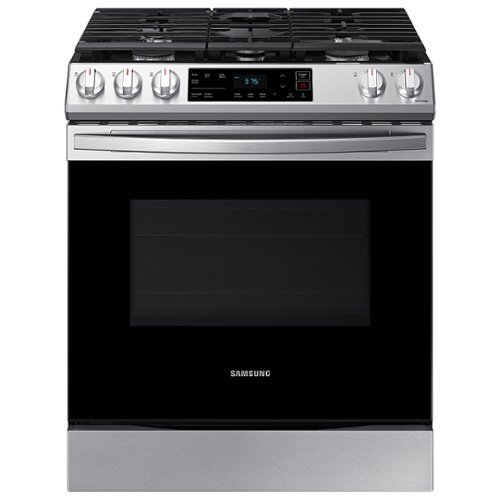
Samsung - 6.0 cu. ft. Front Control Slide-in Gas Range with Wi-Fi, Fingerprint Resistant - Stainless Steel
The Samsung Front Control Slide-in Gas Range is fully Wi-Fi connected and voice enabled, making it easy to create delicious meals for your family.
Where can I order the grill for model # NX60T8111SS
Hi Mela316! You can find all our available parts and accessories at SamsungParts.com or by calling 1-800-627-4368. ^Jecca
5 years, 8 months ago
by
Posted by:
Samsung
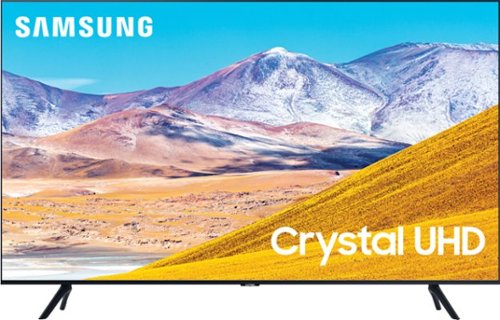
Samsung - 50" Class 8 Series LED 4K UHD Smart Tizen TV
Enjoy crisp visuals while watching your favorite movies or programs on this 50-inch Samsung UHD 8 Series Smart TV. Crystal Processor 4K produces detailed images, while Wi-Fi compatibility lets you stream content seamlessly. This Samsung UHD 8 Series Smart TV supports voice-activated control through Bixby, Alexa, and Google Assistant, and the 20W speakers deliver powerful sound for an all-around entertainment experience.
Our present tv is attached to the wall, Can your installers attach there with the new Tv?
Hi there! Your existing wall mount will need to utilize the same VESA Pattern the 50TU8000 utilizes (200mm x 200mm). For more information on installation services, please contact your local Best Buy or visit https://www.bestbuy.com/site/help-topics/home-and-business-delivery/pcmcat204400050032.c?id=pcmcat204400050032 ^Gina
5 years, 8 months ago
by
Posted by:
Samsung
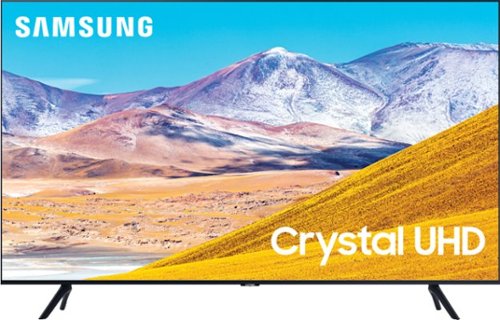
Samsung - 65" Class 8 Series LED 4K UHD Smart Tizen TV
Stream all your favorite shows on this 65-inch Samsung Smart TV. The variety of smart features and applications provides access to a range of streaming services, and compatibility with virtual assistants offers convenient voice-controlled functionality. This Samsung Smart TV has a Crystal Processor 4K that automatically enhances the image quality of movies and shows.
Dose this model come with voice assist remote?
Hi DanO! Yes, the TU8000 remote features a dedicated Voice Assistant button. ^Gina
5 years, 8 months ago
by
Posted by:
Samsung
Samsung - 50" Class 8 Series LED 4K UHD Smart Tizen TV
Enjoy crisp visuals while watching your favorite movies or programs on this 50-inch Samsung UHD 8 Series Smart TV. Crystal Processor 4K produces detailed images, while Wi-Fi compatibility lets you stream content seamlessly. This Samsung UHD 8 Series Smart TV supports voice-activated control through Bixby, Alexa, and Google Assistant, and the 20W speakers deliver powerful sound for an all-around entertainment experience.
Does this TV support HBO Max? I saw series 7 Samsung TVs have mentioned in the specifications that HBO Max is supported but I don't see it here
Hi there! You can download the HBO Max app from your TV's built-in App Store. ^Gina
5 years, 8 months ago
by
Posted by:
Samsung
Samsung - 50" Class 8 Series LED 4K UHD Smart Tizen TV
Enjoy crisp visuals while watching your favorite movies or programs on this 50-inch Samsung UHD 8 Series Smart TV. Crystal Processor 4K produces detailed images, while Wi-Fi compatibility lets you stream content seamlessly. This Samsung UHD 8 Series Smart TV supports voice-activated control through Bixby, Alexa, and Google Assistant, and the 20W speakers deliver powerful sound for an all-around entertainment experience.
what is the refresh rate of this tv
Hi there! The TU8000 features Motion Rate 120/60Hz Refresh Rate. ^Gina
5 years, 8 months ago
by
Posted by:
Samsung
Samsung - 65" Class 8 Series LED 4K UHD Smart Tizen TV
Stream all your favorite shows on this 65-inch Samsung Smart TV. The variety of smart features and applications provides access to a range of streaming services, and compatibility with virtual assistants offers convenient voice-controlled functionality. This Samsung Smart TV has a Crystal Processor 4K that automatically enhances the image quality of movies and shows.
How thick is the border on this TV?
Hi Kevin! The bezel on the 65TU8000 is approximately .34" on the top and bottom of the TV, and .61" on the sides. ^Gina
5 years, 8 months ago
by
Posted by:
Samsung
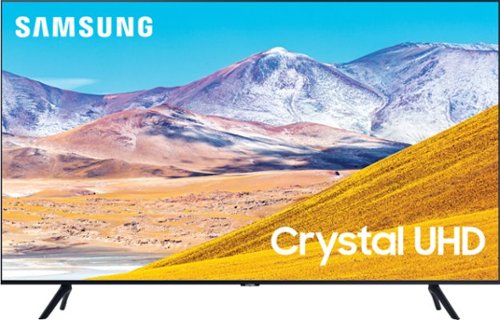
Samsung - 55" Class 8 Series LED 4K UHD Smart Tizen TV
Stream videos, TV shows and movies in clear, detailed quality with this 55-inch Samsung UHD 8 Series LED Smart TV. The 4K Ultra HD resolution delivers lifelike picture quality, while compatibility with popular virtual assistants enables voice control. This Samsung UHD 8 Series LED Smart TV features Bluetooth connectivity to sync with compatible sources.
I bought a 43 samsung tv 29 days ago i need to exchange for a 55 tv. Am I allowed to exchange it?
Hi there! For more information regarding exchanges, please contact or visit your local Best Buy. ^Gina
5 years, 8 months ago
by
Posted by:
Samsung
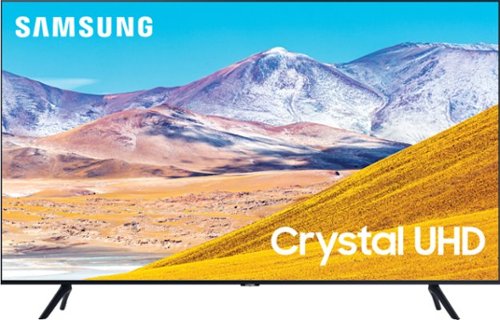
Samsung - 43" Class 8 Series LED 4K UHD Smart Tizen TV
Watch immersive content with this 43-inch Samsung Smart 4K TV. Auto Motion Plus smoothing enhances fast-moving images digitally to reduce blur and ghosting, and the HDMI, USB and Ethernet ports make connectivity easy. This Samsung smart 4K TV features the Tizen OS for hassle-free access to online movies and TV shows.
How many HDMI and USB Ports does it have?
Hi there! The TU8000 features 3 HDMI ports and 2 USB ports. ^Gina
5 years, 8 months ago
by
Posted by:
Samsung
Samsung - 50" Class 8 Series LED 4K UHD Smart Tizen TV
Enjoy crisp visuals while watching your favorite movies or programs on this 50-inch Samsung UHD 8 Series Smart TV. Crystal Processor 4K produces detailed images, while Wi-Fi compatibility lets you stream content seamlessly. This Samsung UHD 8 Series Smart TV supports voice-activated control through Bixby, Alexa, and Google Assistant, and the 20W speakers deliver powerful sound for an all-around entertainment experience.
Does this TV require an HD cable box for use with Suddenlink?
Hi WS! For more information and connectivity for this provider, please contact Suddenlink. ^Gina
5 years, 8 months ago
by
Posted by:
Samsung