Samsung
Samsung's Stats
Reviews
- Review Count0
- Helpfulness Votes0
- First ReviewNone
- Last ReviewNone
- Featured Reviews0
- Average Rating0
Reviews Comments
- Review Comment Count0
- Helpfulness Votes0
- First Review CommentNone
- Last Review CommentNone
- Featured Review Comments0
Questions
- Question Count0
- Helpfulness Votes0
- First QuestionNone
- Last QuestionNone
- Featured Questions0
- Answer Count73632
- Helpfulness Votes37,926
- First AnswerApril 24, 2013
- Last AnswerAugust 14, 2026
- Featured Answers0
- Best Answers3940
Samsung's Reviews
Samsung has not submitted any reviews.
Samsung's Questions
Samsung has not submitted any questions.
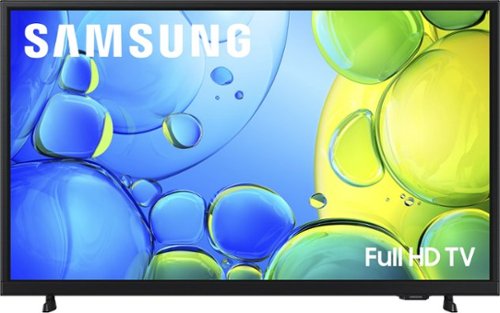
Step up to Full HD for a significantly clearer picture than regular HD. Enjoy impressive, fine-tuned colors and deep contrast, all wrapped in a sleek design and secured by triple-layer protection. Virtual 3-D sound is enhanced and tracks movement on screen for a truly immersive experience.
How do I find the PBS WETA app to add to apps on this tv?

Hi,
To add new apps to your TV:
Searching for & Installing Apps
1. From the Home screen, press left on the remote’s directional pad.
2. Navigate to and select Search.
3. Using the search bar, enter the content or app you’d like to find.
4. Navigate to and select the app you’d like to install, then select Install.
Note: Previously installed apps can be accessed on the Settings screen.
Adding & Managing Apps on Home Screen
1. Go to App Settings (these can be found at the bottom of the Apps screen) and select the app you want to move. The following options will be available:
a. Add to Home: Move the app to your desired location on the Home screen.
b. Delete: Delete app.
c. Lock/Unlock: Lock the app with a PIN so only you can use it. When the app is selected again, you will be prompted to enter the PIN to unlock it.
d. Reinstall: Reinstall the app.
e. View Details: View the app’s information and details.
~Samsung Advisor
To add new apps to your TV:
Searching for & Installing Apps
1. From the Home screen, press left on the remote’s directional pad.
2. Navigate to and select Search.
3. Using the search bar, enter the content or app you’d like to find.
4. Navigate to and select the app you’d like to install, then select Install.
Note: Previously installed apps can be accessed on the Settings screen.
Adding & Managing Apps on Home Screen
1. Go to App Settings (these can be found at the bottom of the Apps screen) and select the app you want to move. The following options will be available:
a. Add to Home: Move the app to your desired location on the Home screen.
b. Delete: Delete app.
c. Lock/Unlock: Lock the app with a PIN so only you can use it. When the app is selected again, you will be prompted to enter the PIN to unlock it.
d. Reinstall: Reinstall the app.
e. View Details: View the app’s information and details.
~Samsung Advisor
1 month, 2 weeks ago
by
Posted by:
Samsung
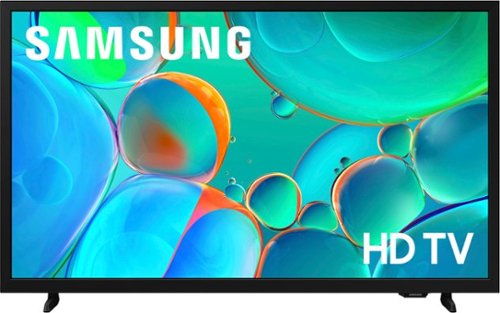
Enjoy your favorite shows in high definition, featuring vibrant colors, deep contrast and dynamic audio that flows with the action. Stream 2,700+ free channels including 400+ Samsung TV Plus premium channels, and feel secure with triple-layer protection for your personal data.
What opions does it have for audio out?
Hi David,
You can connect to the H5000F via HDMI cable.
~Samsung Advisor
You can connect to the H5000F via HDMI cable.
~Samsung Advisor
1 month, 2 weeks ago
by
Posted by:
Samsung
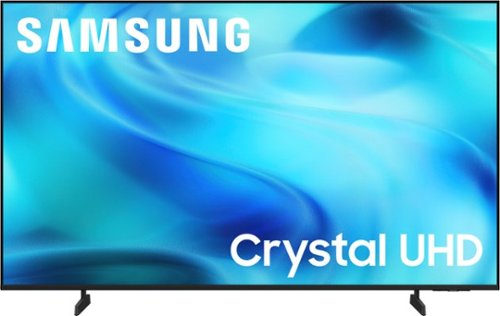
Watch all your content in crisp 4K resolution, with rich contrast, amazing color and clear picture. Discover thousands of subscription-free channels, including 700+ premium channels with Samsung TV Plus. Also, play thousands of video games without a console thanks to Samsung Gaming Hub. Enjoy peace of mind for years to come with the TV brand rated #1 in durability.
How many Bluetooth speakers can be hooked up
Hi KDbaltomd,
You can use one Bluetooth speaker at a time.
~Samsung Advisor
You can use one Bluetooth speaker at a time.
~Samsung Advisor
1 month, 2 weeks ago
by
Posted by:
Samsung
Watch all your content in crisp 4K resolution, with rich contrast, amazing color and clear picture. Discover thousands of subscription-free channels, including 700+ premium channels with Samsung TV Plus. Also, play thousands of video games without a console thanks to Samsung Gaming Hub. Enjoy peace of mind for years to come with the TV brand rated #1 in durability.
Does this TV have YouTubetv app built in or the ability to download the YouTubetv app?
Hi LInk,
The YouTube app is pre-installed on the U8000H.
~Samsung Advisor
The YouTube app is pre-installed on the U8000H.
~Samsung Advisor
1 month, 2 weeks ago
by
Posted by:
Samsung
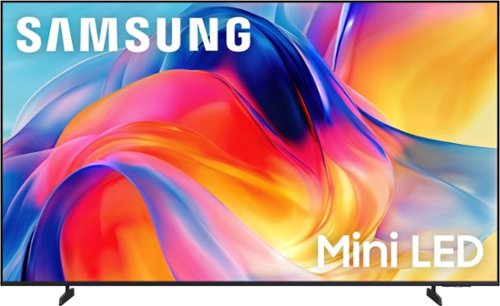
Bright, detailed colors pair together with deep, cinematic contrast in your favorite smart apps and video games thanks to precise control with Mini LEDs, delivering a realistic picture no matter what you watch. Get thousands of subscription free channels, including 700+ premium channels with Samsung TV Plus. Rest assured your personal data is secured with Knox Security.
Does this TV include Samsung Smart Hub built-in?
Hi Friday,
Yes, Samsung Smart Hub and Samsung TV Plus are built-in.
~Samsung Advisor
Yes, Samsung Smart Hub and Samsung TV Plus are built-in.
~Samsung Advisor
1 month, 2 weeks ago
by
Posted by:
Samsung
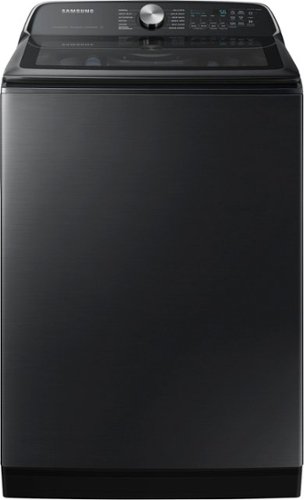
Samsung's 5.5 cu. ft. Extra-Large Capacity Top Load Washing Machine is equipped with Super Speed Wash, which powerfully cleans a full load of laundry in just 28 minutes without sacrificing cleaning performance. With Wi-Fi connectivity, you can remotely start, stop, or delay your smart washer from our simple-to use SmartThings App. Active Waterjet, a built-in water faucet, lets you easily pretreat heavily soiled and stained clothes.
Does the knobs come off and if so can I order a knob?
Hello Mel,
For this Samsung washer, the control knob is a replaceable component. If the knob needs to be removed or replaced, we can help confirm the correct part for your specific unit and version.
For parts assistance and ordering information, please contact Samsung Parts Support at 1-800-627-4368. You can also search for available parts for your washer online at:
https://samsungparts.com/search?q=WA55CG7100AVUS+washer
We appreciate hearing from you, and Samsung truly values your business.
Nicole
Samsung Care
For this Samsung washer, the control knob is a replaceable component. If the knob needs to be removed or replaced, we can help confirm the correct part for your specific unit and version.
For parts assistance and ordering information, please contact Samsung Parts Support at 1-800-627-4368. You can also search for available parts for your washer online at:
https://samsungparts.com/search?q=WA55CG7100AVUS+washer
We appreciate hearing from you, and Samsung truly values your business.
Nicole
Samsung Care
1 month, 2 weeks ago
by
Posted by:
Samsung
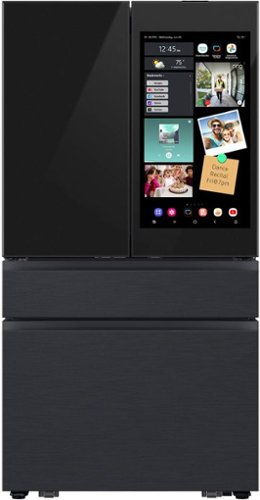
Samsung's Bespoke 29 cu. ft. 4-Door French Door Refrigerator features AI Family Hub+ the entertainment hub with 32" touchscreen, that's built into your fridge. AI Vision Inside recognizes select fresh foods that you put in and take out of your fridge, so you always know what's inside. Beverage Center provides quick and easy access to refreshingly cold water, two ways.
What is the manufacture warrenty?
Hi Geo20, for this model, the manufacturer’s warranty includes a 1‑year limited warranty covering parts and labor, with extended coverage available for certain sealed system components.
For a full breakdown of what’s included and the exact terms, you can review the details below:
https://www.samsung.com/us/support/legal/LGL10000309/?modelCode=RF90F29AECEAA#standard-limited-warranty
Glad to shed some light on this.
Khristine
Samsung Care
For a full breakdown of what’s included and the exact terms, you can review the details below:
https://www.samsung.com/us/support/legal/LGL10000309/?modelCode=RF90F29AECEAA#standard-limited-warranty
Glad to shed some light on this.
Khristine
Samsung Care
1 month, 2 weeks ago
by
Posted by:
Samsung
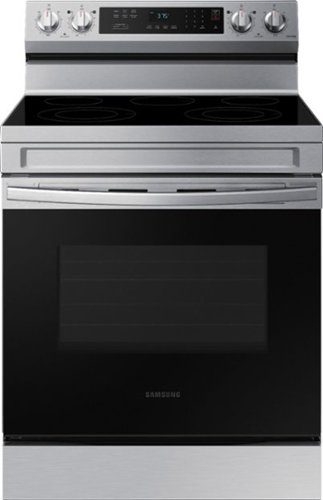
Elevate the look of your kitchen with Samsung~s Smart Freestanding Electric Range. Our Stainless Steel design elegantly wraps around cooktop sides and up through the slim control panel. Upgraded technology makes cooking simple and fun.
does this have a air fryer
Hi Kenny, thanks for asking!
For this model, while it does not include an Air Fry feature, you’ll find a variety of other features you can explore in the spec sheet below:
https://images.samsung.com/is/content/samsung/p6pim/us/ne63a6311ss-aa/specsheet/us-specsheet-ne63a6311ss-aa-549816815.pdf
Glad to shed some light on this.
Khristine
Samsung Care
For this model, while it does not include an Air Fry feature, you’ll find a variety of other features you can explore in the spec sheet below:
https://images.samsung.com/is/content/samsung/p6pim/us/ne63a6311ss-aa/specsheet/us-specsheet-ne63a6311ss-aa-549816815.pdf
Glad to shed some light on this.
Khristine
Samsung Care
1 month, 2 weeks ago
by
Posted by:
Samsung
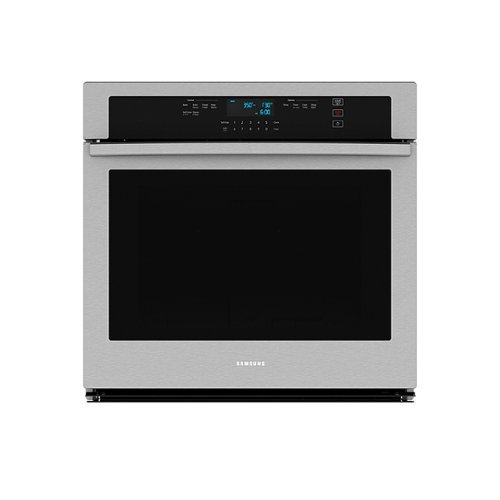
From multiple casserole dishes to two full racks of cookies, this combination microwave and wall oven easily accommodates the busy home kitchens.
This thing says it takes a 20 amp 240 breaker is that right?
Hello there,
The Samsung built-in electric wall oven requires a dedicated 240/208V electrical circuit. For safe and proper installation, please verify the breaker requirements in the installation guide and have a qualified professional installer confirm that your home's electrical setup meets the specifications.
Thank you for reaching out.
Nicole
Samsung Care
The Samsung built-in electric wall oven requires a dedicated 240/208V electrical circuit. For safe and proper installation, please verify the breaker requirements in the installation guide and have a qualified professional installer confirm that your home's electrical setup meets the specifications.
Thank you for reaching out.
Nicole
Samsung Care
1 month, 2 weeks ago
by
Posted by:
Samsung
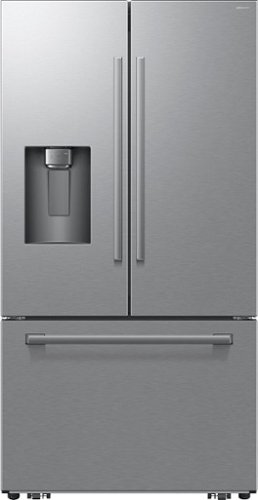
Samsung's Bespoke AI 24 cu. ft. Counter Depth 3-Door French Door Refrigerator with zero clearance fit is designed to fit in all types of spaces. Special hinges and slim doors allow the fridge to open with minimal gaps between walls and cabinets, providing a seamless look. Keep your drinks colder longer with slow-melting Sphere Ice~ and get extra room to refill large bottles, pitchers and tumblers with the External Tall Water & Ice Dispenser.
Is the stainless steel print proof on this model?
Hi PT, yes, this model comes with a fingerprint‑resistant stainless steel finish designed to help reduce smudges and keep it looking clean.
Happy to help.
Khristine
Samsung Care
Happy to help.
Khristine
Samsung Care
1 month, 2 weeks ago
by
Posted by:
Samsung