Lenovo Product Expert
Lenovo Product Expert's Stats
Reviews
- Review Count0
- Helpfulness Votes0
- First ReviewNone
- Last ReviewNone
- Featured Reviews0
- Average Rating0
Reviews Comments
- Review Comment Count0
- Helpfulness Votes0
- First Review CommentNone
- Last Review CommentNone
- Featured Review Comments0
Questions
- Question Count0
- Helpfulness Votes0
- First QuestionNone
- Last QuestionNone
- Featured Questions0
- Answer Count37808
- Helpfulness Votes24,825
- First AnswerApril 21, 2014
- Last AnswerOctober 9, 2026
- Featured Answers0
- Best Answers2827
Lenovo Product Expert's Reviews
Lenovo Product Expert has not submitted any reviews.
Lenovo Product Expert's Questions
Lenovo Product Expert has not submitted any questions.
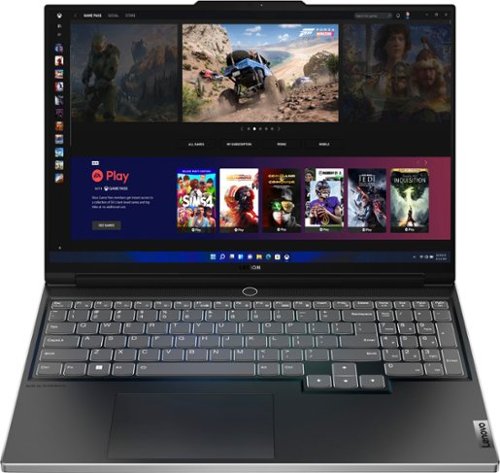
Lenovo - Legion Slim 7 AMD Advantage Edition 16" 2.5k Gaming Laptop - AMD Ryzen 9 6900HX-16GB Memory-AMD Radeon RX 6800S-1TB SSD - Onyx Grey
Engineered for those who know gaming is a way of life, the Lenovo Legion Slim 7, in Onyx Grey, is calibrated for next-gen creation and gaming alike. Redefine gaming experiences with the latest generation AMD Ryzen processor and AMD Radeon RX graphics that are AI-optimized via the Legion AI Engine, all the while cooled by the Legion Coldfront 3.0~s thermal system. The Legion Slim 7~s light and exhilarating design is further machined from an Aluminum and Magnesium blend that defies all basic laws of laptop engineering. Crush the competition in WQXGA for immersive gaming anywhere life takes you.
Does keyboard as RGB? i want legion 7...

No. The Lenovo Legion Slim 7 16, model number 82UG0002US, ships with a White Backlit, English (US) Version standard QWERTY keyboard, with 10-Key Numeric pad included.
4 years ago
by
Posted by:
Lenovo Product Expert
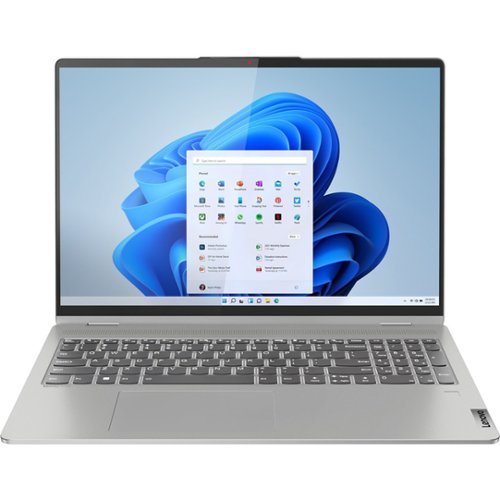
Lenovo - IdeaPad Flex 5 16ALC7 2-in1 16" Laptop - AMD Ryzen 7 5700U - 16GB Memory, 512GB SSD - Windows 11 Home
IdeaPad Flex Series Laptops. Where performance and connectivity meet productivity and entertainment. Portable multimode laptops with next-gen performance, all-day battery life, and built-in versatility. For life on the go.
Does it come with pen?
No. This Lenovo IdeaPad Flex 5 16, model number 82RA000DUS, is compatible with an AES Protocol active/digital pen, which is sold separately, like this one: https://www.bestbuy.com/site/wacom-bamboo-ink-smart-stylus-for-windows-ink-2nd-generation-gray/6374981.p?skuId=6374981
4 years ago
by
Posted by:
Lenovo Product Expert
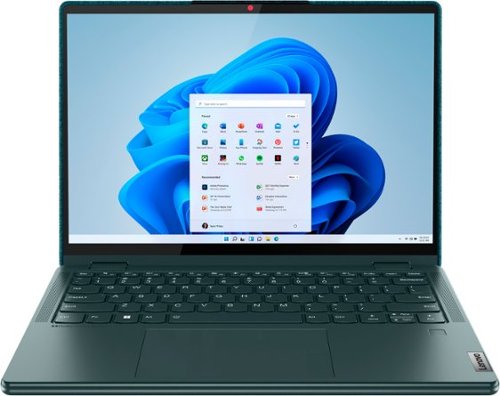
Lenovo - Yoga 6 13.3" WUXGA (1920 x 1200) Touch 2-in-1 Laptop -Ryzen 5 5500U - 8GB Memory - 256GB SSD - Dark Teal
Thin, light and framed by the comfort edge of the Lenovo Yoga 6 is both portable and comfortable to use. Add into that our commitment to sustainability, and we have the perfect on-the-go product for throwing in your bag and taking anywhere. Bring big-screen cinema to life with Dolby Vision on the breathtaking 16:10 FHD display with 100% sRGB for color accuracy paired with immersive Dolby Atmos optimized on front firing speakers.
Will this laptop run 2 external monitors, not including laptop screen?
This Lenovo Yoga 6 13, model number 82UD0002US, ships with these ports: 1x USB 3.2 Gen 1,
1x USB 3.2 Gen 1 (Always On), 2x USB-C 3.2 Gen 1 (support data transfer, Power Delivery 3.0, and DisplayPort 1.4) with video out, 1x HDMI 2.0, 1x microSD card reader, 1x Headphone / microphone combo jack (3.5mm) and supports up to 4 independent displays (native display and 3 external monitors via HDMI and USB-C). • HDMI supports up to 3840x2160@60Hz and • USB-C supports up to 3840x2160@60Hz.
1x USB 3.2 Gen 1 (Always On), 2x USB-C 3.2 Gen 1 (support data transfer, Power Delivery 3.0, and DisplayPort 1.4) with video out, 1x HDMI 2.0, 1x microSD card reader, 1x Headphone / microphone combo jack (3.5mm) and supports up to 4 independent displays (native display and 3 external monitors via HDMI and USB-C). • HDMI supports up to 3840x2160@60Hz and • USB-C supports up to 3840x2160@60Hz.
4 years ago
by
Posted by:
Lenovo Product Expert

Lenovo - Chromebook 3 11.6" HD Laptop - Celeron N4020 - 4GB Memory - 64GB eMMC - Onyx Black
Fast, flexible, and fun, the Lenovo IdeaPad 3 Chromebook 11" brings everyone~s favorite Chromebook features, housed in a slim chassis, running on the lightning-fast Chrome OS that boots up in seconds, updates automatically, and is protected by built-in virus protection. Powered by Intel Celeron processor offers up to 10 hours of battery life, to seamlessly run all of your favorite apps at the same time.
does the Lenovo Chromebook 3 11 model #82BA00FUS support xfinity stream app?
That will depend on the requirements and compatibility of the specific APP you want to use. This Lenovo Chromebook 3 11, model number 82BA001FUS, ships with the Chrome Operating System installed and is compatible with Google play Store APPs. Not all APPs at the Google play Store are optimized for the Chrome OS. We recommend you check with the specific APPs software publisher's web site, of the specific version of the APP you want to use, for their compatibility with the Chrome operating system and the minimum/recommended hardware requirements (Is a Graphics card required, the processor speed and the minimum required system RAM and the minimum available hard drive space) to run their program, then compare those requirements to this Chromebook's configuration.
4 years ago
by
Posted by:
Lenovo Product Expert
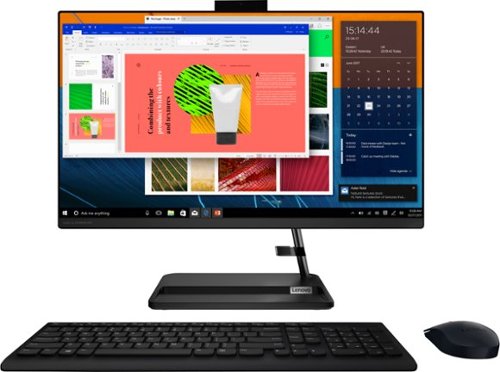
Lenovo - IdeaCentre AIO 3i 24" Touch-Screen All-In-One - Intel Core i3 - 8GB Memory - 256GB Solid State Drive - Black
Great things do come in the smallest packages. Housed in a sleek and compact frame, Lenovo IdeaCentre AIO 3i delivers peak performance with 11th generation Intel Core processing, while holding plenty of storage with a 256GB SSD. Three-sided narrow bezels on the FHD display and Harman-certified stereo speakers make this the consummate family PC.
Will this work with a 6940 Hp deskjet printer via USB?
This Lenovo IdeaCentre 3i 24 All-In-One System, model number F0G000FWUS, ships with Windows 11 Home, 64-bit Operating System installed and these ports: 2x USB 2.0 Type A, 2x USB 3.2 Gen 2 Type A, 1x HDMI 1.4, 1x Ethernet (RJ-45), 1x power connector and is compatible with any printer that is compatible with Windows 11 Operating System. We recommend you check with your printer manufacturer's website for the compatibility of your specific printer model.
4 years ago
by
Posted by:
Lenovo Product Expert
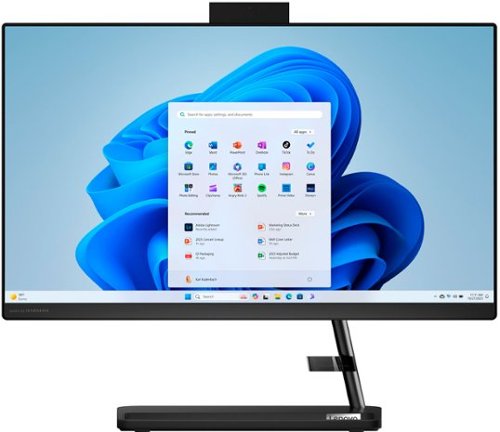
Lenovo - IdeaCentre AIO 3i 22" All-In-One - Intel Pentium - 8GB Memory - 256GB Solid State Drive - Black
A family PC for all generations, the Lenovo IdeaCentre AIO 3i seamlessly handles heavy multitasking sessions from demanding households with Intel Pentium processors, in a compact space-saving design that looks good anywhere you put it. Watch shows with the family on a vivid IPS FHD display with room-filling audio by Harman Kardon
What is the screen dimensions on this computer?
This Lenovo IdeaCentre 3i 22 All-In-One System, model number F0GG000PUS, ships with a 21.5 inch (screen size measured diagonally) IPS - FHD (1920x1080) Non-touch screen, with an Anti-glare Coating, and a brightness level of 250 nits.
4 years ago
by
Posted by:
Lenovo Product Expert
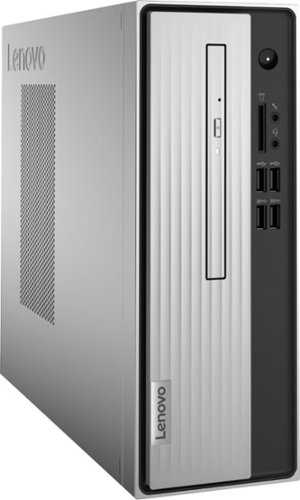
Lenovo - IdeaCentre 3 07ADA Desktop - AMD Athlon -Series - 4GB Memory - 1TB HDD - Silver
Lenovo IdeaCentre 3 07ADA Desktop: Get the job done with this silver Lenovo IdeaCentre 3 desktop computer. An AMD Athlon 3050U processor and 4GB of RAM run multiple programs simultaneously for increased productivity, while the 1TB HDD offers vast storage space for your files and applications. This Lenovo IdeaCentre 3 desktop computer includes a wired mouse and keyboard for easy operation.
Can this desktop connect to a Samsung 27 inch curve monitor screen
This Lenovo IdeaCentre 3 Desktop Computer, model number 90MV0001US, ships with Windows 10 Home, 64-bit Operating System installed and these video connections: 1x VGA Port and 1x HDMI 1.4 Version Port and supports up to 2 independent displays via onboard ports (VGA and HDMI). We recommend you check with your specific monitor manufacturer's web site for the requirements and compatibility of your specific monitor model.
4 years ago
by
Posted by:
Lenovo Product Expert
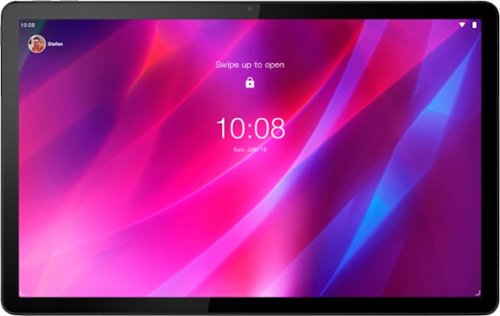
Lenovo - Tab P11 Plus - 11" - Tablet - 128GB - Slate Grey
Get bumped up to first-class experiences through the Lenovo Tab P11 Plus's eye-catching 2K visuals on its 11" display, quad speakers with persistent user-facing stereo tuned by Dolby Atmos~ and 15 hours of battery life*, all housed in a slim aluminum-alloy casing with contemporary dual-tone finish. . And it also comes with the latest new kids mode with Google Kids Space, featuring content that helps kids discover, create and grow.
Does this tablet have a touchscreen?
Yes. This lenovo Tab P11 Tablet, model number ZA940188US, ships with a 11 inch (screen size measured diagonally) IPS - 2K (2000x1200) 10-point Multi-touch screen, with a brightness level of 400 nits, has a refresh rate of 60Hz. This screen provides 90 Percent of the sRGB (70 Percent NTSC) color gamut for excellent color accuracy. This screen is TUV Low Blue Light Certified.
4 years ago
by
Posted by:
Lenovo Product Expert
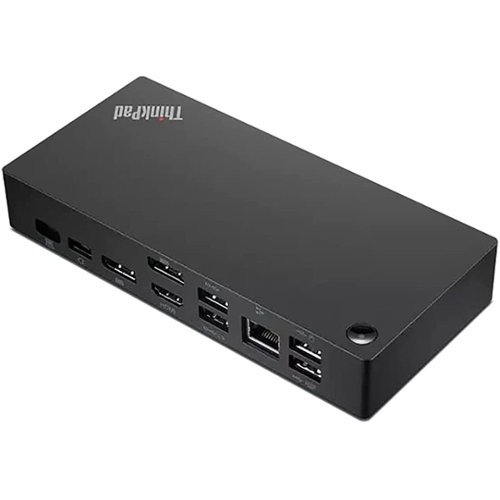
Lenovo - ThinkPad Universal USB-C Dock - Black
The smarter way to work, Introducing the ThinkPad Universal USB-C Dock. This advanced, universally compatible one-cable docking solution lets you work smarter, not harder. It comes with a vast array of ports, next-gen plug and play functionality, and rapid charging capabilities (up to 100W for most USB-C notebooks*). Smart enough to install critical firmware updates automatically, it~s ideal for any mixed-PC environment and home-based working, and gives you the freedom and power to do more.
can this docking station be connected to two monitors for work from home purposes? I only see one?
This Lenovo ThinkPad Universal USB-c Docking Station, model number 40AY0090US can support up to two external monitors when used with a compatible computer with video out capability through USB-c. This ThinkPad USB-c Universal Dock has 2x Display Port, 1x HDMI Port availability and can connect up to two external displays at the same time
4 years ago
by
Posted by:
Lenovo Product Expert
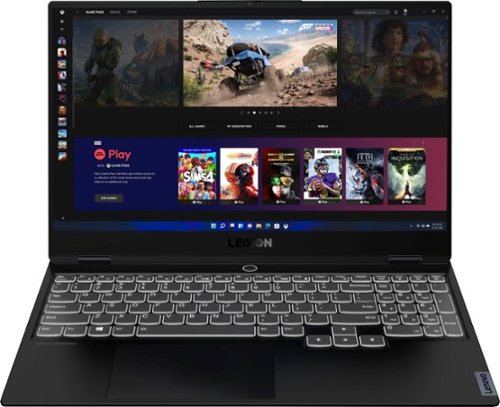
Lenovo - Legion Slim 7 15" 4K Ultra HD Gaming Laptop - AMD Ryzen 9 5900HX - 16GB Memory - NVIDIA GeForce RTX 3050 Ti - 1TB SSD - Shadow Black
The Lenovo~ Legion Slim 7 was engineered for gamers who demand mobility and performance for day and night. Sporting a finely crafted chassis machined from 100% aluminum that is shockingly thin and impressively light, the Legion Slim 7 was expertly crafted for gamers who demand more.
Graphics GB? Display Type? Screen Type?
This Lenovo Legion Slim 7 15 Gaming laptop, content Creator's Configuration, model number 82K80081US, ships with the NVIDIA GeForce RTX 3050 Ti GPU, with 4GB GDDR6 VRAM on the card, and has a Boost Clock of 1485 / 1695MHz, and a TGP of 95W. There is also a 15.6 inch (screen size measured diagonally) IPS - UHD (3840x2160) screen, with a brightness level of 500 nits, has an Anti-glare Coating, a refresh rate of 60Hz. This screen provides 100 Percent of the Adobe RGB color gamut for excellent color accuracy. This screen is HDR400, Dolby Vision, and FreeSync Certified. This screen uses DC dimmer for added eye care.
4 years ago
by
Posted by:
Lenovo Product Expert