Lenovo Product Expert
Lenovo Product Expert's Stats
Reviews
- Review Count0
- Helpfulness Votes0
- First ReviewNone
- Last ReviewNone
- Featured Reviews0
- Average Rating0
Reviews Comments
- Review Comment Count0
- Helpfulness Votes0
- First Review CommentNone
- Last Review CommentNone
- Featured Review Comments0
Questions
- Question Count0
- Helpfulness Votes0
- First QuestionNone
- Last QuestionNone
- Featured Questions0
- Answer Count37808
- Helpfulness Votes24,825
- First AnswerApril 21, 2014
- Last AnswerOctober 9, 2026
- Featured Answers0
- Best Answers2827
Lenovo Product Expert's Reviews
Lenovo Product Expert has not submitted any reviews.
Lenovo Product Expert's Questions
Lenovo Product Expert has not submitted any questions.
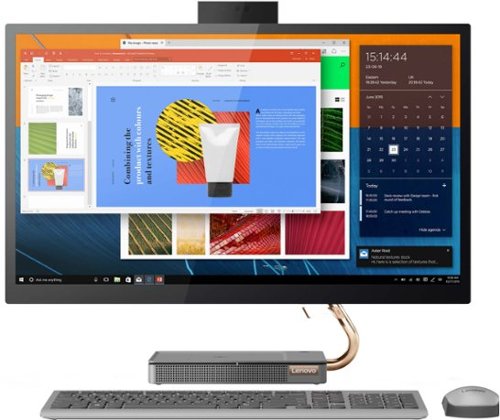
Lenovo - IdeaCentre AIO 5i 27" Touch-Screen All-In-One - Intel Core i5 - 12GB Memory - 512GB Solid State Drive - Mineral Gray
Inspired by the great outdoors, the eye-catching Lenovo IdeaCentre AIO 5i takes its cue from the mighty Cypress tree. Perfectly balanced and durable without sacrificing an ounce of performance with 10th generation Intel Core i5 processor, this all-in-one PC represents an appealing addition to any home.
Can I hook up another 27" Lenovo monitor and run 2 monitors?

Yes. This Lenovo IdeaCentre 5i 27 All-In-One System, model number F0FA008GUS, supports up to 2 independent displays via native display and 1 external monitor; supports external monitor via HDMI.
4 years, 2 months ago
by
Posted by:
Lenovo Product Expert
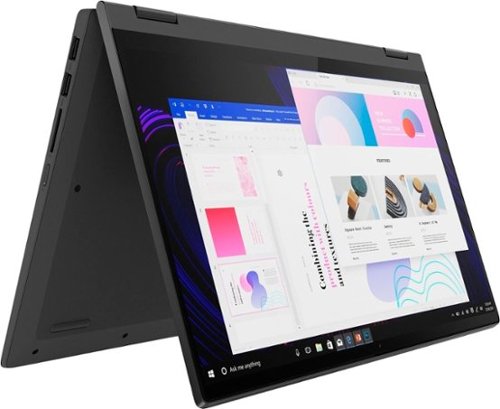
Lenovo - IdeaPad Flex 5 15ITL05 2-in-1 15.6" Laptop - Intel Core i5 - with 8GB Memory - 256 GB SSD - Graphite Gray
The IdeaPad Flex 5 2-in-1 Laptop. Featuring fast processors, an IPS touchscreen, and a 360-degree hinge to get things done efficiently for work, home, or school. Boasting a long battery life and security assets that include a webcam privacy shutter and fingerprint reader, the IdeaPad Flex 5 2-in-1 Laptop allows you to be creative and stay on point with your tasks.
Is there a USB port
Yes. This Lenovo Flex 5i 15, model number 82HT00CQUS, ships with these ports: 1x USB 3.2 Gen 1 Type A, 1x USB 3.2 Gen 1 Type A (Always On), 1x USB-C 3.2 Gen 1 (support data transfer and Power Delivery), 1x HDMI 1.4b, 1x Card reader, 1x Headphone / microphone combo jack (3.5mm), 1x Power connector.
4 years, 2 months ago
by
Posted by:
Lenovo Product Expert
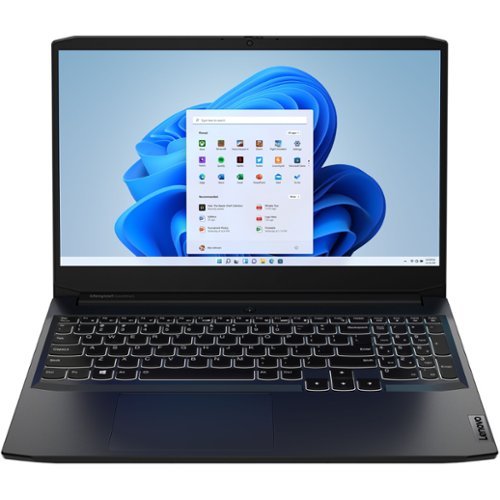
Lenovo - IdeaPad Gaming 3 15IHU6 15.6" Gaming Laptop - Intel Core i5 - 8 GB Memory - NVIDIA GeForce RTX 3050 - 256 GB SSD - Shadow Black
Lenovo Gaming 3 Series. Experience gaming like never before on the IdeaPad Gaming 3i laptop powered by an Intel Core processor. Play and stream PC games at peak performance on the IdeaPad Gaming 3i with up to 4.4GHz clock speed, 4 core, 8MB cache, NVIDIA GeForce RTX 3050 Graphics, High Definition Audio, and Wi-Fi 6 with Bluetooth 5.0.
can I upgrade the processor to an i9 or an i7?
No. Currently, this Lenovo IdeaPad 3 15 Gaming laptop, model number 82K1015EUS, is only available with the Intel Core i5-11300H Processor.
4 years, 2 months ago
by
Posted by:
Lenovo Product Expert
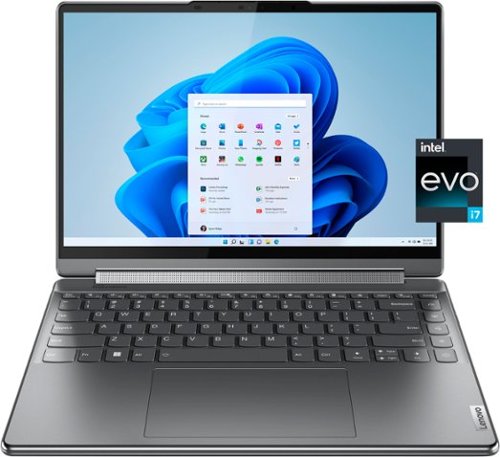
Lenovo - Yoga 9i 14" 4K OLED Touch 2-in-1 Laptop with Pen - Intel Evo Platform - Core i7-1260P - 16GB Memory - 1TB SSD - Storm Grey
The Lenovo Yoga 9i, features the world~s first Bowers & Wilkins speaker system on a laptop offering unparalleled entertainment with Dolby Atmos and powered by the advanced 12th Generation Intel Core processor. Featuring four modes, the Yoga 9i is crafted to merge comfort and aesthetics with rounded edges that allow you to grip, carry or use for longer complimenting the extended battery life and its versatility with smart features like the 1-click function keys and Windows Hello Smart Login on an FHD IR hybrid camera.
Is the 16 mb ram upgradeable?
No. This Intel Evo-Certified, lenovo Yoga 9i 14, model number 82LU0000US, ships with 16GB Soldered LPDDR5-5200MHz RAM Memory soldered to systemboard, no slots, dual-channel and is not upgradeable.
4 years, 2 months ago
by
Posted by:
Lenovo Product Expert
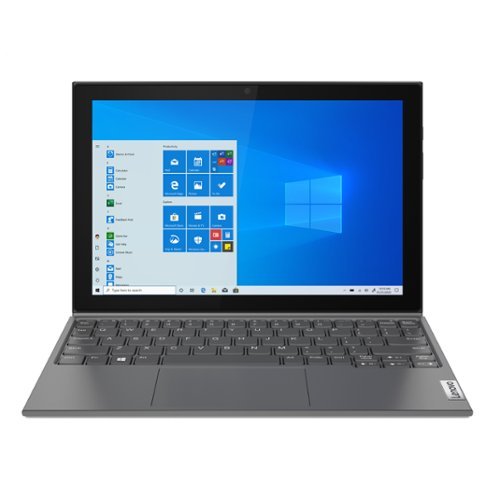
Lenovo - IdeaPad Duet 3 10IGL5 10.3" Laptop - Intel Celeron - 4 GB Memory - 128 GB eMMC - Windows 11 S - Graphite Gray
IdeaPad Duet 3i. Detach from the ordinary. Free yourself from the usual laptop experience with the sleek IdeaPad Duet 3i. A detachable Bluetooth keyboard lets you nimbly switch from laptop to tablet modes, and a kickstand assures easy placement on any surface.
Does it come with a pen? I really hope so. if not what digital pen should I buy?
This Lenovo IdeaPad Duet 3 Laptop, model number 82AT00F1US, is compatible with an AES Protocol Active/Digital Pen, which is sold separately, like this one: https://www.bestbuy.com/site/wacom-bamboo-ink-smart-stylus-for-windows-ink-2nd-generation-gray/6374981.p?skuId=6374981
4 years, 2 months ago
by
Posted by:
Lenovo Product Expert
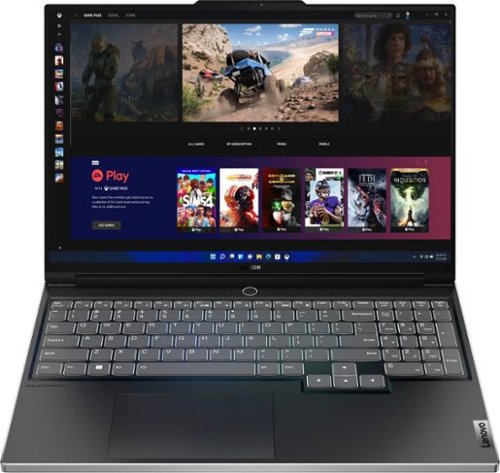
Lenovo - Legion Slim 7i 16" Full HD Gaming Laptop - Core i7-12700H - 16GB Memory - NVIDIA GeForce RTX 3060 - 512GB SSD - Onyx Grey
Engineered for those who know gaming is a way of life, the Lenovo~ Legion Slim 7, in Onyx Grey, is calibrated for next-gen creation and gaming alike. Redefine gaming experiences with the latest generation Intel Core i7 processor and NVIDIA GeForce RTX graphics that are AI-optimized via the Legion AI Engine, all the while cooled by the Legion Coldfront 3.0~s thermal system. The Legion Slim 7~s light and exhilarating design is further machined from an Aluminum and Magnesium blend that defies all basic laws of laptop engineering. Crush the competition in WUXGA for immersive gaming anywhere life takes you.
Does this version have a fingerprint ID sign in option or facial recognition option?
This Lenovo Legion Slim 7i 16 Gaming Laptop, model number 82TF000RUS, ships with a Touch style fingerprint reader on power button.
4 years, 2 months ago
by
Posted by:
Lenovo Product Expert
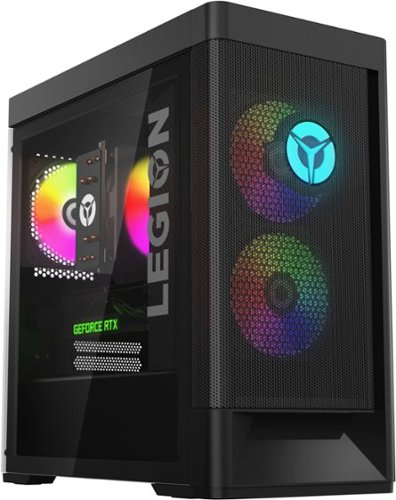
Lenovo - Legion Tower 5i Gaming Desktop - Intel Core i5-12400 - 16GB Memory - NVIDIA GeForce RTX 3050 - 256GB SSD + 1TB HDD - Black
Dominate your competition with the savage power and blistering speeds of your essential battlestation: the Lenovo Legion Tower 5i. 12th Generation Intel Core processors and the latest NVIDIA GeForce graphics cards deliver a stunning show of force with speed-barrier-breaking refresh rates at 4K, along with cool and quiet performance in a compact casing marked by a clean design and build.
can this pc run valorant? cause I need tpm 2.0 for valorant does it have tpm 2.0 and what version of windows does it run
This Lenovo Legion Tower 5i Gaming Desktop Computer, model number 90SU000RUS, ships with the Firmware TPM 2.0 integrated in chipset, security chip and has the Windows 11 Home, 64-bit Operating System installed. Whether it will run a specific game, will depend on the specific game's requirements and compatibility. We recommend you check with the specific game's software publisher's web site for their compatibility with Windows 11 Home 64-bit operating system and the minimum/recommended hardware requirements (Is a Graphics card required, the processor speed and the minimum required system RAM and the minimum available hard drive space) to run their program, then compare those requirements to this system's configuration.
4 years, 2 months ago
by
Posted by:
Lenovo Product Expert
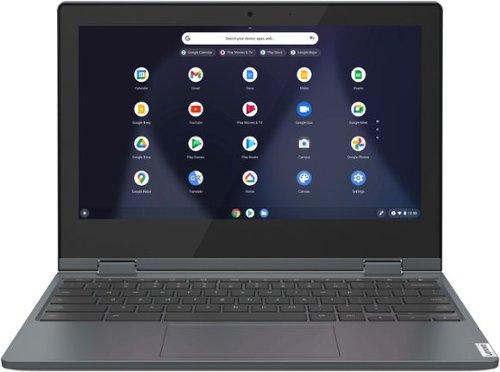
Lenovo - Flex 3 Chromebook 11.6" HD Touch-screen Laptop - Celeron N4020 - 4GB - 64GB eMMC - Abyss Blue
Fast, flexible, and fun, the Lenovo~ IdeaPad~ Flex 3 Chromebook 11" brings everyone~s favorite Chromebook features, housed in a slim 2-in-1 chassis, running on the lightning-fast Chrome OS that boots up in seconds, updates automatically, and is protected by built-in virus protection. Smaller than a piece of A4 paper, the IdeaPad Flex 3 Chromebook 11" features an Intel processor with up to 10 hours battery life. IdeaPad Flex 3 Chromebook 11" is your best companion from day to night.
What is the ChromeOS Auto Update Ending date?
This Lenovo Flex 3 11 Chromebook, model number 82BB000AUS, will continue to receive automatic Google Updates through June 2028.
4 years, 2 months ago
by
Posted by:
Lenovo Product Expert
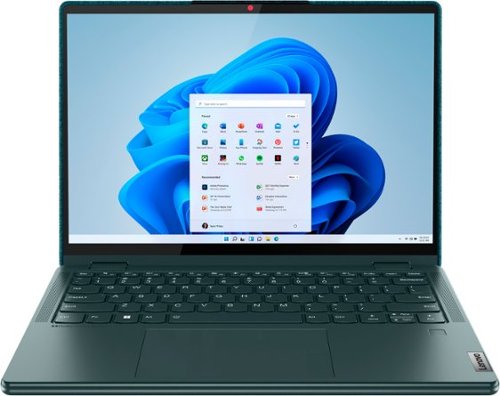
Lenovo - Yoga 6 13.3" WUXGA (1920 x 1200) Touch 2-in-1 Laptop -Ryzen 5 5500U - 8GB Memory - 256GB SSD - Dark Teal
Thin, light and framed by the comfort edge of the Lenovo Yoga 6 is both portable and comfortable to use. Add into that our commitment to sustainability, and we have the perfect on-the-go product for throwing in your bag and taking anywhere. Bring big-screen cinema to life with Dolby Vision on the breathtaking 16:10 FHD display with 100% sRGB for color accuracy paired with immersive Dolby Atmos optimized on front firing speakers.
Does this come with a warranty and if so what does it entail; what does it cover and not cover and for what period of time?
This Lenovo Yoga 6 13 model number 82UD0002US, ships with a limited, 1-year manufacturer's warranty, covering OEM hardware issues.
4 years, 2 months ago
by
Posted by:
Lenovo Product Expert
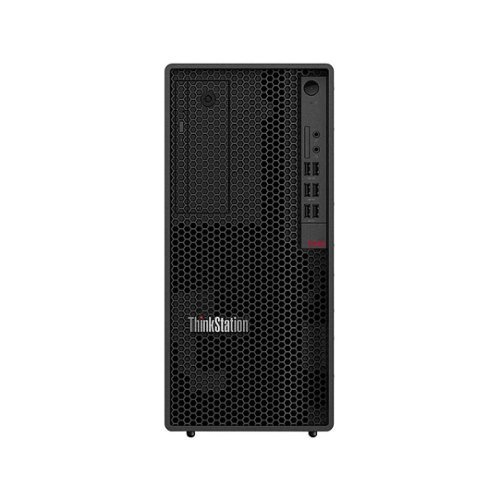
Lenovo - ThinkStation P348 Tower Desktop - Intel Core i7 - 16GB Memory - 512SSD - Black
Workstation power is now within your reach with the ThinkStation P348. Built for mission-critical tasks that require superior reliability and performance, the ThinkStation P348 leads on both counts and does it with exceptional all-around value. Perfectly configured for the work you do, this ISV-certified system features 11th Gen Intel Core i7 processors and Intel UHD graphics for the ultimate price for performance. The ideal workstation solution for entry level CAD, professionals, STEM educators and students alike, the P348 provides the value you need without compromising on reliability.
What kind of display is included? Or is this just the tower? Is it eligible for the tax free purchase in Misourri this weekend?
This ThinkStation P348 Tower, model number 30EQ024EUS, does not ships with a monitor. The monitor is sold separately and displayed as a suggestion only. This ThinkStation P348 Tower, does ship with a wired keyboard and mouse included.
4 years, 2 months ago
by
Posted by:
Lenovo Product Expert