Lenovo Product Expert
Lenovo Product Expert's Stats
Reviews
- Review Count0
- Helpfulness Votes0
- First ReviewNone
- Last ReviewNone
- Featured Reviews0
- Average Rating0
Reviews Comments
- Review Comment Count0
- Helpfulness Votes0
- First Review CommentNone
- Last Review CommentNone
- Featured Review Comments0
Questions
- Question Count0
- Helpfulness Votes0
- First QuestionNone
- Last QuestionNone
- Featured Questions0
- Answer Count37809
- Helpfulness Votes24,834
- First AnswerApril 21, 2014
- Last AnswerOctober 9, 2026
- Featured Answers0
- Best Answers2828
Lenovo Product Expert's Reviews
Lenovo Product Expert has not submitted any reviews.
Lenovo Product Expert's Questions
Lenovo Product Expert has not submitted any questions.
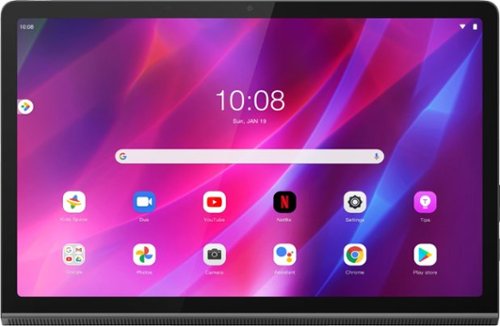
Lenovo - Yoga Tab 11 - 11" - Tablet - 256GB - Storm Gray
Recreate cinema everywhere you go on the Lenovo Yoga Tab 11. Start with the stunning 2K display with Dolby Vision. Add in quad JBL speakers with Dolby Atmos moving audio tuned by Lenovo Premium Audio. It's cinema styled for smaller spaces.
Is the Active Pen 2 compatible with this device?

Yes. This Lenovo Yoga Tab 11 is compatible with an AES Protocol Active/digital pen, like the Lenovo Active Pen 2.
4 years, 5 months ago
by
Posted by:
Lenovo Product Expert
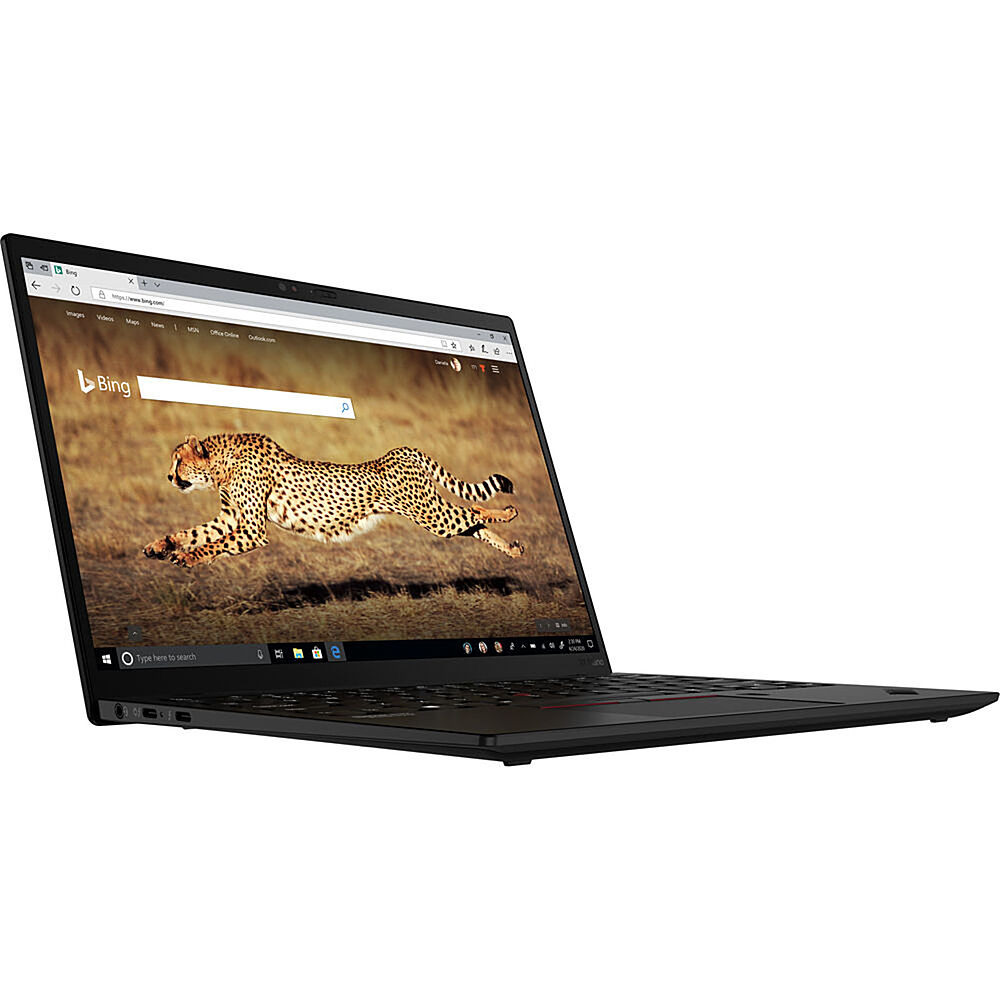
Lenovo - 13" ThinkPad X1 Nano Gen1 Laptop - Intel Core i5 - 16GB Memory - 256 SSD - Black
The ThinkPad X1 Nano is our first ThinkPad laptop to use the Intel Evo platform, delivering a powerhouse combination of performance, responsiveness, battery life, and stunning visuals. With up to 11th Gen Intel Core vPro i7 processors, you can count on an exceptional experience, anywhere.
How does this laptop handle zoom calls, especially when using virtual background and sharing a powerpoint presentation simultaneously?
That will depend on the requirements and compatibility of the specific video conferencing APP you will need to use. This Lenovo ThinkPad X1 Nano Gen 1 Laptop, model number 20UN000DUS, ships with the 4-Core/8-Thread, 11th Gen Intel Core i5-1130G7 Processor, with a base speed of 1.8GHz and a Turbo Boost Speed of up to 4.0GHz. This processor is supported by 16GB LPDDR4x-4266 soldered RAM and uses the Windows 10 Pro, 64-bit Operating System. We recommend you check with the specific video conferencing software publisher's web site of the APP you will be using, for their compatibility with Windows 10 Pro 64-bit operating system and the minimum/recommended hardware requirements (Is a Graphics card required, the processor speed and the minimum required system RAM and the minimum available hard drive space) to run their program, based on your specific requirements, then compare those requirements to this system's configuration.
4 years, 5 months ago
by
Posted by:
Lenovo Product Expert
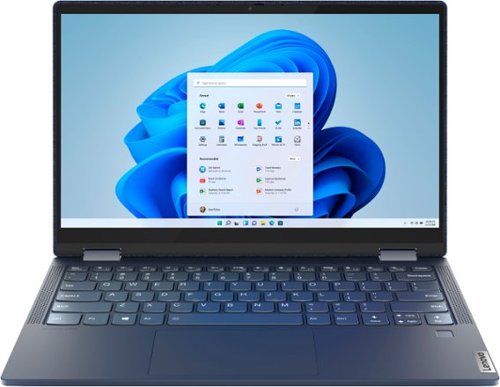
Lenovo - Yoga 6 13 2-in-1 13.3" Touch Screen Laptop - AMD Ryzen 7 - 16GB Memory - 512GB SSD - Abyss Blue with Fabric Cover
The Lenovo~ Yoga~ 6 is an ultra-portable 2-in-1 that combines unique style with the powerful responsiveness of an AMD Ryzen~ 5000 Series Mobile Processor, abundant memory and SSD storage. Enjoy a rich multimedia experience with the clarity of a 13.3" FHD touchscreen display, and enveloping sound with Dolby Atmos~-optimized stereo speakers.
Is this dual voltage as I be want to bring this to Italy where outlets are 220v or is this 110v only and I have to buy a converter?
This Lenovo Yoga 6 13, model number 82ND006QUS, is a 110V device. It does ships with a Dual Voltage, 45W USB-C (3-pin) AC adapter/charger, supports PD 3.0, 100-240V, 50-60Hz, with a USA compatible wall side plug. To use this AC adapter/charger out side the USA, you will need to add a compatible wall side plug adapter, compatible with the Country where the computer will be used. This wall side adapter is sold separately.
4 years, 5 months ago
by
Posted by:
Lenovo Product Expert
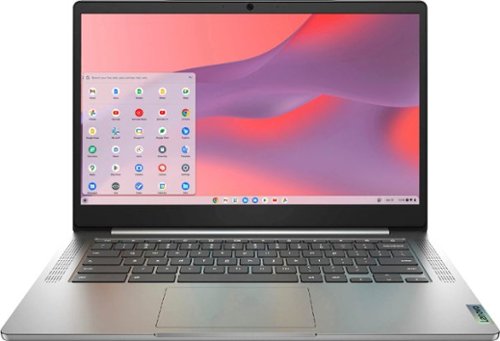
Fast, flexible, and fun, the Chromebook 3-14" brings everyone~s favorite Chromebook features, running on the lightning-fast Chrome OS that boots up in seconds, updates automatically, and is protected by built-in virus protection. Powered by a MediaTek processor and up to 10 hours of battery life, it~ll seamlessly run all of your favorite apps at the same time. Get Minecraft and 3 months of Realms Plus at no cost* with purchase of a new Chromebook. Terms Apply. *Offer valid for qualifying Chromebooks purchased on or after July 1st, 2023 through September 30th, 2023 while supplies last.
Is this computer backlit
No. This Lenovo Chromebook 3 14 model number 82KN0001US, does not have a backlit keyboard.
4 years, 5 months ago
by
Posted by:
Lenovo Product Expert

Lenovo - IdeaPad 3 15" HD Touch Screen Laptop - Intel Core i3-1115G4 - Intel UHD Graphics - 8GB Memory - 256GB SSD - Almond
Engineered for long-lasting performance, the Lenovo IdeaPad 3 is the perfect laptop for your everyday tasks with features that you can depend on.
Can I play Sims 4 on this laptop?
That really will depend on the requirements and compatibility of the specific game you want to play. This Lenovo IdeaPad 3 15 laptop, model number 81X800KLUS, ships with Windows 11 S-Mode 64-bit Operating System installed. Windows 11 S-Mode provides added security by only allowing APPs available ( and therefore certified by Microsoft) at the Microsoft Store. If you don't need the added security or you need to install APPs not available at the Microsoft Store, you can switch to standard Windows 11 Home 64-bit Operating System, at no additional cost. We recommend you check with the specific game's software publisher's web site, of the game you want to play, for their compatibility with Windows 11 S-Mode 64-bit operating system and the minimum/recommended hardware requirements (Is a Graphics card required, the processor speed and the minimum required system RAM and the minimum available hard drive space) to run their program, then compare those requirements to this system's configuration. If you choose to switch out of S-Mode for Windows 11 Home: Here is a link to instructions for switching from Windows 11 S-Mode to Windows 11 Home: https://support.microsoft.com/en-us/help/4456067/windows-10-switch-out-of-s-mode
4 years, 5 months ago
by
Posted by:
Lenovo Product Expert
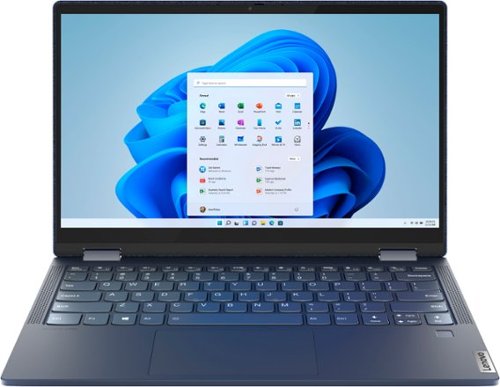
Lenovo - Yoga 6 13 2-in-1 13.3" Touch Screen Laptop - AMD Ryzen 5 - 8GB Memory - 256GB SSD - Abyss Blue with Fabric Cover
The Lenovo~ Yoga~ 6 is an ultra-portable 2-in-1 that combines unique style with the powerful responsiveness of an AMD Ryzen~ 5000 Series Mobile Processor, abundant memory and SSD storage. Enjoy a rich multimedia experience with the clarity of a 13.3" FHD touchscreen display, and enveloping sound with Dolby Atmos~-optimized stereo speakers.
How do you connect a monitor to the laptop?
This Lenovo Yoga 6 13 model number 82ND006YUS, ships with 2x USB-C 3.2 Gen 1 (support data transfer and DisplayPort 1.4) ports with video out capability to external monitors and supports up to 3 independent displays (native display and 2 external monitors via USB-C). USB-C supports up to 3840x2160@60Hz. If the monitor you are using does not have a USB-c connection for video in, you can connect an HDMI monitor to the Yoga 6 13 by using a USB-c to HDMI adapter like this one: https://www.bestbuy.com/site/insignia-usb-c-to-hdmi-adapter-black/6473497.p?skuId=6473497
4 years, 5 months ago
by
Posted by:
Lenovo Product Expert
Lenovo - IdeaPad 3 15" HD Touch Screen Laptop - Intel Core i3-1115G4 - Intel UHD Graphics - 8GB Memory - 256GB SSD - Almond
Engineered for long-lasting performance, the Lenovo IdeaPad 3 is the perfect laptop for your everyday tasks with features that you can depend on.
Do I need to get Windows 365 if this laptop comes with Windows 11?
This Lenovo IdeaPad 3 15 Laptop, model number 81X800KLUS, ships with a 30-day trial of Microsoft Office 365 included as part of the Windows 11 operating system. To keep the program active after the trial period, you will need to purchase a product key. You will not need to download any additional software.
4 years, 5 months ago
by
Posted by:
Lenovo Product Expert
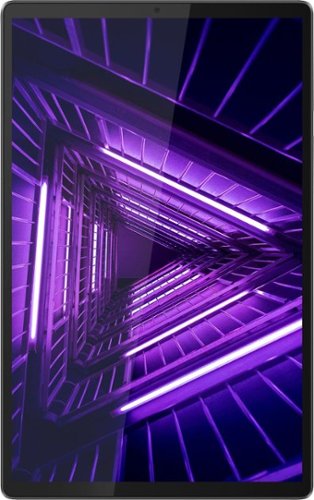
Lenovo - Tab M10 FHD Plus (2nd Gen) - 10.3" - Tablet - 32GB - Iron Gray
Lenovo~ Tab M10 Plus is one impressive media tablet from the 2nd generation tab family. Its standout metal design gives you a premium look and feel with modern simplicity. Inside lies a 10.3" FHD screen and dual speakers for truly immersive entertainment. This is one tablet you will want to use and pass around the house.
Can you download e-books from Amaszon to this device?
That will depend on the requirements and compatibility of the APPs you are using. The Lenovo Tab M10 Plus Tablet ships with Android 9.0 Operating System installed and is compatible with Google Play Store APPs. We recommend you check with the specific APPs software publisher's web sites, of the APPs you want to use, for their compatibility with the Android 9.0 operating system and the minimum/recommended hardware requirements (Is a Graphics card required, the processor speed and the minimum required system RAM and the minimum available hard drive space) to run their program, then compare those requirements to this tablet's configuration.
4 years, 5 months ago
by
Posted by:
Lenovo Product Expert
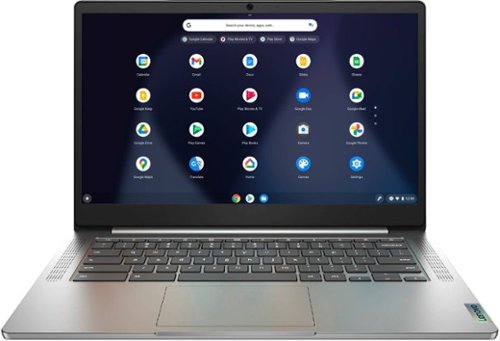
Lenovo - Chromebook 3 14" Laptop - Mediatek MT8183 - 4GB Memory - 64GB eMMC - Arctic Grey
Fast, flexible, and fun, the Chromebook 3-14" brings everyone~s favorite Chromebook features, running on the lightning-fast Chrome OS that boots up in seconds, updates automatically, and is protected by built-in virus protection. Powered by a MediaTek processor and up to 10 hours of battery life, it~ll seamlessly run all of your favorite apps at the same time.
Is this 5G or 5G compatible?
This Lenovo Chromebook 3 14 model number 82KN0000US, uses WiFi, 2x2 802.11ac frequency only for internet connectivity. It has no cellular/broadband data capability built in. You could create a WiFi Hotspot with a compatible cell phone, then connect this Lenovo Chromebook 3 14 to that WiFi signal. We recommend you contact your cellular provider for more information.
4 years, 5 months ago
by
Posted by:
Lenovo Product Expert
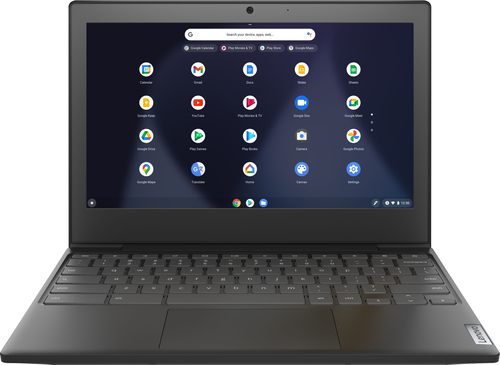
Lenovo - Chromebook 3 11" Chromebook - AMD A6 - 4GB Memory - 32GB eMMC Flash Memory
Fast, flexible, and fun, the Chromebook 3-11" brings everyone~s favorite Chromebook features, housed in a slim chassis, running on the lightning-fast Chrome OS that boots up in seconds, updates automatically, and is protected by built-in virus protection. Powered by an AMD A6 processor with up to 10 hours of battery life, the IdeaPad 3 Chromebook can seamlessly run all of your favorite apps at the same time
Can this be connected to a desktop computer via WiFi?
Yes. Here is a link to information about connecting this Lenovo Chromebook 3 11 to your PC via your local WiFi network: https://support.google.com/chromebook/answer/10062898?hl=en
4 years, 5 months ago
by
Posted by:
Lenovo Product Expert