Lenovo Product Expert
Lenovo Product Expert's Stats
Reviews
- Review Count0
- Helpfulness Votes0
- First ReviewNone
- Last ReviewNone
- Featured Reviews0
- Average Rating0
Reviews Comments
- Review Comment Count0
- Helpfulness Votes0
- First Review CommentNone
- Last Review CommentNone
- Featured Review Comments0
Questions
- Question Count0
- Helpfulness Votes0
- First QuestionNone
- Last QuestionNone
- Featured Questions0
- Answer Count37834
- Helpfulness Votes24,836
- First AnswerApril 21, 2014
- Last AnswerOctober 12, 2026
- Featured Answers0
- Best Answers2829
Lenovo Product Expert's Reviews
Lenovo Product Expert has not submitted any reviews.
Lenovo Product Expert's Questions
Lenovo Product Expert has not submitted any questions.
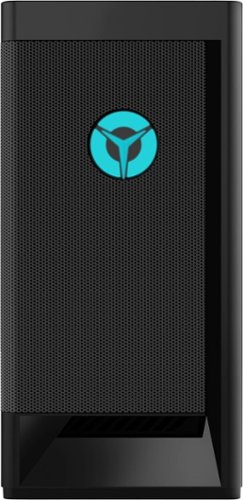
Lenovo - Legion Tower 5i - 90RS0016US 26 / Core i5-11400 / 8GB / 256GB / 1TB / Nvidia GeForce GTX1660 Super / Windows 11 Home - Raven Black
Engineered out of a passion for savage power and unmatched speed, the Lenovo~ Legion Tower 5i delivers mind-blowing performance that combines 11th Generation Intel~ Core~ processors and top-of-the-line NVIDIA~ GeForce~ graphics cards for blazing-fast frame rates at up to 4K resolution. Pushing far beyond the upper bounds of smaller rig configurations while keeping things cool and whisper quiet, the Legion Tower 5i is a marvel of build and design, accentuated by its illuminated blue LED logo and lighting, as well a transparent side panel that can properly showcase your internals.
what is the motherboard for this PC? does it support thunderbolt add-in PCIe card?

This Lenovo Legion Tower 5i Gaming Desktop Computer, model number 90RS0016US, ships with a Intel Rocket-Lake B560 WIN DPK SYSTEM BOARD, Lenovo Part Number - 5B20W27656. The ports installed on this model configuration are: Top Ports - 2x USB 3.2 Gen 1, 1x headphone (3.5mm),
1x microphone (3.5mm). Rear Ports - 2x USB 2.0, 2x USB 3.2 Gen 1, 1x USB-C 3.2 Gen 2 (support data transfer and 5V@3A charging), 3x audio out (5.1 channel), 1x Ethernet (RJ-45), 1x power connector. This model configuration ships with the NVIDIA GeForce GTX 1660 SUPER GPU, with 6GB GDDR6 VRAM on the card and has 1x DVI, 1x HDMI 2.0b, 1x DP 1.4 ports available for video out connections. Here is a link to the complete parts list for this model configuration: https://pcsupport.lenovo.com/us/en/products/desktops-and-all-in-ones/legion-series/legion-t5-26iob6/90rs/90rs0016us/parts/display/model
1x microphone (3.5mm). Rear Ports - 2x USB 2.0, 2x USB 3.2 Gen 1, 1x USB-C 3.2 Gen 2 (support data transfer and 5V@3A charging), 3x audio out (5.1 channel), 1x Ethernet (RJ-45), 1x power connector. This model configuration ships with the NVIDIA GeForce GTX 1660 SUPER GPU, with 6GB GDDR6 VRAM on the card and has 1x DVI, 1x HDMI 2.0b, 1x DP 1.4 ports available for video out connections. Here is a link to the complete parts list for this model configuration: https://pcsupport.lenovo.com/us/en/products/desktops-and-all-in-ones/legion-series/legion-t5-26iob6/90rs/90rs0016us/parts/display/model
4 years, 8 months ago
by
Posted by:
Lenovo Product Expert
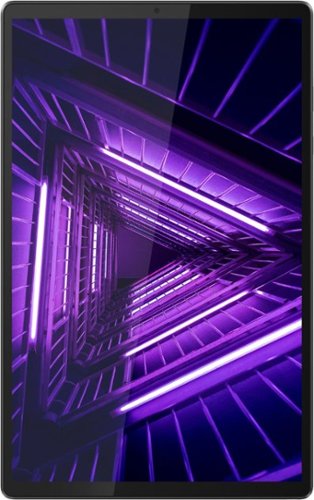
Lenovo - Tab M10 FHD Plus (2nd Gen) - 10.3" - Tablet - 128GB - Iron Gray
Lenovo~ Tab M10 Plus is one impressive media tablet from the 2nd generation tab family. Its standout metal design gives you a premium look and feel with modern simplicity. Inside lies a 10.3" FHD screen and dual speakers for truly immersive entertainment. This is one tablet you will want to use and pass around the house.
I received my tablet. The directions state that I need to install the SD card. An SD Card was not included in the package. Where is the SD card that I'm supposed to install?
SD cards are sold separately and are not required for the operation of this Lenovo Tab M10 Plus Tablet. The SD card merely increases the storage space available on the tablet, in addition to the installed 128GB of storage this M10 Tablet ships with.
4 years, 8 months ago
by
Posted by:
Lenovo Product Expert
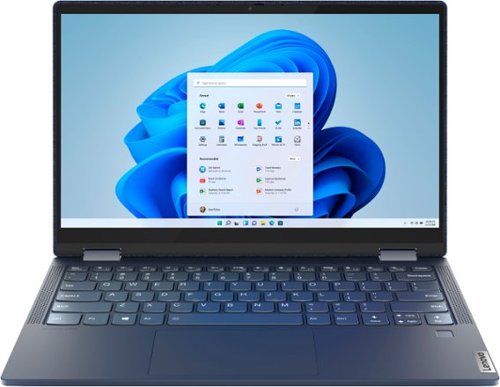
Lenovo - Yoga 6 13 2-in-1 13.3" Touch Screen Laptop - AMD Ryzen 7 - 16GB Memory - 512GB SSD - Abyss Blue with Fabric Cover
The Lenovo~ Yoga~ 6 is an ultra-portable 2-in-1 that combines unique style with the powerful responsiveness of an AMD Ryzen~ 5000 Series Mobile Processor, abundant memory and SSD storage. Enjoy a rich multimedia experience with the clarity of a 13.3" FHD touchscreen display, and enveloping sound with Dolby Atmos~-optimized stereo speakers.
Can Alexa be removed?
Yes. Alexa capability is available within this Lenovo Yoga 6 13 model number 82ND006QUS, but the Alexa functionality will only become active when the user activates an Amazon Account on the computer. The Alexa software can be uninstalled from the computer.
4 years, 8 months ago
by
Posted by:
Lenovo Product Expert
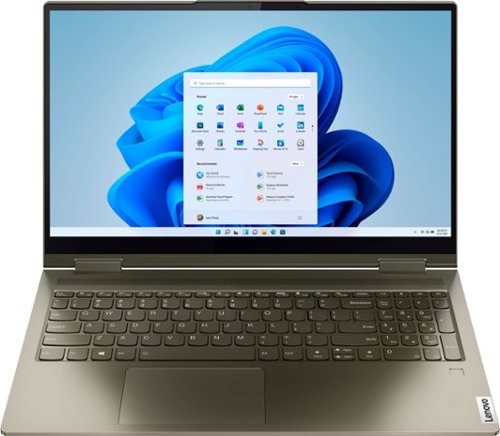
Lenovo - Yoga 7 15ITL5 2-in-1 15.6" Touch-Screen Laptop - Intel Core i7 with 12GB Memory - 512 GB SSD - Dark Moss
Enjoy vibrant visuals on a 15.6 inch FHD display edged with microborders and optimized with an Intel Core processor and Iris Xe graphics. Combining that with a user-facing Dolby Atmos Speaker System, the Yoga 7 2-in-1 laptop offers entertainment that will go anywhere. Crafted from sandblasted anodized metal, the Yoga 7~s subtly rounded edges are designed to feel comfortable in your hands. A 360-degree hinge offers stability as you transition from tablet to laptop mode and back. Thoughtful details include a webcam privacy shutter and a color-matched keyboard with backlighting.
Can I set up the computer in Spanish?
You can change the language that Windows 11 64-bit Operating System displays in on this Lenovo Yoga 7i 15. Here is a link to more information: https://www.digitalcitizen.life/change-language-windows-11/
4 years, 8 months ago
by
Posted by:
Lenovo Product Expert
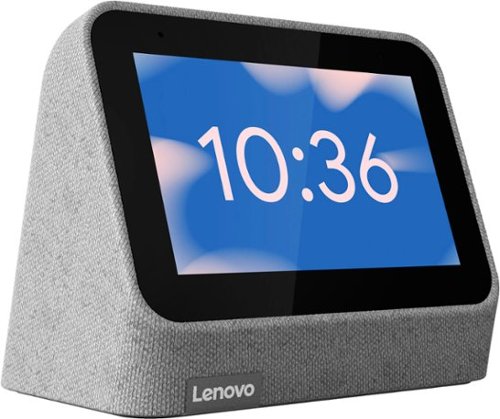
Lenovo - Smart Clock (2nd Gen) 4" Smart Display with Google Assistant - Heather Grey
The best bedroom Smart Clock just got even better. The Lenovo Smart Clock Gen 2 has a 4~ color touchscreen showcases the time, weather and your family photos. Choose a customizable clock face or check in on your smart cameras feeds before bed. With multiroom audio, you can add your Lenovo Smart Clock Gen 2 to a speaker group and play media across multiple devices and rooms.
Can you set alarms from a Google account on a computer?
No. You will need to either use the Google Home APP (for deleting an alarm, you will not be able to set a new alarm within the Google Home APP) installed on the smart device you used for the initial setup of your Lenovo Smart Clock 2, the manual alarm setup controls on the Smart Clock 2 itself or by using a Voice Command through the Google Assistant within the Smart Clock 2.
4 years, 8 months ago
by
Posted by:
Lenovo Product Expert
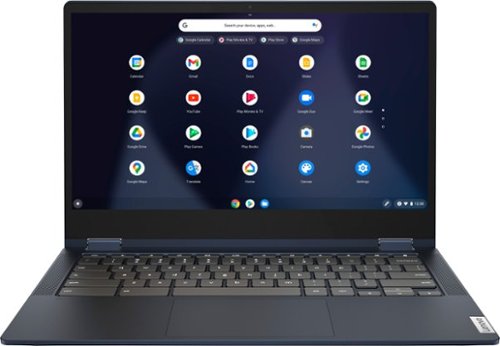
Lenovo - Flex 5 13" 2-in-1 Chromebook - Pentium 7505 - 4GB Memory - 32GB eMMC
Lenovo~ IdeaPad~ Flex 5 Chromebook 13", powered by Intel Pentium 7505 Processor, boasts up to 10 hours of battery life to let you get things done quickly and easily with all your favorite Chromebook features. Use your Google Account for seamless access to your files, photos, music and you can start an immersive entertainment experience with the user-facing stereo speakers and IPS FHD display~or you can enjoy more by apps downloaded on the Google Play Store. Any great idea pop up in mind? Just flip your Chromebook and dot your ideas with the Lenovo digital pen to catch the moment.
Can you connect this laptop to a TV wirelessly? Without HDMI or any other cable?
Like all Chromebooks, this Lenovo Flex 5 13 Chromebook, with its Google Chrome OS has built-in support for Chromecast devices, meaning you don't need a browser or an extension to cast your Chromebook's screen to a TV that has Chromecast capability.
4 years, 8 months ago
by
Posted by:
Lenovo Product Expert
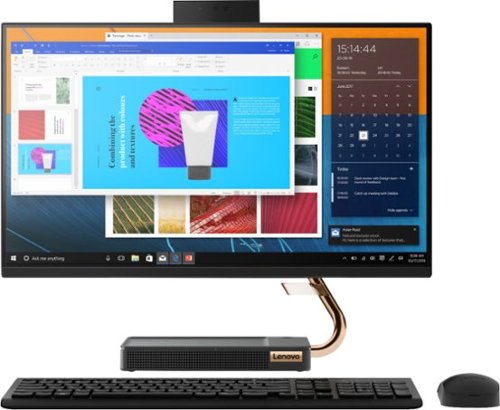
Lenovo - A540-24API 23.8" Touch-Screen All-In-One - AMD Ryzen 3-Series - 8GB Memory - 256GB Solid State Drive - Black
Get the job done with this Lenovo IdeaCentre all-in-one computer. The 23.8-inch Full HD capacitive display offers high-quality visuals and smooth touch operation while typing, and 8GB of RAM lets you run several windows simultaneously. This Lenovo IdeaCentre all-in-one computer features a 256GB SSD for fast data access and an AMD Ryzen 3 3200 processor for seamless performance while streaming.
Where is the power button on this product?
The top right corner of the base.
4 years, 8 months ago
by
Posted by:
Lenovo Product Expert
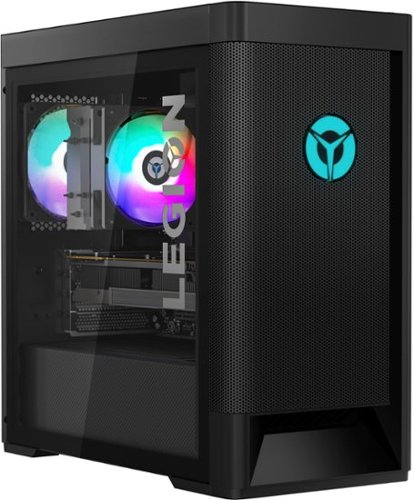
Lenovo - Legion Tower 5 AMD - 90RB001PUS 26/Ryzen 7 5700G/16GB/256GB/1TB/Nvidia GeForce GTX1660 Super/Windows 11 Home - Raven Black
Engineered out of a passion for savage power and unmatched speed, the Lenovo Legion Tower 5 AMD delivers mind-blowing performance that combines AMD Ryzen processors and top-of-the-line NVIDIA GeForce graphics cards for blazing-fast frame rates at up to 4K resolution. Pushing far beyond the upper bounds of smaller rig configurations while keeping things cool and whisper quiet, the Legion Tower 5 is a marvel of build and design, accentuated by its illuminated blue LED logo and lighting, as well a transparent side panel that can properly showcase your internals.
Which ssd's are compatible with this motherbord?
This Lenovo Legion Tower 5 AMD Gaming Desktop Computer, model number 90RB001PUS, ships with a 256GB M.2 2280 PCIe 3.0 NVMe Samsung, solid state hard drive (256G,M.2,2280,PCIe3x4,SAM,OPAL SOLID STATE DRIVE, Lenovo Part Number - 00UP734) + 1TB HDD 7200rpm 3.5 inch mechanical hard drive. Here is a link to the complete parts list for this model which also includes substitute parts, where available: https://pcsupport.lenovo.com/us/en/products/desktops-and-all-in-ones/legion-series/legion-t5-26amr5/90rb/90rb001pus/parts/display/model
4 years, 8 months ago
by
Posted by:
Lenovo Product Expert
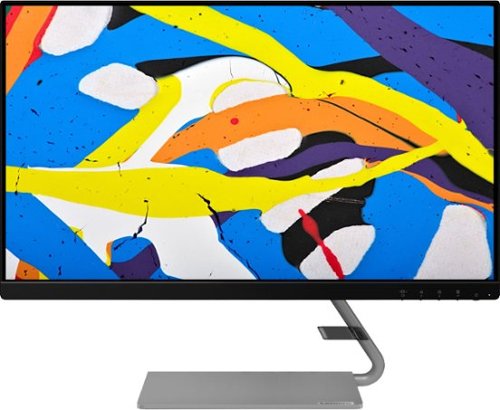
Lenovo - Q24i-1L 23.8" IPS LED FHD FreeSync Monitor Natural Low Blue Light Built-in Speakers (HDMI, VGA) - Black
Add a touch of class and confidence to your living space with the elegantly designed, ultra-slim Lenovo Q24i-1L monitor. Be it in the living room or the study, this sleek display with Full-HD resolution and NearEdgeless bezels bring beauty and functionality together in a perfect 23.8-inch package. Experience superior visuals with its In-Plane Switching display that makes the view from any angle striking. Bid goodbye to eye strain with Natural Low Blue Light and Eyesafe Display Certification that minimize harmful blue light and yellow distortions without impacting color accuracy. Moreover, T~V Rheinland Eye Comfort-certified panel ensures endless viewing comfort. Take your world of entertainment to the next level with the AMD FreeSync~ technology and dual speakers that offer seamless picture quality and rich audio for an immersive experience, every time.
can I connect my Nintendo Switch to this??
That will depend on the requirements and compatibility of the device you want to connect to this Lenovo Q24i-1L Monitor. This Q24i-1L Monitor ships with 1 x HDMI 1.4 port and 1 x VGA port for connecting a compatible video source. We recommend you check with your game console manufacturer's web site for the requirements and compatibility of your specific model gaming console, then compare those requirements to this Q24i-1L Monitor's specific configuration.
4 years, 8 months ago
by
Posted by:
Lenovo Product Expert
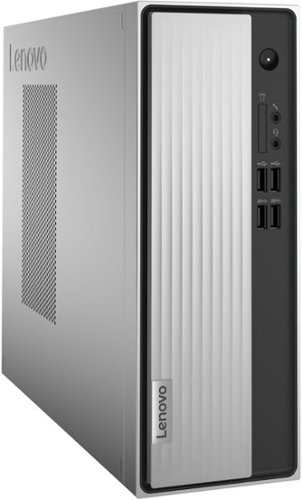
Lenovo - IdeaCentre 3 Desktop - AMD Athlon Silver-Series - 8GB Memory - 256GB SSD - Mineral Grey
Lenovo IdeaCentre 3 07ADA Desktop: Get the job done with this silver Lenovo IdeaCentre 3 desktop computer. An AMD Athlon 3050U processor and 8GB of RAM run multiple programs simultaneously for increased productivity, while the 256GB SSD offers vast storage space for your files and applications. This Lenovo IdeaCentre 3 desktop computer includes a wired mouse and keyboard for easy operation.
I cant see the back of the machine. What cables needed for the two monitor screens set up?
This Lenovo IdeaCentre 3 Desktop Computer, model number 90MV00ELUS, ships with 1x VGA and
1x HDMI 1.4 port.
1x HDMI 1.4 port.
4 years, 8 months ago
by
Posted by:
Lenovo Product Expert