Lenovo Product Expert
Lenovo Product Expert's Stats
Reviews
- Review Count0
- Helpfulness Votes0
- First ReviewNone
- Last ReviewNone
- Featured Reviews0
- Average Rating0
Reviews Comments
- Review Comment Count0
- Helpfulness Votes0
- First Review CommentNone
- Last Review CommentNone
- Featured Review Comments0
Questions
- Question Count0
- Helpfulness Votes0
- First QuestionNone
- Last QuestionNone
- Featured Questions0
- Answer Count37840
- Helpfulness Votes24,840
- First AnswerApril 21, 2014
- Last AnswerOctober 13, 2026
- Featured Answers0
- Best Answers2830
Lenovo Product Expert's Reviews
Lenovo Product Expert has not submitted any reviews.
Lenovo Product Expert's Questions
Lenovo Product Expert has not submitted any questions.
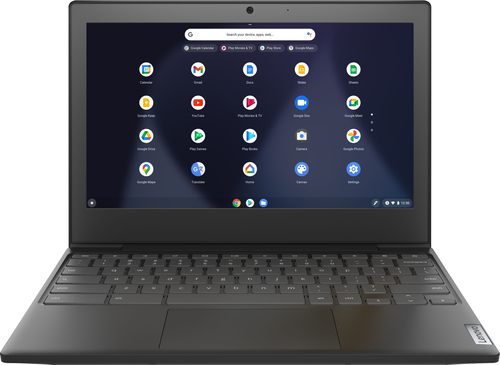
Lenovo - Chromebook 3 11" Chromebook - AMD A6 - 4GB Memory - 32GB eMMC Flash Memory
Fast, flexible, and fun, the Chromebook 3-11" brings everyone~s favorite Chromebook features, housed in a slim chassis, running on the lightning-fast Chrome OS that boots up in seconds, updates automatically, and is protected by built-in virus protection. Powered by an AMD A6 processor with up to 10 hours of battery life, the IdeaPad 3 Chromebook can seamlessly run all of your favorite apps at the same time
Lenovo- Chromebook 3 11" AMD A6 4GB Memory. Is there an outlet on the side for earphones?

Yes. This Lenovo Chromebook 3 11 model number 82H40000US, ships with 1x Headphone / microphone combo jack (3.5mm).
4 years, 9 months ago
by
Posted by:
Lenovo Product Expert
Lenovo - Chromebook 3 11" Chromebook - AMD A6 - 4GB Memory - 32GB eMMC Flash Memory
Fast, flexible, and fun, the Chromebook 3-11" brings everyone~s favorite Chromebook features, housed in a slim chassis, running on the lightning-fast Chrome OS that boots up in seconds, updates automatically, and is protected by built-in virus protection. Powered by an AMD A6 processor with up to 10 hours of battery life, the IdeaPad 3 Chromebook can seamlessly run all of your favorite apps at the same time
Can abelton or music recording programs be ran on this
That will depend on the requirements and compatibility od the specific APPs you want to run. This Lenovo Chromebook 3 11 ships with the Chrome Operating system and is compatible with Google Play Store APPs. We recommend you check with the specific APPs software publisher's web sites, of the specific APPs you will be using, for their compatibility with the Chrome operating system and the minimum/recommended hardware requirements (Is a Graphics card required, the processor speed and the minimum required system RAM and the minimum available hard drive space) to run their program, then compare those requirements to this system's configuration.
4 years, 9 months ago
by
Posted by:
Lenovo Product Expert
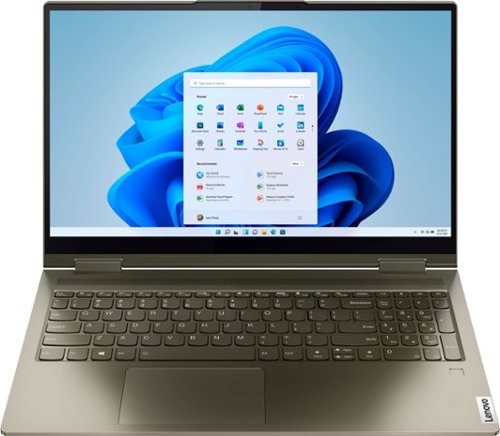
Lenovo - Yoga 7 15ITL5 2-in-1 15.6" Touch-Screen Laptop - Intel Core i7 with 12GB Memory - 512 GB SSD - Dark Moss
Enjoy vibrant visuals on a 15.6 inch FHD display edged with microborders and optimized with an Intel Core processor and Iris Xe graphics. Combining that with a user-facing Dolby Atmos Speaker System, the Yoga 7 2-in-1 laptop offers entertainment that will go anywhere. Crafted from sandblasted anodized metal, the Yoga 7~s subtly rounded edges are designed to feel comfortable in your hands. A 360-degree hinge offers stability as you transition from tablet to laptop mode and back. Thoughtful details include a webcam privacy shutter and a color-matched keyboard with backlighting.
Can you tell me which printer is compatible with Lenovo - Yoga 7i 2-in-1 15.6" Touch Screen Laptop - Intel Evo Platform Core i7 - 12GB Memory - 512GB Solid State Drive - Dark Moss, It has windows 11, I need a new printer as there is no driver up date.
This Intel Evo-Certified, Lenovo Yoga 7i 15 model number 82BJ007WUS, is compatible with any printer, wired or wireless that is compatible with the Windows 11 Operating System. We recommend you check with the printer manufacturer's web site for the compatibility of your specific printer model.
4 years, 9 months ago
by
Posted by:
Lenovo Product Expert
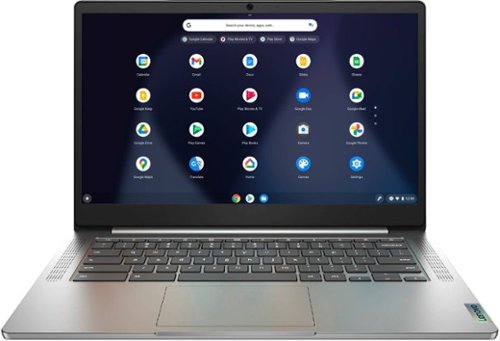
Lenovo - Chromebook 3 14" Laptop - Mediatek MT8183 - 4GB Memory - 64GB eMMC - Arctic Grey
Fast, flexible, and fun, the Chromebook 3-14" brings everyone~s favorite Chromebook features, running on the lightning-fast Chrome OS that boots up in seconds, updates automatically, and is protected by built-in virus protection. Powered by a MediaTek processor and up to 10 hours of battery life, it~ll seamlessly run all of your favorite apps at the same time.
Does this Chromebook come with an audio out port for external speakers or does it have any external speakers of its own. Thank you
The Lenovo Chromebook 3 14 model number 82KN0000US, ships with its own internal stereo system speakers, 2W x2. There is also a 1x Headphone / microphone combo jack (3.5mm) that can support audio out to compatible external computer speakers. We recommend you check with the external computer speaker manufacturer's web site for specific requirements and compatibility of their products.
4 years, 9 months ago
by
Posted by:
Lenovo Product Expert
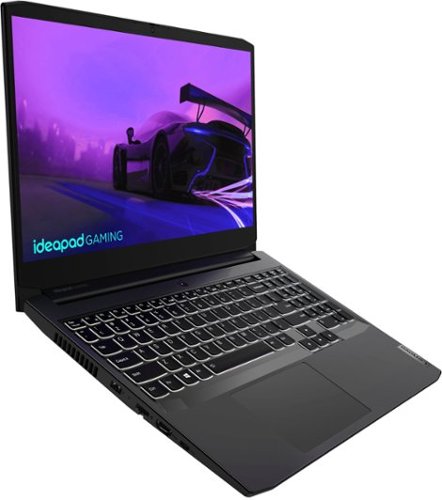
Lenovo - IdeaPad Gaming 3i 15" Laptop - Intel Core i5-11300H - NVIDIA GeForce GTX 1650 - 8GB Memory - 512GB SSD - Shadow Black
Time to elevate your game and esports experience beyond the realm of the ~just acceptable~ with a PC that stands tall amongst your gaming circle. Engineered with Intel i5 H-series processor, NVIDIA~ GeForce~ GTX 1650 graphics, DDR4 memory and M.2 NVMe SSD storage options, the Lenovo~ IdeaPad~ Gaming 3 projects a quiet and serene confidence with smooth, crystal-clear visuals and seamless gameplay that stays cool through improved thermals. The IdeaPad Gaming 3 is also stunning visually turned on or off with an FHD display and an advanced gaming keyboard.
is this laptop compatible with the quest 2
We recommend you check with the specific game's software publisher's web site for their compatibility with Windows 11 Home 64-bit operating system and the minimum/recommended hardware requirements (Is a Graphics card required, the processor speed and the minimum required system RAM and the minimum available hard drive space) to run their program, then compare those requirements to this system's configuration.
4 years, 9 months ago
by
Posted by:
Lenovo Product Expert
Lenovo - Chromebook 3 14" Laptop - Mediatek MT8183 - 4GB Memory - 64GB eMMC - Arctic Grey
Fast, flexible, and fun, the Chromebook 3-14" brings everyone~s favorite Chromebook features, running on the lightning-fast Chrome OS that boots up in seconds, updates automatically, and is protected by built-in virus protection. Powered by a MediaTek processor and up to 10 hours of battery life, it~ll seamlessly run all of your favorite apps at the same time.
Is this compatible with a cricut explore air 2
That will depend on the requirements and compatibility of the specific device you want to connect. This Lenovo Chromebook 3 14 ships with the Chrome Operating System and is compatible with Google Play Store APPs. We recommend you check with the specific device manufacture's web site, of the device you want to use, for their compatibility with the Chrome operating system and the minimum/recommended hardware requirements (Is a Graphics card required, the processor speed and the minimum required system RAM and the minimum available hard drive space) to run their program, then compare those requirements to this system's configuration.
4 years, 9 months ago
by
Posted by:
Lenovo Product Expert
Lenovo - Chromebook 3 11" Chromebook - AMD A6 - 4GB Memory - 32GB eMMC Flash Memory
Fast, flexible, and fun, the Chromebook 3-11" brings everyone~s favorite Chromebook features, housed in a slim chassis, running on the lightning-fast Chrome OS that boots up in seconds, updates automatically, and is protected by built-in virus protection. Powered by an AMD A6 processor with up to 10 hours of battery life, the IdeaPad 3 Chromebook can seamlessly run all of your favorite apps at the same time
Is this touchscreen?
No. This Lenovo Chromebook 3 11 model number 82H40000US, does not have a touch screen.
4 years, 9 months ago
by
Posted by:
Lenovo Product Expert
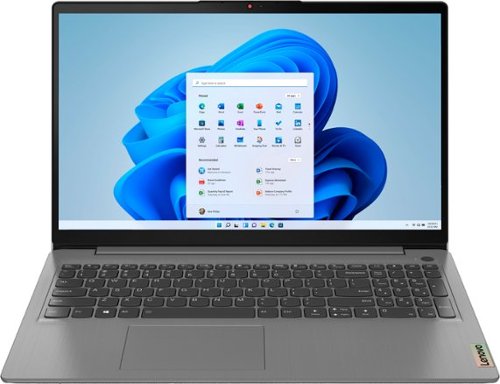
Lenovo - Ideapad 3 15.6" FHD Touch Screen Laptop - Intel Core i5 11th Gen - 12GB Memory - 256GB SSD - Arctic Grey
Engineered for long-lasting performance, the Lenovo~ IdeaPad~ 3 delivers powerful performance with the latest Intel 11th Generation Processors with Intel~ Iris Xe Graphics, in a laptop that's perfect for your everyday tasks, with features that you can depend on.
What type of mouse can I use?
You can use any mouse that is compatible with the Windows Operating System. We recommend you check with the manufacturer's web site of your specific model mouse for its compatibility.
4 years, 9 months ago
by
Posted by:
Lenovo Product Expert
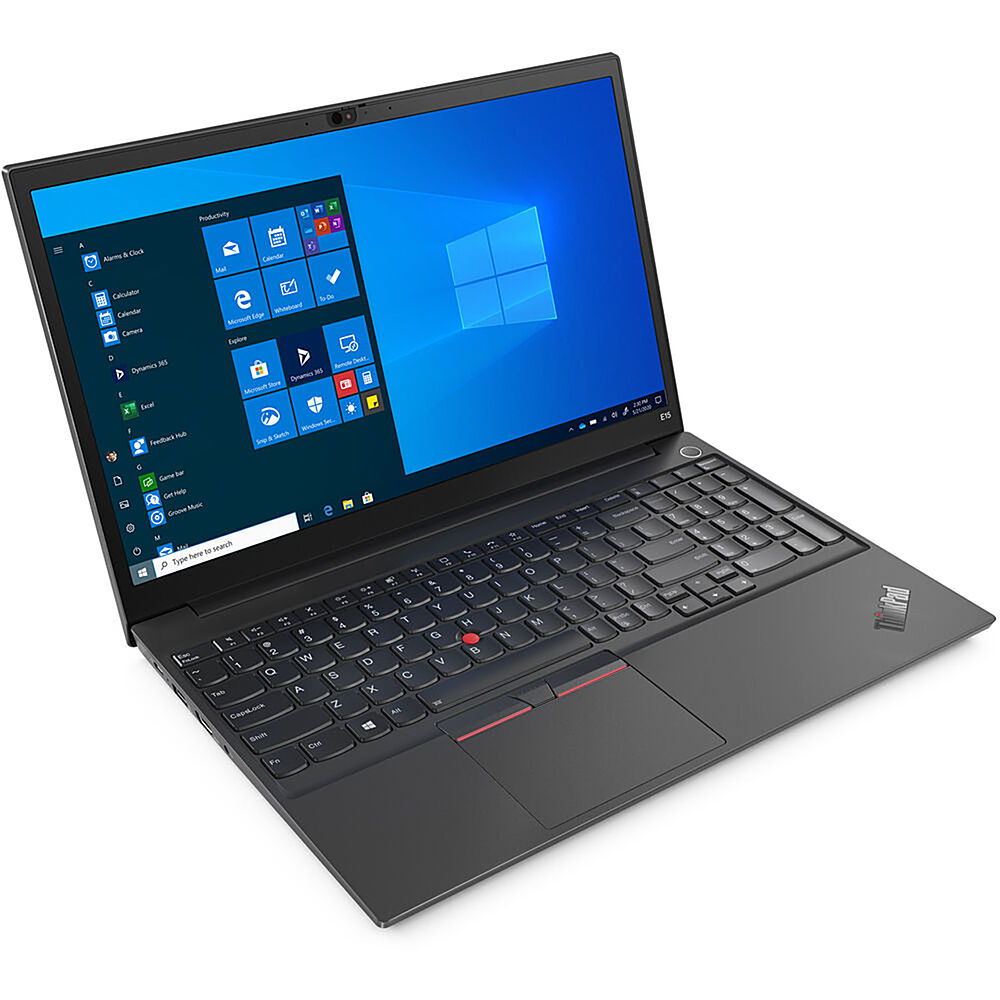
Lenovo - 15.6" ThinkPad E15 Gen 2 Laptop - Intel Core i3 - 8GB Memory - 256 SSD - Black
The ThinkPad E15 Gen 2 laptop harnesses the power of an 11th Gen Intel Core processor along with DDR4 memory and up to 1TB solid state storage drive to deliver high performance to your workday. It confidently handles whatever tasks come your way, and it even intelligently maintains the optimum temperature while running multiple apps.
How FAST is this acutally? 2.5 ghz, 3.0 ghz, what? How many ports does this have, is there one with MORE memory in it? Say 16GB. Thank-you.
This Lenovo ThinkPad E15 Gen 2 laptop, model number 20TD003JUS, ships with the 11th Gen, 2-Core/4-Thread Intel Core i3-1115G4 Processor, with a base speed of 3.0GHz and a boost speed of up to 4.1GHz. This processor is supported by 8GB (1x 8GB SO-DIMM DDR4-3200MHz RAM) and a 256GB M.2 2242 PCIe 3.0x4 NVMe solid state hard drive.
4 years, 9 months ago
by
Posted by:
Lenovo Product Expert
Lenovo - Ideapad 3 15.6" FHD Touch Screen Laptop - Intel Core i5 11th Gen - 12GB Memory - 256GB SSD - Arctic Grey
Engineered for long-lasting performance, the Lenovo~ IdeaPad~ 3 delivers powerful performance with the latest Intel 11th Generation Processors with Intel~ Iris Xe Graphics, in a laptop that's perfect for your everyday tasks, with features that you can depend on.
Is this equipped with thunderbolt 3?
No. This Lenovo IdeaPad 3 15 laptop, model number 82H801DQUS, ships with these ports: 1x USB 2.0, 1x USB 3.2 Gen 1, 1x USB-C 3.2 Gen 1 (support data transfer only), 1x HDMI 1.4b, 1x Card reader, 1x Headphone / microphone combo jack (3.5mm), 1x Power connector.
4 years, 9 months ago
by
Posted by:
Lenovo Product Expert