Lenovo Product Expert
Lenovo Product Expert's Stats
Reviews
- Review Count0
- Helpfulness Votes0
- First ReviewNone
- Last ReviewNone
- Featured Reviews0
- Average Rating0
Reviews Comments
- Review Comment Count0
- Helpfulness Votes0
- First Review CommentNone
- Last Review CommentNone
- Featured Review Comments0
Questions
- Question Count0
- Helpfulness Votes0
- First QuestionNone
- Last QuestionNone
- Featured Questions0
- Answer Count37880
- Helpfulness Votes24,853
- First AnswerApril 21, 2014
- Last AnswerOctober 16, 2026
- Featured Answers0
- Best Answers2830
Lenovo Product Expert's Reviews
Lenovo Product Expert has not submitted any reviews.
Lenovo Product Expert's Questions
Lenovo Product Expert has not submitted any questions.
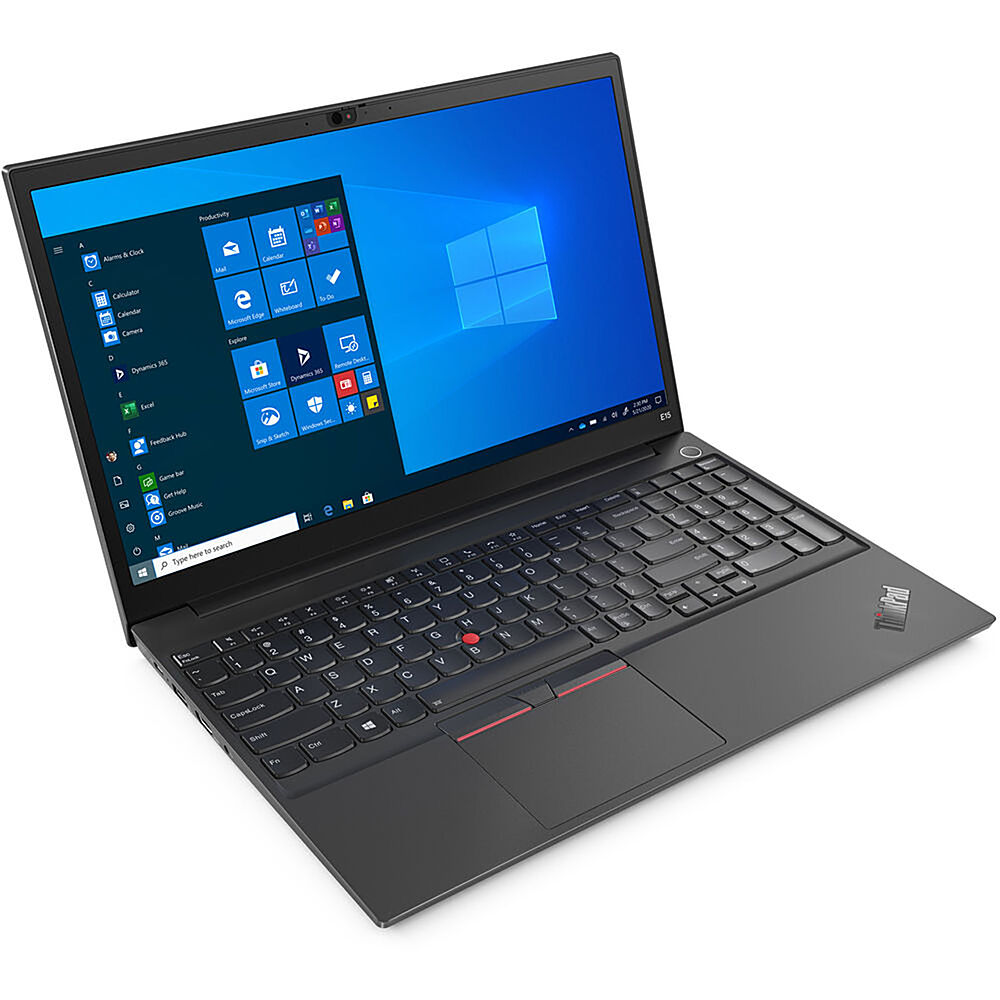
Lenovo - 15.6" ThinkPad E15 Gen 2 Laptop - Intel Core i7 - 8GB Memory - 512 SSD - Black
The ThinkPad E15 Gen 2 laptop harnesses the power of an 11th Gen Intel Core processor along with DDR4 memory and up to 1TB solid state storage drive to deliver high performance to your workday. It confidently handles whatever tasks come your way, and it even intelligently maintains the optimum temperature while running multiple apps.
MODEL# 4601399415 What is the specification/configuration for E15 Gen 2. Its not clear on the website.

There is no product listed for 4601399415. Here is a link to more information about the Lenovo ThinkPad E15 Gen 2 Laptop, model number 20TD001NUS: https://psref.lenovo.com/Detail/ThinkPad/ThinkPad_E15_Gen_2_Intel?M=20TD001NUS
5 years, 2 months ago
by
Posted by:
Lenovo Product Expert
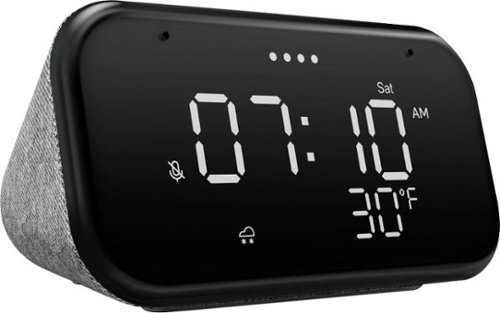
Lenovo - Smart Clock Essential 4" Smart Display with Google Assistant - Soft Touch Gray
The Lenovo Smart Clock Essential is the ultimate smart clock for any room. With a big & bold display you can check out the time from across the room, whether in the kitchen, in the living room or on a shelf. Talk to Google for hands-free help. From checking the time and weather, setting timers for cooking, adding items to your shopping list or making hands-free calls, the Lenovo Smart Clock Essential is here to help you be more productive and take back time. It~s also a great night-time companion with its built-in nightlight that provides a small source of light without waking up the whole family. No more stumbling around in the dark when searching for things. Listen to music, news, podcasts, and more with the clock~s quality speakers. Control over 40,000 compatible smart devices from over 5,000 brands. Ask Google to set the temperature, dim the lights, and more. Just say ~Hey Google.~
I love my smart clock. Is it worth buying another when it lost Pandora music? My current clock just stopped and says, "link it". I have spent countless hours trying to link Pandora back to my clock. It links to cell & computer, not clock now:(
The Lenovo Smart Clock Essential is fully equipped to let you listen to whatever music you want. You can ask Google Assistant to play from YouTube Music, Pandora, SiriusXM, and Spotify, for starters. If you are having issues with linking to one of these compatible services, we recommend first resetting your Smart Clock Essential. To rest your Smart Clock Essential, press and hold the Alarm button and the Volume Down button at the same time for 12 seconds. If you still can not stream one of the compatible music streaming services listed, we recommend you call Lenovo Tech Support for Smart Devices at: 866-426-0911.
5 years, 2 months ago
by
Posted by:
Lenovo Product Expert
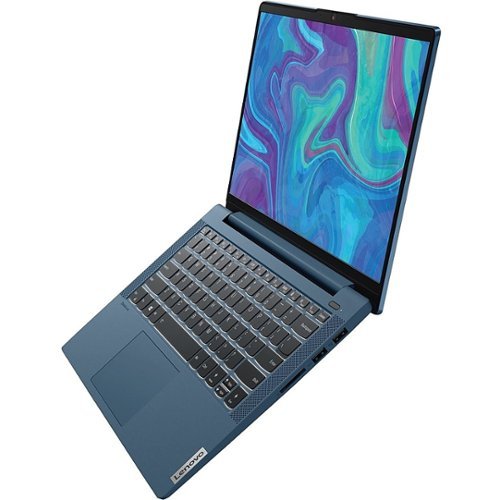
Lenovo - IdeaPad 5 15ITL05 15.6" Laptop - Intel Core i7 - 12 GB Memory - 512 GB SSD - Graphite Gray
We designed the displays on the IdeaPad 5 laptop to pack as much screen space into the surface area as possible, pushing visuals to the edge and giving you a viewing experience that feels bigger.
Does this laptop support external monitor? What interface port?
Yes, the Lenovo IdeaPad 5 15 Laptop, model number 82FG00EQUS, ships with these ports: 1x card reader, 1x USB 3.2 Gen 1, 1x HDMI 1.4b, 1x USB 3.2 Gen 1 (Always On), 1x USB-C 3.2 Gen 1 (support data transfer, Power Delivery 3.0 and DisplayPort 1.2) with video out capability to an external monitor, 1x headphone / microphone combo jack (3.5mm). The IdeaPad 5 15 supports up to 3 independent displays via native display and 2 external monitors; supports external monitors via HDMI (up to 3840x2160@30Hz) or USB-C (up to 3840x2160@30Hz).
5 years, 2 months ago
by
Posted by:
Lenovo Product Expert
Lenovo - IdeaPad 5 15ITL05 15.6" Laptop - Intel Core i7 - 12 GB Memory - 512 GB SSD - Graphite Gray
We designed the displays on the IdeaPad 5 laptop to pack as much screen space into the surface area as possible, pushing visuals to the edge and giving you a viewing experience that feels bigger.
Does this laptop support external wireless keyboard and mouse? What interface port?
You can use a Windows 10 compatible wireless keyboard and mouse with the Lenovo IdeaPad 5 15 Laptop, model number 82FG00EQUS. This configuration ships with these ports: 1x card reader, 1x USB 3.2 Gen 1, 1x HDMI 1.4b, 1x USB 3.2 Gen 1 (Always On), 1x USB-C 3.2 Gen 1 (support data transfer, Power Delivery 3.0 and DisplayPort 1.2), 1x headphone / microphone combo jack (3.5mm).
5 years, 2 months ago
by
Posted by:
Lenovo Product Expert
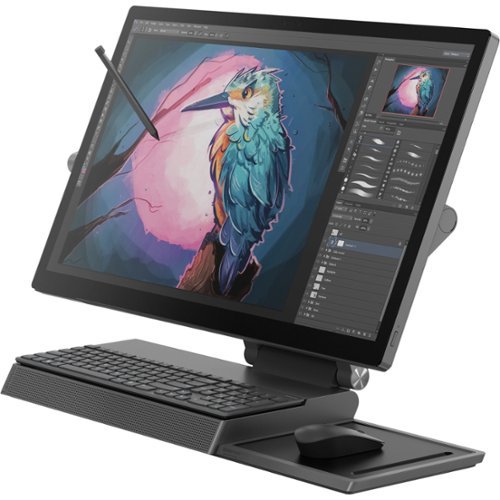
Lenovo - Yoga A940-27ICB 27" Touch-Screen All-In-One - Intel Core i7 - 16 GB Memory - 1 TB HDD + 256 GB SSD - Iron Gray
The Yoga A940's 27" display with a rotating hinge provides stability for drawing and writing with a digital pen. The innovative dual hinge design makes it easier to slide into drafting mode with one hand- and palm-rejection technology provides a pen-to-paper experience whether you're sketching out your next project or tweaking details. With Intel Core processing and PCIe solid-state drive, the A940 runs seamlessly smooth~even with heavy workloads.
Is this keyboard permanently mounted? In the pictures it looks like it is removable in some… but not in others? Can you take it off the stand and use it on your desk as needed?
You can move the wireless keyboard and mouse from their storage locations on the base of the Lenovo Yoga A940-27 All-In-One system and use them as needed.
5 years, 2 months ago
by
Posted by:
Lenovo Product Expert
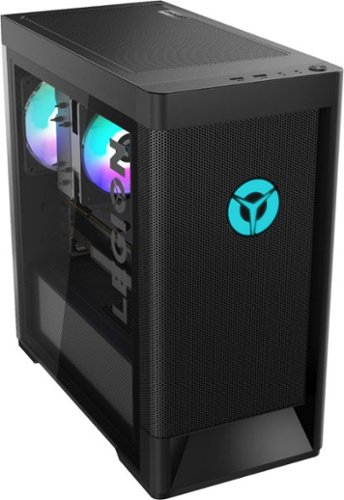
Lenovo - Legion Tower 5i Gaming Desktop - Intel Core i7-11700 - 16GB Memory - NVIDIA GeForce GTX 1660 Super - 256GB SSD + 1TB HDD
Engineered out of a passion for savage power and unmatched speed, the Lenovo~ Legion Tower 5i delivers mind-blowing performance that combines 11th Generation Intel~ Core~ processors and top-of-the-line NVIDIA~ GeForce~ graphics cards for blazing-fast frame rates at up to 4K resolution. Pushing far beyond the upper bounds of smaller rig configurations while keeping things cool and whisper quiet, the Legion Tower 5i is a marvel of build and design, accentuated by its illuminated blue LED logo and lighting, as well a transparent side panel that can properly showcase your internals.
Is this PCIe 4.0 compatible?
The Lenovo Legion Tower 5i Gaming Desktop model number 90RS0003US, ships with a 256GB solid state hard drive (256G,M.2,2280,PCIe3x4,SAM,OPAL SOLID STATE DRIVE, Lenovo Part Number - 00UP734). Here is a link to the complete parts list for this model configuration with compatible substitute parts listed, where applicable: https://pcsupport.lenovo.com/us/en/products/desktops-and-all-in-ones/legion-series/legion-t5-26iob6/90rs/90rs0003us/parts/display/model
5 years, 2 months ago
by
Posted by:
Lenovo Product Expert
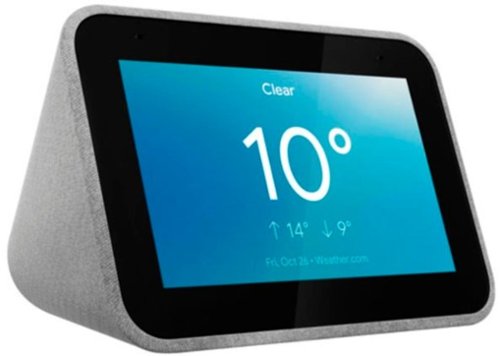
Lenovo - Smart Clock with Google Assistant - Gray
Wake up and start your day with this Lenovo smart clock. Wi-Fi connectivity and Google Assistant integration let you use voice commands to play music, check schedules and control smart home devices. This Lenovo smart clock offers hundreds of audio and media alarm options so you can choose how to wake up.
does it supports 220 v ?
The Lenovo Smart Clock with Google Assistant is a 110V device. It does ship with a Dual Voltage AC adapter, with a USA compatible wall side plug. To use outside the USA, you will need to add a wall side adapter, compatible with the Country the Smart Clock will be used in.
5 years, 2 months ago
by
Posted by:
Lenovo Product Expert
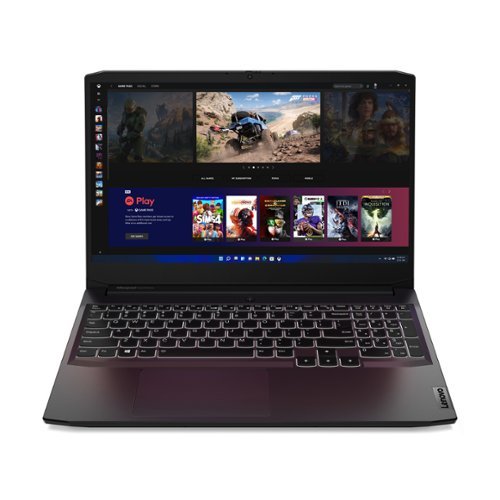
Lenovo - IdeaPad Gaming 3 15" Laptop - AMD Ryzen 5 5600H - NVIDIA GeForce GTX 1650 - 8GB Memory - 512GB SSD
Time to elevate your game and esports experience beyond the realm of the ~just acceptable~ with a PC that stands tall amongst your gaming circle. Engineered with AMD Ryzen~ 5600H processor, NVIDIA~ GeForce~ GTX 1650 graphics, DDR4 memory and M.2 NVMe SSD storage options, the Lenovo~ IdeaPad~ Gaming 3 projects a quiet and serene confidence with smooth, crystal-clear visuals and seamless gameplay that stays cool through improved thermals. The IdeaPad Gaming 3 is also stunning visually turned on or off with an 120 Hz clear FHD display and an advanced gaming keyboard.
For this laptop to install the hdd does it come with the things you need too install it or do I have to order them separately.
The Lenovo IdeaPad 3 15 Gaming Laptop model number 82K20003US, does not ships with any additional parts. This model is not user upgradable. A certified technician must do all of the work, so as to not void the warranty.
5 years, 2 months ago
by
Posted by:
Lenovo Product Expert
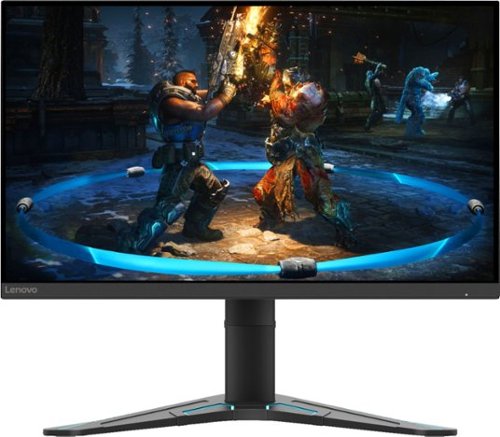
Lenovo - G27-20 27" IPS LED FHD G-SYNC Compatible FreeSync Gaming Monitor Height Adjustable (DisplayPort, HDMI) - Black
When it comes to performance, Lenovo G27-20~s got game. Let~s start with a look at its 27-inch 1920 x 1080 full HD resolution In-Plane Switching panel display that delivers startlingly life-like lighting effects to gameplay in a luminous 400 cd/m2, thanks to HDR decoding on-the-fly. It never misses a beat, even in the most intense moments, because its speedy 144Hz refresh rate and 1ms MPRT response time, coupled with AMD FreeSync~ Premium, remove image stutter, break, tear and streak from the experience, leaving a smooth, fluid unspoilt session. Besides, the 99% sRGB color gamut display featuring true 8-bit color will make your gameplay impressive for sure.And, as bright as this display is, users can watch comfortably because T~V Rheinland Low Blue Light and T~V Rheinland Flicker Free technology can protect eyes from blue light harm on a sliding scale, as well as cut out screen flicker. All these enhance your viewing pleasure plus a vastly reduced chance of eye fatigue. Aside from eye comfort, G27-20~s new future-cool form factor helps comfortable sitting, too.Its upgraded Vector V base with modern blue accent also lifts the screen head a full 130 mm and tilts between -5~ and 22~ to always be in the most ergonomic position for endless hours of comfortable Esports or binge-watching a show that just dropped. Lenovo Artery software gives gamers the chance to seamlessly tweak screen performance to optimize their gameplay experience directly on screen through their PC. So, it saves time for gamers to sit and play in comfort with zero distractions.
Will this monitor support 120hz via hdmi?
The Lenovo G27-20 Monitor, model number 66C2GCC1US, has a refresh rate of 144Hz through HDMI 1.4 or DisplayPort 1.2 version connections, when connected to a compatible device.
5 years, 2 months ago
by
Posted by:
Lenovo Product Expert
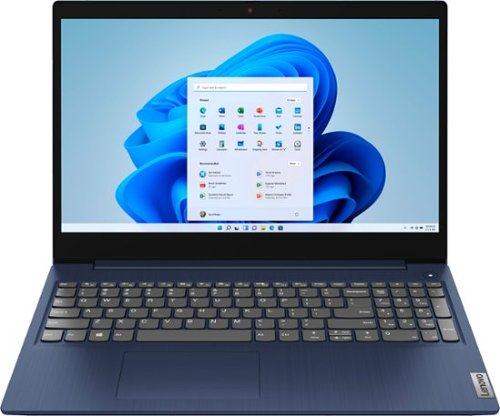
Lenovo - Ideapad 3 15 15.6" Touch-Screen Laptop - Intel Core i3 - 8GB Memory - 256GB SSD - Abyss Blue
Engineered for long-lasting performance, the Lenovo~ IdeaPad~ 3 15 delivers power in a laptop that's perfect for your everyday tasks, with features that you can depend on such as advanced mobile 10th Generation Intel Core processors and all day battery.
Is the memory on this laptop expandable? can I add more memory to it
The Lenovo IdeaPad 3 15 laptop, model number 81WR000FUS, is not user upgradable. A certified technician must do all of the work, so as to not void the warranty. This configuration ships with 8GB DDR4-2666MHz RAM (4GB Soldered DDR4-2666 + 4GB SO-DIMM DDR4-2666MHz RAM) with one memory soldered to systemboard, one DDR4 SO-DIMM slot, dual-channel capable. The maximum supported RAM Memory for this configuration is: Up to 12GB (4GB soldered + 8GB SO-DIMM) DDR4-2666MHz RAM. We recommend you consult with your certified technician about your RAM Memory upgrade options.
5 years, 2 months ago
by
Posted by:
Lenovo Product Expert