Lenovo Product Expert
Lenovo Product Expert's Stats
Reviews
- Review Count0
- Helpfulness Votes0
- First ReviewNone
- Last ReviewNone
- Featured Reviews0
- Average Rating0
Reviews Comments
- Review Comment Count0
- Helpfulness Votes0
- First Review CommentNone
- Last Review CommentNone
- Featured Review Comments0
Questions
- Question Count0
- Helpfulness Votes0
- First QuestionNone
- Last QuestionNone
- Featured Questions0
- Answer Count37880
- Helpfulness Votes24,853
- First AnswerApril 21, 2014
- Last AnswerOctober 16, 2026
- Featured Answers0
- Best Answers2830
Lenovo Product Expert's Reviews
Lenovo Product Expert has not submitted any reviews.
Lenovo Product Expert's Questions
Lenovo Product Expert has not submitted any questions.
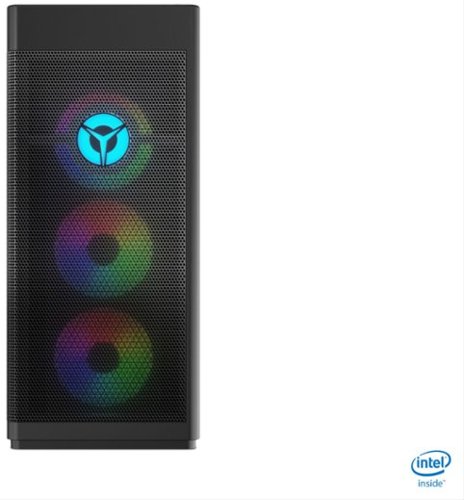
Lenovo - Legion Tower 7i Gaming Desktop - Intel Core i7-10700K - 16GB Memory - NVIDIA GeForce RTX 3060 -512GB SSD - Black
Engineered out of a passion for savage power and unmatched speed, the Lenovo~ Legion Tower 7i delivers overclocked performance, available with an Intel~ Core~ i7-10700K processor, and NVIDIA~ GeForce RTX~ 3060 graphics cards for blazing-fast frame rates at over 4K resolution. Smashing through ceilings in a robust 34 L chassis, accented by over 16 million colors via an ARGB lighting system with transparent side panel.
does anyone know what fan brand they are?

The Lenovo Legion Tower 7i Gaming Desktop Computer, model number 90Q800CEUS, ships with: 1x AVC 12025_ARGB Fan, fan_400mm&ARGB FAN Front, Lenovo Part Number - 5F10X63218 and 1x AVC 12025 ARGB Rear Fan T7,AVC FAN, Lenovo Part Number 5F10X63216. Here is a link to the complete parts list for this configuration: https://pcsupport.lenovo.com/us/en/products/desktops-and-all-in-ones/legion-series/legion-t7-34imz5/90q8/90q800ceus/parts/display/model
5 years, 2 months ago
by
Posted by:
Lenovo Product Expert
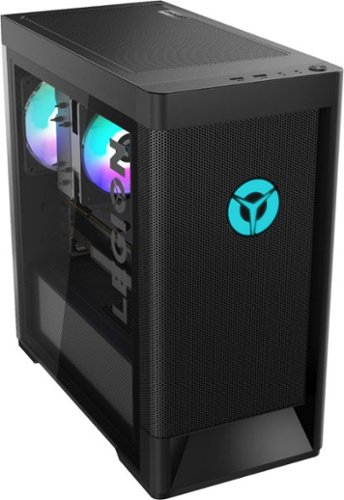
Lenovo - Legion Tower 5i Gaming Desktop - Intel Core i7-11700 - 16GB Memory - NVIDIA GeForce GTX 1660 Super - 256GB SSD + 1TB HDD
Engineered out of a passion for savage power and unmatched speed, the Lenovo~ Legion Tower 5i delivers mind-blowing performance that combines 11th Generation Intel~ Core~ processors and top-of-the-line NVIDIA~ GeForce~ graphics cards for blazing-fast frame rates at up to 4K resolution. Pushing far beyond the upper bounds of smaller rig configurations while keeping things cool and whisper quiet, the Legion Tower 5i is a marvel of build and design, accentuated by its illuminated blue LED logo and lighting, as well a transparent side panel that can properly showcase your internals.
How do I open the case
Here is a link to the User Maintenance Manual for the Lenovo Legion Tower 5i Gaming Desktop computer. You may want to consult a certified technician before opening the case: https://download.lenovo.com/consumer/desktop_pub/legion-t5-26iob6_hmm_202104.pdf
5 years, 2 months ago
by
Posted by:
Lenovo Product Expert
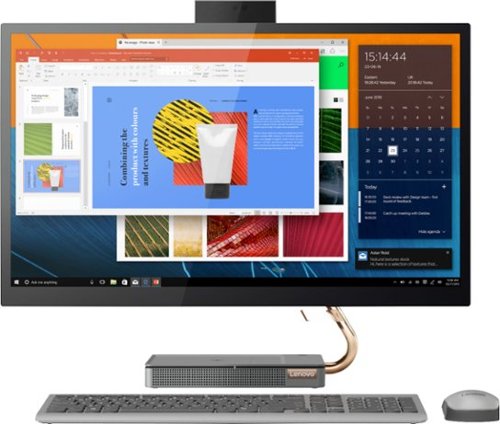
Lenovo - IdeaCentre A540-27ICB 27" Touch-Screen All-In-One - Intel Core i5 - 12GB Memory - 256GB SSD - Mineral Gray
Increase your productivity with this 27-inch QHD Lenovo IdeaCenter All-in-One desktop. The Intel Core i5 processor and 12GB of RAM support seamless multitasking, while a 256GB M.2 SSD combines rapid boots and ample storage. This Bluetooth-enabled Lenovo IdeaCenter All-in-One desktop features a Full HD camera for smooth videoconferencing and arrives with Windows 10 Home 64 bit installed to get you started right away.
Can I add a better gpu to this? and upgrade other components like a gaming computer?
The Lenovo IdeaCentre A540-27 All-In-One system, model number F0EK007HUS, ships with integrated graphics processing within the Intel Core i5-9400T processor. It is the Integrated Intel UHD Graphics 630 version. There are no open slots to add a discrete graphic card to this configuration. This model ships with 12GB DDR4-2666MHz RAM (4GB + 8GB SO-DIMM DDR4-2666MHz RAM), within Two DDR4 SO-DIMM slots. The maximum RAM memory this configuration can support is: Up to 16GB DDR4-2666MHz RAM. This model also ships with a 256GB M.2 2280 PCIe NVMe Opal2 solid state hard drive. The maximum storage space this configuration can support is: Up to 2 drives, 1x 2.5 inch HDD + 1x M.2 SSD - 2.5 inch HDD up to 2T plus M.2 SSD up to 1T with Optional Intel Optane Memory. We recommend you consult your certified technician about your upgrade options.
5 years, 2 months ago
by
Posted by:
Lenovo Product Expert
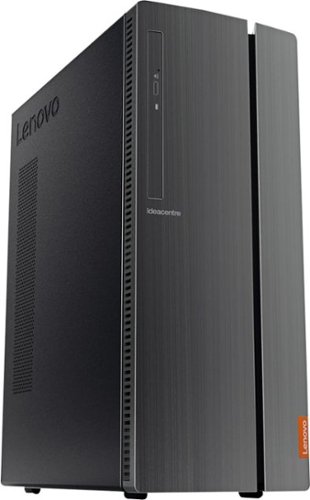
Lenovo - IdeaCentre 510A Desktop - Intel Core i7 - 12GB Memory - 1TB Hard Drive - Black
Lenovo 510A-15ICB Desktop: Give yourself the gift of speed with this Lenovo desktop computer. This build features an Intel i7 processor and 12GB of DDR4 RAM for fast processing power, and the 1TB hard drive and DVD RW drive provide massive storage capacity. This Lenovo desktop computer comes with Windows 10 installed and includes a wired keyboard and mouse.
WHO MANUFACTURES THE HARD DRIVE FOR THIS MACHINE ?
The Lenovo IdeaCentre 510A Desktop Computer, model number 90HV0005US, ships with a 1TB, Seagate - Barracuda - HDD,1TB,7200,DT3,SATA3,STD HARD DRIVE, Lenovo Part Number - 45K0623.
5 years, 2 months ago
by
Posted by:
Lenovo Product Expert
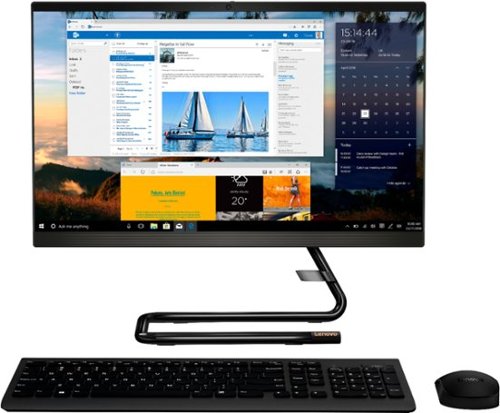
Lenovo - IdeaCentre A340-22IGM 21.5" Touch-Screen All-In-One - Intel Pentium Silver - 8GB Memory - 1TB HDD - Business Black
Finish office work flawlessly with this all-in-one Lenovo IdeaCentre desktop computer. The 1TB HDD provides ample storage space for projects and media, while the 8GB of RAM and Intel Pentium Silver processor let you run multiple programs effortlessly. This 21.5-inch Lenovo IdeaCentre desktop computer includes a Full HD touchscreen, and integrated Intel UHD graphics produce quality visuals.
How many cores in processor?
The Lenovo IdeaCentre A340-22 All-In-One system, model number F0EA003RUS, ships with the 4-Core, Intel Pentium Silver J5040 processor, with a base speed of 2.0GHz and a boost speed of up to 3.2GHz.
5 years, 2 months ago
by
Posted by:
Lenovo Product Expert
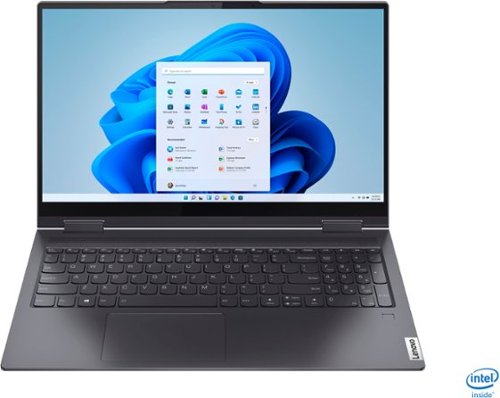
Lenovo - Yoga 7i 2-in-1 15.6" Touch Screen Laptop - Intel Core i5 - 8GB Memory - 256GB Solid State Drive - Slate Grey
The Lenovo Yoga 7i 15" combines versatile portability and enhanced productivity, thanks to the boundary-breaking performance and responsiveness of 11th generation Intel Core i5 processors and vibrant FHD clarity with Intel Iris Xe graphics. Go anywhere with a sleek 2-in-1 metal chassis featuring thoughtful details including a webcam privacy shutter..
cost to upgrade to 12G
The Lenovo Yoga 7i 15 model number 82BJ0001US, ships with 8GB DDR4-3200MHz RAM soldered memory, and is not upgradable.
5 years, 2 months ago
by
Posted by:
Lenovo Product Expert
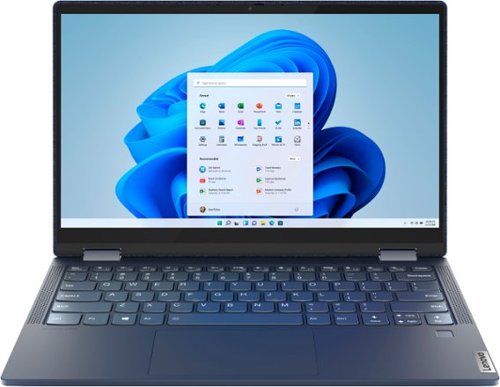
Lenovo - Yoga 6 13 2-in-1 13.3" Touch Screen Laptop - AMD Ryzen 7 - 16GB Memory - 512GB SSD - Abyss Blue with Fabric Cover
The Lenovo~ Yoga~ 6 is an ultra-portable 2-in-1 that combines unique style with the powerful responsiveness of an AMD Ryzen~ 5000 Series Mobile Processor, abundant memory and SSD storage. Enjoy a rich multimedia experience with the clarity of a 13.3" FHD touchscreen display, and enveloping sound with Dolby Atmos~-optimized stereo speakers.
Does this device support tpm 2.0 for the upcoming windows 11?
Yes. The Lenovo Yoga 6 13 model number 82ND0002US, ships with the Firmware TPM 2.0 integrated in chipset, Security Chip.
5 years, 2 months ago
by
Posted by:
Lenovo Product Expert
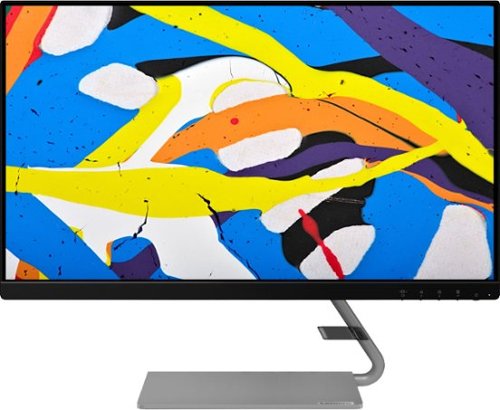
Lenovo - Q24i-1L 23.8" IPS LED FHD FreeSync Monitor Natural Low Blue Light Built-in Speakers (HDMI, VGA) - Black
Add a touch of class and confidence to your living space with the elegantly designed, ultra-slim Lenovo Q24i-1L monitor. Be it in the living room or the study, this sleek display with Full-HD resolution and NearEdgeless bezels bring beauty and functionality together in a perfect 23.8-inch package. Experience superior visuals with its In-Plane Switching display that makes the view from any angle striking. Bid goodbye to eye strain with Natural Low Blue Light and Eyesafe Display Certification that minimize harmful blue light and yellow distortions without impacting color accuracy. Moreover, T~V Rheinland Eye Comfort-certified panel ensures endless viewing comfort. Take your world of entertainment to the next level with the AMD FreeSync~ technology and dual speakers that offer seamless picture quality and rich audio for an immersive experience, every time.
Is this an "All-in-one" computer?
No. This is the monitor only.
5 years, 2 months ago
by
Posted by:
Lenovo Product Expert
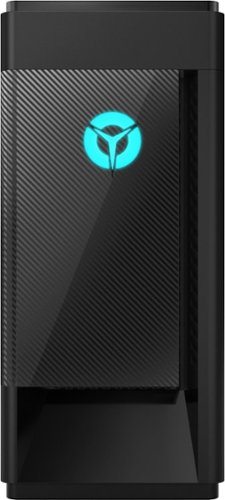
Lenovo - Legion Tower 5i - 90NC00R5US 28/Core i5-10400F/8/256GB/1TB/Nvidia GeForce GTX1650 Super/Windows 10 - Phantom Black
Engineered out of a passion for savage power and unmatched speed, the Lenovo~ Legion Tower 5i delivers mind-blowing performance that combines 10th Generation Intel~ Core~ processors and top-of-the-line NVIDIA~ GeForce~ graphics cards for blazing-fast frame rates at up to 4K resolution. Pushing far beyond the upper bounds of smaller rig configurations while keeping things cool and whisper quiet, the Legion Tower 5i is a marvel of build and design, accentuated by its illuminated blue LED logo and lighting, as well a transparent side panel that can properly showcase your internals.
Is this PC VR-ready?
That will depend on the requirements and compatibility of both the VR hardware and VR software you will be using. We recommend you check with both the VR hardware manufacturer's web site, as well as the VR software publisher's web site for their compatibility with Windows 10 Home 64-bit operating system and the minimum/recommended hardware requirements (Is a Graphics card required, the processor speed and the minimum required system RAM and the minimum available hard drive space) to run their program, then compare those requirements to this system's configuration.
5 years, 2 months ago
by
Posted by:
Lenovo Product Expert
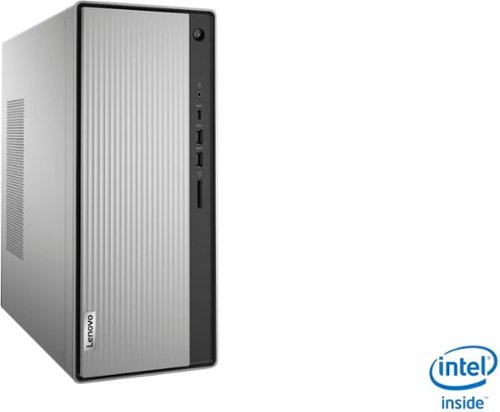
Lenovo - IdeaCentre 5i Desktop - Intel Core i5 - 8GB Memory - 1TB Hard Drive - Mineral Grey
Lenovo~ IdeaCentre~ 5i is a powerful, contemporary desktop powered by the latest Intel~ Core~ processors. Featuring gaming-grade graphics, fast DDR4 memory, and plenty ofstorage, it~s up to the task of having fun and will immerse you in it~and looks great in your home.
Is it possible to add a second monitor to this PC? If so, what do I need to do that?
Yes. The Lenovo IdeaCentre 5i Desktop Computer, model number 90NA0001US, ships with one VGA and one HDMI port for connecting external monitors.
5 years, 2 months ago
by
Posted by:
Lenovo Product Expert