Lenovo Product Expert
Lenovo Product Expert's Stats
Reviews
- Review Count0
- Helpfulness Votes0
- First ReviewNone
- Last ReviewNone
- Featured Reviews0
- Average Rating0
Reviews Comments
- Review Comment Count0
- Helpfulness Votes0
- First Review CommentNone
- Last Review CommentNone
- Featured Review Comments0
Questions
- Question Count0
- Helpfulness Votes0
- First QuestionNone
- Last QuestionNone
- Featured Questions0
- Answer Count37880
- Helpfulness Votes24,854
- First AnswerApril 21, 2014
- Last AnswerOctober 16, 2026
- Featured Answers0
- Best Answers2830
Lenovo Product Expert's Reviews
Lenovo Product Expert has not submitted any reviews.
Lenovo Product Expert's Questions
Lenovo Product Expert has not submitted any questions.
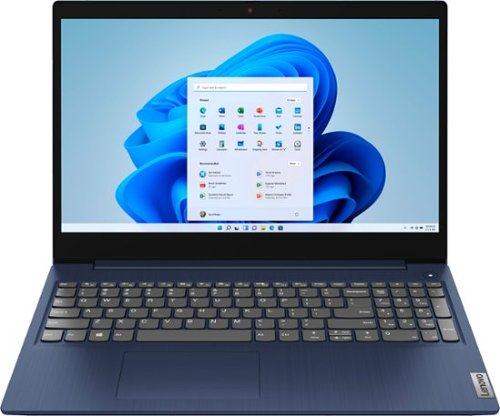
Lenovo - Ideapad 3 15 15.6" Touch-Screen Laptop - Intel Core i3 - 8GB Memory - 256GB SSD - Abyss Blue
Engineered for long-lasting performance, the Lenovo~ IdeaPad~ 3 15 delivers power in a laptop that's perfect for your everyday tasks, with features that you can depend on such as advanced mobile 10th Generation Intel Core processors and all day battery.
Is this laptop good enough to use for music production? For example I use FL Studios

That really will depend on the requirements and compatibility of the software you will be using. This Lenovo IdeaPad 3 15 Laptop, model number 81WR000FUS, ships with Windows 10 S-Mode 64-bit Operating System. Windows 10 S-Mode provides added security by only allowing APPs available ( and therefore certified by Microsoft) at the Microsoft Store. If you don't need the added security or you need to install APPs not available at the Microsoft Store, you can switch to standard Windows 10 Home 64-bit Operating System, at no additional cost. We recommend you check with the specific APPs software publisher's web site, of the software APP you will be using, for their compatibility with Windows 10 S-Mode 64-bit operating system and the minimum/recommended hardware requirements (Is a Graphics card required, the processor speed and the minimum required system RAM and the minimum available hard drive space) to run their program, then compare those requirements to this system's configuration. It may be necessary to switch out of S-Mode to install the APP you want. Here is a link to instructions for switching from Windows 10 S-Mode to Windows 10 Home: https://support.microsoft.com/en-us/help/4456067/windows-10-switch-out-of-s-mode
5 years, 3 months ago
by
Posted by:
Lenovo Product Expert
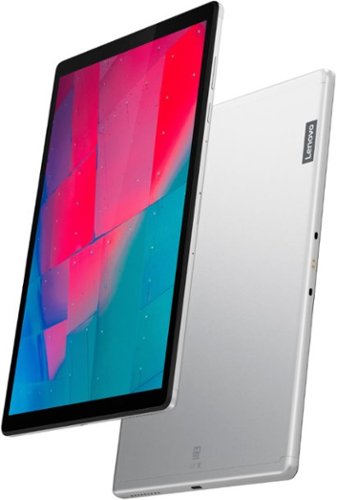
Lenovo - Tab M10 HD 2nd Gen with Google Kids Space - 10.1" - Tablet - 32GB - Platinum Gray
Lenovo~ Tab M10 HD is a 2nd-generation 10.1" HD tablet that packs a wallop while sporting a premium metal look and feel. A great device that offers top-notch visual and audio, it~s also built for families, featuring curated kid's content, parental controls and TUV-certified eye protection.
Will this tablet run the Spark amp.??
That will depend on the requirements and the compatibility of the device you want to run with the Lenovo Tab M10 Tablet. This Tab M10 Tablet ships with Android 10.0 Operating System and is compatible with Google Play Store APPs. We recommend you check with the hardware manufacturer's publisher's web site, of the device you want to run with the Tab M10, for their compatibility with the Android 10.0 operating system and the minimum/recommended hardware requirements (Is a Graphics card required, the processor speed and the minimum required system RAM and the minimum available hard drive space) to run their program, then compare those requirements to this system's configuration.
5 years, 3 months ago
by
Posted by:
Lenovo Product Expert
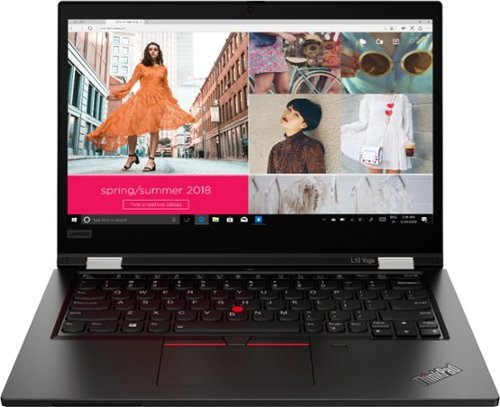
Lenovo - ThinkPad L13 Yoga 2-in-1 13.3" Touch Screen Laptop - Intel Core i7 - 16GB Memory - 512GB SSD - Black
More flexible than a traditional laptop, The L13 Yoga 360~ hinge allows mobile workers to use it as a laptop or a tablet; or even in tent or stand mode for 1:1 presentations inside or outside the office. Configure with a range of enterprise security features including a fingerprint reader, IR camera and smart card reader. Meanwhile, the battery lasts up to 10 hours, ensuring uninterrupted productivity on the go.
How long is this computer expected to last in years? Is it expected to last longer than a Macbook Pro?
Lenovo ThinkPads, like the L13 Yoga model, can last for 5 to 7 years with reasonable use and maintenance.
5 years, 3 months ago
by
Posted by:
Lenovo Product Expert
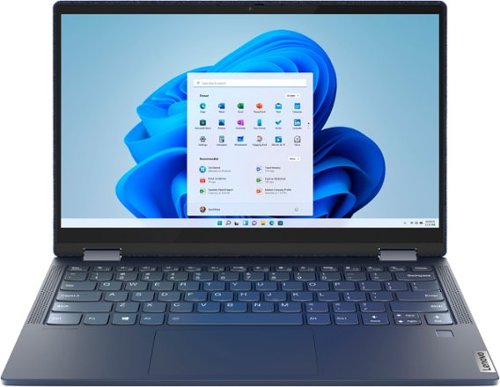
Lenovo - Yoga 6 13 2-in-1 13.3" Touch Screen Laptop - AMD Ryzen 7 - 16GB Memory - 512GB SSD - Abyss Blue Fabric Cover
Featuring a premium textile cover, the Lenovo~ Yoga~ 6 is an ultra-portable 2-in-1 that combines unique style with the powerful responsiveness of an AMD Ryzen~ 4000 Series Mobile Processor, abundant memory and SSD storage. Enjoy a rich multimedia experience with the clarity of a 13.3" FHD touchscreen display, and enveloping sound with Dolby Atmos~-optimized stereo speakers
Can you connect to an external monitor? I don't see any video-out ports (HDMI, mini A/V).
Yes. The Lenovo Yoga 6 13 model number 82FN0003US, uses 1x USB-C 3.2 Gen 1 (support data transfer, Power Delivery 3.0 and DisplayPort 1.4) port with video out capability for connecting an external monitor. You can connect an HDMI monitor to this laptop by using a USB-c to HDMI adapter like this one: https://www.bestbuy.com/site/insignia-usb-c-to-hdmi-adapter-white/6424886.p?skuId=6424886
5 years, 3 months ago
by
Posted by:
Lenovo Product Expert
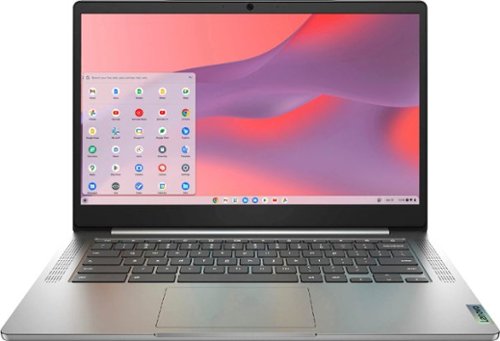
Fast, flexible, and fun, the Chromebook 3-14" brings everyone~s favorite Chromebook features, running on the lightning-fast Chrome OS that boots up in seconds, updates automatically, and is protected by built-in virus protection. Powered by a MediaTek processor and up to 10 hours of battery life, it~ll seamlessly run all of your favorite apps at the same time. Get Minecraft and 3 months of Realms Plus at no cost* with purchase of a new Chromebook. Terms Apply. *Offer valid for qualifying Chromebooks purchased on or after July 1st, 2023 through September 30th, 2023 while supplies last.
Is the 14" screen anti-glare or glossy?
The Lenovo Chromebook 3 14 model number 82KN0001US, ships with a 14 inch (screen size measured diagonally) IPS - FHD (1920x1080) 10-point Multi-touch screen, with a brightness level of 300 nits, has an Anti-glare coating.
5 years, 3 months ago
by
Posted by:
Lenovo Product Expert
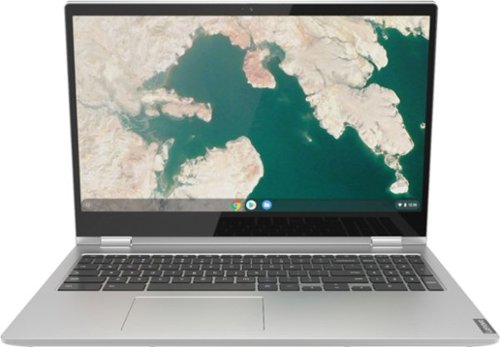
Lenovo - C340-15 2-in-1 15.6" Touch-Screen Chromebook - Intel Core i3 - 4GB Memory - 64GB eMMC Flash Memory - Mineral Gray
Lenovo C340-15 Convertible 2-in-1 Chromebook: The Chromebook C340 brings you everyone's favorite Chromebook features in a slim 2-in-1 chassis, running on the lightning fast Chrome OS. It boots up in seconds, updates automatically, and is protected by built-in virus protection.
Is the memory expandable in this laptop? Can I go from 4Gb to 8Gb?
No. The Lenovo C340-15 Chromebook model number 81T9000VUS, ships with 4GB Soldered DDR4-2400MHz RAM and is not upgradeable.
5 years, 3 months ago
by
Posted by:
Lenovo Product Expert
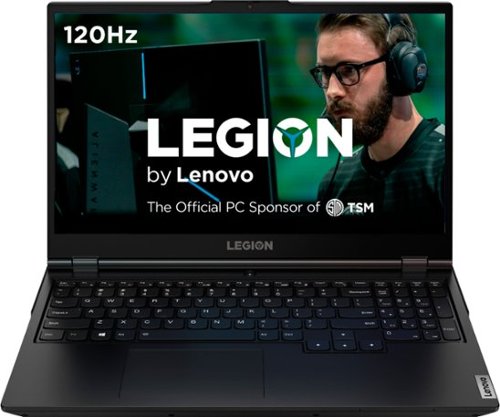
Lenovo - Legion 5 15" Gaming Laptop - Intel Core i7 - 8GB Memory - NVIDIA GeForce GTX 1660 Ti - 512GB SSD - Phantom Black
Lenovo Legion 5 15IMH05H Laptop: Game seamlessly with this 15.6-inch Lenovo Legion 5 gaming notebook. The Intel Core i7 processor and 8GB of RAM let you run modern titles smoothly, while the NVIDIA GeForce GTX 1660Ti graphics card produces crisp, clear visuals on the Full HD, anti-glare screen. This Lenovo Legion 5 gaming notebook has 512GB SSD for rapid boot times.
Does this laptop have dual channel memory.
The Lenovo Legion 5 15 Gaming Laptop, model number 81Y6000DUS, ships with 1x 8GB SO-DIMM DDR4-2933MHz RAM. There are two DDR4 SO-DIMM slots, dual-channel capable. The maximum supported RAM memory is: Up to 32GB DDR4-2933MHz.
5 years, 3 months ago
by
Posted by:
Lenovo Product Expert
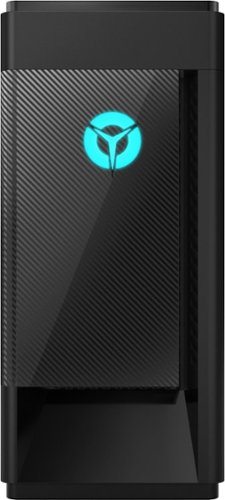
Lenovo - Legion Tower 5i - 90NC00R5US 28/Core i5-10400F/8/256GB/1TB/Nvidia GeForce GTX1650 Super/Windows 10 - Phantom Black
Engineered out of a passion for savage power and unmatched speed, the Lenovo~ Legion Tower 5i delivers mind-blowing performance that combines 10th Generation Intel~ Core~ processors and top-of-the-line NVIDIA~ GeForce~ graphics cards for blazing-fast frame rates at up to 4K resolution. Pushing far beyond the upper bounds of smaller rig configurations while keeping things cool and whisper quiet, the Legion Tower 5i is a marvel of build and design, accentuated by its illuminated blue LED logo and lighting, as well a transparent side panel that can properly showcase your internals.
How do I get into the legion vantage dashboard on my computer?
Just search your APPs within Windows 10. Here is a link to instructions for doing this: https://support.microsoft.com/en-us/windows/find-all-your-apps-and-programs-cadb9c4b-459d-dfcb-2964-14aac1d7d964#:~:text=In%20the%20search%20box%20on,your%20keyboard%20and%20start%20typing. If you need additional help, you can call Legion Ultimate Support at: 888-278-9707
5 years, 3 months ago
by
Posted by:
Lenovo Product Expert
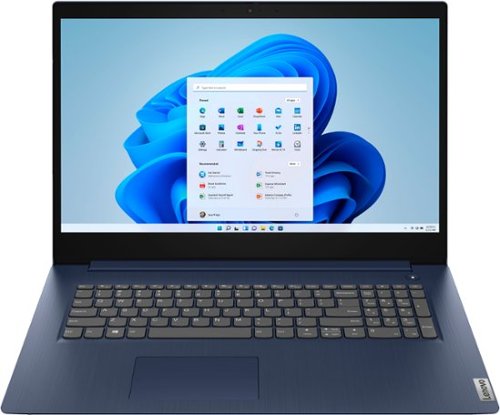
Lenovo - Ideapad 3 17 17" Laptop - Intel Core i5 - 8GB Memory - 1TB HDD - Abyss Blue
Engineered for long-lasting performance, the Lenovo~ IdeaPad~ 3 17 delivers power in a laptop that's perfect for your everyday tasks, with features that you can depend on such as advanced mobile 10th Generation Intel Core processors and all day battery.
I just got my new second Lenovo, same computer ideapad 3 17. How can I get rid of Microsoft edge? This was a problem in my first Lenovo which has broken at the hinge. I want only google or chrome to search. However much I try edge cannot be removed. If I
Here is a link to instructions for changing the default search engine your computer uses within Windows 10, to do this you may need to switch out of Windows 10 S-Mode to have availability to install the search engine of your choice: https://support.microsoft.com/en-us/microsoft-edge/change-your-default-search-engine-f863c519-5994-a8ed-6859-00fbc123b782. Thank you for choosing Lenovo again. We appreciate your loyalty to the Lenovo Brand. If you need to switch out of S-Mode, here is a link to instructions for switching from Windows 10 S-Mode to Windows 10 Home: https://support.microsoft.com/en-us/help/4456067/windows-10-switch-out-of-s-mode
5 years, 3 months ago
by
Posted by:
Lenovo Product Expert
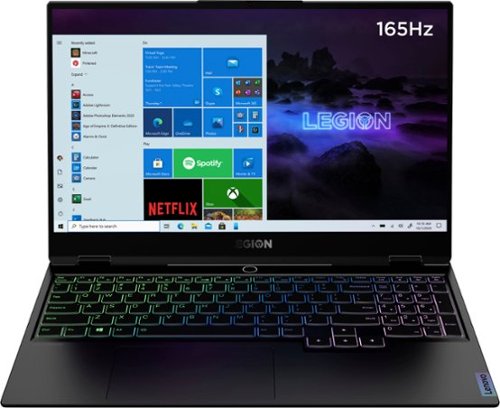
Lenovo - Legion Slim 7 15" Gaming Laptop - AMD Ryzen 7 5800H - NVIDIA GeForce RTX 3060 Max-Q - 16GB Memory - 512GB SSD
The Lenovo~ Legion Slim 7 was engineered for gamers who demand mobility and performance for day and night. Sporting a finely crafted chassis machined from 100% aluminum that is shockingly thin and impressively light, the Legion Slim 7 was expertly crafted for gamers who demand more.
Approximately how long does the battery last for office work and light gaming?
The Lenovo Legion Slim 7 Gaming Laptop, model number 82K80001US, ships with a 4CELL_71WH_INTERNAL, Lithium Polymer Battery, which within this configuration, has a battery life of up to 8 hours, depending on the work the device is performing and the power settings being used.
5 years, 3 months ago
by
Posted by:
Lenovo Product Expert