Lenovo Product Expert
Lenovo Product Expert's Stats
Reviews
- Review Count0
- Helpfulness Votes0
- First ReviewNone
- Last ReviewNone
- Featured Reviews0
- Average Rating0
Reviews Comments
- Review Comment Count0
- Helpfulness Votes0
- First Review CommentNone
- Last Review CommentNone
- Featured Review Comments0
Questions
- Question Count0
- Helpfulness Votes0
- First QuestionNone
- Last QuestionNone
- Featured Questions0
- Answer Count37933
- Helpfulness Votes24,858
- First AnswerApril 21, 2014
- Last AnswerOctober 22, 2026
- Featured Answers0
- Best Answers2831
Lenovo Product Expert's Reviews
Lenovo Product Expert has not submitted any reviews.
Lenovo Product Expert's Questions
Lenovo Product Expert has not submitted any questions.
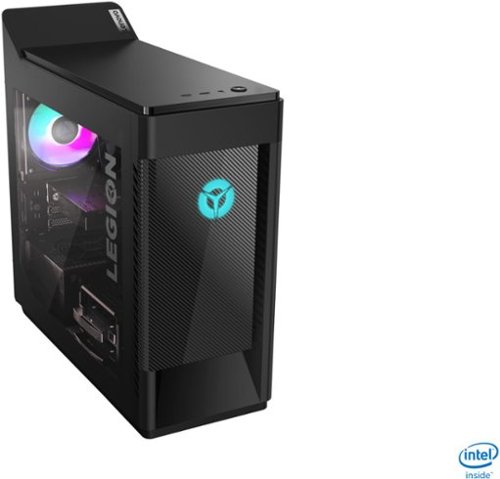
Lenovo - Legion Tower 5i Gaming Desktop - Intel Core i7-10700 - 16GB Memory - NVIDIA GeForce GTX 1660 Super - 256GB SSD + 1TB HDD - Phantom Black
Engineered out of a passion for savage power and unmatched speed, the Lenovo~ Legion Tower 5i delivers mind-blowing performance that combines 10th Generation Intel~ Core~ processors and top-of-the-line NVIDIA~ GeForce~ graphics cards for blazing-fast frame rates at up to 4K resolution. Pushing far beyond the upper bounds of smaller rig configurations while keeping things cool and whisper quiet, the Legion Tower 5i is a marvel of build and design, accentuated by its illuminated blue LED logo and lighting, as well a transparent side panel that can properly showcase your internals.
What is this motherboard model it comes with and am I able to change out the case?

The Lenovo Legion Tower 5i Gaming Desktop, model number 90NC00J9US, ships with the Intel Comet Lake B460 WIN DPK motherboard. Here is a link to the parts list for this model: https://pcsupport.lenovo.com/us/en/products/desktops-and-all-in-ones/legion-series/legion-t5-28imb05/90nc/90nc00j9us/parts/display/model
5 years, 8 months ago
by
Posted by:
Lenovo Product Expert
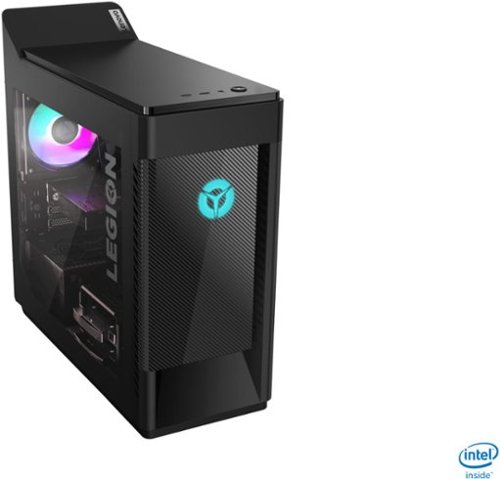
Lenovo - Legion Tower 5i Gaming Desktop - Intel Core i5-10400 - 8GB Memory - NVIDIA GeForce GTX 1660 Super - 256GB SSD + 1TB HDD - Phantom Black
Engineered out of a passion for savage power and unmatched speed, the Lenovo~ Legion Tower 5i delivers mind-blowing performance that combines 10th Generation Intel~ Core~ processors and top-of-the-line NVIDIA~ GeForce~ graphics cards for blazing-fast frame rates at up to 4K resolution. Pushing far beyond the upper bounds of smaller rig configurations while keeping things cool and whisper quiet, the Legion Tower 5i is a marvel of build and design, accentuated by its illuminated blue LED logo and lighting, as well a transparent side panel that can properly showcase your internals.
Does this come with hdmi 2.0 so we can play 4k at 60hz? Also, does this come with WiFi 6? And is the ssd, nvme m.2?
The Lenovo Legion Tower 5i Gaming Desktop, model number 90NC00JAUS, ships with the Nvidia GeForce GTX1660 Super GPU with both DisplayPort 1.4a, HDMI 2.0b video outputs. This model also ships with the latest 6G Wide-Range/High Speed 2x2 802.11AX WiFi. The 256GB Solid state hard drive is M.2 2280 NVMe architecture
5 years, 8 months ago
by
Posted by:
Lenovo Product Expert
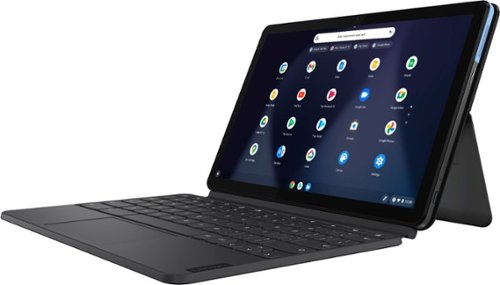
Lenovo - IdeaPad Duet Chromebook - 10.1 (1920x1200) Touch 2-in-1 Tablet - MediaTek P60T - 4G RAM - 128G eMCP4x - with Keyboard - Ice Blue + Iron Gray
Work on pending assignments while on the move with this Lenovo Chromebook Duet. The 10.1-inch touch screen provides an interactive user experience, while the 128GB of internal storage offer ample space for apps and media files. This Lenovo Chromebook Duet features a MediaTek Helio P60T processor and 4GB of RAM for effortless multitasking.
Does it have a touchscreen feature?
Yes it does.
5 years, 8 months ago
by
Posted by:
Lenovo Product Expert
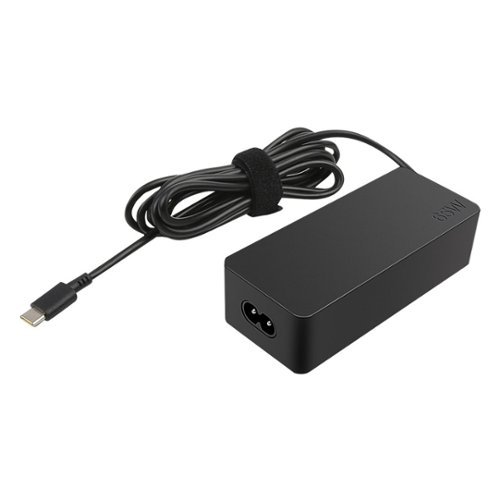
Lenovo - Power Adapter for Tablet 10, ThinkPad 11, 11e Chromebook, Thinkpad 13, 13 Chromebook, ThinkPad A275, A475 and A485 - Black
Enjoy fast, efficient charging while traveling or at home with this 65W Lenovo AC adapter. Its Smart Voltage technology automatically delivers the right amperage and voltage depending on the device.
is this charger compatible with a T480?
Yes, the Lenovo ThinkPad T480 Laptop is on the compatible list for this AC adapter/charger.
5 years, 8 months ago
by
Posted by:
Lenovo Product Expert
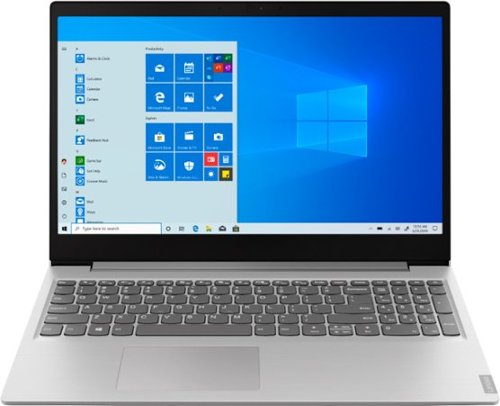
Lenovo - IdeaPad 15.6" Laptop - AMD Ryzen 3 - 8GB Memory - 256GB Solid State Drive - Platinum Gray/IMR
Complete daily tasks quickly with this Lenovo IdeaPad laptop. An AMD Ryzen 3 3200U processor and 8GB of RAM run multiple demanding applications simultaneously for easy multitasking, and the 256GB SSD provides ample storage space and swift boots. This Lenovo IdeaPad laptop has AMD Radeon Vega 3 integrated graphics for delivering quality visuals on the 15.6-inch Full HD display.
I have to but new battery in my lab top. Can do it? And how many cr2032 do I need to get? For a Lenovo 15.6 labtop
Hello, thanks for your question. The Lenovo IdeaPad 15.6" laptop model # 81UT00EAUS features an internal battery that is not replaceable. If you need further assistance we recommend reaching out to Lenovo Tech Support at 877-453-6686
5 years, 8 months ago
by
Posted by:
Lenovo Product Expert
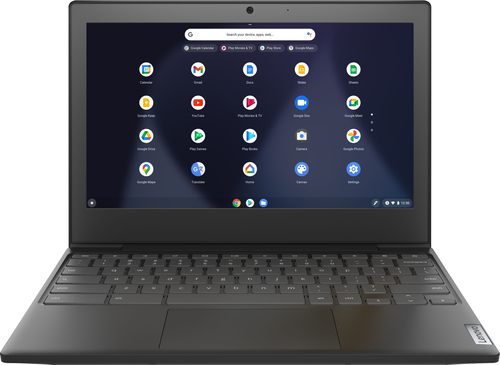
Lenovo - Chromebook 3 11" Chromebook - AMD A6 - 4GB Memory - 32GB eMMC Flash Memory
Fast, flexible, and fun, the Chromebook 3-11" brings everyone~s favorite Chromebook features, housed in a slim chassis, running on the lightning-fast Chrome OS that boots up in seconds, updates automatically, and is protected by built-in virus protection. Powered by an AMD A6 processor with up to 10 hours of battery life, the IdeaPad 3 Chromebook can seamlessly run all of your favorite apps at the same time
Does this come pre-loaded with home office software
Hello, thanks for your question. The Lenovo Chromebook 3 11" runs on Chrome OS and can use Google Docs/Sheets for free. https://play.google.com/store/search?q=docs. If you would like the Microsoft Office productivity suite it is downloadable with purchase.
5 years, 8 months ago
by
Posted by:
Lenovo Product Expert
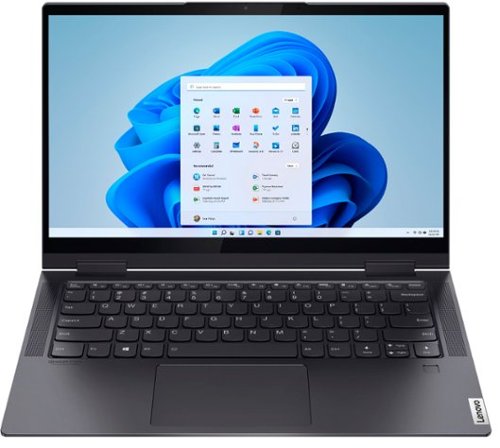
Lenovo - Yoga 7i 2-in-1 14" Touch Screen Laptop - Intel Evo Platform Core i7 - 12GB Memory - 512GB Solid State Drive - Slate Grey
The Lenovo~ Yoga~ 7i 14" combines versatile portability and enhanced productivity, thanks to the boundary-breaking performance and responsiveness of 11th generation Intel~ Core~ i7 processors and vibrant FHD clarity with Intel~ Iris~ Xe graphics. Go anywhere with a sleek 2-in-1 metal chassis featuring thoughtful details including a webcam privacy shutter.
Does it have a fingerprint reader? If yes, how effective it is?
Yes, the Intel Evo-Certified, Lenovo Yoga 7i-14 has a fingerprint reader for Windows Hello Biometric security.
5 years, 8 months ago
by
Posted by:
Lenovo Product Expert
Lenovo - Yoga 7i 2-in-1 14" Touch Screen Laptop - Intel Evo Platform Core i7 - 12GB Memory - 512GB Solid State Drive - Slate Grey
The Lenovo~ Yoga~ 7i 14" combines versatile portability and enhanced productivity, thanks to the boundary-breaking performance and responsiveness of 11th generation Intel~ Core~ i7 processors and vibrant FHD clarity with Intel~ Iris~ Xe graphics. Go anywhere with a sleek 2-in-1 metal chassis featuring thoughtful details including a webcam privacy shutter.
does this model have Intel Optane?
No, the Intel Evo-Certified, Lenovo Yoga 7i-14, model number 82BH0002US, does not have Intel Optane Memory. This model ships with a 512GB M.2-2242 NVMe solid state hard drive.
5 years, 8 months ago
by
Posted by:
Lenovo Product Expert
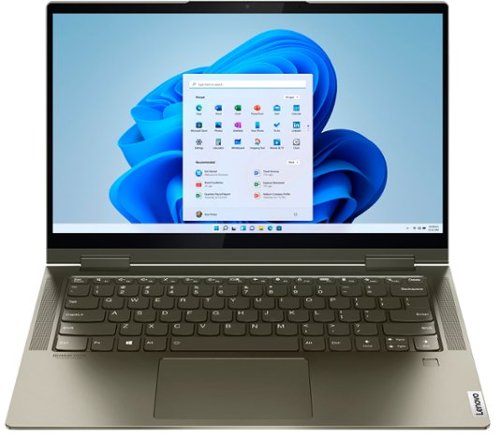
Lenovo - Yoga 7i 2-in-1 14" Touch Screen Laptop - Intel Evo Platform Core i5 - 12GB Memory - 512GB Solid State Drive - Dark Moss
The Lenovo Yoga 7i 14" combines versatile portability and enhanced productivity, thanks to the boundary-breaking performance and responsiveness of 11th generation Intel Core i5 processors and vibrant FHD clarity with Intel Iris X graphics. Go anywhere with a sleek 2-in-1 metal chassis featuring thoughtful details including a webcam privacy shutter.
Does this model has Intel Optane?
No. The Lenovo Intel Evo-Certified, Lenovo Yoga 7i-14 does not have Intel Optane Memory. It ships with a 512GB M.2-2242 NVMe solid state hard drive.
5 years, 8 months ago
by
Posted by:
Lenovo Product Expert

Lenovo - Yoga 7i 2-in-1 15.6" HDR Touch Screen Laptop - Intel Evo Platform Core i7 - 12GB Memory - 512GB Solid State Drive - Dark Moss
The Lenovo~ Yoga~ 7i 15" combines versatile portability and enhanced productivity, thanks to the boundary-breaking performance and responsiveness of 11th generation Intel~ Core~ i7 processors and a vibrant VESA Dolby HDR 400 display in FHD clarity with Intel~ Iris~ Xe graphics. Go anywhere with a sleek 2-in-1 metal chassis featuring thoughtful details including a webcam privacy shutter.
Seems no one can tell me if this has TPM installed or not, not Lenovo or Best Buy. Is this instore so I can look for myself?
All Windows 10 systems have TPM 2.0 now, including this Intel Evo-Certified, Lenovo Yoga 7i-15 model number 82BJ0003US.
5 years, 8 months ago
by
Posted by:
Lenovo Product Expert