Lenovo Product Expert
Lenovo Product Expert's Stats
Reviews
- Review Count0
- Helpfulness Votes0
- First ReviewNone
- Last ReviewNone
- Featured Reviews0
- Average Rating0
Reviews Comments
- Review Comment Count0
- Helpfulness Votes0
- First Review CommentNone
- Last Review CommentNone
- Featured Review Comments0
Questions
- Question Count0
- Helpfulness Votes0
- First QuestionNone
- Last QuestionNone
- Featured Questions0
- Answer Count37939
- Helpfulness Votes24,859
- First AnswerApril 21, 2014
- Last AnswerOctober 23, 2026
- Featured Answers0
- Best Answers2831
Lenovo Product Expert's Reviews
Lenovo Product Expert has not submitted any reviews.
Lenovo Product Expert's Questions
Lenovo Product Expert has not submitted any questions.
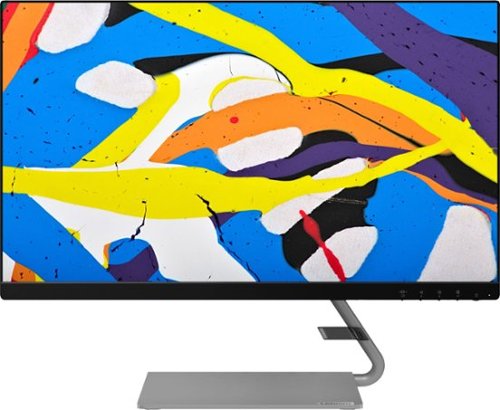
Lenovo - Q24i-10 24" IPS LED FHD FreeSync Monitor (HDMI, VGA) - Black
Modernize your workspace with this 23.8-inch Lenovo Q24i WLED monitor. With a tilting stand, NearEdgeless bezel and Full HD resolution, this graceful monitor offers sharp looks in both design and visual performance. Built-in dual speakers provide a rich audio experience for movies and games. This 23.8-inch Lenovo Q24i WLED monitor boasts in-plane switching technology, making it easy to see the screen from any viewing angle.
Can this monitor rotate vertically for a portrait view?

No. This monitor can not pivot on its stand to a portrait view. It is VESA mount (100 x 100 mm) compatible.
5 years, 9 months ago
by
Posted by:
Lenovo Product Expert
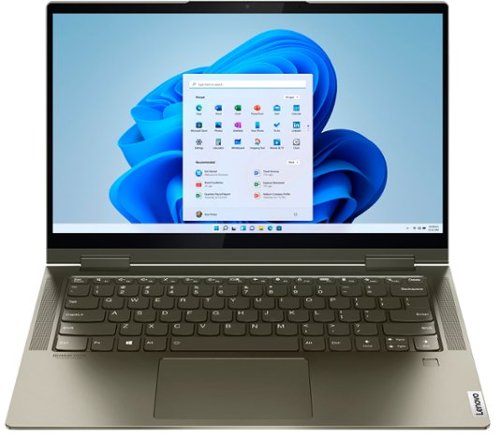
Lenovo - Yoga 7i 2-in-1 14" Touch Screen Laptop - Intel Evo Platform Core i5 - 12GB Memory - 512GB Solid State Drive - Dark Moss
The Lenovo Yoga 7i 14" combines versatile portability and enhanced productivity, thanks to the boundary-breaking performance and responsiveness of 11th generation Intel Core i5 processors and vibrant FHD clarity with Intel Iris X graphics. Go anywhere with a sleek 2-in-1 metal chassis featuring thoughtful details including a webcam privacy shutter.
I just purchased this for Christmas, used it for a couple weeks and now has no sound. It says "NO AUDIO DEVICE IS INSTALLED" What happened?
Hello, we are sorry to hear you are experiencing an issue with audio driver on your Lenovo Yoga 7i model # 82BH0006US. We recommend re-installing the audio device driver. You can easily accomplish this by scanning the computer with the Lenovo Utility software available on this computer. This system has Lenovo utilities installed to help maintain the health of the device and keep the operating system software up to date. Type "Lenovo Vantage" in the Cortana Search window (if Lenovo Vantage is not installed on your device, you can download the APP and install it now). Select Lenovo Vantage from the list. In the window that opens, click on "Health and Support". In the expanded menu, select "Hardware Scan” In the window that opens, select "Run Quick Tests". This will scan your entire system for errors. Follow any directions that may pop up. If the problem continues after this scan, now click on "System Update". First select Windows update from the menu. Scan your system to be sure you have the latest version of Windows 10. Once that scan is complete, select "Additional Updates". This will scan your device to be sure there are no new BIOS/Driver updates needed. Follow any instructions that may pop up. If the issue continues after these updates, we recommend you call Lenovo Tech Support at: 877-453-6686 for additional help.
5 years, 9 months ago
by
Posted by:
Lenovo Product Expert
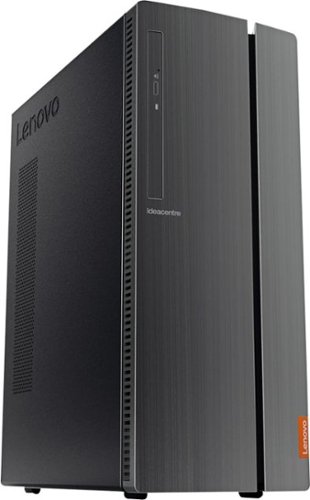
Lenovo - IdeaCentre 510A Desktop - Intel Core i5 - 8GB Memory - 1TB Hard Drive - Black
Lenovo 510A-15ICB Desktop: Upgrade your home computer with this Lenovo IdeaCentre desktop PC. The fast Intel Core i5-8400 processor and Intel UHD 630 graphics card easily handle complex software, and you can store your photos and files on the big 1TB hard drive or make use of the seven-in-one card reader to save on other storage media. Connect this Lenovo IdeaCentre computer wirelessly to other devices using the built-in Bluetooth or Wi-Fi.
can it play fortnite and apex
We recommend you check with the game's software publisher's web site for their compatibility with Windows 10 Home (or S-Mode if applicable) 64-bit operating system and the minimum/recommended hardware requirements (Is a Graphics card required, the processor speed and the minimum required system RAM and the minimum available hard drive space) to run their program, then compare those requirements to this system's configuration.
5 years, 9 months ago
by
Posted by:
Lenovo Product Expert
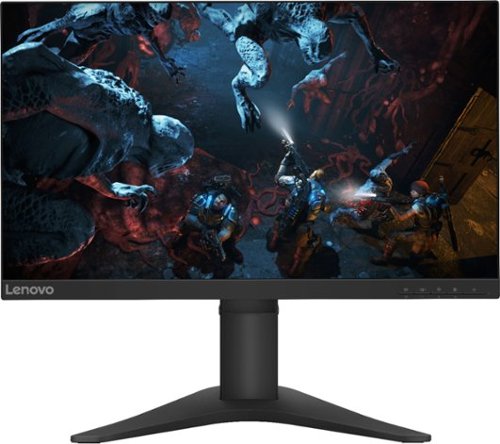
Lenovo - G25-10 24.5" LED FHD FreeSync Gaming Monitor (HDMI) - Raven Black
Amplify your gaming excitement with this Lenovo gaming monitor. The 24.5-inch screen features 1920 x 1080 resolution and NearEdgeless bezels, while a 144MHz refresh rate eliminates lag during intense gameplay. This Lenovo monitor is fueled by AMD FreeSync technology, and the blue light filter and height-adjustable stand provide hours of gaming comfort.
Is the height adjustable on this moniter.
Hello, thanks for your question. Yes the Lenovo G25-10 monitor model #65FEGCC2US is height and tilt adjustable. This and other helpful information about the product is listed under its specs tab.
5 years, 9 months ago
by
Posted by:
Lenovo Product Expert
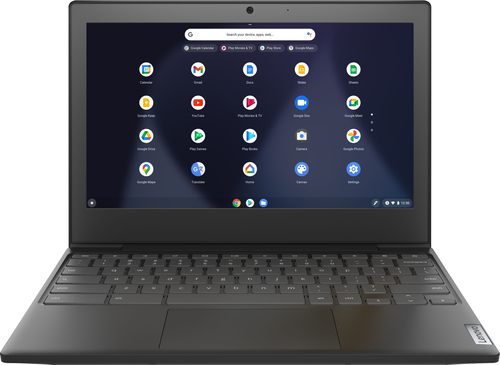
Lenovo - Chromebook 3 11" Chromebook - AMD A6 - 4GB Memory - 32GB eMMC Flash Memory
Fast, flexible, and fun, the Chromebook 3-11" brings everyone~s favorite Chromebook features, housed in a slim chassis, running on the lightning-fast Chrome OS that boots up in seconds, updates automatically, and is protected by built-in virus protection. Powered by an AMD A6 processor with up to 10 hours of battery life, the IdeaPad 3 Chromebook can seamlessly run all of your favorite apps at the same time
Does this allow apps like Netflix and games to be downloaded
Hi Jenn, this is a Chromebook and runs on Google's Chrome Operating system. It is compatible with any app that is compatible with Google Chrome OS. A quick and easy way to check on an apps compatibility is to search it on the Google Play Store, or to check the app developers website for compatibility. https://play.google.com/store
5 years, 9 months ago
by
Posted by:
Lenovo Product Expert
Lenovo - G25-10 24.5" LED FHD FreeSync Gaming Monitor (HDMI) - Raven Black
Amplify your gaming excitement with this Lenovo gaming monitor. The 24.5-inch screen features 1920 x 1080 resolution and NearEdgeless bezels, while a 144MHz refresh rate eliminates lag during intense gameplay. This Lenovo monitor is fueled by AMD FreeSync technology, and the blue light filter and height-adjustable stand provide hours of gaming comfort.
Does this monitor work for ps5 at 1080p on 120 hz?
That will depend on the capabilities and ports of the console. The Lenovo G25 Monitor model # 65FEGCC2US ships with HDMI 1.4 and DP 1.2 inputs with a Refresh Rate of
144Hz and Maximum Resolution of
1920 x 1080. We recommend checking with the console developers website and comparing the specs/requirements of the system with that of this monitor.
144Hz and Maximum Resolution of
1920 x 1080. We recommend checking with the console developers website and comparing the specs/requirements of the system with that of this monitor.
5 years, 9 months ago
by
Posted by:
Lenovo Product Expert
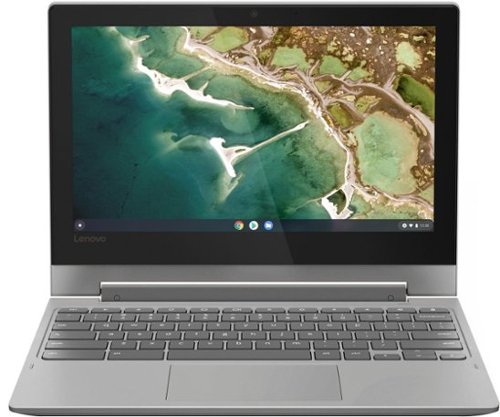
Lenovo - Chromebook Flex 3 11" MTK 2-in-1 11.6" Touch Screen Chromebook - MediaTek MT8173C - 4GB Memory - 32GB eMMC Flash Memory - Platinum Grey
Engineered for long-lasting performance, the Lenovo~ IdeaPad~ 3 delivers powerful performance in a laptop that's perfect for your everyday tasks, with features that you can depend on.
Will I be able to put hooked on phonics on this cromebook.
That will depend on if is compatible with ChromeOS. We recommend checking the software developers website for compatibility with the Chrome Operating System.
5 years, 9 months ago
by
Posted by:
Lenovo Product Expert
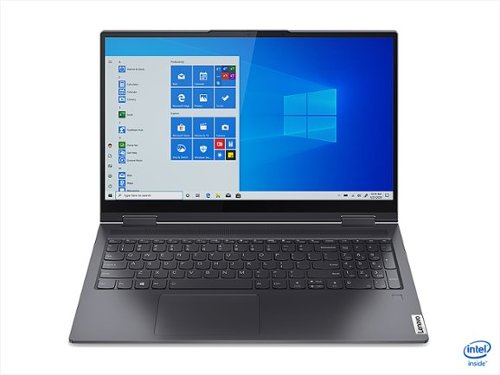
Lenovo - Yoga 7i 15 2-in-1 15.6" Touch Screen Laptop - Intel Evo Platform Core i7 - 16GB Memory - 1024GB SSD - Slate Grey
The Lenovo~ Yoga~ 7i combines versatile portability and enhanced productivity, thanks to the boundary-breaking performance and responsiveness of 11th generation Intel~ Core~ processors and vibrant FHD clarity with Intel~ Iris~ Xe graphics. Go anywhere with a sleek 2-in-1 metal chassis featuring thoughtful details including a webcam privacy shutter.
Hello, Can I use a stylus or other digital pen to draw directly on this laptop? I know its a 2-in-1 style and folds backward, but I cant find any information on if it wourks with a stylus, and if so what stylus. Thanks
Hello, thanks for your question. The Lenovo Yoga 7i 15" laptop model #82BJ000FUSSKU is compatible when a pen or stylus. We recommend the Bamboo pen by Wacom featured in the following link. https://www.bestbuy.com/site/wacom-bamboo-ink-smart-stylus-for-windows-ink-2nd-generation-gray/6374981.p?skuId=6374981
5 years, 9 months ago
by
Posted by:
Lenovo Product Expert
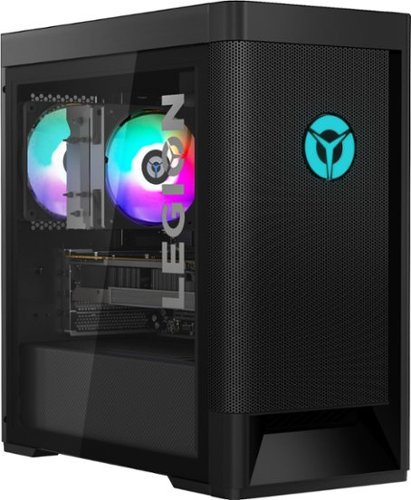
Lenovo - Legion Tower 5 AMD Gaming Desktop - AMD Ryzen 7-3700X - 16GB Memory - NVIDIA GeForce GTX 1660 Super - 256GB SSD+ 1TB HDD - Phantom Black
Engineered out of a passion for savage power and unmatched speed, the Lenovo~ Legion Tower 5 AMD delivers mind-blowing performance that combines AMD Ryzen processors and top-of-the-line NVIDIA~ GeForce~ graphics cards for blazing-fast frame rates at up to 4K resolution. Pushing far beyond the upper bounds of smaller rig configurations while keeping things cool and whisper quiet, the Legion Tower 5 is a marvel of build and design, accentuated by its illuminated blue LED logo and lighting, as well a transparent side panel that can properly showcase your internals.
CPU & system fans run loud all the time even no CPU or GPU load. Temp is ~22C. Played BIOS or Vantage settings no difference. Only two times the fan turned quite. Once was running Cpu-Z stress test. The other was uninstalling the Macfee. Is this normal?
Hello, we are sorry to hear you are experiencing an issue with fan noise on your Lenovo Legion Tower 5 Gaming Desktop model # 90RB000EUS. You can use Lenovo Q-Control to manually control fan performance: (Fn + Q ) option to change the fan. If the issue continues, we recommend you call Lenovo Legion Ultimate Tech Support at 888-278-9707
5 years, 9 months ago
by
Posted by:
Lenovo Product Expert
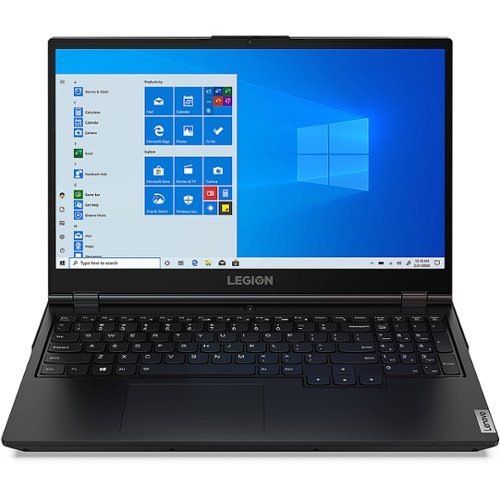
Lenovo - Legion 5 17IMH05H 17.3" Gaming Laptop - Intel Core i7 - 16 GB Memory - NVIDIA GeForce RTX 2060 - 512 GB SSD - Phantom Black
Stylish on the outside and savage on the inside, the Lenovo Legion laptop packs a punch. The Legion series delivers true gaming power and best-in-class graphics and components in a slim, light and elegant design. This 17.3" Legion laptop is equipped with an Intel Core i7 2.60 GHz processor that provides lightning-fast speed and peak performance for the toughest of tasks and games. The expansive, 17.3" diagonal display in FHD (1920 x 1080) resolution presents movies, games and photos with impressive clarity, rich color and smooth, tear-free video for an immersive experience. A NVIDIA~ GeForce ~ GTX 1650 GPU 4 GB graphics card delivers superior performance and faster speed for a variety of multimedia applications such as video editing, graphic design, photography and game broadcasting. With 8 GB of memory and ample storage, the laptop is able to run powerful programs with efficient multitasking. The Windows 10 Home edition operating system is designed to support the latest PC gaming experiences. Windows 10 also allows you to enjoy your favorite content all at once on a larger browser and share your thoughts with the world by writing directly on web pages. A reliable 6-hour and 48-minute battery provides ample time to take care of everyday tasks. An affordable gaming option, you can customize your Legion laptop or opt for a pre-configured model.
Would this computer be considered VR ready? If not, can it be and what would need to be added or replaced to make it VR ready?
The Lenovo Legion 5 gaming laptop model # 81Y8004SUS and it's ability to be used with a VR headset/system will depend on the system requirements of the specified brand and model of VR headset/system. We recommend you check with the VR developers website for their compatibility with Windows 10 Home 64-bit operating system and the minimum/recommended hardware requirements (Is a Graphics card required, the processor speed and the minimum required system RAM and the minimum available hard drive space) to run their program, then compare those requirements to this system's configuration.
5 years, 9 months ago
by
Posted by:
Lenovo Product Expert