Lenovo Product Expert
Lenovo Product Expert's Stats
Reviews
- Review Count0
- Helpfulness Votes0
- First ReviewNone
- Last ReviewNone
- Featured Reviews0
- Average Rating0
Reviews Comments
- Review Comment Count0
- Helpfulness Votes0
- First Review CommentNone
- Last Review CommentNone
- Featured Review Comments0
Questions
- Question Count0
- Helpfulness Votes0
- First QuestionNone
- Last QuestionNone
- Featured Questions0
- Answer Count37939
- Helpfulness Votes24,859
- First AnswerApril 21, 2014
- Last AnswerOctober 23, 2026
- Featured Answers0
- Best Answers2831
Lenovo Product Expert's Reviews
Lenovo Product Expert has not submitted any reviews.
Lenovo Product Expert's Questions
Lenovo Product Expert has not submitted any questions.
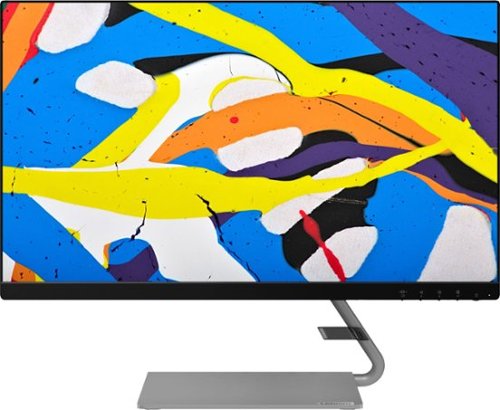
Lenovo - Q24i-10 24" IPS LED FHD FreeSync Monitor (HDMI, VGA) - Black
Modernize your workspace with this 23.8-inch Lenovo Q24i WLED monitor. With a tilting stand, NearEdgeless bezel and Full HD resolution, this graceful monitor offers sharp looks in both design and visual performance. Built-in dual speakers provide a rich audio experience for movies and games. This 23.8-inch Lenovo Q24i WLED monitor boasts in-plane switching technology, making it easy to see the screen from any viewing angle.
What resolution is it

Hello the Lenovo Q24i monitor model #65F3KCC3US features a 1920x1080p Full HD panel.
5 years, 9 months ago
by
Posted by:
Lenovo Product Expert
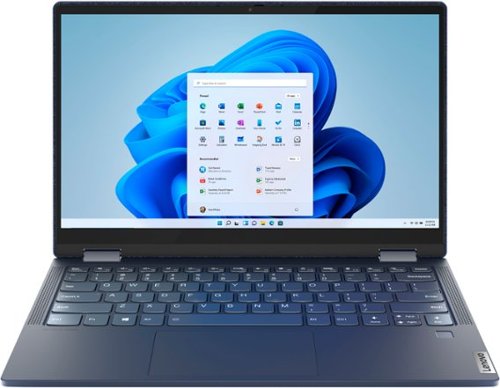
Lenovo - Yoga 6 13 2-in-1 13.3" Touch Screen Laptop - AMD Ryzen 5 - 8GB Memory - 256GB SSD - Abyss Blue Fabric Cover
Featuring a premium textile cover, the Lenovo~ Yoga~ 6 is an ultra-portable 2-in-1 that combines unique style with the powerful responsiveness of an AMD Ryzen~ 4000 Series Mobile Processor, abundant memory and SSD storage. Enjoy a rich multimedia experience with the clarity of a 13.3" FHD touchscreen display, and enveloping sound with Dolby Atmos~-optimized stereo speakers
What docking station is recommended for the Lenova Yoga 6?
That will depend on the specific ports you need. The Lenovo Yoga 6 model # 82FN003TUS is compatible with USB Type-A and USB Type-C docking stations.
5 years, 9 months ago
by
Posted by:
Lenovo Product Expert
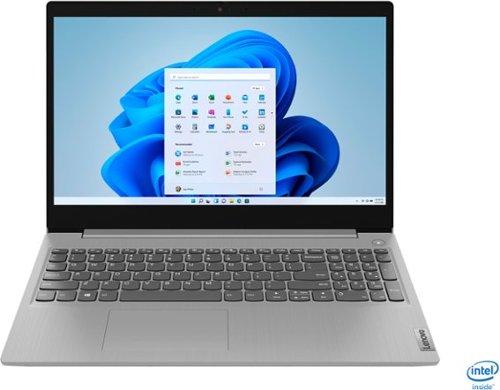
Lenovo - IdeaPad 3 15" Touch Screen Laptop - Intel Core i5-1035G1 - 12GB Memory - 256GB SSD - Platinum Grey
Engineered for long-lasting performance, the Lenovo~ IdeaPad~ 3 delivers powerful performance in a laptop that's perfect for your everyday tasks, with features that you can depend on.
Can it process editing sites such as WIX, GoDaddy and etc? How much memory is needed for that?
Hello, thanks for your question. That will depend on the websites requirements. We recommend checking the website you'd like to use to see if they have any system requirements. Your internet connection service provider speed will likely play the largest roll in the performance of the website loaded into your web browser. The Ideapad 3 15" laptop ships with a 11ac 2x2 wireless ethernet card that delivers speeds ranging from 433 Mbps (megabits per second) up to several gigabits per second.
5 years, 9 months ago
by
Posted by:
Lenovo Product Expert
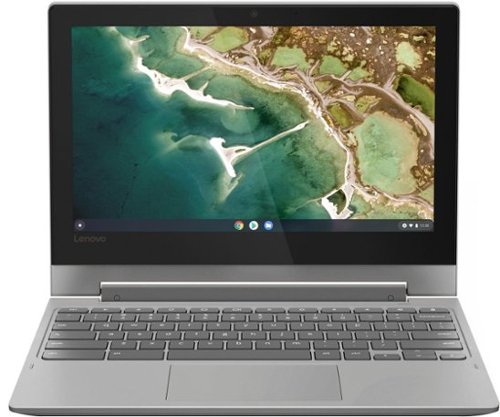
Lenovo - Chromebook Flex 3 11" MTK 2-in-1 11.6" Touch Screen Chromebook - MediaTek MT8173C - 4GB Memory - 32GB eMMC Flash Memory - Platinum Grey
Engineered for long-lasting performance, the Lenovo~ IdeaPad~ 3 delivers powerful performance in a laptop that's perfect for your everyday tasks, with features that you can depend on.
What is the largest card that this will see. and what kind of cards are compatible, sd etc.
Hello, thanks for your question.. The IdeaPad Flex 3 model # 82HG0000US features a MicroSD card reader and is compatible with any capacity Micro SD card.
5 years, 9 months ago
by
Posted by:
Lenovo Product Expert
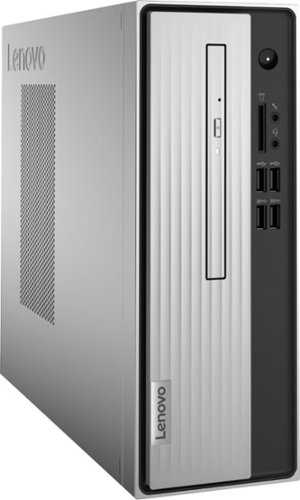
Lenovo - IdeaCentre 3 07ADA Desktop - AMD Athlon -Series - 4GB Memory - 1TB HDD - Silver
Lenovo IdeaCentre 3 07ADA Desktop: Get the job done with this silver Lenovo IdeaCentre 3 desktop computer. An AMD Athlon 3050U processor and 4GB of RAM run multiple programs simultaneously for increased productivity, while the 1TB HDD offers vast storage space for your files and applications. This Lenovo IdeaCentre 3 desktop computer includes a wired mouse and keyboard for easy operation.
How and what memory can we use? I looked and I can't find anything specific for this model, on the installation of memory and the memory itself?
This model is not user upgradable. A certified technician must do all of the work, so as to not void the warranty. We recommend you consult with your certified technician about your memory upgrade options.
5 years, 9 months ago
by
Posted by:
Lenovo Product Expert
Lenovo - Q24i-10 24" IPS LED FHD FreeSync Monitor (HDMI, VGA) - Black
Modernize your workspace with this 23.8-inch Lenovo Q24i WLED monitor. With a tilting stand, NearEdgeless bezel and Full HD resolution, this graceful monitor offers sharp looks in both design and visual performance. Built-in dual speakers provide a rich audio experience for movies and games. This 23.8-inch Lenovo Q24i WLED monitor boasts in-plane switching technology, making it easy to see the screen from any viewing angle.
Will this monitor work with smart phones like Samsung notes
That will depend on how you are trying to connect the smartphones and the smart phones capabilities. The Lenovo Q24i monitor model # 65F3KCC3US has HDMI and VGA inputs. If your smartphone is capable of outputting to one of these connecters and you have the appropriate cable then the answer is yes it will work.
5 years, 9 months ago
by
Posted by:
Lenovo Product Expert
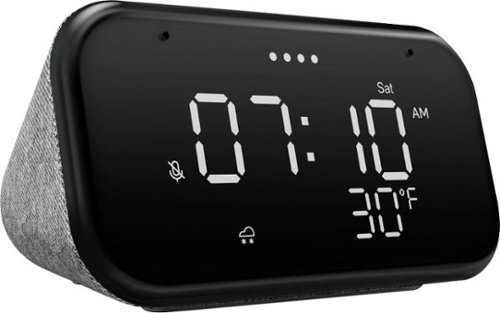
Lenovo - Smart Clock Essential 4" Smart Display with Google Assistant - Soft Touch Gray
The Lenovo Smart Clock Essential is the ultimate smart clock for any room. With a big & bold display you can check out the time from across the room, whether in the kitchen, in the living room or on a shelf. Talk to Google for hands-free help. From checking the time and weather, setting timers for cooking, adding items to your shopping list or making hands-free calls, the Lenovo Smart Clock Essential is here to help you be more productive and take back time. It~s also a great night-time companion with its built-in nightlight that provides a small source of light without waking up the whole family. No more stumbling around in the dark when searching for things. Listen to music, news, podcasts, and more with the clock~s quality speakers. Control over 40,000 compatible smart devices from over 5,000 brands. Ask Google to set the temperature, dim the lights, and more. Just say ~Hey Google.~
Why does the display brighten by itself after a few minutes, even though I set it to the lowest setting? It doesn't stay that way.
Hello, thanks for your question. The Smart Clock Essential will adjust to the brightness of the room. If you say "Okay Google screen brightness 1-100% " It should stay at that brightness until the light in the room changes again. If your device isn't functioning in this manner please power cycle the device by unplugging it for 1-2 minutes. Plugging it back in and allowing it to power on. If the issue remains please perform a factory reset by holding down the “Volume + and – ” buttons on top of your device for 8 Seconds. If the issue persists, please contact our customer support team at 866-426-0911
5 years, 9 months ago
by
Posted by:
Lenovo Product Expert
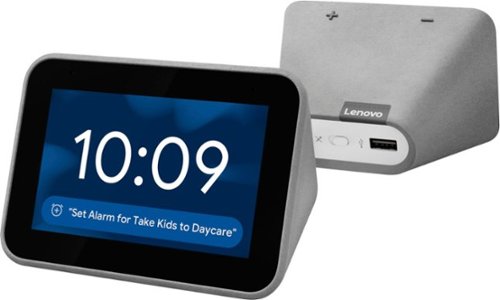
Lenovo - Smart Clock with Google Assistant - Gray
Wake up and start your day with this Lenovo smart clock. Wi-Fi connectivity and Google Assistant integration let you use voice commands to play music, check schedules and control smart home devices. This Lenovo smart clock offers hundreds of audio and media alarm options so you can choose how to wake up.
Is it possible to change the alarm sound? This one is too calm.
Hello, yes you can choose between several different alarm sounds. There are a few ways to do this. you can change the tone of previously set alarms by swiping down from the home screen and selecting the alarm and then changing the tone from the alarm's settings menu. You can also change the default tone so that new alarms set by hand will automatically have your chosen alarm tone. To do this swipe down from the home screen, select alarms, scroll to the bottom of the alarms menu and select the gear shaped settings Icon to pull up your master alarm and volume settings.
5 years, 9 months ago
by
Posted by:
Lenovo Product Expert
Lenovo - Smart Clock Essential 4" Smart Display with Google Assistant - Soft Touch Gray
The Lenovo Smart Clock Essential is the ultimate smart clock for any room. With a big & bold display you can check out the time from across the room, whether in the kitchen, in the living room or on a shelf. Talk to Google for hands-free help. From checking the time and weather, setting timers for cooking, adding items to your shopping list or making hands-free calls, the Lenovo Smart Clock Essential is here to help you be more productive and take back time. It~s also a great night-time companion with its built-in nightlight that provides a small source of light without waking up the whole family. No more stumbling around in the dark when searching for things. Listen to music, news, podcasts, and more with the clock~s quality speakers. Control over 40,000 compatible smart devices from over 5,000 brands. Ask Google to set the temperature, dim the lights, and more. Just say ~Hey Google.~
Can I adjust the snooze time?
Hello, thanks for your question. Yes you can adjust the snooze with the voice command "Okay Google Snooze for ...(number of minutes)". The default snooze time is 10 minutes.
5 years, 9 months ago
by
Posted by:
Lenovo Product Expert
Lenovo - Smart Clock with Google Assistant - Gray
Wake up and start your day with this Lenovo smart clock. Wi-Fi connectivity and Google Assistant integration let you use voice commands to play music, check schedules and control smart home devices. This Lenovo smart clock offers hundreds of audio and media alarm options so you can choose how to wake up.
Can I use it in Spanish language ?
Hello, thanks for your question. Yes, It is possible to set up two languages (including Spanish) on the Lenovo Smart Display. You can change your language settings in the Google Home app. The instructions can be found here: https://support.google.com/assistant/answer/7394513
5 years, 9 months ago
by
Posted by:
Lenovo Product Expert