Lenovo Product Expert
Lenovo Product Expert's Stats
Reviews
- Review Count0
- Helpfulness Votes0
- First ReviewNone
- Last ReviewNone
- Featured Reviews0
- Average Rating0
Reviews Comments
- Review Comment Count0
- Helpfulness Votes0
- First Review CommentNone
- Last Review CommentNone
- Featured Review Comments0
Questions
- Question Count0
- Helpfulness Votes0
- First QuestionNone
- Last QuestionNone
- Featured Questions0
- Answer Count37939
- Helpfulness Votes24,860
- First AnswerApril 21, 2014
- Last AnswerOctober 23, 2026
- Featured Answers0
- Best Answers2831
Lenovo Product Expert's Reviews
Lenovo Product Expert has not submitted any reviews.
Lenovo Product Expert's Questions
Lenovo Product Expert has not submitted any questions.
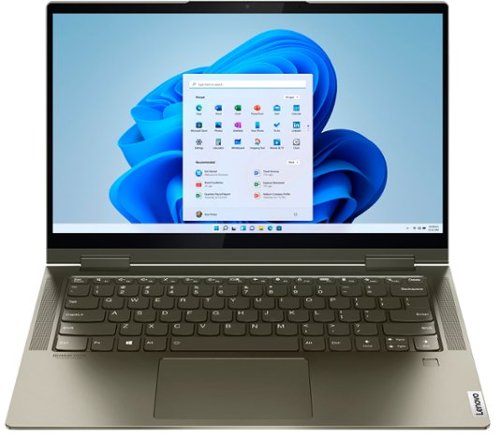
Lenovo - Yoga 7i 2-in-1 14" Touch Screen Laptop - Intel Evo Platform Core i5 - 12GB Memory - 512GB Solid State Drive - Dark Moss
The Lenovo Yoga 7i 14" combines versatile portability and enhanced productivity, thanks to the boundary-breaking performance and responsiveness of 11th generation Intel Core i5 processors and vibrant FHD clarity with Intel Iris X graphics. Go anywhere with a sleek 2-in-1 metal chassis featuring thoughtful details including a webcam privacy shutter.
How do I turn the back light on?

Hold down the Fn key and at the same time, tap the Spacebar, once to turn the backlight on, twice to increase brightness, three times to turn the backlighting off.
5 years, 10 months ago
by
Posted by:
Lenovo Product Expert
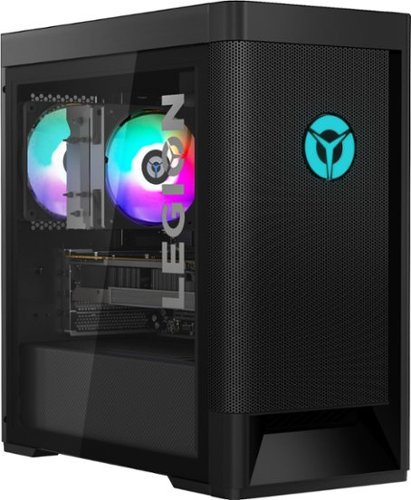
Lenovo - Legion Tower 5 AMD Gaming Desktop - AMD Ryzen 7-3700X - 16GB Memory - NVIDIA GeForce GTX 1660 Super - 256GB SSD+ 1TB HDD - Phantom Black
Engineered out of a passion for savage power and unmatched speed, the Lenovo~ Legion Tower 5 AMD delivers mind-blowing performance that combines AMD Ryzen processors and top-of-the-line NVIDIA~ GeForce~ graphics cards for blazing-fast frame rates at up to 4K resolution. Pushing far beyond the upper bounds of smaller rig configurations while keeping things cool and whisper quiet, the Legion Tower 5 is a marvel of build and design, accentuated by its illuminated blue LED logo and lighting, as well a transparent side panel that can properly showcase your internals.
I want a lenovo specialist to answer this. Is 400 watts really enough to run this computer without problems like crashing etc.
That will depend on the demand you will be putting on the overall system. We recommend you check with the specific software publisher's web sites of those APPs and games you feel will be most demanding on the system that you will be running, for their compatibility with Windows 10 Home 64-bit operating system and the minimum/recommended hardware requirements (Is a Graphics card required, the processor speed and the minimum required system RAM and the minimum available hard drive space and power supply requirements) to run their program, then compare those requirements to this system's configuration.
5 years, 10 months ago
by
Posted by:
Lenovo Product Expert
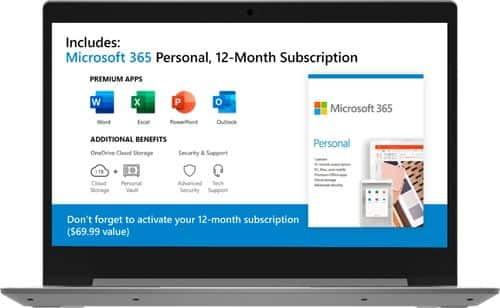
Lenovo - IdeaPad 1 14" Laptop - AMD A6-Series - 4GB Memory - AMD Radeon R4 - 64GB eMMC Flash Memory
Lenovo IdeaPad 1 14" Laptop: Complete daily computing tasks quickly with this Lenovo IdeaPad laptop. The 7th Gen AMD A6-9220E processor and 4GB of RAM offer ample power to run multiple applications seamlessly for efficient multitasking, while the AMD Radeon R4 integrated graphics deliver quality visuals on the 14-inch HD display. This Lenovo IdeaPad laptop has a lithium-polymer battery that provides up to 8 hours of uptime on a single charge.
Can this labtop be used for minecraft and robolox
That really depends on the requirements and compatibility of the specific games. The Lenovo IdeaPad 1 14 Laptop, model number 81VS009GUS, is an entry-level configuration that ships with Windows 10 S-Mode Operating System. Windows 10 S-Mode provides added security by only allowing APPs available ( and therefore certified by Microsoft) at the Microsoft Store. If you don't need the added security or you need to install APPs not available at the Microsoft Store, you can switch to standard Windows 10 Home 64-bit Operating System, at no additional cost. We recommend you check with the specific game's software publisher's web sites for their compatibility with Windows 10 S-Mode 64-bit operating system and the minimum/recommended hardware requirements (Is a Graphics card required, the processor speed and the minimum required system RAM and the minimum available hard drive space) to run their program, then compare those requirements to this system's configuration.
5 years, 10 months ago
by
Posted by:
Lenovo Product Expert
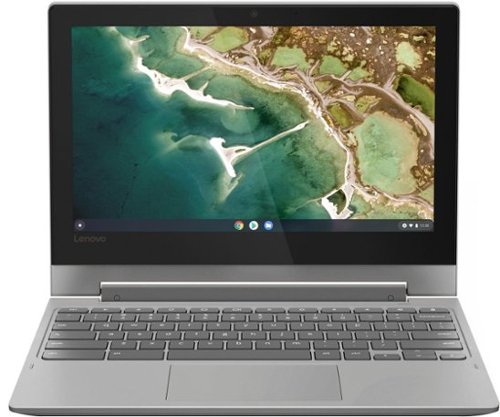
Lenovo - Chromebook Flex 3 11" MTK 2-in-1 11.6" Touch Screen Chromebook - MediaTek MT8173C - 4GB Memory - 32GB eMMC Flash Memory - Platinum Grey
Engineered for long-lasting performance, the Lenovo~ IdeaPad~ 3 delivers powerful performance in a laptop that's perfect for your everyday tasks, with features that you can depend on.
can you set up a printer Cromebook laptop
Yes. You can print from the Lenovo Chromebook Flex 3 11. Here is a link to instructions for setting up a printer with your Chromebook: https://support.google.com/chromebook/answer/7225252?hl=en
5 years, 10 months ago
by
Posted by:
Lenovo Product Expert
Lenovo - Chromebook Flex 3 11" MTK 2-in-1 11.6" Touch Screen Chromebook - MediaTek MT8173C - 4GB Memory - 32GB eMMC Flash Memory - Platinum Grey
Engineered for long-lasting performance, the Lenovo~ IdeaPad~ 3 delivers powerful performance in a laptop that's perfect for your everyday tasks, with features that you can depend on.
What type of power cord plug in does this have, a push in plug to the laptop or is it magnetic type.
The Lenovo Chromebook Flex 3 11 model number 82HG0000US, uses a 45W USB-c format push-in AC adapter at the computer side. The AC adapter/charger is included with the Chromebook Flex 3 11.
5 years, 10 months ago
by
Posted by:
Lenovo Product Expert
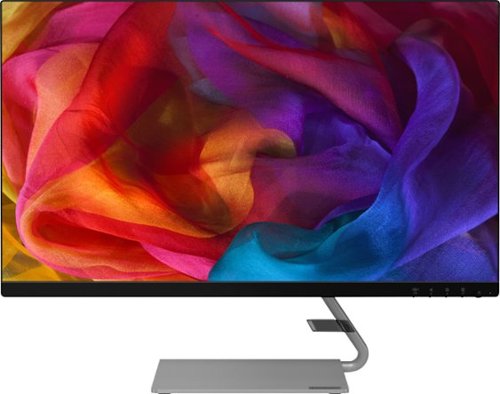
Lenovo - Q27q-10 27" IPS LED QHD FreeSync Monitor (DisplayPort, HDMI) - Black
Enhance your viewing experience with this Lenovo 27-inch QHD WLED computer monitor. The in-plane switching technology displays sharp images with rich colors from any viewing angle. With two embedded speakers and a sleek, narrow-bezel design, this Lenovo 27-inch QHD WLED monitor offers outstanding audio and imagery for gamers, cinephiles and productivity users.
Is this Monitor compatible with a Mac Book Air ???
The Lenovo Q27q-10 Monitor is OS independent. This model number 65F4GCC3US, ships with an HDMI 2.0 version port and a DisplayPort 1.2 version for connection to a computer. We recommend you check with your computer manufacturer's website for requirements and compatibility.
5 years, 10 months ago
by
Posted by:
Lenovo Product Expert
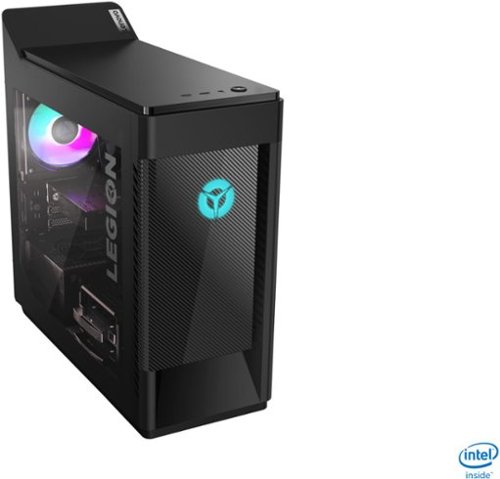
Lenovo - Legion Tower 5i Gaming Desktop - Intel Core i7-10700 - 16GB Memory - NVIDIA GeForce GTX 1660 Super - 256GB SSD + 1TB HDD - Phantom Black
Engineered out of a passion for savage power and unmatched speed, the Lenovo~ Legion Tower 5i delivers mind-blowing performance that combines 10th Generation Intel~ Core~ processors and top-of-the-line NVIDIA~ GeForce~ graphics cards for blazing-fast frame rates at up to 4K resolution. Pushing far beyond the upper bounds of smaller rig configurations while keeping things cool and whisper quiet, the Legion Tower 5i is a marvel of build and design, accentuated by its illuminated blue LED logo and lighting, as well a transparent side panel that can properly showcase your internals.
How well can this Pc run Flight sim 2020 have a current system that only manages to get 20 fps with a lot of stutters and im looking to upgrade
That really will depend on the requirements and compatibility of the specific software you want to run. We recommend you check with the specific software publisher's web site for their compatibility with Windows 10 Home 64-bit operating system and the minimum/recommended hardware requirements (Is a Graphics card required, the processor speed and the minimum required system RAM and the minimum available hard drive space) to run their program, then compare those requirements to this system's configuration.
5 years, 10 months ago
by
Posted by:
Lenovo Product Expert
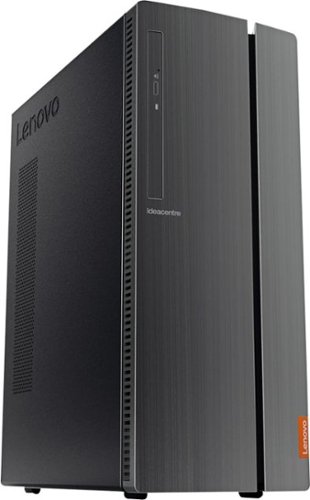
Lenovo - IdeaCentre 510A Desktop - Intel Core i5 - 8GB Memory - 1TB Hard Drive - Black
Lenovo 510A-15ICB Desktop: Upgrade your home computer with this Lenovo IdeaCentre desktop PC. The fast Intel Core i5-8400 processor and Intel UHD 630 graphics card easily handle complex software, and you can store your photos and files on the big 1TB hard drive or make use of the seven-in-one card reader to save on other storage media. Connect this Lenovo IdeaCentre computer wirelessly to other devices using the built-in Bluetooth or Wi-Fi.
HOW MANY FPS CAN GO IN FORTNITE
That will depend on the requirements and compatibility of the game and the capabilities of the monitor you use. We recommend you check with the game's software publisher's web site for their compatibility with Windows 10 Home 64-bit operating system and the minimum/recommended hardware requirements (Is a Graphics card required, the processor speed and the minimum required system RAM and the minimum available hard drive space) to run their program, then compare those requirements to this system's configuration. Then check the capabilities of the monitor you will be attaching to this computer.
5 years, 10 months ago
by
Posted by:
Lenovo Product Expert
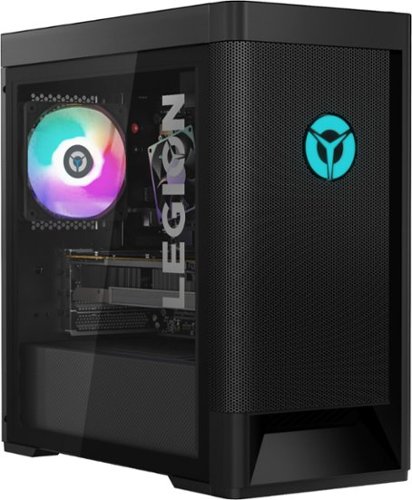
Lenovo - Legion Tower 5 AMD Gaming Desktop - AMD Ryzen 5-3600 - 8GB Memory - NVIDIA GeForce GTX 1650 Super - 512GB SSD - Phantom Black
Engineered out of a passion for savage power and unmatched speed, the Lenovo~ Legion Tower 5 AMD delivers mind-blowing performance that combines AMD Ryzen processors and top-of-the-line NVIDIA~ GeForce~ graphics cards for blazing-fast frame rates at up to 4K resolution. Pushing far beyond the upper bounds of smaller rig configurations while keeping things cool and whisper quiet, the Legion Tower 5 is a marvel of build and design, accentuated by its illuminated blue LED logo and lighting, as well a transparent side panel that can properly showcase your internals.
whats the frequency of the ram i want to add a vengence ram stick
The Lenovo Legion Tower 5 AMD Gaming Desktop, model number 90RB000DUS, ships with 8GB DDR4-3200MHz RAM.
5 years, 10 months ago
by
Posted by:
Lenovo Product Expert
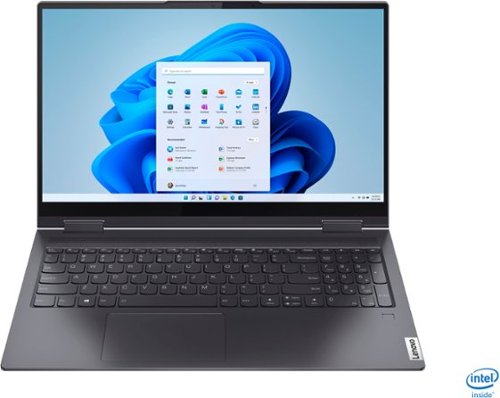
Lenovo - Yoga 7i 2-in-1 15.6" Touch Screen Laptop - Intel Core i5 - 8GB Memory - 256GB Solid State Drive - Slate Grey
The Lenovo Yoga 7i 15" combines versatile portability and enhanced productivity, thanks to the boundary-breaking performance and responsiveness of 11th generation Intel Core i5 processors and vibrant FHD clarity with Intel Iris Xe graphics. Go anywhere with a sleek 2-in-1 metal chassis featuring thoughtful details including a webcam privacy shutter..
Maybe dumb question. Is this PC Bluetooth capable?
Yes. The Lenovo Yoga 7i-15 ships with Bluetooth 5.0 capability built in.
5 years, 10 months ago
by
Posted by:
Lenovo Product Expert