Lenovo Product Expert
Lenovo Product Expert's Stats
Reviews
- Review Count0
- Helpfulness Votes0
- First ReviewNone
- Last ReviewNone
- Featured Reviews0
- Average Rating0
Reviews Comments
- Review Comment Count0
- Helpfulness Votes0
- First Review CommentNone
- Last Review CommentNone
- Featured Review Comments0
Questions
- Question Count0
- Helpfulness Votes0
- First QuestionNone
- Last QuestionNone
- Featured Questions0
- Answer Count37959
- Helpfulness Votes24,861
- First AnswerApril 21, 2014
- Last AnswerOctober 26, 2026
- Featured Answers0
- Best Answers2831
Lenovo Product Expert's Reviews
Lenovo Product Expert has not submitted any reviews.
Lenovo Product Expert's Questions
Lenovo Product Expert has not submitted any questions.
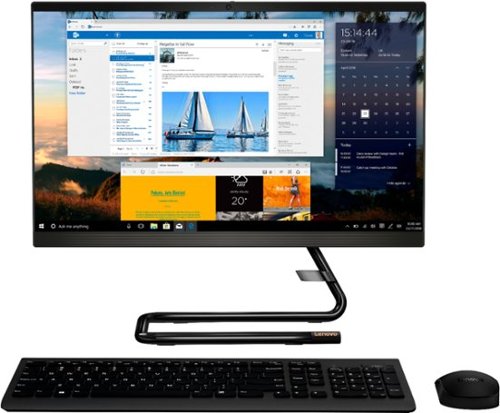
Lenovo - IdeaCentre A340-22IGM 21.5" Touch-Screen All-In-One - Intel Pentium Silver - 8GB Memory - 1TB HDD - Business Black
Finish office work flawlessly with this all-in-one Lenovo IdeaCentre desktop computer. The 1TB HDD provides ample storage space for projects and media, while the 8GB of RAM and Intel Pentium Silver processor let you run multiple programs effortlessly. This 21.5-inch Lenovo IdeaCentre desktop computer includes a Full HD touchscreen, and integrated Intel UHD graphics produce quality visuals.
Is it possible to attach a second monitor to this machine?

Yes. There is an HDMI-Out port on the IdeaCentre A340-22 All-In-One system to connect an external monitor.
6 years, 3 months ago
by
Posted by:
Lenovo Product Expert
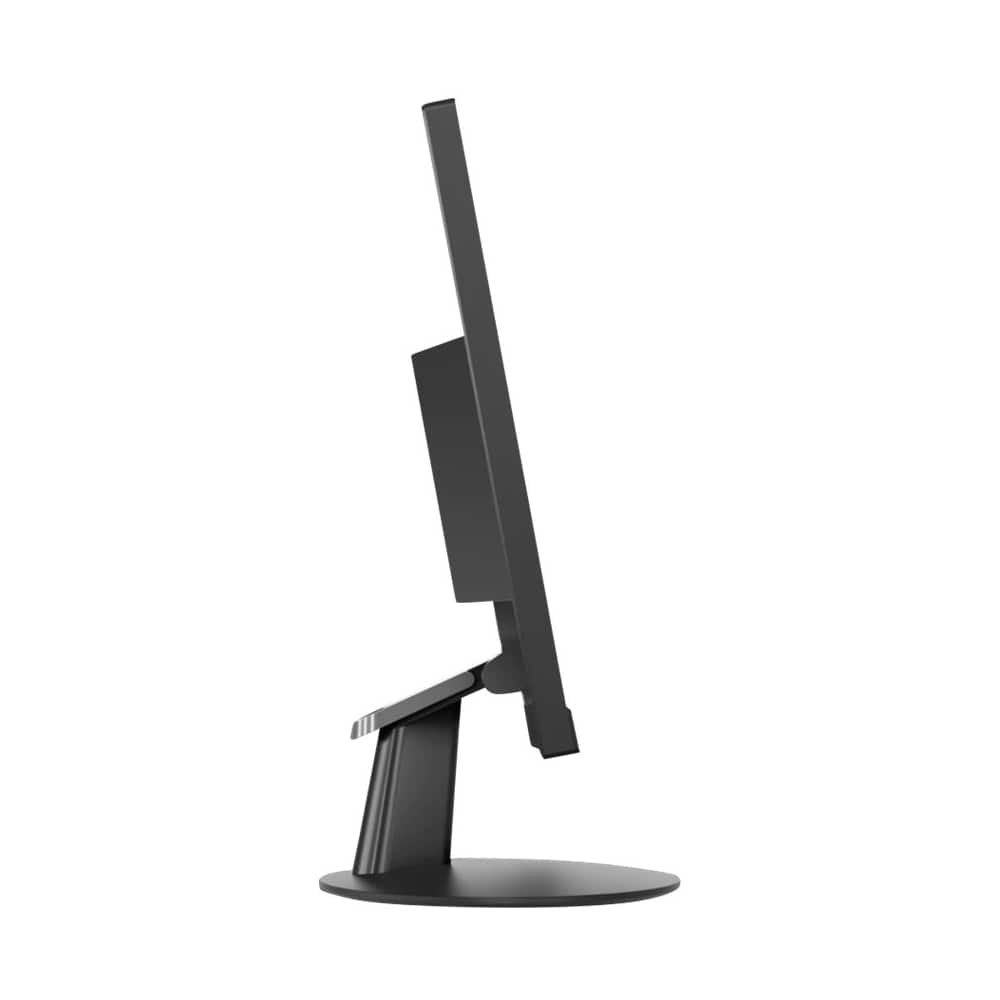
Lenovo - 21.5" LED FHD FreeSync Monitor (HDMI, VGA) - Black
Get immersive visual content with this 21.5-inch Lenovo Full HD monitor. The 178-degree viewing angle ensures comfortable viewing from multiple sitting positions, while the tilt stand lets you adjust the display for personal comfort. This Lenovo Full HD monitor has an antiglare coating to reduce the risk of eye strain during extended working hours.
What design year is this monitor?
This monitor was first available for sale on: 06-19-2018. The actual manufacture date for each monitor is printed on the outside of the original box the monitor ships in. Here is more information about this monitor: https://psref.lenovo.com/Detail/Lenovo%20Monitors/Lenovo_L22e20?M=65DEKCC1US
6 years, 3 months ago
by
Posted by:
Lenovo Product Expert
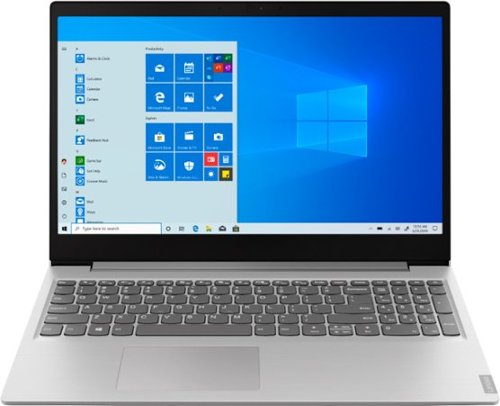
Lenovo - IdeaPad 15.6" Laptop - AMD Ryzen 3 - 8GB Memory - 256GB Solid State Drive - Platinum Gray/IMR
Complete daily tasks quickly with this Lenovo IdeaPad laptop. An AMD Ryzen 3 3200U processor and 8GB of RAM run multiple demanding applications simultaneously for easy multitasking, and the 256GB SSD provides ample storage space and swift boots. This Lenovo IdeaPad laptop has AMD Radeon Vega 3 integrated graphics for delivering quality visuals on the 15.6-inch Full HD display.
Is this the same thing as the 81FB00HKUS
No. They are two different models.
6 years, 3 months ago
by
Posted by:
Lenovo Product Expert
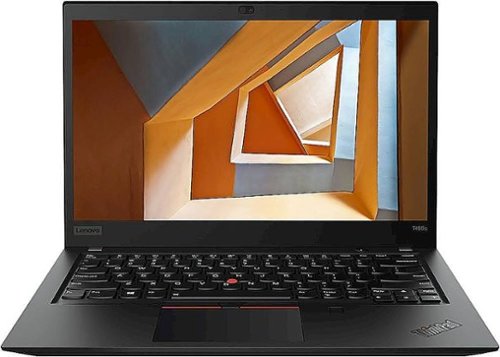
Lenovo - ThinkPad T495s 14" Touch-Screen Laptop - AMD Ryzen 7 PRO - 16GB Memory - 512GB Solid State Drive - Black
Increase your productivity with this Lenovo ThinkPad laptop. The AMD Ryzen 7 processor and 16GB of RAM provide reliable performance, while a 512GB M.2 SSD offers ample storage and fast start-ups. This Bluetooth-enabled Lenovo ThinkPad laptop features a 14-inch Full HD IPS display and integrated AMD Radeon Vega 10 graphics for crisp clear visuals.
Need a new laptop, considering a MacBook Is this one better?
Really, that will depend on what software you will be using with your new computer. Is your software compatible with the iOS or the Windows 10 Operating System? Choose your Operating System then choose your computer configuration based on the software you need to use to do your work.
6 years, 3 months ago
by
Posted by:
Lenovo Product Expert
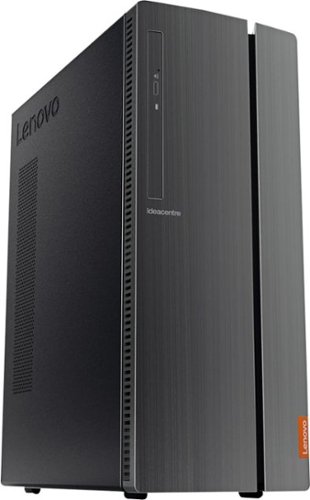
Lenovo - IdeaCentre 510A Desktop - Intel Core i7 - 12GB Memory - 1TB Hard Drive - Black
Lenovo 510A-15ICB Desktop: Give yourself the gift of speed with this Lenovo desktop computer. This build features an Intel i7 processor and 12GB of DDR4 RAM for fast processing power, and the 1TB hard drive and DVD RW drive provide massive storage capacity. This Lenovo desktop computer comes with Windows 10 installed and includes a wired keyboard and mouse.
Looking to use this in a medical office to display images to customers. Does the video card support 4k resolution?
The Lenovo IdeaCentre 510A Desktop, model number 90HV0005US, ships with integrated graphics processing within the Intel Core i7-8700 processor. It is the Intel UHD Graphics 630 version. This integrated graphics processing can support 4K at 60Hz. Here is a link to more information about this processor and its video capabilities: https://ark.intel.com/content/www/us/en/ark/products/126686/intel-core-i7-8700-processor-12m-cache-up-to-4-60-ghz.html?wapkw=Core i7-8700
6 years, 3 months ago
by
Posted by:
Lenovo Product Expert
Lenovo - IdeaCentre A340-22IGM 21.5" Touch-Screen All-In-One - Intel Pentium Silver - 8GB Memory - 1TB HDD - Business Black
Finish office work flawlessly with this all-in-one Lenovo IdeaCentre desktop computer. The 1TB HDD provides ample storage space for projects and media, while the 8GB of RAM and Intel Pentium Silver processor let you run multiple programs effortlessly. This 21.5-inch Lenovo IdeaCentre desktop computer includes a Full HD touchscreen, and integrated Intel UHD graphics produce quality visuals.
Is the screen glossy or matte?
The Lenovo IdeaCentre A340-22 All-In-One system has a IPS Anti-Glare 21.5-Inch screen.
6 years, 3 months ago
by
Posted by:
Lenovo Product Expert
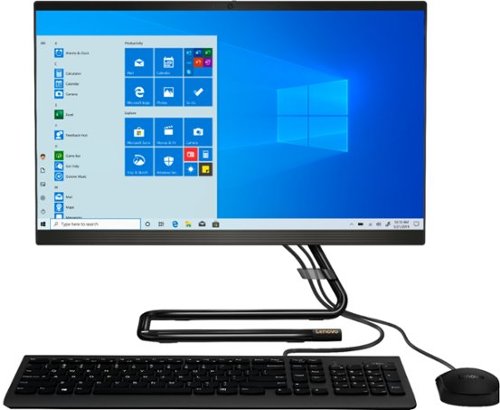
Lenovo - IdeaCentre A340-22IGM 21.5" Touch-Screen All-In-One - Intel Pentium Silver - 8GB Memory - 1TB Hard Drive - Black
Work seamlessly with this Lenovo IdeaCentre desktop computer. The 1TB HDD offers ample storage for your documents and media files, while the 8GB of RAM lets you run several programs simultaneously for smooth multitasking. This Lenovo IdeaCentre computer has a 21.5-inch Full HD touchscreen display that delivers crisp visuals and offers 10-point multi-touch operations for easy interfacing.
can a video camera be hooked up to it so i can switch back and forth from internet to video severance
The Lenovo IdeaCentre A340-22 All-In-One system has a built in webcam and microphone.
6 years, 3 months ago
by
Posted by:
Lenovo Product Expert
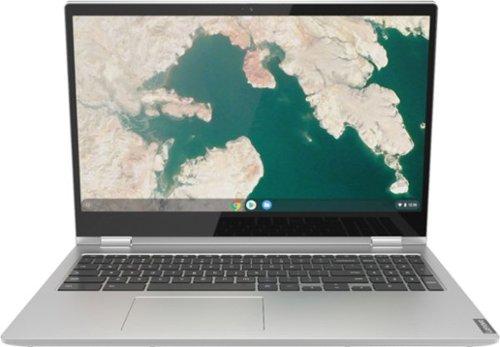
Lenovo - C340-15 2-in-1 15.6" Touch-Screen Chromebook - Intel Pentium Gold - 4GB Memory - 64GB eMMC Flash Memory - Mineral Gray
Lenovo C340-15 Convertible 2-in-1 Chromebook: Complete urgent work on the go with this Lenovo Chromebook. The 64GB eMMC offers ample storage space for documents and applications, while the Intel UHD 610 integrated graphics deliver quality visuals on the 15.6-inch touchscreen. Powered by an Intel Pentium Gold 4417U processor and 4GB of RAM, this Lenovo Chromebook runs multiple programs simultaneously for effortless multitasking.
what stylus is recommended for the chromebook?
The Lenovo C340-15 Chromebook is not compatible with any active/digital pen.
6 years, 3 months ago
by
Posted by:
Lenovo Product Expert
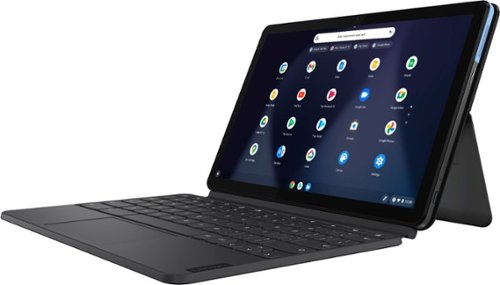
Lenovo - IdeaPad Duet Chromebook - 10.1 (1920x1200) Touch 2-in-1 Tablet - MediaTek P60T - 4G RAM - 128G eMCP4x - with Keyboard - Ice Blue + Iron Gray
Work on pending assignments while on the move with this Lenovo Chromebook Duet. The 10.1-inch touch screen provides an interactive user experience, while the 128GB of internal storage offer ample space for apps and media files. This Lenovo Chromebook Duet features a MediaTek Helio P60T processor and 4GB of RAM for effortless multitasking.
Can I run Minecraft on the duet? Can I run iMessage on the duet?
That will depend on the requirements and compatibility of the APPs you want to use. The Lenovo Duet Chromebook ships with the Chrome Operating System and is compatible with Google Play Store APPs. We recommend you check with the APPs software publisher's web site for their compatibility with the Chrome operating system and the minimum/recommended hardware requirements (Is a Graphics card required, the processor speed and the minimum required system RAM and the minimum available hard drive space) to run their program, then compare those requirements to this system's configuration.
6 years, 3 months ago
by
Posted by:
Lenovo Product Expert
Lenovo - IdeaPad 15.6" Laptop - AMD Ryzen 3 - 8GB Memory - 256GB Solid State Drive - Platinum Gray/IMR
Complete daily tasks quickly with this Lenovo IdeaPad laptop. An AMD Ryzen 3 3200U processor and 8GB of RAM run multiple demanding applications simultaneously for easy multitasking, and the 256GB SSD provides ample storage space and swift boots. This Lenovo IdeaPad laptop has AMD Radeon Vega 3 integrated graphics for delivering quality visuals on the 15.6-inch Full HD display.
Is this good for playing Minecraft?
That will depend on the requirements and compatibility of the specific game. We recommend you check with the game's software publisher's web site for their compatibility with Windows 10 S-Mode 64-bit operating system (Windows 10 S-Mode provides added security by only allowing APPs available ( and therefore certified by Microsoft) at the Microsoft Store. If you don't need the added security or you need to install APPs not available at the Microsoft Store, you can switch to standard Windows 10 Home 64-bit Operating System, at no additional cost.) and the minimum/recommended hardware requirements (Is a Graphics card required, the processor speed and the minimum required system RAM and the minimum available hard drive space) to run their program, then compare those requirements to this system's configuration.
6 years, 3 months ago
by
Posted by:
Lenovo Product Expert