Lenovo Product Expert
Lenovo Product Expert's Stats
Reviews
- Review Count0
- Helpfulness Votes0
- First ReviewNone
- Last ReviewNone
- Featured Reviews0
- Average Rating0
Reviews Comments
- Review Comment Count0
- Helpfulness Votes0
- First Review CommentNone
- Last Review CommentNone
- Featured Review Comments0
Questions
- Question Count0
- Helpfulness Votes0
- First QuestionNone
- Last QuestionNone
- Featured Questions0
- Answer Count37939
- Helpfulness Votes24,859
- First AnswerApril 21, 2014
- Last AnswerOctober 23, 2026
- Featured Answers0
- Best Answers2831
Lenovo Product Expert's Reviews
Lenovo Product Expert has not submitted any reviews.
Lenovo Product Expert's Questions
Lenovo Product Expert has not submitted any questions.
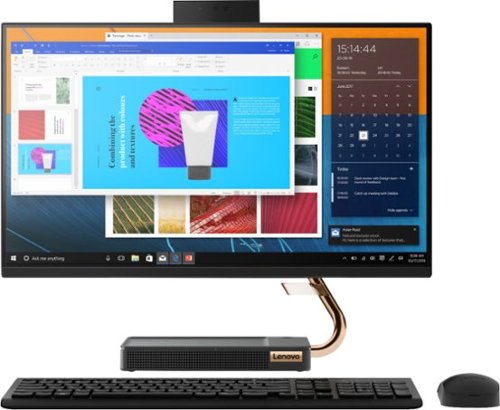
Lenovo - A540-24API 23.8" Touch-Screen All-In-One - AMD Ryzen 3-Series - 8GB Memory - 256GB Solid State Drive - Black
Get the job done with this Lenovo IdeaCentre all-in-one computer. The 23.8-inch Full HD capacitive display offers high-quality visuals and smooth touch operation while typing, and 8GB of RAM lets you run several windows simultaneously. This Lenovo IdeaCentre all-in-one computer features a 256GB SSD for fast data access and an AMD Ryzen 3 3200 processor for seamless performance while streaming.
is there a different mouse that I can buy...I have tried adjusting both mouse and keyboard and still having the same problems...the bottom of the mouse itself is way too slippery. Tried to use my old mouse but then the keyboard won't work!!

The Keyboard and mouse that ships with The Lenovo IdeaCentre A540-24 AIO both connect to the same USB WiFi receiver. You will need to replace both the keyboard and mouse with another Windows 10 compatible wireless keyboard and mouse. Use the USB receiver that comes with the replacement keyboard and mouse. If you just want to use another wireless mouse, you will need to plug in both the USB wireless receiver for the new mouse and the USB receiver for the keyboard that shipped with the computer.
6 years, 5 months ago
by
Posted by:
Lenovo Product Expert
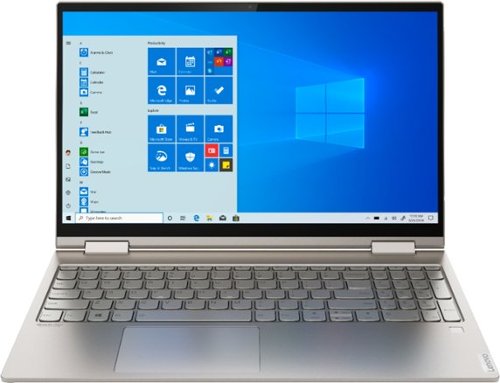
Lenovo - Yoga C740 2-in-1 15.6" Touch-Screen Laptop - Intel Core i7 - 12GB Memory - 512GB Solid State Drive
Lenovo Yoga C740 Convertible 2-in-1 Laptop: Combine power and flexibility with this 15.6-inch Lenovo Yoga convertible notebook. An Intel Core i7 processor and 12GB of RAM let you run multiple programs at once, and the 512GB of storage fits large programs and files. This Lenovo Yoga convertible notebook has a 15.6-inch Full HD touchscreen that delivers stunning images and lets you navigate using touch controls.Learn more.
How many ports does this laptop have and types?
The Lenovo Yoga C740-15 laptop, model number 81TD0005US, ships with two standard USB 3.1 ports, two USB-c 3.1 ports, one with Video-Out capability. There is also a 3.5mm combo audio jack for a headset.
6 years, 5 months ago
by
Posted by:
Lenovo Product Expert
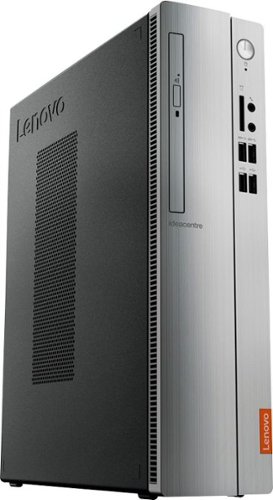
Lenovo - IdeaCentre 310S Desktop - AMD A9-Series - 4GB Memory - 1TB Hard Drive - Silver
Upgrade your PC with this Lenovo IdeaCentre computer. Its 4GB of RAM and 1TB hard drive provide a powerful performance, and the AMD A9 processor with integrated Radeon graphics powers through your favorite apps, media and games. This Lenovo IdeaCentre computer has a slim form factor for high space efficiency.
Does the 310s have an internal microphone or speaker? Thanks
No. There is no internal microphone or speakers. You will need external speakers and a microphone.
6 years, 5 months ago
by
Posted by:
Lenovo Product Expert
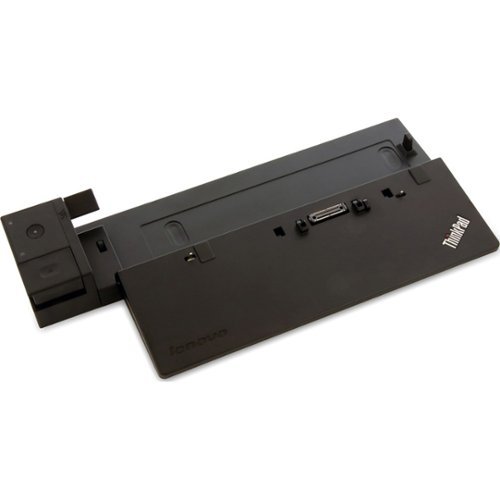
Lenovo - ThinkPad Docking Connector Docking Station
Turn your laptop into a full-scale workstation with this Lenovo ThinkPad Ultra dock. HDMI, DisplayPort, DVI-D and VGA ports support different display devices or up to two 4K monitors, and it recharges a compatible ThinkPad laptop via the 90W power adapter. Link multiple peripherals via the three USB 3.0 and three USB 2.0 ports of this Lenovo ThinkPad Ultra dock.
Greetings, Will this docking station work with a T495? Please advise. Thanks, Bob Lenovo - ThinkPad Docking Connector Docking Station Model:40A20090US SKU:3958029
The Lenovo ThinkPad T495 laptop, is not on the compatibility list for this dock. You can use a universal standard USB 3.0 dock with this laptop.
6 years, 5 months ago
by
Posted by:
Lenovo Product Expert
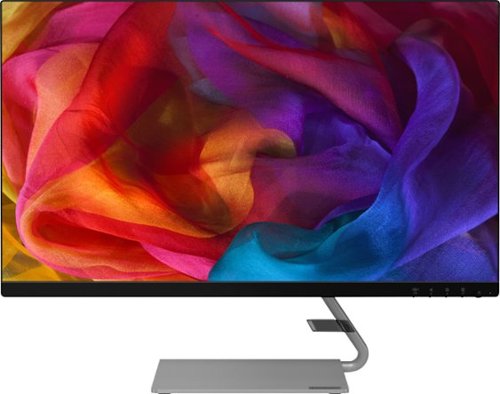
Lenovo - Q27q-10 27" IPS LED QHD FreeSync Monitor (DisplayPort, HDMI) - Black
Enhance your viewing experience with this Lenovo 27-inch QHD WLED computer monitor. The in-plane switching technology displays sharp images with rich colors from any viewing angle. With two embedded speakers and a sleek, narrow-bezel design, this Lenovo 27-inch QHD WLED monitor offers outstanding audio and imagery for gamers, cinephiles and productivity users.
Is it compatible to Mac and PC? And can an external webcam be attached to this?
The Lenovo Q27q-10 monitor is certified for Windows 7 through 10 operating system. You can attach a webcam to the screen.
6 years, 5 months ago
by
Posted by:
Lenovo Product Expert
Lenovo - A540-24API 23.8" Touch-Screen All-In-One - AMD Ryzen 3-Series - 8GB Memory - 256GB Solid State Drive - Black
Get the job done with this Lenovo IdeaCentre all-in-one computer. The 23.8-inch Full HD capacitive display offers high-quality visuals and smooth touch operation while typing, and 8GB of RAM lets you run several windows simultaneously. This Lenovo IdeaCentre all-in-one computer features a 256GB SSD for fast data access and an AMD Ryzen 3 3200 processor for seamless performance while streaming.
Help..have Lenovo all in one& absolutely hate the mouse and keyboard..they are waay too sensitive...double typing letters on keyboard...mouse is so sensitve it won't stay in 1 place...I've tried different mousepads and it still slides all over the place
You can make adjustments to the touchpad in your system settings. You can get there by clicking on the magnifying glass at the bottom left of your Windows 10 screen. Type "touchpad" in the search window. Select "Mouse & touchpad settings" from the list of choices. You can make general adjustments to the touchpad there. You can also select "Additional mouse options" for more detailed adjustments to the touchpad sensitivity by increasing the delay of the touchpad. If the issues continue, we recommend you call Lenovo Tech Support at: 877-453-6686.
6 years, 5 months ago
by
Posted by:
Lenovo Product Expert
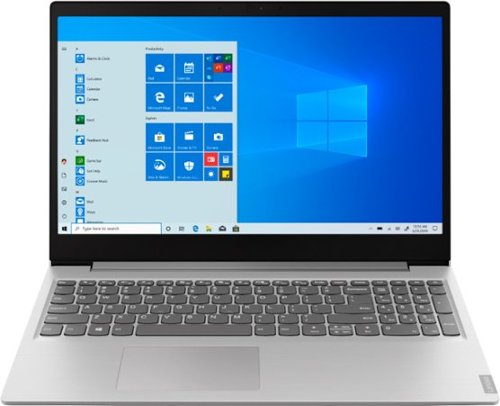
Lenovo - IdeaPad 15.6" Laptop - AMD Ryzen 3 - 8GB Memory - 256GB Solid State Drive - Platinum Gray/IMR
Complete daily tasks quickly with this Lenovo IdeaPad laptop. An AMD Ryzen 3 3200U processor and 8GB of RAM run multiple demanding applications simultaneously for easy multitasking, and the 256GB SSD provides ample storage space and swift boots. This Lenovo IdeaPad laptop has AMD Radeon Vega 3 integrated graphics for delivering quality visuals on the 15.6-inch Full HD display.
How many years can I expect to get?
The average life span of a Windows 10 laptop is between 3 to 5 years: https://smallbusiness.chron.com/average-lifespan-laptops-71292.html
6 years, 5 months ago
by
Posted by:
Lenovo Product Expert
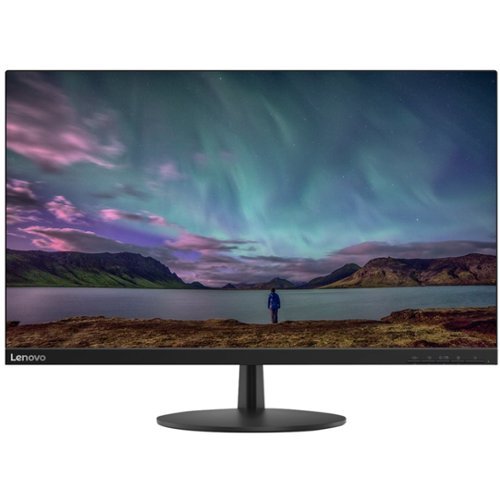
Lenovo - 27" IPS LED FHD FreeSync Monitor - Black
Watch movies and shows in high-definition with this 27-inch Lenovo Full HD LED monitor. Native Full HD resolution and a high dynamic contrast ratio bring out the detail in streaming content. This Lenovo Full HD LED monitor has built-in WLED backlighting for easier visibility in low-light environments and includes a stand that offers easy tilt adjustment.
Can two of these monitors be connected via daisy link?
There is no Video-Out port on the Lenovo L27i-28 montior.
6 years, 5 months ago
by
Posted by:
Lenovo Product Expert
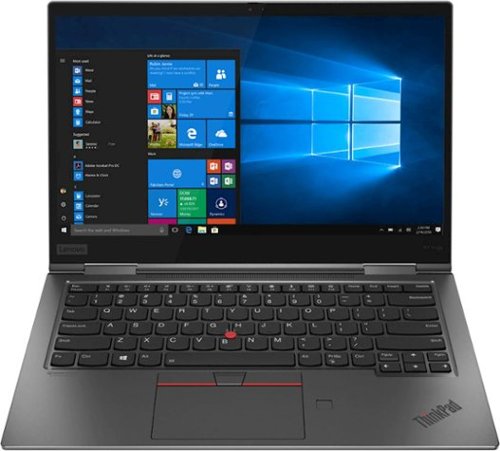
Lenovo - ThinkPad X1 Yoga 2-in-1 14" Touch-Screen Laptop - Intel Core i5 - 8GB Memory - 256GB Solid State Drive - Iron Gray
Tackle tough assignments with this 14-inch Lenovo ThinkPad X1 Yoga touchscreen notebook. The quad-core Intel Core i5 processor and 8GB of RAM deliver smooth performance and let you run multiple programs at once. This Lenovo ThinkPad X1 Yoga touchscreen notebook has a 256GB SSD that provides plenty of storage space and ensures rapid boot times.
Which docking station is recommended for this laptop?
You can use a universal Thunderbolt 3.0 dock with this model.
6 years, 5 months ago
by
Posted by:
Lenovo Product Expert
Lenovo - IdeaPad 15.6" Laptop - AMD Ryzen 3 - 8GB Memory - 256GB Solid State Drive - Platinum Gray/IMR
Complete daily tasks quickly with this Lenovo IdeaPad laptop. An AMD Ryzen 3 3200U processor and 8GB of RAM run multiple demanding applications simultaneously for easy multitasking, and the 256GB SSD provides ample storage space and swift boots. This Lenovo IdeaPad laptop has AMD Radeon Vega 3 integrated graphics for delivering quality visuals on the 15.6-inch Full HD display.
Can the operating system be upgraded to Windows 10 Pro 64 bit and what is the added cost?
Yes, you can upgrade the Windows 10 S-Mode Operating System to Windows 10 Pro. We recommend you use the Live Chat Function on this product page to confirm Windows 10 Pro upgrade pricing.
6 years, 5 months ago
by
Posted by:
Lenovo Product Expert