Lenovo Product Expert
Lenovo Product Expert's Stats
Reviews
- Review Count0
- Helpfulness Votes0
- First ReviewNone
- Last ReviewNone
- Featured Reviews0
- Average Rating0
Reviews Comments
- Review Comment Count0
- Helpfulness Votes0
- First Review CommentNone
- Last Review CommentNone
- Featured Review Comments0
Questions
- Question Count0
- Helpfulness Votes0
- First QuestionNone
- Last QuestionNone
- Featured Questions0
- Answer Count37725
- Helpfulness Votes24,785
- First AnswerApril 21, 2014
- Last AnswerSeptember 26, 2026
- Featured Answers0
- Best Answers2823
Lenovo Product Expert's Reviews
Lenovo Product Expert has not submitted any reviews.
Lenovo Product Expert's Questions
Lenovo Product Expert has not submitted any questions.
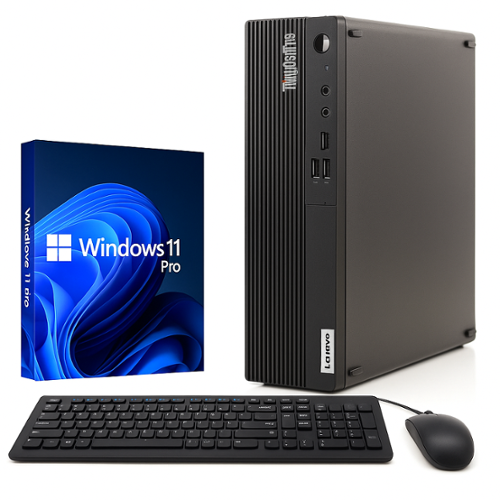
Lenovo - Refurbished Excellent - ThinkCentre M75s Gen 2 Desktop PC Computer, AMD Ryzen 5 Pro 4650G, 16GB RAM, 256GB NVMe SSD, Win11 Pro, Built-In WiFi
The ThinkCentre M75s delivers reliable business-class performance in a compact Small Form Factor design. Powered by the AMD Ryzen 5 Pro 4650G processor, this desktop is built to handle everyday productivity tasks, multitasking, and professional applications with efficiency and stability. With 16GB of RAM, you can smoothly run multiple programs at once, while the 256GB NVMe SSD ensures fast boot times, quick data access, and responsive system performance. Pre-installed with Windows 11 Pro, the system offers advanced security features and business-ready functionality. Built-in WiFi and Bluetooth provide convenient wireless connectivity, reducing cable clutter and keeping your workspace organized. Ideal for home offices, professional environments, or business deployments, the ThinkCentre M75s combines performance, reliability, and space-saving design in one dependable desktop solution.
What is the processor speed?

Hi LenRef, thanks for your question. This Lenovo ThinkCentre M75s Gen 2 uses an AMD Ryzen 5 Pro 4650G, which has a Base Clock Speed of 3.7GHz, and a Max Boosted Clock Speed of 4.2GHz. Please don't hesitate to reach out to us if you have any further questions.
2 months, 3 weeks ago
by
Posted by:
Lenovo Product Expert
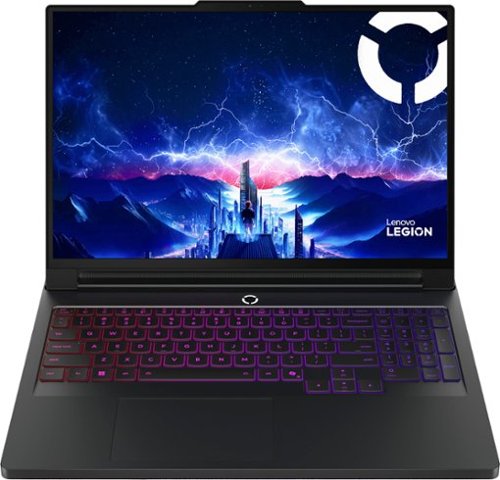
The Legion Pro 7i is designed for esports masters who demand high FPS for AAA games. Powered by Intel Core Ultra processors and NVIDIA GeForce RTX graphics for elite performance. Legion Coldfront: Vapor with integrated Hyper Chamber system combines turbo-charged fans and a 250W vapor chamber for peak cooling. Lenovo AI Engine+ optimizes in real time, while the PureSight OLED gaming display ensures fast refresh rates and low latency. With an aerospace-grade aluminum build, RGB front and tailgate lighting, Legion Truestrike keys, and Legion Space enables custom overclocking and AI-Driven game coaching.
Does this unit come with 2x16GB RAM or 1x32GB RAM and an open slot?
Hi Karly, thanks for your question. This Legion Pro 7i comes configured with 2x16GB CSODIMM DDR5-6400 RAM. Please don't hesitate to contact us if you have any further questions.
2 months, 3 weeks ago
by
Posted by:
Lenovo Product Expert
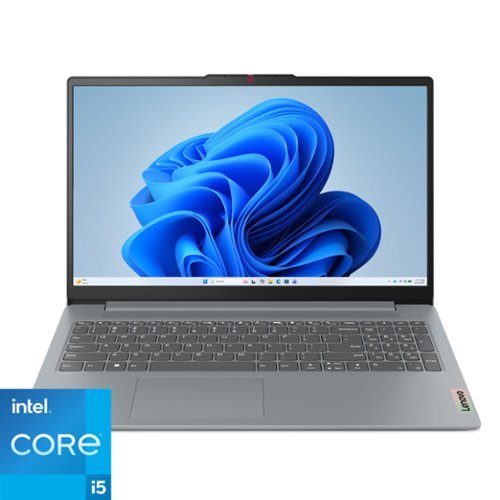
The IdeaPad Slim 3i is smart and made for heavy on-the-go users from libraries and cafes to airport terminals, with a lightweight and thin profile that's 10% slimmer than the previous generation yet still military-grade rugged. Get the important stuff done on the go with powerful 13th Gen Intel Core i5 processors, the adaptive performance of Smart Power, and full-function Type-C port while you learn, work, and stream on a Full HD display with up to 88% AAR.
the pros/cons state that this computer's 'con' is screen brightness; what is the issue?
Hi MrMarleyPup, thanks for your question. Best Buy's automated system searches users' reviews for the most common praises and complaints. According to 3 reviewers, the IdeaPad Slim 3i's display quality is lower than expected. This IdeaPad Slim 3i uses a 15.6" FHD (1920x1080) TN 250nits Anti-glare display, which some users report to be dim. If this is an important feature for you, we would happily work with you to help you find the right product for you. Please don't hesitate to reach out to us if you have any further questions.
2 months, 3 weeks ago
by
Posted by:
Lenovo Product Expert
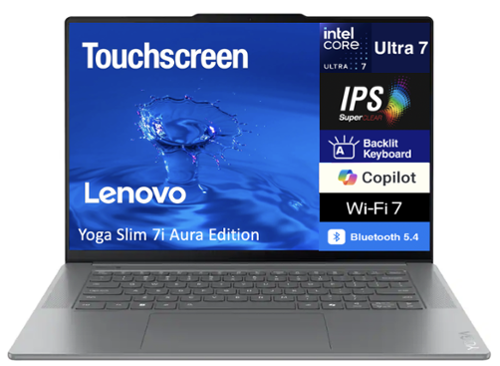
Lenovo - Yoga Slim 7i Laptop 15.3 IPS 2.8K Touchscreen (Intel Ultra 7-258V, 32GB LPDDR5X, 1TB SSD, Win 11 Home) - Luna Grey
Velztorm sells computers with custom/upgraded configurations to enhance system performance. If the computer has modifications as listed above, the manufacturer~s box was opened by our highly skilled technicians for testing, inspection, and installation of the upgrades according to the specifications advertised. All computers and components are brand new.; ; - Model: Lenovo Yoga Slim 7i Aura Edition; - Form/Style: Standard; - Processor: 15th Gen Ultra 7-258V 2.20GHz Processor (upto 4.8 GHz, 12MB Cache, 8-Cores, 8-Threads, 4 Performance-cores); - Memory: 32GB OnBoard LPDDR5X RAM; - Graphics: Intel Arc 140V shared Integrated Graphics, ; - Storage: 1TB PCIe SSD (Solid State Drive); - Operating System: Windows 11 Home-64; - Display: 15.3 IPS 2.8K (2880x1800) 120Hz 16:10 Touchscreen Display; - Connectivity: 802.11be, Bluetooth 5.4, ; - Ports/Slots:, 1 USB 2.0, HDMI, 2 Thunderbolt 4, Headphone/Microphone Combo Jack; - Input/Output: Webcam, Grey, Backlit KB Standard Keyboard, ; - Battery: 65W PSU, Type-C Power-In, 4-Cell 70 WHr Battery; - Other Features, ; - Color: Luna Grey; - Weight: 3.4lb; - Product Dimensions (WxLxH): 9.25 IN x 13.4 IN x 0.75 IN; - 1 Year Manufacturer warranty from Velztorm (Professionally upgraded by Velztorm) ;
Does this have Copilot or Copilot+
Hi Goodmom, thanks for your question. To help clear up any misconceptions, CoPilot is included with all Windows 11 devices and is a companion intended to inform, entertain, and inspire users. To clarify further, this Lenovo Yoga Slim 7i Aura Edition is CoPilot+ Certified, which offers higher speed and responsiveness, battery life of up to 22 hours, enhanced security features, and exclusive features over traditional Windows devices. Please don't hesitate to contact us if you have any additional questions.
2 months, 3 weeks ago
by
Posted by:
Lenovo Product Expert

The IdeaPad 1 gives value a whole new meaning with the all-new ultra-efficient AMD Ryzen 5 Processor that makes multitasking a breeze in its thin and compact 17.9mm chassis. Get the most out of your 15.6" device with 87% Active Area Ratio for more screen and Dolby Audio speakers, along with up to 12 hours of battery life and rapid charge. Great for video calls, the 1MP camera comes with a privacy shutter to keep out spying eyes, as well as Smart Noise Cancelling to eliminate background noise.
Can I install a sim card on this laptop?
Hi RADIAN, thanks for your question. This Lenovo IdeaPad 1 does not feature SIM support for cellular network access. Lenovo offers a wide assortment of products, so if this is an important feature for you, then we would be happy to help you find the right product for you. Please don't hesitate if you have any further questions or need any assistance finding the right product for you.
2 months, 3 weeks ago
by
Posted by:
Lenovo Product Expert
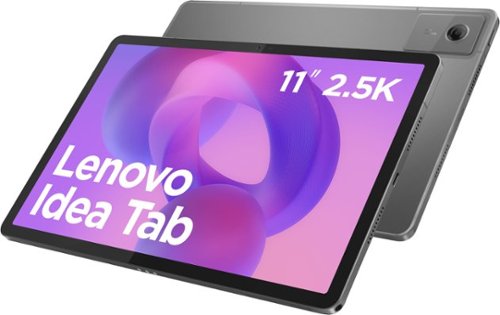
Make studying smoother and staying on track easier with the Lenovo Idea Tab, your AI-powered study buddy. The 11~ 2.5K display with a 90Hz refresh rate and quad Dolby Atmos speakers deliver clear visuals and rich sound for focused learning, lectures and fun. Need help on the spot? Instantly search or translate information on your screen with Circle to Search with Google, all without switching apps, enhanced by the Lenovo Tab Pen (sold separately) with 40% improved latency for smoother, more natural writing. Open the Notepad app and use Lenovo AI Notes to keep writing when you~re stuck, rephrase messy notes, or quickly summarize long content. Powered by the MediaTek D6300 with up to 70% more power*, multitasking feels smooth and effortless. Add the Pogo-pin folio keyboard for easy typing, and count on all-day battery life to keep up wherever your day takes you.
Is there parental control settings?
Hi NH, yes, Google offers a service called Family Link that enables parents to establish boundaries online, monitor app activity and permissions, along with managing and securing your child’s account. To learn more about the platform, please visit this Google webpage for details: https://safety.google/families/parental-supervision/. Also, the Kids Space software is preinstalled. You can visit the following Google site for details on this kid-safe platform as well: https://families.google/kidsspace/ | Please feel free to reach out to us with any other questions!
2 months, 3 weeks ago
by
Posted by:
Lenovo Product Expert
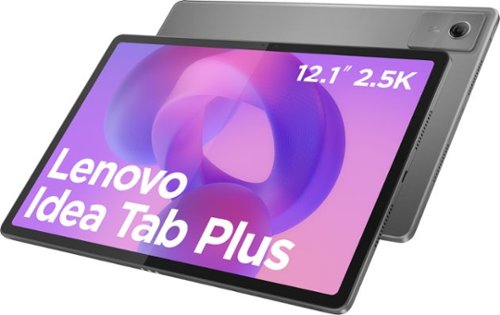
Lenovo Idea Tab Plus is designed to fit your style and power your study. With a thin, lightweight build and a choice of three fresh colors, this tablet feels personal from the start. The 12.1" display with 800nits HBM brightness and 96% DCI-P3 color keeps everything sharp and vibrant, even outdoors. AI-powered study tools and the responsive Lenovo Tab Pen help elevate focus and make note-taking feel smooth and natural.
What WiFi does it have?
Hi Matt, thanks for your question. This Lenovo Idea Tab Plus uses 802.11ac 1x1 Wi-Fi 5. Please don't hesitate to reach out if you have any further questions.
2 months, 3 weeks ago
by
Posted by:
Lenovo Product Expert
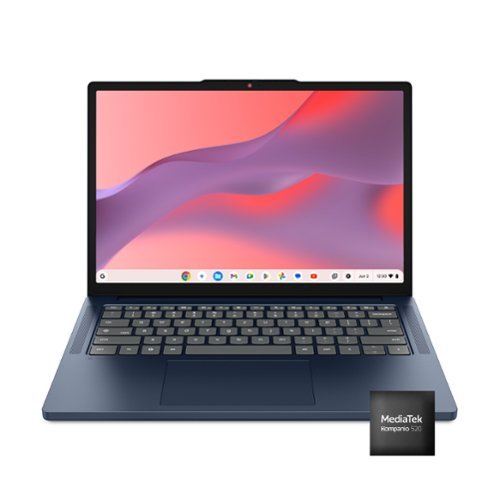
Live animated, live lively, live balanced. When you~re packing the thin and light IdeaPad Slim 3 Chromebook laptop, featuring WiFi 6E and 18 hours of battery life, balancing work and play all day becomes effortless. The 14" 2K IPS touchscreen display and MediaTek Kompanio 500 Series processors are a significant upgrade to your work and entertainment, with front-facing Waves-tuned speakers.
what is the battery life on here?
Hi, thanks for your question. This Lenovo IdeaPad Slim 3 Chromebook has been tested for a battery life of up to 18 hours, depending on user settings and intended usage. Please don't hesitate to contact us if you have any additional questions.
2 months, 3 weeks ago
by
Posted by:
Lenovo Product Expert
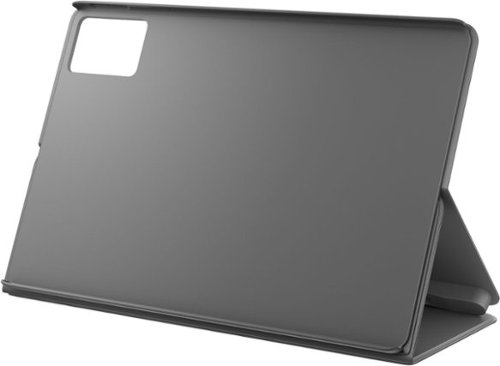
Keep your Lenovo Idea Tab protected and organized with this all-in-one Folio Case. All-around coverage meets everyday convenience with a built-in pen holder, smart sleep/wake function, and convertible viewing support. Perfect for learning on the move or staying focused at home.
Does this fit a Yoga version as well - I have a 14inch one in my cart
Hi, thanks for your question. This Lenovo Idea Tab Folio Case is designed to hold the 11" Idea Tab, making it too small to hold a 14" Lenovo Yoga Laptop. For your convenience, we have linked to the search results for laptop sleeves that would be compatible with a 14" Lenovo Yoga here: https://www.bestbuy.com/site/searchpage.jsp?id=pcat17071&qp=laptopcasesizerange_facet%3DMaximum+Laptop+Size%7E14%22+-+14.9%22&st=laptop+sleeve). Please feel free to reach out to us if you have any further questions.
2 months, 3 weeks ago
by
Posted by:
Lenovo Product Expert
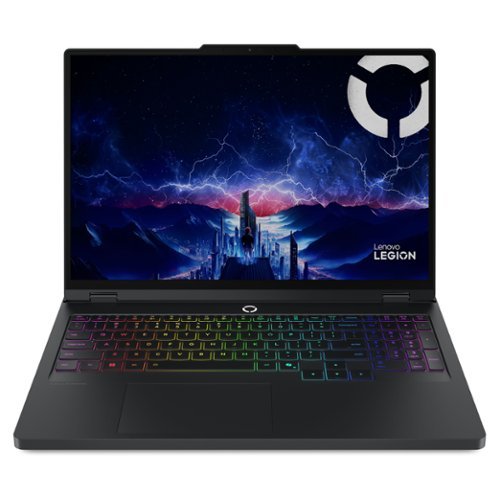
For aspiring esports gamers, Intel Core Ultra Processors with 20 cores deliver powerful performance for gaming and content creation. Next-gen NVIDIA GeForce RTX graphics with AI-enhanced DLSS and ray tracing provide a leap in gaming performance. Lenovo AI Engine+ optimizes your system in real-time for peak performance. Encased in sleek Eclipse Black with AI-synced RGB lighting, the Laptop's display ensures low latency and high refresh rates for competitive gaming. Legion Coldfront: Hyper~s turbo-charged fans and vacuum-sealed heat pipes keep your system cool and quiet. With Legion Truestrike~s 1.6mm key travel and soft-landing switches, your precision improves. Legion Space offers custom overclocking and AI-driven game coaching for your path to success.
How much does this laptop weigh?
Hi, thanks for your question. This Legion Pro 5i weighs approximately 5.36lbs. If you have any further questions, please don't hesitate to reach out to us.
2 months, 3 weeks ago
by
Posted by:
Lenovo Product Expert