Lenovo Product Expert
Lenovo Product Expert's Stats
Reviews
- Review Count0
- Helpfulness Votes0
- First ReviewNone
- Last ReviewNone
- Featured Reviews0
- Average Rating0
Reviews Comments
- Review Comment Count0
- Helpfulness Votes0
- First Review CommentNone
- Last Review CommentNone
- Featured Review Comments0
Questions
- Question Count0
- Helpfulness Votes0
- First QuestionNone
- Last QuestionNone
- Featured Questions0
- Answer Count37779
- Helpfulness Votes24,795
- First AnswerApril 21, 2014
- Last AnswerOctober 5, 2026
- Featured Answers0
- Best Answers2823
Lenovo Product Expert's Reviews
Lenovo Product Expert has not submitted any reviews.
Lenovo Product Expert's Questions
Lenovo Product Expert has not submitted any questions.
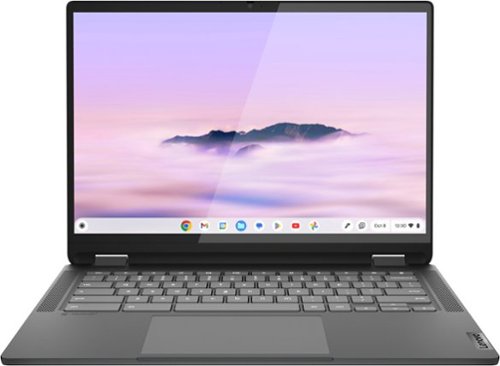
Lenovo - Flex 5i Chromebook Plus Laptop with Gemini - 14" 2K Touchscreen - Intel i3 1315U 2023 - 8GB RAM - 128GB SSD - Storm Grey
Take all your essentials anywhere you go with the versatile Lenovo IdeaPad Flex 5i Chromebook Plus laptop powered by the 13th Generation Intel Core processor which distributes performance where you need it most ~ saving you time and increasing your ability to do the things you want. With a 2x faster Intel Core processor and up to double the memory and storage, edit Google Docs, photos, and videos, while watching your favorite shows in full HD on a 1080p display. Plus, more power means faster gameplay. With a first-of-its-kind design, experience the power of a processor designed for real-world multitasking. This unique 2-in-1 convertible Chromebook Plus laptop is packed with privacy protection features that give you a peace of mind and get you started faster. The 14" screen, stylus pen support and a larger touchpad let you do more, watch more and play more at home or outside.
Is there a way to turn off palm recognition when on a browser? It's a little less sensitive when on Cursive, but when on any other app all it does is pick up my hand instead of the pen, which makes it so I can't rest my hand on the screen.

Hello, Meg. This feature is engrained into the OS and improves with major OS update rollouts as it has with ChromeOS 99 and onward. As a note, we recommend ensuring contact of pen tip to the screen before resting your palm down again. If your issue persists, we recommend reaching out to Lenovo Tech Support for Chromebook to work with a representative to help resolve your issue: 800-426-7378.
2 years, 7 months ago
by
Posted by:
Lenovo Product Expert
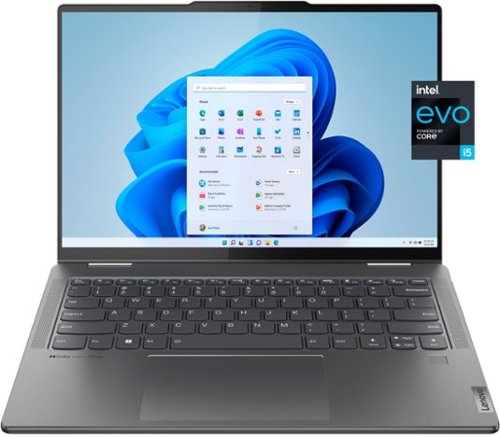
Lenovo - Yoga 7i 2-in-1 14" 2.2K Multi-Touchscreen Laptop - Intel Evo Platform - Intel Core i5-1335U with 16GB Memory - 512GB SSD - Storm Grey
Maximize power with 13th Gen Intel processors in the convertible 2-in-1 design with four foldable modes, ultra-vivid colors up-to-2.2K OLED display. Plus private, secure Smart log-in & privacy shutter, FHD webcam & Smart noise cancellation for clear, crisp video calls.
When I place my hands lightly on the areas next to the keyboard and next to the track pad, I feel a slight but noticeable vibration. It feels almost like a slight electrical shock. Has anyone else experienced this?
Hello, KNG. This phenomenon is something we are unfamiliar with. Due to the uncommon, unique nature of your issue, we recommend reaching out to Lenovo Tech Support at this phone number to work with a representative for assistance: 877-453-6686.
2 years, 7 months ago
by
Posted by:
Lenovo Product Expert

Tab P12 with Lenovo Tab Pen Plus - ZACH0165US - Storm Grey
The key to superior entertainment, the Tab P12 allows you to substitute deadlines and obligations for some much-deserved downtime. Delve into the vibrant visuals of 3K streaming with ambient color, game like a boss on 8GB RAM with fast-paced, uninterrupted Wi-Fi 6 connection, or finish that page-turner in immersive reader mode featuring intrinsic background music.
Does this unit run MicroSoft software. Word Excel Power Point
Hello, thank you for your question. The Tab P12 can install the available Office applications on Google Play, including the Microsoft 365 (Office) app.
2 years, 7 months ago
by
Posted by:
Lenovo Product Expert
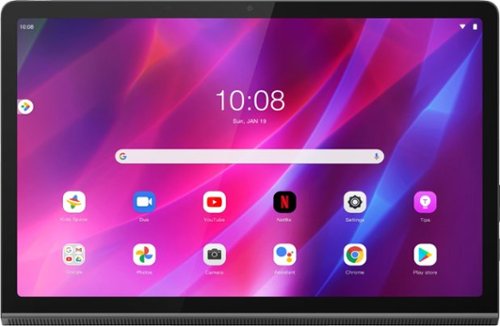
Lenovo - Yoga Tab 11 - 11" - Tablet - 256GB - Storm Gray
Recreate cinema everywhere you go on the Lenovo Yoga Tab 11. Start with the stunning 2K display with Dolby Vision. Add in quad JBL speakers with Dolby Atmos moving audio tuned by Lenovo Premium Audio. It's cinema styled for smaller spaces.
The yoga tablet still in line for selling. When the product will be available for sell in the store.
Hello, Jose. This model has reached the end of its product cycle at Best Buy. However, there may be some buying options available to view on the product's listing page.
2 years, 7 months ago
by
Posted by:
Lenovo Product Expert
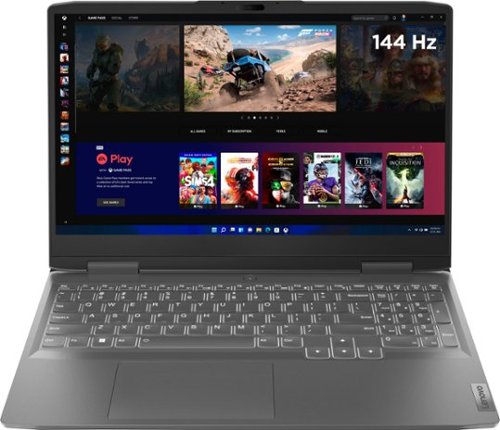
Lenovo - LOQ 15.6" Gaming Laptop FHD - AMD Ryzen 7 7840HS with 8GB Memory - NVIDIA GeForce RTX 4050 6GB - 512GB SSD - Storm Grey
Take your gaming and performance to the next level by shattering your own expectations with the Lenovo LOQ 15APH8, a PC engineered for gaming, productivity and everything in between. Equipped with up to AMD Ryzen 7 7840HS processor, NVIDIA GeForce RTX 4050 Laptop GPU and up to 32GB 5600MHz DDR5 RAM, the system is performance-tuned with the Lenovo AI Engine+ and a dedicated MUX switch with NVIDIA Advanced Optimus. Capable of delivering lightning-fast gameplay on a high resolution 144Hz 15.6" FHD 350-nit display, as well as blazing-fast precision and comfortable typing with the signature Lenovo gaming keyboard. The durable chassis is designed for simplicity and practicality, with thinner side walls and high-performance rear I/O. Dual fans and larger vents ensure quiet and powerful cooling, so you can game undetected in public areas on a future-proof machine that doesn't break the bank.
What is the cooling system ? Is the fan sound noticable? What is the max size of ram and ssd storage? Should i replace the ssd to increase it or there is an empty slot for it? Is the ram removable or in the motherboard
Hello, Gawad. This model features a 12V, high speed, dual-fan cooling system with four heat pipes and large air intake and outlet vents. The system should be fairly quiet, even when gaming, however if the CPU temperature starts to climb, it is common for the fan noise to become louder. Regarding the RAM and storage upgradability and expansion – this model features two DDR5 SO-DIMM slots that will accommodate up to 32GB DDR5-5600 (removable, not soldered), and there are two M.2 storage slots, one M.2 2242 PCIe 4.0 x4 slot and one M.2 2280 PCIe 4.0 x4 slot, both up to 1TB.
2 years, 7 months ago
by
Posted by:
Lenovo Product Expert
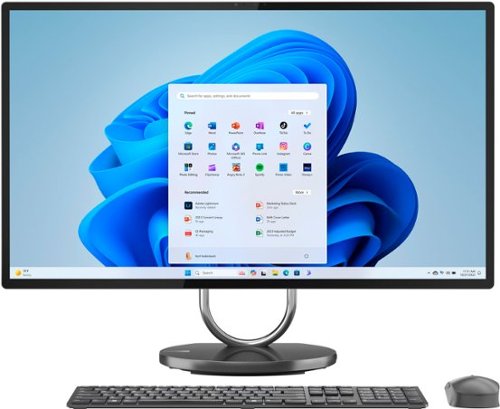
Lenovo - Yoga AIO 9i 31.5" All-In-One - Intel Core i9 - 16GB Memory + 512GB SSD - Storm Gray
Anchor your home and devices to a stunning and powerful all-in-one flagship built to amplify your creativity ~ the sustainably sourced, architecturally inspired and ultra-slim Yoga AIO 9i, featuring up to 13th Gen Intel Core i9 processors for professional photo or video editing. Watch Netflix in 4K with a massive 32" IPS display while four speakers surround you in a curtain of Dolby Atmos 3D audio. Control and charge multiple devices with your PC via One Cable Link and wireless charging.
can you get an adaptor so that you can be hardwired to your router/modem?
Hello, NacoyaE. Yes, you can. You could use either a USB-C to ethernet or USB to ethernet adapter.
2 years, 7 months ago
by
Posted by:
Lenovo Product Expert
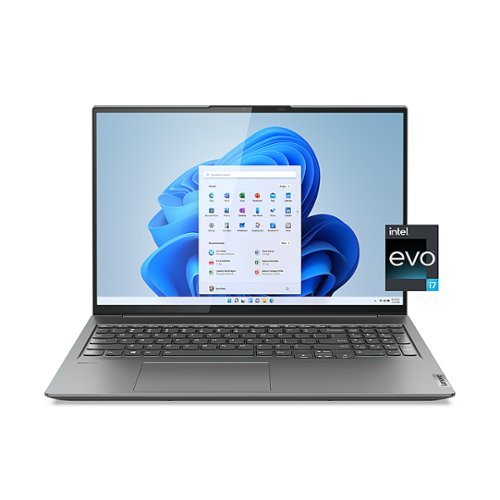
Lenovo - Slim 7i 16" WQXGA Touchscreen Laptop - Intel Core i7-12700H with 16GB Memory - Intel Arc A370M 4GB - 1 TB SSD - Storm Grey
Unlock pure, unstoppable power with the Lenovo Slim 7i. This incredibly compact, ultra-thin laptop packs a 120 Hz touchscreen, offers the best overall mobile performance with Intel Evo, now featuring 12th Generation Intel Core H Series processors and Intel Arc dedicated graphics. The WQXGA 16:10 touchscreen display features 100% sRGB color accuracy and ultra-thin bezels on a huge 16" screen, giving you some crucial added work space.
I am a little confused, does this have 16 gb or 4 gb whats the difference between the 2
Hello, gbs. We apologize for your confusion. This system features 16GB of RAM or memory with an Intel Arc graphics card with 4GB of dedicated graphics memory. Your system RAM (random access memory) acts as temporary storage for your processor (Intel Core i7 in this case) to use as it needs. Your graphics card has dedicated graphics memory for a similar function, helping to process graphics and video tasks. To learn more, here is a link to two Lenovo webpages -- "What is Video Memory?...": https://www.lenovo.com/us/en/glossary/what-is-video-memory/?orgRef=https%253A%252F%252Fwww.google.com%252F | "What is RAM?": https://www.lenovo.com/us/en/glossary/what-is-ram/
2 years, 7 months ago
by
Posted by:
Lenovo Product Expert
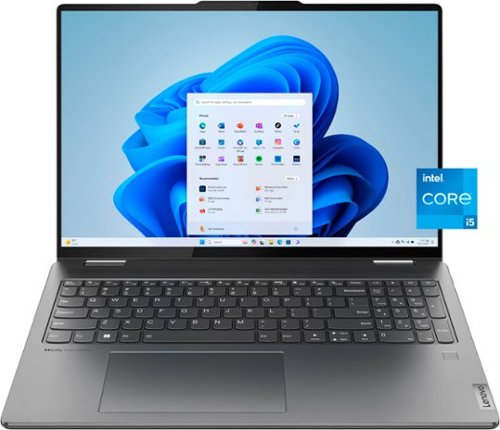
Lenovo - Yoga 7i 16" WUXGA 2 in 1 Touch-Screen Laptop - Intel Core i5-1335U - 16GB Memory - 512GB SSD - Storm Grey
Yoga 7i delivers the flexibility to create in your mode of choice with this 2-in-1 convertible comfort edge design.
Is this apart of chrome?
Hello, rose. In short, no. This Yoga runs Windows 11 Home operating system.
2 years, 7 months ago
by
Posted by:
Lenovo Product Expert
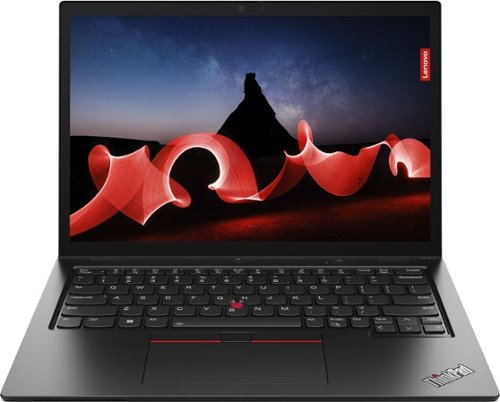
Lenovo - ThinkPad L13 Yoga 13.3" WUXGA (1920 x 1200) Touch 2-in-1 Laptop - Core i7-1355U with 16GB Memory - 512GB SSD - Thunder Black
The Lenovo ThinkPad L13 Yoga Gen 4 helps users power through daily tasks with its 16:10 aspect ratio displays and 83.5% screen-to-body ratio for expanded productivity that today~s hybrid workforce demands. Powered by Intel vPro with 13th Gen Intel Core processors, this compact multimode device is thin and light for must-have portability.
Where is the fingerprint reader? Is it part of the power button?
Hello, luislast. Correct! The fingerprint reader is integrated into the power button.
2 years, 7 months ago
by
Posted by:
Lenovo Product Expert
Lenovo - ThinkPad L13 Yoga 13.3" WUXGA (1920 x 1200) Touch 2-in-1 Laptop - Core i7-1355U with 16GB Memory - 512GB SSD - Thunder Black
The Lenovo ThinkPad L13 Yoga Gen 4 helps users power through daily tasks with its 16:10 aspect ratio displays and 83.5% screen-to-body ratio for expanded productivity that today~s hybrid workforce demands. Powered by Intel vPro with 13th Gen Intel Core processors, this compact multimode device is thin and light for must-have portability.
The usual questions about RAM: What is the maximum? How many slots are there? Is the onboard memory soldered in? Is it easy to access, or do I need an authorized technician to do it (without voiding the warranty)?
Hello, luislast. This system's memory is dual-channel, soldered to the systemboard.
2 years, 7 months ago
by
Posted by:
Lenovo Product Expert