Lenovo Product Expert
Lenovo Product Expert's Stats
Reviews
- Review Count0
- Helpfulness Votes0
- First ReviewNone
- Last ReviewNone
- Featured Reviews0
- Average Rating0
Reviews Comments
- Review Comment Count0
- Helpfulness Votes0
- First Review CommentNone
- Last Review CommentNone
- Featured Review Comments0
Questions
- Question Count0
- Helpfulness Votes0
- First QuestionNone
- Last QuestionNone
- Featured Questions0
- Answer Count37779
- Helpfulness Votes24,795
- First AnswerApril 21, 2014
- Last AnswerOctober 5, 2026
- Featured Answers0
- Best Answers2823
Lenovo Product Expert's Reviews
Lenovo Product Expert has not submitted any reviews.
Lenovo Product Expert's Questions
Lenovo Product Expert has not submitted any questions.
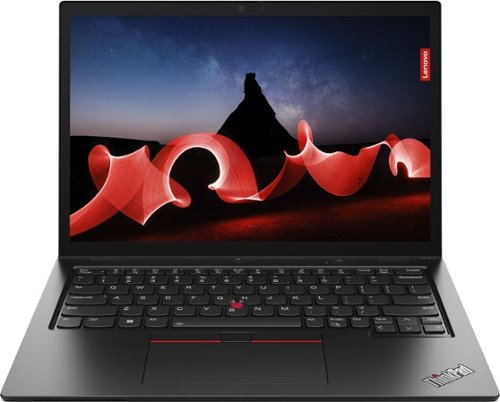
Lenovo - ThinkPad L13 Yoga 13.3" WUXGA (1920 x 1200) Touch 2-in-1 Laptop - Core i7-1355U with 16GB Memory - 512GB SSD - Thunder Black
The Lenovo ThinkPad L13 Yoga Gen 4 helps users power through daily tasks with its 16:10 aspect ratio displays and 83.5% screen-to-body ratio for expanded productivity that today~s hybrid workforce demands. Powered by Intel vPro with 13th Gen Intel Core processors, this compact multimode device is thin and light for must-have portability.
The usual questions about memory: what kind of storage is it (PCI, etc.)? Is it replaceable, & w/ what maximum? Can another drive be added, and of what type? Is it easy to access, or do I need an authorized technician to do it (w/o voiding the warranty)?

Hello again, luislast. This model ships with a 512GB M.2 2280 PCIe 4.0x4 Performance NVMe Opal 2.0, and yes, it can be replaced. This model has one storage slot, supporting up to 2TB M.2 2280 SSD. Also, we always recommend work be completed by an authorized technician.
2 years, 7 months ago
by
Posted by:
Lenovo Product Expert
Lenovo - ThinkPad L13 Yoga 13.3" WUXGA (1920 x 1200) Touch 2-in-1 Laptop - Core i7-1355U with 16GB Memory - 512GB SSD - Thunder Black
The Lenovo ThinkPad L13 Yoga Gen 4 helps users power through daily tasks with its 16:10 aspect ratio displays and 83.5% screen-to-body ratio for expanded productivity that today~s hybrid workforce demands. Powered by Intel vPro with 13th Gen Intel Core processors, this compact multimode device is thin and light for must-have portability.
Nobody asks these questions anymore, and I don't know why: Can the battery be replaced? Is it easy to access, or do I need an authorized technician to do it (without voiding the warranty)?
Yes, the battery can be replaced. We recommend that the battery be replaced by an authorized technician for both protecting your warranty and the integrity of your computer, to help ensure genuine parts are in use.
2 years, 7 months ago
by
Posted by:
Lenovo Product Expert
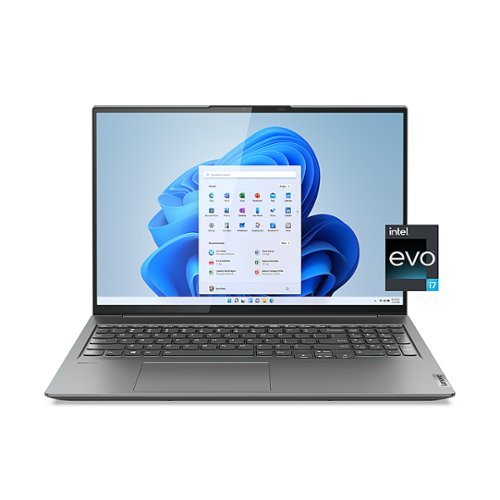
Lenovo - Slim 7i 16" WQXGA Touchscreen Laptop - Intel Core i7-12700H with 16GB Memory - Intel Arc A370M 4GB - 1 TB SSD - Storm Grey
Unlock pure, unstoppable power with the Lenovo Slim 7i. This incredibly compact, ultra-thin laptop packs a 120 Hz touchscreen, offers the best overall mobile performance with Intel Evo, now featuring 12th Generation Intel Core H Series processors and Intel Arc dedicated graphics. The WQXGA 16:10 touchscreen display features 100% sRGB color accuracy and ultra-thin bezels on a huge 16" screen, giving you some crucial added work space.
From new, when I open Chrome, it crashes and closes. I have reinstalled it, restarted the computer, & Geek Squad have spent 2 hours trying to fix it to no avail. I found other reviews of the same issue online with no fix. Should I just return and replace?
Hello, luckylager. We are sorry to hear that you are experiencing this issue. To help resolve this, we recommend checking for and applying any available updates through Lenovo Vantage and Windows Update Settings. After installation, by viewing the information on these two links below, it may help resolve your Chrome instability issues. Lenovo Forums "...Chrome crashes...": https://forums.lenovo.com/t5/Windows-11/Google-Chrome-crashes-on-brand-new-Ideapad/m-p/5278704 | Google Support "Fix Chrome...": https://support.google.com/chrome/answer/142063?hl=en&co=GENIE.Platform%3DDesktop | If these resources do not help you solve your problem, we recommend reaching out to Lenovo Tech Support for the opinion of a representative at this number: 877-453-6686.
2 years, 7 months ago
by
Posted by:
Lenovo Product Expert
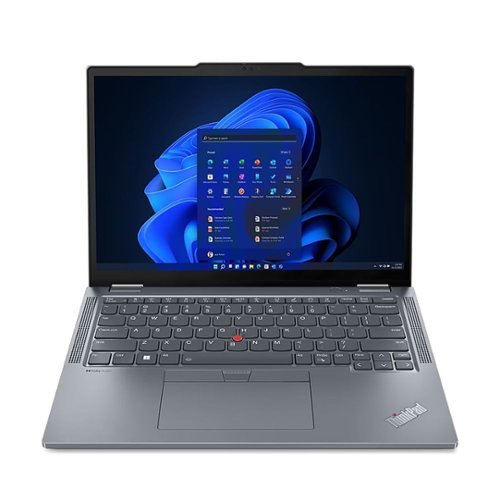
Lenovo - ThinkPad X13 Yoga Gen 4 2 in 1 13.3" Touch-screen Laptop- i7 with 16GB memory- 512GB SSD - Gray
ThinkPad X Series ultraportables combine enterprise security, manageability, docking and productivity features into a thin and lightweight design. Thin, lightweight and compact, this ThinkPad X13 Yoga Gen 4 is all about the power of portability. Experience powerful computing and faster responsiveness while working on complex files and AI-based applications- thanks to the 13th Gen Intel Core i7 processors. Look and sound your best on video calls, capture ideas on the 13.3~ WUXGA screen and enjoy immersive audio in the optimized Dolby Audio speakers. Wi-Fi 6E ensures users are connected to stable and fast internet connection with strong bandwidth while travelling for work. The 41Wh battery supports Rapid Charge up to 80% in 1 hour with the included 65W USB-C AC adapter. The ThinkPad also onboards multiple connectivity ports including dual USB 3.2 Gen 1 and Thunderbolt 4 for seamless data sharing, power delivery plus HDMI connectivity to external monitors and peripherals. Thanks to its 360-degree hinge, the device quickly switches between laptop, tablet, tent, and stand modes. Plus, the rechargeable, garaged pen instantly lets you sketch, sign documents, or take notes. Minimal preloaded applications mean maximum battery life and responsiveness for users, and faster deployment for IT admins.
Does the lenovo x13 have wifi and 5g
Hello, Ed. In short, yes and no. This model features Intel Wi-Fi 6E but does not have 5G capabilities.
2 years, 7 months ago
by
Posted by:
Lenovo Product Expert
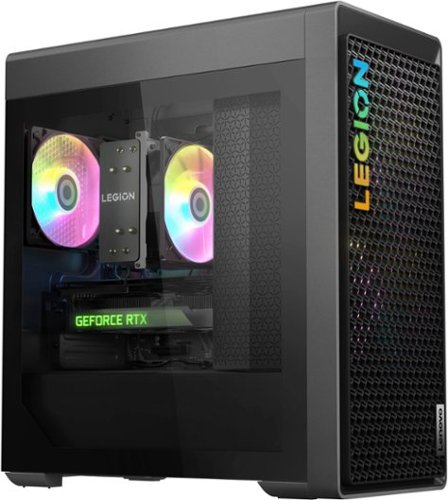
Lenovo - Legion Tower 5i Gaming Desktop - Intel Core i7-13700F - 16GB Memory - NVIDIA GeForce RTX 4070 12GB - 1TB SSD - Storm Grey
Built for tomorrow~s gaming worlds, Legion Tower 5i delivers blazing-fast performance via 13thGen Intel Core desktop processors and NVIDIA GeForce RTX 40 Series graphics, deeply chilled with up to 180W air cooling that stays whisper-quiet. Balance your battle station looks with the command station function with an enmeshed front bezel for enhanced airflow and an optional toolless glass panel.
What motherboard is in it?
Hello. The Legion Tower 5i features a mATX standard motherboard supplied by us (Lenovo).
2 years, 7 months ago
by
Posted by:
Lenovo Product Expert
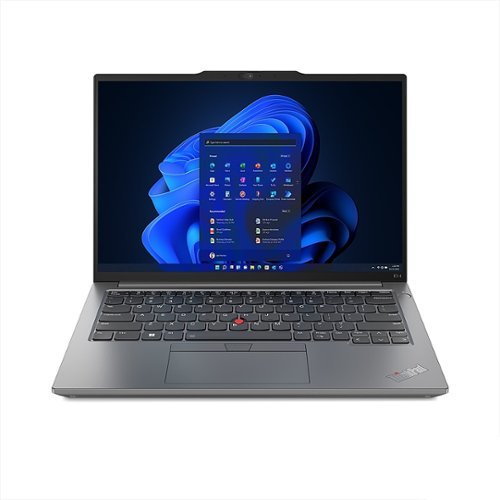
Lenovo - ThinkPad E14 Gen 5 14" Laptop - Intel Core i5 with 16GB Memory- 256GB SSD - Gray
The entry-level ThinkPad, E Series features the famous keyboard and trackpoint, and is MIL-SPEC tested ensuring the build quality for which ThinkPad is renowned. Built for professionals who demand powerful and high-performance computing, the ThinkPad E14 Gen 5 laptop powered by 13th Gen Intel Core Processor can be considered. With up to 11.2-hours of battery life, users on the go can stay unplugged without worrying about plugging the device throughout the workday. Hybrid professionals will appreciate the USB-C, HDMI and Thunderbolt 4 ports enabling quick transfer of design files and complex spreadsheets, and connection to external monitors. Dolby Atmos 2W dual speakers and dual-array microphones help to collaborate on calls effectively. A FHD 1080p camera with a privacy shutter helps users to stay private whenever needed. Minimal preloaded applications mean maximum battery life and responsiveness for users, and faster deployment for IT admins.
Does it have touch screen?
Hello, EddyAnd3rson. No, this model does not have a touchscreen display.
2 years, 7 months ago
by
Posted by:
Lenovo Product Expert
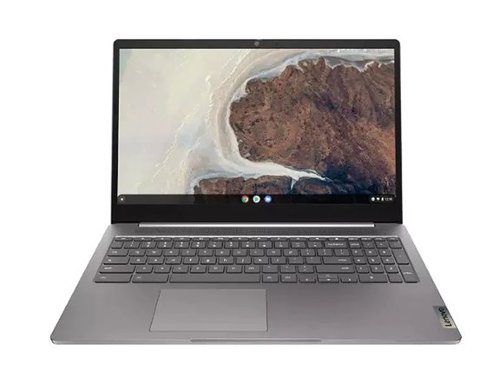
Lenovo - Refurbished Good - IdeaPad 3 Chrome 15IJL6 15.6" Laptop Celeron N4500 4GB 64GB eMMC Chrome OS - Arctic Grey
Work, play, and multitask to your heart~s content on the Lenovo 3i Chromebook (15.6" Intel) with a quick and nimble system that~s packed with more performance than ever thanks to the Intel Celeron processor and with a battery that lasts all day, you can enjoy this power anywhere you want.
What is the OS version?
Hello, AC. This model ships with ChromeOS. Due to the nature of this item, it is not defined what version of ChromeOS is installed, however it can be updated during the setup process.
2 years, 7 months ago
by
Posted by:
Lenovo Product Expert
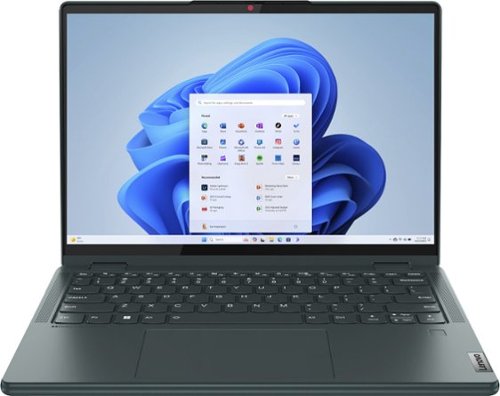
Lenovo - Yoga 6 2-in-1 13.3" Full HD Touchscreen Laptop -Ryzen 5 7530U with 8GB Memory - 256GB SSD - Dark Teal
With its thin, light frame and rounded comfort edges, the Yoga 6 is easily portable and comfortable to use. Combine ergonomics and aesthetics with our commitment to sustainability and you~ve got the perfect on-the-go device for taking anywhere you want.
I was wondering if Sims 4 would work on this? I’ve never owned a laptop & am trying to purchase one that can handle sims.. thanks.
Hello, torisue95. Not to turn your question back to you, but that would depend on what the requirements for Sim 4 software are. For your ease, here is a link to Sims 4's recommended requirements webpage for your review (https://www.ea.com/games/the-sims/the-sims-4/download), as we recommend reviewing the recommended requirements that that software publisher details and comparing it with the specifications of any potential computing solution to help ensure you find the right fit for your needs.
2 years, 7 months ago
by
Posted by:
Lenovo Product Expert
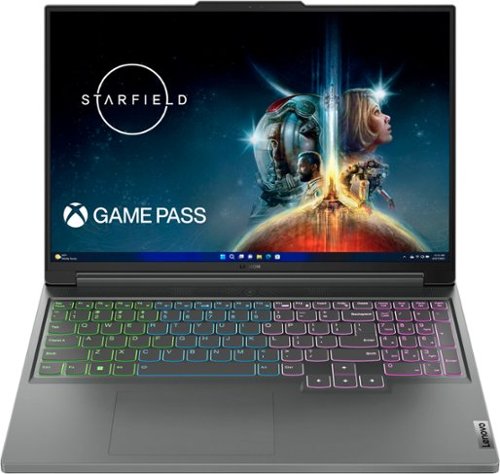
Lenovo - Legion Slim 5 16" 2.5k LCD Gaming Laptop - Ryzen 7 7840HS with 16GB Memory - NVIDIA GeForce RTX 4060 8GB - 512GB SSD - Storm Grey
Equipped with AMD Ryzen 7000 Series processors and NVIDIA GeForce RTX 40 Series graphics, the Lenovo Legion Slim 5 is built for students and young creatives who demand a machine that can handle both extreme pro-level gaming sessions and advanced rendering work.
Does it have international warranty (for Brazil)? I know for a fact that if it sells on Brazil it does have the warranty, however i would like a confirmation please
Hello. Yes, this model falls under the coverage of International Warranty Services, and Brazil is a country listed under the coverage as well. Users in each of the available countries can view local Lenovo support options at this link after entering the product serial or model number in the search box: https://pcsupport.lenovo.com/us/en/iwslookup#/ideapad
2 years, 7 months ago
by
Posted by:
Lenovo Product Expert
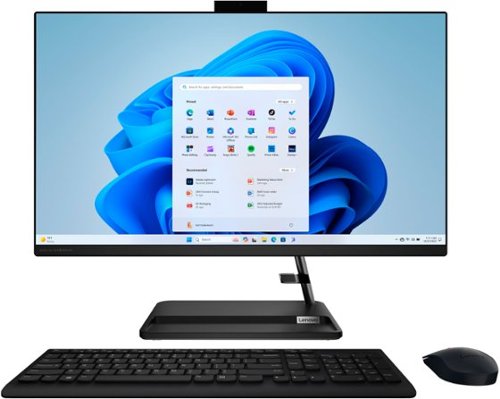
Lenovo - IdeaCentre AIO 3 27" All-In-One - AMD Ryzen 5 - 8GB Memory - 512GB Solid State Drive - Black
The clean lines and compact frame of the Lenovo IdeaCentre AIO 3 encases a singularly performance-driven machine, with an AMD Ryzen5 7530U processor for raw power and ultra-fast performance. And the tiny desk footprint of this quintessential family PC belies its entertainment features, with a wide three-narrow-bezel FHD display and powerful Harman-certified stereo speakers.
I recently purchased this computer. The computer was on and power went off, the screen is no longer turning on. Is this a common problem? How can I get this to turn on now?
Hello, Christian. We are sorry to hear that you encountered an issue with your IdeaCentre. This is not a common issue we are aware of with this model. For immediate assistance, we recommend reaching out to Lenovo Tech Support at this number: 877-453-6686, providing a representative with details of your issue, so that they may help by providing a solution for you. We appreciate you sharing your experience so that we may use it to continue to better our products and services for yourself and others.
2 years, 7 months ago
by
Posted by:
Lenovo Product Expert