Lenovo Product Expert
Lenovo Product Expert's Stats
Reviews
- Review Count0
- Helpfulness Votes0
- First ReviewNone
- Last ReviewNone
- Featured Reviews0
- Average Rating0
Reviews Comments
- Review Comment Count0
- Helpfulness Votes0
- First Review CommentNone
- Last Review CommentNone
- Featured Review Comments0
Questions
- Question Count0
- Helpfulness Votes0
- First QuestionNone
- Last QuestionNone
- Featured Questions0
- Answer Count37786
- Helpfulness Votes24,805
- First AnswerApril 21, 2014
- Last AnswerOctober 6, 2026
- Featured Answers0
- Best Answers2825
Lenovo Product Expert's Reviews
Lenovo Product Expert has not submitted any reviews.
Lenovo Product Expert's Questions
Lenovo Product Expert has not submitted any questions.
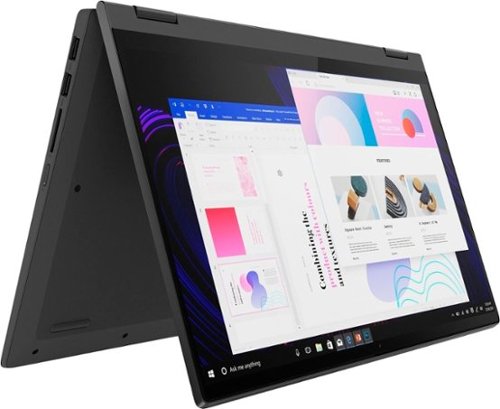
Lenovo - IdeaPad Flex 5 15ITL05 2-in-1 15.6" Laptop - Intel Core i5 - with 8GB Memory - 256 GB SSD - Graphite Gray
The IdeaPad Flex 5 2-in-1 Laptop. Featuring fast processors, an IPS touchscreen, and a 360-degree hinge to get things done efficiently for work, home, or school. Boasting a long battery life and security assets that include a webcam privacy shutter and fingerprint reader, the IdeaPad Flex 5 2-in-1 Laptop allows you to be creative and stay on point with your tasks.
does it have 5g, or is that just from verizon

Hello, ben, thank you for your question. This Flex 5i 15 ships with Wi-Fi 6 technology for online access, but does not have cellular connectivity.
3 years, 6 months ago
by
Posted by:
Lenovo Product Expert
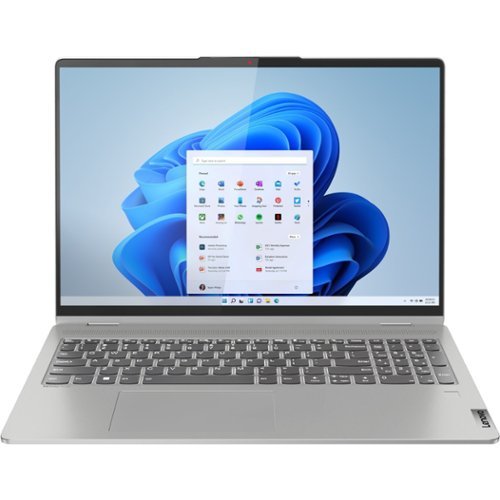
Lenovo - IdeaPad Flex 5 16ALC7 16" Laptop - AMD Ryzen 7 - Memory - 1 TB SSD - Storm Gray
IdeaPad Flex 5. Endlessly adaptable. The 360 degree convertible Lenovo IdeaPad Flex 5 adapts and fits to your needs, moods and environments with a tough-tested drop-down hinge that lifts up the keyboard for more ergonomic typing, an AMD Ryzen mobile processor with Radeon graphics, and a full-function Type-C port. Lose yourself in the show when you~re viewing the 16:10 2.5K display, featuring T~V certification and 400 nits brightness for viewing outdoors.
Does the keyboard lighting change color? If it does, how would I change it?
Hello, TrishaMcClaire, thank you for your question. While this model Flex 5 16 does feature a 2-stage brightness backlit keyboard, the keyboard backlighting cannot be changed from its default white color.
3 years, 6 months ago
by
Posted by:
Lenovo Product Expert
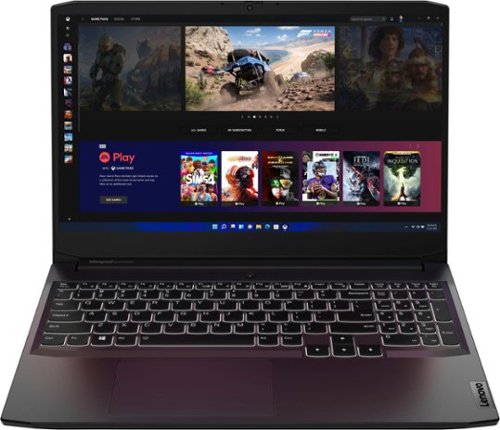
Lenovo - Ideapad Gaming 3 15.6" FHD Laptop - Ryzen 5 5600H - 8GB Memory - NVIDIA GeForce RTX 3050 Ti - 256GB SSD - Shadow Black
Time to elevate your game and esports experience beyond the realm of the ~just acceptable." Engineered with the latest generation AMD Ryzen processor and NVIDIA GeForce graphics, DDR4 memory and SSD storage options, the Lenovo IdeaPad Gaming 3 stays cool with a reengineered high-performance thermal system.
I bought this computer from you guys and the screen is not coming on
Hello, we are sorry to hear that you have experienced an issue with your IdeaPad Gaming 3 15. First, we recommend checking to see if your device has a charge by connecting its included power adapter and charging the laptop for about 30 minutes, ensuring that the LED charging indicator by the charge port is illuminated. Next, if you try to boot the computer, but the screen does not turn on, this device is equipped with a device recovery function called the Novo Button. There is a Novo Button menu that be displayed before the operating system starts. From this menu, you can choose to: open the BIOS/UEFI setup and utility, open the boot device selection menu, and open the Windows startup options screen. To open the Novo Button menu, from being powered off, turn on the computer and then press the F9 key repeatedly. This should help with activating the display if the screen is not turning on due to a system error. If the screen is still not on, we recommend reaching out to Legion Tech Support at this phone number for continued assistance: 877-453-6686.
3 years, 6 months ago
by
Posted by:
Lenovo Product Expert
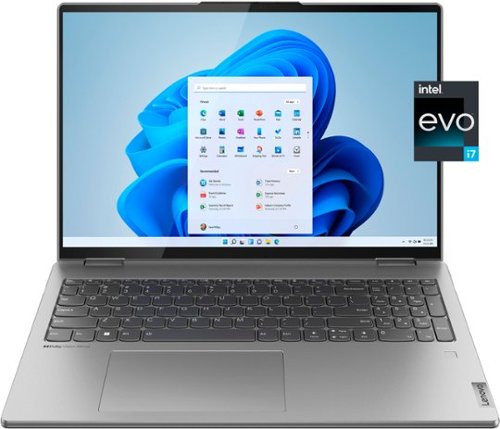
Lenovo - Yoga 7i 16" 2.5K Touch 2-in-1 Laptop - Intel Evo Platform - Core i7-12700H - 32GB Memory - Intel Arc A370M - 1TB SSD - Arctic Grey
The Lenovo Yoga 7i combines versatile portability and enhanced productivity, thanks to the boundary-breaking performance and responsiveness of 12th generation Intel Core processors and vibrant WQXGA clarity with Intel Arc A370M graphics. Go anywhere with a sleek 2-in-1 metal chassis featuring thoughtful details including an IR camera with privacy shutter.
Can the sound driver be changed to a Realteck HD?
Hello, and thank you for your question. This model Yoga 7i 16 does have the Realtek sound driver installed. Should you have questions about how to change audio controllers and drivers, we recommend reaching out to Lenovo Tech Support at this phone number for help: 877-453-6686.
3 years, 6 months ago
by
Posted by:
Lenovo Product Expert
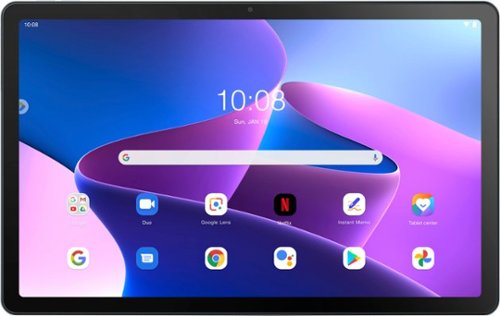
Lenovo - Tab M10 Plus (3rd Gen) - 10.61" - Tablet - 64GB - Frost Blue
Lenovo Tab M10 Plus is one impressive media tablet from the 3rd generation tab family. Its standout metal design gives you a premium look and feel with modern simplicity. Inside lies a 10.6" FHD IPS screen and four Dolby Atmos speakers for truly immersive entertainment. This is one tablet you will want to use and pass around the house.
Does it have voice search
Hello, and yes, this model Tab M10 Plus ships with Android 12 or later operating system, supporting searching through communicating with Google Assistant, or using the voice search function in the embedded Google search bar on the home screen by default.
3 years, 6 months ago
by
Posted by:
Lenovo Product Expert
Lenovo - IdeaPad Flex 5 16ALC7 16" Laptop - AMD Ryzen 7 - Memory - 1 TB SSD - Storm Gray
IdeaPad Flex 5. Endlessly adaptable. The 360 degree convertible Lenovo IdeaPad Flex 5 adapts and fits to your needs, moods and environments with a tough-tested drop-down hinge that lifts up the keyboard for more ergonomic typing, an AMD Ryzen mobile processor with Radeon graphics, and a full-function Type-C port. Lose yourself in the show when you~re viewing the 16:10 2.5K display, featuring T~V certification and 400 nits brightness for viewing outdoors.
Can the ram-memory be upgraded ?
No, this Lenovo IdeaPad Flex 5 16, model number 82RA003UUS, ships with 16GB Soldered LPDDR4x-4266 not upgradable.
3 years, 7 months ago
by
Posted by:
Lenovo Product Expert
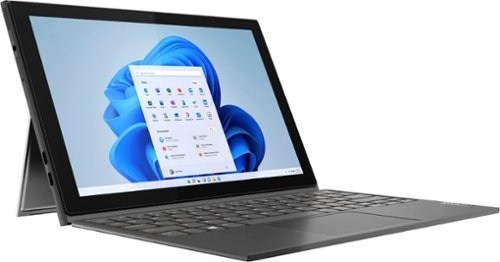
Lenovo - IdeaPad Windows Duet 3i - 10.3" (1920x1200) Touch 2-in-1 Tablet - Celeron N4020 - 4GB RAM - 128GB eMMC - with Keyboard - Graphite Grey
With a detachable Bluetooth keyboard and folio kickstand, you can detach yourself from the ordinary on the Lenovo~ IdeaPad~ Duet 3i and use your keyboard remotely from the tablet portion of the PC.
i bought this product worked fine for 3 months and now once we start we see lenovo logo onsceen and after that screen goes blank . nothing on the screen . i am not able use it. is there any warranty on the product to help me with this problem?
Yes, this Lenovo IdeaPad Duet 3i, model number 82AT00F2US, ships with a 1 Year Limited Warranty to cover manufacturer defects. We recommend you contact Lenovo Support at: 877-453-6686
3 years, 7 months ago
by
Posted by:
Lenovo Product Expert
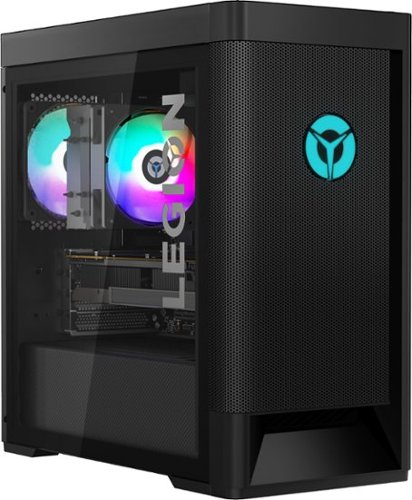
Lenovo - Legion Tower 5 AMD Gaming Desktop - AMD Ryzen 7-5800 - 16GB Memory - NVIDIA GeForce RTX 3060 - 256GB SSD + 1TB HDD - Raven Black
Engineered out of a passion for savage power and unmatched speed, the Lenovo Legion Tower 5 AMD delivers mind-blowing performance that combines AMD Ryzen processors and top-of-the-line NVIDIA GeForce graphics cards for blazing-fast frame rates at up to 4K resolution. Pushing far beyond the upper bounds of smaller rig configurations while keeping things cool and whisper quiet, the Legion Tower 5 is a marvel of build and design, accentuated by its illuminated blue LED logo and lighting, as well a transparent side panel that can properly showcase your internals.
What are the audio outputs like? Is it compatible with a gaming headset with a mic?
This Lenovo Legion Tower 5, model number 90RB002AUS, ships with 1x headphone (3.5mm)
1x microphone (3.5mm) jacks on the top of the tower for headset connectivity.
1x microphone (3.5mm) jacks on the top of the tower for headset connectivity.
3 years, 7 months ago
by
Posted by:
Lenovo Product Expert
Lenovo - Legion Tower 5 AMD Gaming Desktop - AMD Ryzen 7-5800 - 16GB Memory - NVIDIA GeForce RTX 3060 - 256GB SSD + 1TB HDD - Raven Black
Engineered out of a passion for savage power and unmatched speed, the Lenovo Legion Tower 5 AMD delivers mind-blowing performance that combines AMD Ryzen processors and top-of-the-line NVIDIA GeForce graphics cards for blazing-fast frame rates at up to 4K resolution. Pushing far beyond the upper bounds of smaller rig configurations while keeping things cool and whisper quiet, the Legion Tower 5 is a marvel of build and design, accentuated by its illuminated blue LED logo and lighting, as well a transparent side panel that can properly showcase your internals.
Does it also come in white? Please and thank you!
No, this Lenovo Legion Tower 5, model number 90RB002AUS, is only available in Raven Black.
3 years, 7 months ago
by
Posted by:
Lenovo Product Expert
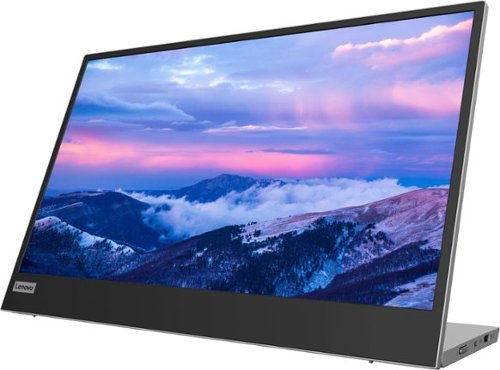
Lenovo - L15 15.6" IPS LED FHD USB-C Portable Monitor - Silver
For users who are constantly on the move, engaged in some work from home, or busy studying in a crowded dormitory, the ultra-portable Lenovo L15 mobile monitor makes perfect sense. Weighing only 860g with an ultra-slim 6mm head thickness and an integrated stand, the L15 is easy to carry around and fits on the corner of a multipurpose table or shelving unit. With its 15.6-inch screen, the L15 is a handy ~second screen~ that gives you flexibility whether you are taking notes while attending online lectures or simply binge-watching your favorite content. It easily connects to Notebooks of any screen size via a USB Type-C cable, and power pass-through support lets you charge the PC and power the monitor simultaneously. With eye care technology to prevent eye strain and Lenovo Artery software3 to control settings, the L15 delivers an uncomplicated and delightful experience.
I tried to connect this monitor to my Asus laptop even with a HDMI and kept getting a not compatible error. Is there something special needed
This Lenovo L15, USB-C Portable Monitor, model number 66E4UCC1US, is Operating System independent. It will connect to a compatible computer via USB-C 3.2 Gen 1 (DP 1.2 Alt Mode) port. We recommend you check with the manufacturer's web site of your specific computer model for the requirements and compatibility for connecting an external monitor to your specific computer model.
3 years, 7 months ago
by
Posted by:
Lenovo Product Expert