Samsung
Samsung's Stats
Reviews
- Review Count0
- Helpfulness Votes0
- First ReviewNone
- Last ReviewNone
- Featured Reviews0
- Average Rating0
Reviews Comments
- Review Comment Count0
- Helpfulness Votes0
- First Review CommentNone
- Last Review CommentNone
- Featured Review Comments0
Questions
- Question Count0
- Helpfulness Votes0
- First QuestionNone
- Last QuestionNone
- Featured Questions0
- Answer Count74875
- Helpfulness Votes37,960
- First AnswerApril 24, 2013
- Last AnswerOctober 16, 2026
- Featured Answers0
- Best Answers3944
Samsung's Reviews
Samsung has not submitted any reviews.
Samsung's Questions
Samsung has not submitted any questions.
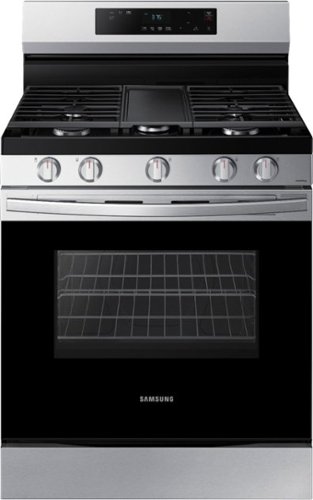
Elevate the look of your kitchen with Samsung~s Smart Freestanding Gas Range. Upgraded technology makes cooking with your stove simple and fun.
Can you turn the stove/oven off with the wifi if you accidentally leave them on at home?

You sure can, Jackie! In fact, here is a link (https://bit.ly/3Ch5ddh) to the user manual for this model. Page 30 has detailed information about using the Smart Control feature, including how to turn the oven off using your smart phone. ^Jecca
4 years, 9 months ago
by
Posted by:
Samsung
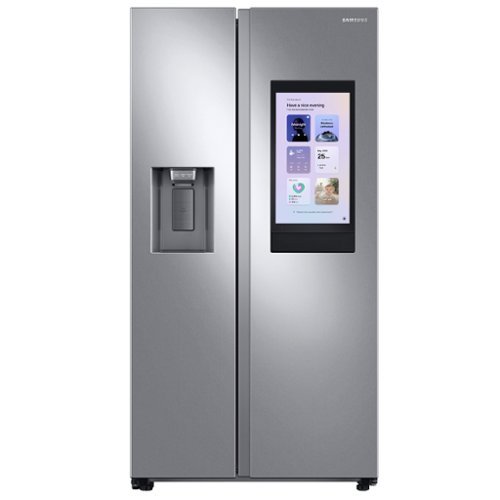
Samsung's Family Hub side-by-side large capacity refrigerator is beautifully designed with a minimal display dispenser, modern design that blends beautifully into your kitchen, and a finish that withstands everyday smudges.
Does it come in Tuscan color
Great question! I checked our website using the filters on the side (https://bit.ly/3mvALGX) and currently Samsung does not have any side by side models available in the Tuscan color. ^Jecca
4 years, 9 months ago
by
Posted by:
Samsung
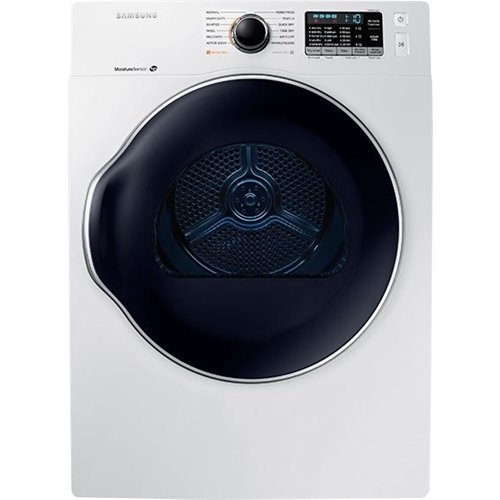
Samsung - 4.0 Cu. Ft. Stackable Electric Dryer - White
Look forward to laundry day. This Samsung dryer does the work for you, with sensors to avoid over-drying and preset drying cycles to protect your garments, linens and more.
I went to Best Buy in Braintree Massachusetts today to buy a dryer . I need a dry that vented from the right side I understand there's a conversion kit but they told me you guys do not do that anymore because it's not cost-effective it doesn't make sense
Hi Danid! I'd like to help with this. You can find the required side vent kit here: https://bit.ly/3H8Z2uY. ^Jecca
4 years, 9 months ago
by
Posted by:
Samsung
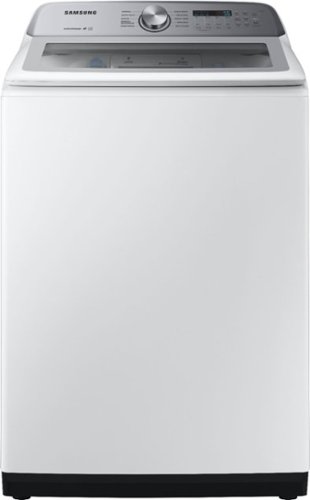
Samsung - 5.0 Cu. Ft. High-Efficiency Top Load Washer with Active WaterJet - White
Samsung's top-load washer has a large 5.0 cu ft. capacity to help you fit more in every load and cut down on laundry time, leaving more time for you. It is also equipped with Active WaterJet - a built-in faucet that lets you pre-treat stained clothes with a press of a button - and an EZ Access tub design that allows you to easily reach the bottom of the washer tub, stretch-free.
I’m using HE detergent and getting a weird lint type residue on my clothes. Super annoying… having to rewash most of the time and it’s ruining black clothes. Any suggestions as of why, what to do…. or anyone else having this issue ?
I'm happy to help with this. I can provide this link (https://bit.ly/39xu4gM) to our guide on what steps to take if your clothes are not getting fully clean in the washer. ^Jecca
4 years, 9 months ago
by
Posted by:
Samsung
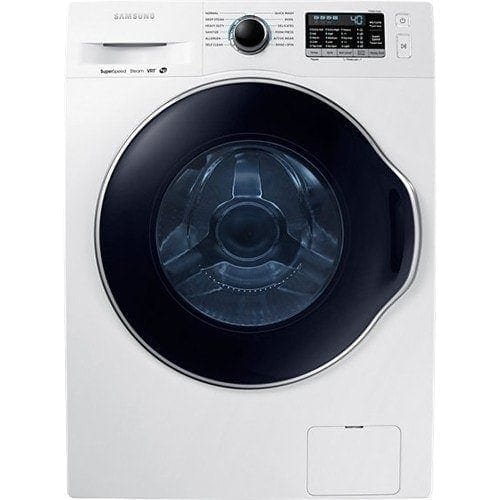
Samsung - 2.2 Cu. Ft. High-Efficiency Stackable Smart Front Load Washer with Steam and Super Speed Wash - White
Do laundry your way. Flush clothes with steam for truly deep clean, get each load done faster, and enjoy the peace and quiet of this Samsung washer.
Can the dryer be configured with a side vent instead of a back vent hose?
It sure can, Jenb! All you'll need to vent this dryer from the side, is the side vent kit available here: https://bit.ly/3H8Z2uY. ^Jecca
4 years, 9 months ago
by
Posted by:
Samsung
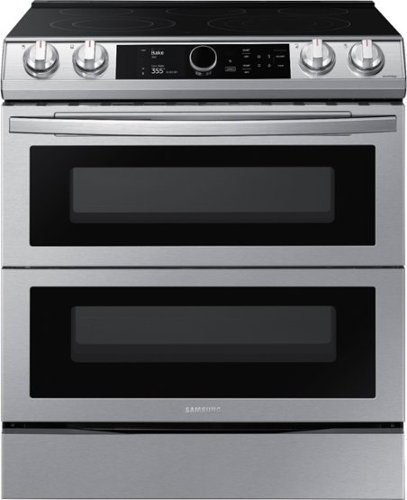
Samsung - 6.3 cu. ft. Flex Duo Front Control Slide-in Electric Range with Smart Dial, Air Fry & Wi-Fi, Fingerprint Resistant - Stainless Steel
The Samsung Flex Duo Front Control Slide-in Electric Range with Smart Dial and Air Fry is fully Wi-Fi connected and voice enabled, giving you the tools you need to simplify the cooking experience in the kitchen.
1) What are the burner sizes? 2) what is the measurements between each of the burners? 3) with induction what if my pot/pan is bigger than the burner? Does it still heat at the extended edges
Hi there! I'd like to help with this. First, I have the measurements of each burner listed as: Left Front - 6"/9"; Left Rear - 6"; Right Front - 6"/ 9"/12"; Right Rear - 6". I also have this link (https://bit.ly/3G21cfr) to our detailed guide about different cookware types and your cooktop. ^Jecca
4 years, 9 months ago
by
Posted by:
Samsung
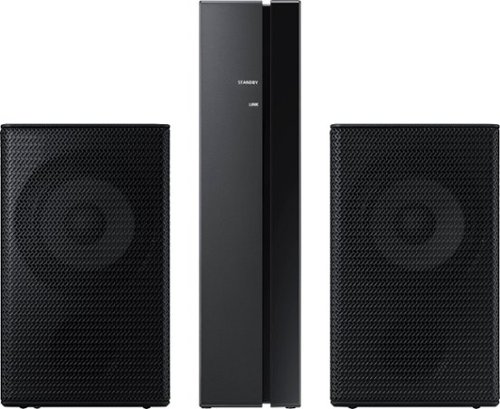
Samsung - 2.0-Channel Wireless Rear Speaker Kit with Surround Sound - Black
Connect easily and wirelessly to optional Samsung speakers for room-filling sound.
What rear speaker options do I have available to me for this unit? HW-MM55
Hi! The HW-MM55 soundbar from Samsung is compatible with the SWA-8500S wireless rear speaker kit. This information can be found in the full user manual for the soundbar.
^Tim
^Tim
4 years, 9 months ago
by
Posted by:
Samsung
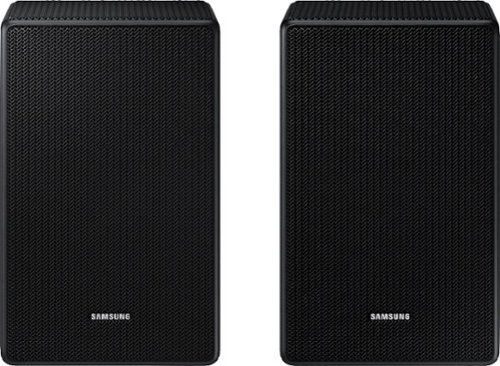
Is this compatible with the Q850 sound bar as I was told it was I just read it’s only compatible with the q900-800-700 only
Hi Troyboy55! The HW-Q850A soundbar includes its own set of wireless rear speakers and is not designed to pair with any other kit. The SWA-9500S Wireless Rear Speakers will not connect to the HW-Q850A soundbar from Samsung.
^Tim
^Tim
4 years, 9 months ago
by
Posted by:
Samsung
Samsung - 2.0-Channel Wireless Rear Speaker Kit with Surround Sound - Black
Connect easily and wirelessly to optional Samsung speakers for room-filling sound.
My HW-S40T sound bar wont bluetooth my 9100s rear speakers? What am I doing wrong?
Hi Johnny! The SWA-9100S Wireless Rear Speaker kit is not compatible with the HW-S40T. This rear speaker kit is backwards compatible with the following 2020 Samsung soundbar models: HW-Q900T, HW-Q800T, HW-Q70T, HW-S60T
^Tim
^Tim
4 years, 9 months ago
by
Posted by:
Samsung

Samsung - HW-S50A 3.0ch Sound bar with Dolby Digital 5.1 - Deep Gray
Experience virtual 3D sound with the S Series, S50A all-in-one premium soundbar, a versatile soundbar that delivers sharp and realistic audio. Dialogue sounds crisp and super clean thanks to a built-in center speaker, so you won~t miss a word. Whether you~re playing games, watching sports, or kicking back with your favorite show, Adaptive Sound Lite enhances and optimizes your entertainment to a new level of audio. Plus, you can seamlessly pair mobile devices with Bluetooth~ TV Connection~. ~Please check whether your TV is Bluetooth~ compatible.
Am looking to purchase soundbar for my Samsung TV. Is it possible to sync it to my Dish TV remote?
Hi Jim! You can adjust the HW-S50A Soundbar volume using a wide range of TV remote controls or universal remote solutions. This function can be used with IR remote controls only. Bluetooth remote controls (remote controls that require pairing) are not supported. Set the TV speaker to External Speaker to use this function. 1) Turn Off the Soundbar. 2) Push up and hold the WOOFER button for 5 seconds. Each time you push the WOOFER button up and hold it for 5 seconds, the mode switches in the following order: “Samsung-TV Remote” (Default mode), “Off-TV Remote”, “All-TV Remote”. The LED indicator status changes each time the mode is changed. Should you need further assistance, please contact Samsung Support at 1-800-SAMSUNG. ^Tim
4 years, 9 months ago
by
Posted by:
Samsung