Samsung
Samsung's Stats
Reviews
- Review Count0
- Helpfulness Votes0
- First ReviewNone
- Last ReviewNone
- Featured Reviews0
- Average Rating0
Reviews Comments
- Review Comment Count0
- Helpfulness Votes0
- First Review CommentNone
- Last Review CommentNone
- Featured Review Comments0
Questions
- Question Count0
- Helpfulness Votes0
- First QuestionNone
- Last QuestionNone
- Featured Questions0
- Answer Count75112
- Helpfulness Votes37,967
- First AnswerApril 24, 2013
- Last AnswerOctober 28, 2026
- Featured Answers0
- Best Answers3950
Samsung's Reviews
Samsung has not submitted any reviews.
Samsung's Questions
Samsung has not submitted any questions.
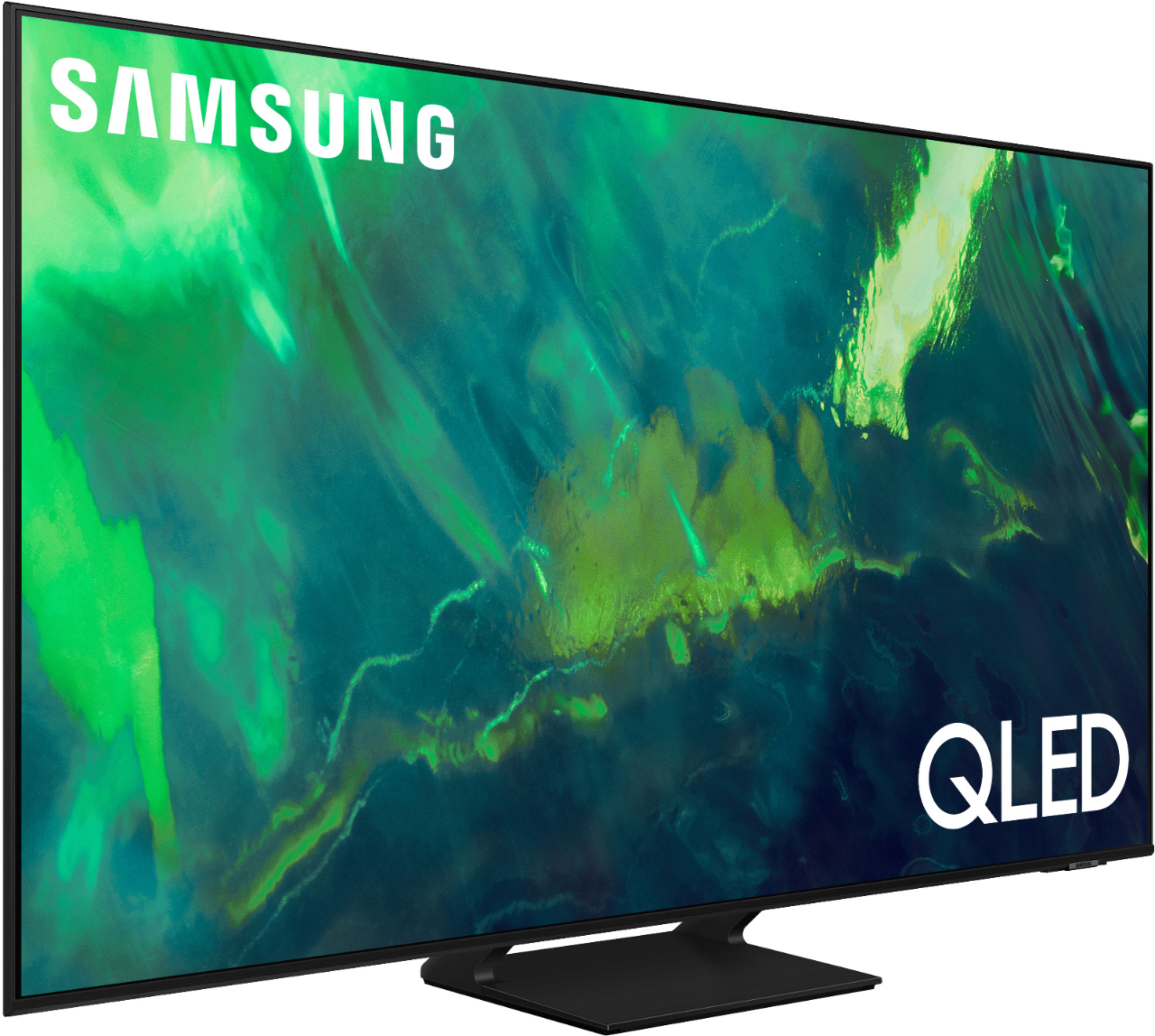
Samsung - 65" Class Q70A Series QLED 4K UHD Smart Tizen TV (2021)
As intelligent as it is beautiful. A Smart TV interface learns the content you like and makes suggestions based on what you watch.
Will this TV support blue tooth headphones?

Hi Randy, Absolutely! You can connect wireless headphones and other Bluetooth devices like speakers, keyboards, mice, and gamepads. ^Gina
5 years, 2 months ago
by
Posted by:
Samsung
Samsung - 75" Class Q80A Series QLED 4K UHD Smart Tizen TV (2021)
Enjoy heightened contrast on the Q80A with Direct Full Array; that uses precise zones of LED backlighting to dramatically intensify and deepen blacks. Quantum HDR 12X makes colors pop and sharpens details. Dynamic speakers coordinate with Object Tracking Sound to send soundwaves in all directions for precisely synced action. All powered by the intelligent Quantum Processor 4K, which automatically upscales content to 4K.
WHAT IS THE WIDTH, DEPTH AND THICKNESS OF THE STAND?
Hi - Here are the dimensions of the 75" Q80A TV's stand (WxHxD in INCHES): 16.5 x 9.8 x 12.5. ^Gina
5 years, 2 months ago
by
Posted by:
Samsung
Samsung - 50" Class Q60A Series QLED 4K UHD Smart Tizen TV
Enter a world saturated with color and sharpened to refreshing clarity, all of it made possible through the power of Quantum Dot technology
I think I understand the leg stands are about 30in apart but what is the depth. My console is long enough but it is narrow.
CDR - The depth of the 50" Q60A TV (with the stand attached) is 9". ^Gina
5 years, 2 months ago
by
Posted by:
Samsung
Samsung - 65" Class Q60A Series QLED 4K UHD Smart Tizen TV (2021)
Enter a world saturated with color and sharpened to refreshing clarity, all of it made possible through the power of Quantum Dot technology
I somehow turned on this very annoying voice that wants to always announce various items. I have tried to turn the voice off ! Help
Mandy - To turn off Voice Guide, navigate to Home > Settings > General > Accessibility > Voice Guide Settings > Voice Guide. ^Gina
5 years, 2 months ago
by
Posted by:
Samsung
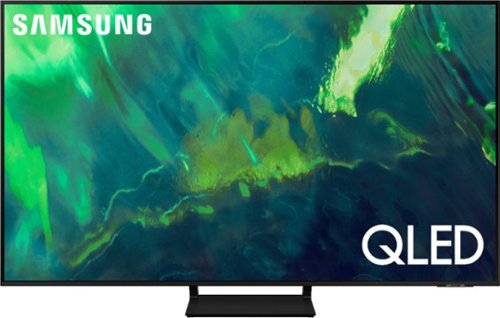
Samsung - 55" Class Q70A Series QLED 4K UHD Smart Tizen TV (2021)
As intelligent as it is beautiful. A Smart TV interface learns the content you like and makes suggestions based on what you watch.
What is SMART TIZEN?
LT - Tizen refers to the Samsung TV’s operating system. ^Gina
5 years, 2 months ago
by
Posted by:
Samsung
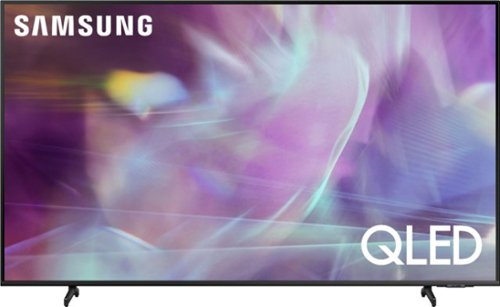
Samsung - 75" Class Q60A Series QLED 4K UHD Smart Tizen TV (2021)
Enjoy ultra-intense 4K vivid color and sharpened clarity with the Q60A / Q60AB. It combines Quantum Dot Technology with the power of 100% Color Volume to deliver a billion of shades for colorful, razor-sharp visuals. The ultra-smart Quantum Processor 4K Lite automatically upscales and transforms your content into 4K. Dual LED backlighting adjusts and coordinates with content in real time to enhance contrast and detail. Plus, with the rechargeable SolarCell Remote, you can easily access and control Smart TV and all your connected devices.
Is YouTube TV an available app on this tv?
Michael - YouTube TV will come preinstalled on the Q60A TV upon setup. ^Gina
5 years, 2 months ago
by
Posted by:
Samsung
Samsung - 50" Class Q60A Series QLED 4K UHD Smart Tizen TV
Enter a world saturated with color and sharpened to refreshing clarity, all of it made possible through the power of Quantum Dot technology
do you have a manuaI I can get on this>
junie - You can download the Q60A TV's User Manual, e-Manual, Remote Control Leaflet, and Quick Setup Guide on Samsung's website by clicking "Support" > "Manuals & Software" > "TVs & Home Theater" > "TVs". From there, you can select the Q60A TV under "4K QLED TVs” > “A Model Lineup" and download the guides you would like. ^Gina
5 years, 2 months ago
by
Posted by:
Samsung
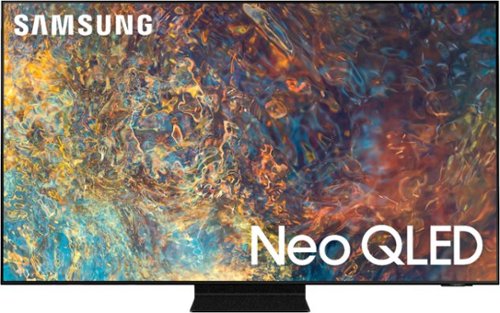
Samsung - 55" Class QN90A Neo QLED 4K UHD Smart Tizen TV (2021)
Our best 4K picture offers lush visuals and crisp detail that create an unmatched cinematic experience.
What are the optimal manual sound settings. The expert auto settings are terrible. Very disappointed in the sound on this TV.
MPSClearwater - This will vary depending on your preferences; however, there are many sound adjustments you can make. The QN90A features SpaceFit Sound to optimize sound tailored to your environment and Active Voice Amplifier (AVA) which further detects disturbances and enhances the on-screen voices for clear dialogue.
Go to Home > Settings > General > Intelligent Mode Settings. Turn the options on or off to meet your needs:
- Active Voice Amplifier is available only when the sound sensor of the TV is active and the sound output is set to TV Speaker, or a Samsung Soundbar interlinked with Adaptive Picture is connected.
- Adaptive Sound+ provides optimized sound quality by analyzing the viewing space and the acoustic components of the content
- Adaptive Volume Automatically adjusts to a specific volume level while you are watching TV.
Several Sound Modes are likewise available to meet your personal preferences (Home > Settings > Sound > Sound Mode). You can also customize sound with Expert Settings (Settings > Sound > Expert Settings).
Another feature of your TV is OTS (Object Tracking Sound) which means that there are strategically placed dynamic speakers that track the action and move the sound around you. If you have, or plan on adding a Samsung Q-Series Soundbar, please take advantage of Q-Symphony which synchronizes both your TV speakers and soundbar to give you an excellent surround experience. ^Gina
Go to Home > Settings > General > Intelligent Mode Settings. Turn the options on or off to meet your needs:
- Active Voice Amplifier is available only when the sound sensor of the TV is active and the sound output is set to TV Speaker, or a Samsung Soundbar interlinked with Adaptive Picture is connected.
- Adaptive Sound+ provides optimized sound quality by analyzing the viewing space and the acoustic components of the content
- Adaptive Volume Automatically adjusts to a specific volume level while you are watching TV.
Several Sound Modes are likewise available to meet your personal preferences (Home > Settings > Sound > Sound Mode). You can also customize sound with Expert Settings (Settings > Sound > Expert Settings).
Another feature of your TV is OTS (Object Tracking Sound) which means that there are strategically placed dynamic speakers that track the action and move the sound around you. If you have, or plan on adding a Samsung Q-Series Soundbar, please take advantage of Q-Symphony which synchronizes both your TV speakers and soundbar to give you an excellent surround experience. ^Gina
5 years, 2 months ago
by
Posted by:
Samsung
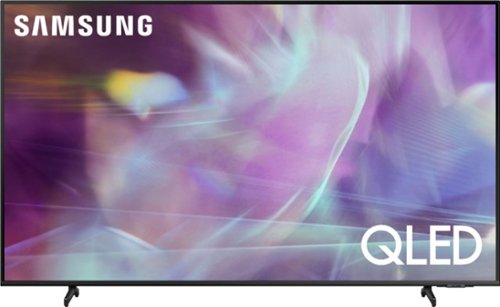
Samsung - 55" Class Q60A Series QLED 4K UHD Smart Tizen TV
Enter a world saturated with color and sharpened to refreshing clarity, all of it made possible through the power of Quantum Dot technology
After all of the included installed apps, how much memory will be left to load additional apps.
espanaloco - To locate the storage amount available to be used for Apps please follow these steps: Home > Apps > Settings. In the upper right hand corner you should see how much storage you have used and what is available to be used. ^Gina
5 years, 2 months ago
by
Posted by:
Samsung
Samsung - 65" Class Q60A Series QLED 4K UHD Smart Tizen TV (2021)
Enter a world saturated with color and sharpened to refreshing clarity, all of it made possible through the power of Quantum Dot technology
Can the aspect ratio of this tv's screen be adjusted from original size to 16 x 9, all direction zoom, etc?
Hi - You can change the size of the picture displayed on the TV screen to 16:9 Standard, Custom, or 4:3. You can also Fit to Screen or adjust the picture size and/or position. ^Gina
5 years, 2 months ago
by
Posted by:
Samsung