Samsung
Samsung's Stats
Reviews
- Review Count0
- Helpfulness Votes0
- First ReviewNone
- Last ReviewNone
- Featured Reviews0
- Average Rating0
Reviews Comments
- Review Comment Count0
- Helpfulness Votes0
- First Review CommentNone
- Last Review CommentNone
- Featured Review Comments0
Questions
- Question Count0
- Helpfulness Votes0
- First QuestionNone
- Last QuestionNone
- Featured Questions0
- Answer Count73548
- Helpfulness Votes37,918
- First AnswerApril 24, 2013
- Last AnswerAugust 10, 2026
- Featured Answers0
- Best Answers3939
Samsung's Reviews
Samsung has not submitted any reviews.
Samsung's Questions
Samsung has not submitted any questions.
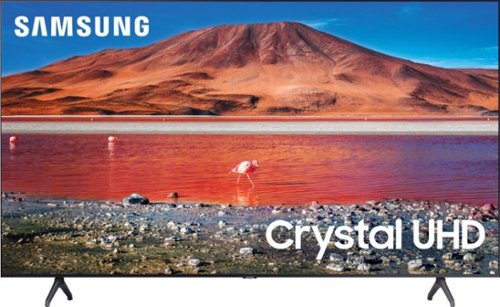
Samsung - 65" Class 7 Series LED 4K UHD Smart Tizen TV (2019)
Get enhanced smart capabilities with the TU7000 . Crystal Processor 4K automatically upscales your favorite movies, TV shows and sports events to 4K. Smart TV powered by Tizen lets you find content and navigate streaming services easily. PurColor fine tunes colors while HDR steps up to millions of shades of color that go beyond what HDTV can offer. And Direct Lit backlighting technology sharpens visuals and improves clarity.
How do you remove legs if you want to hang it

Chsrlir, the legs on the TU7000 will simply slide out of their slots when you are ready to mount your TV. ^Gina
5 years, 3 months ago
by
Posted by:
Samsung
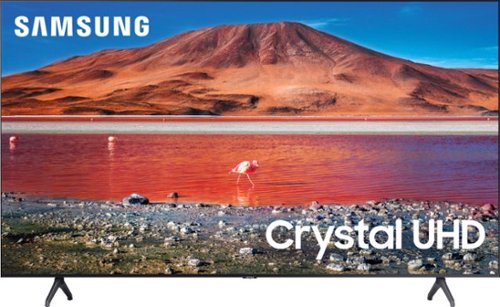
Samsung - 75" Class 7 Series LED 4K UHD Smart Tizen TV (2020)
Immerse yourself in stunning visuals with this 75" Samsung UHD 7 Series Smart TV. The Crystal Processor 4K scales up low-resolution scenes to deliver crisp visuals, while Wi-Fi connectivity expands your entertainment options across streaming services. This Samsung UHD 7 Series Smart TV allows voice-activated control for easy setting adjustment, and support for Dolby Digital Plus ensures powerful sound for an all-round experience.
Can you connect more than 1 wireless set of headphones to the bluetooth? Are two people/devices able to connect to the bluetooth at same time?
Hi CPal! You are only able to connect one Bluetooth device at a time to the TU7000. ^Gina
5 years, 3 months ago
by
Posted by:
Samsung

Samsung - 5.1.2-Channel Soundbar with Dolby Atmos/DTS:X
Explore realistic 3D audio with sound precisely projected from above, in front, behind and to the side of you with the latest acoustic technologies.
I was looking to buy the Samsung Q850T Soundbar in store and the associate mentioned that a Q850A model just released. Being so new, he wasn’t able to provide much info or reviews. Can you tell me the difference/upgrades with the 2021 Q850A model?
Hi Christine! Thank you for inquiring about our brand new Samsung HW-Q850A Soundbar. Both of these soundbars will provide you with a 5.1.2 channel surround sound experience. The Q850T and Q850A both feature Dolby Atmos, Dolby Digital, Dolby TrueHD, and DTS:X, as well as Game Pro Mode and Acoustic Beam Technology. Both soundbars also feature Q-Symphony, which is available when paired with a compatible Samsung TV. The 2021 Q850A offers additional features such as SpaceFit Sound, Tap Sound, Active Voice Amplifier, and AirPlay 2, as well as Hi-Res Audio decoding and LPCM support. For additional comparisons, please see https://www.bestbuy.com/site/compare?skus=6454215,6400657. ^Gina
5 years, 3 months ago
by
Posted by:
Samsung
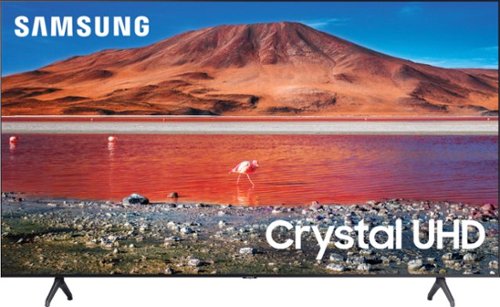
Samsung - 55" Class 7 Series LED 4K UHD Smart Tizen TV
Improve your viewing experience with this 55-inch Samsung smart TV. The variety of applications offer easy access to content on popular streaming services, and the intuitive interface makes finding your favorite shows simple. Boasting native 4K resolution and advanced HDR technology, this Samsung smart TV enriches your movie nights with stunningly detailed visuals and lifelike colors.
Is this TV 3D capatible? i have a samsung Ultra HD 3d blue ray palyer with active 3D glasses
Hi Tina - No, the TU7000 is not a 3D TV. ^Gina
5 years, 3 months ago
by
Posted by:
Samsung
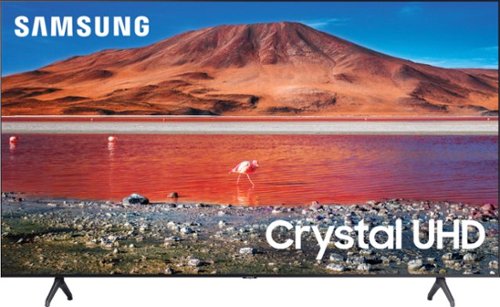
Samsung - 50" Class 7 Series LED 4K UHD Smart Tizen TV (2020)
Build an immersive media room with this 50-inch Samsung Smart TV. The Crystal 4K processor automatically improves the image quality of everything you watch, and the HDR technology makes colors look vivid and lifelike. This Samsung Smart TV has a universal guide that organizes live and streamed content so you can find what you're looking for quickly.
Will this TV except Directv's wireless receiver?
Hi there! You should have no issues connecting your DirecTV receiver box to the TU7000. For further assistance regarding compatibility, please contact DirecTV. ^Gina
5 years, 3 months ago
by
Posted by:
Samsung
Samsung - 65" Class 7 Series LED 4K UHD Smart Tizen TV (2019)
Get enhanced smart capabilities with the TU7000 . Crystal Processor 4K automatically upscales your favorite movies, TV shows and sports events to 4K. Smart TV powered by Tizen lets you find content and navigate streaming services easily. PurColor fine tunes colors while HDR steps up to millions of shades of color that go beyond what HDTV can offer. And Direct Lit backlighting technology sharpens visuals and improves clarity.
Just tried to use my Samsung S8 to mirror on my new Samsung Tu7000, 65 ", using Smart Things. TV registers on my S8, but states I must have wifi to mirror. I do not have wifi. How can I mirror on my new TV?
RichardBurton - So we can better assist you in screen mirroring your Samsung device to your TU7000, please call us at 1-800-SAMSUNG, available 8AM - 12AM EST, 7 days a week. We look forward to hearing from you. ^Gina
5 years, 3 months ago
by
Posted by:
Samsung
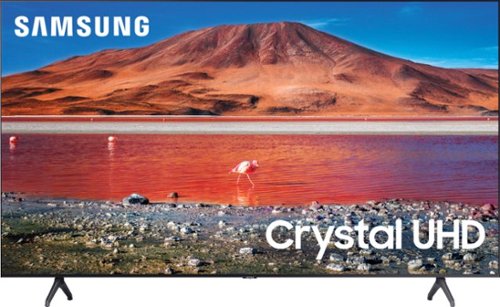
Samsung - 43" Class 7 Series LED 4K UHD Smart Tizen TV
Upgrade your home entertainment setup with this 43-inch Samsung LED Smart TV. Tizen OS provides access to popular streaming services, while the 4K Ultra HD resolution delivers true-to-life picture quality. This Samsung LED Smart TV is compatible with several virtual assistants for voice control, and the HDMI and USB inputs connect to external sources.
Does this model have Spectrum app
Hi Dianed! Yes, you can download the Spectrum app directly from your TV's built-in App Store. ^Gina
5 years, 3 months ago
by
Posted by:
Samsung
Samsung - 55" Class 7 Series LED 4K UHD Smart Tizen TV
Improve your viewing experience with this 55-inch Samsung smart TV. The variety of applications offer easy access to content on popular streaming services, and the intuitive interface makes finding your favorite shows simple. Boasting native 4K resolution and advanced HDR technology, this Samsung smart TV enriches your movie nights with stunningly detailed visuals and lifelike colors.
what is the mfg warranty on the samsung tu-7000?Best buy says 1 yr, however at sams club u get 3yr . dies that meat best buy u get 1yr mfg warrnnty plus 1 year best buy warranty? And at sams club u get 1yr mfg warranty plus a 3yr sams club warranty?
Hi bobhem - Samsung offers a 1 Year Parts and Manufacturer's Warranty with the TU7000. For addition protection plans offered at Best Buy, please contact your local store or visit https://www.bestbuy.com/site/geek-squad-protection/tv-home-theater-protection-plans/pcmcat280100050012.c?id=pcmcat280100050012 ^Gina
5 years, 3 months ago
by
Posted by:
Samsung
Samsung - 50" Class 7 Series LED 4K UHD Smart Tizen TV (2020)
Build an immersive media room with this 50-inch Samsung Smart TV. The Crystal 4K processor automatically improves the image quality of everything you watch, and the HDR technology makes colors look vivid and lifelike. This Samsung Smart TV has a universal guide that organizes live and streamed content so you can find what you're looking for quickly.
Why is the image on our tv so flat. Seems like faces are clay like Not crystal clear at all.
Hi Cind - The TU7000 includes 4 different Picture Modes, so you can select the Picture Mode that provides the best viewing experience.• Dynamic makes the picture brighter and clearer in bright viewing environments. • Standard is the default mode suitable for general viewing environments. • Natural reduces eye strain for a comfortable viewing experience. • Movie is suitable for watching TV or movies in a dark room. You can also individually adjust the brightness and contrast to achieve the picture quality you desire. ^Gina
5 years, 3 months ago
by
Posted by:
Samsung
Samsung - 50" Class 7 Series LED 4K UHD Smart Tizen TV (2020)
Build an immersive media room with this 50-inch Samsung Smart TV. The Crystal 4K processor automatically improves the image quality of everything you watch, and the HDR technology makes colors look vivid and lifelike. This Samsung Smart TV has a universal guide that organizes live and streamed content so you can find what you're looking for quickly.
Is it a smart tv?
Hi Jenn! Yes, the TU7000 is a 4K UHD Smart TV. ^Gina
5 years, 3 months ago
by
Posted by:
Samsung