Lenovo Product Expert
Lenovo Product Expert's Stats
Reviews
- Review Count0
- Helpfulness Votes0
- First ReviewNone
- Last ReviewNone
- Featured Reviews0
- Average Rating0
Reviews Comments
- Review Comment Count0
- Helpfulness Votes0
- First Review CommentNone
- Last Review CommentNone
- Featured Review Comments0
Questions
- Question Count0
- Helpfulness Votes0
- First QuestionNone
- Last QuestionNone
- Featured Questions0
- Answer Count37808
- Helpfulness Votes24,827
- First AnswerApril 21, 2014
- Last AnswerOctober 9, 2026
- Featured Answers0
- Best Answers2827
Lenovo Product Expert's Reviews
Lenovo Product Expert has not submitted any reviews.
Lenovo Product Expert's Questions
Lenovo Product Expert has not submitted any questions.
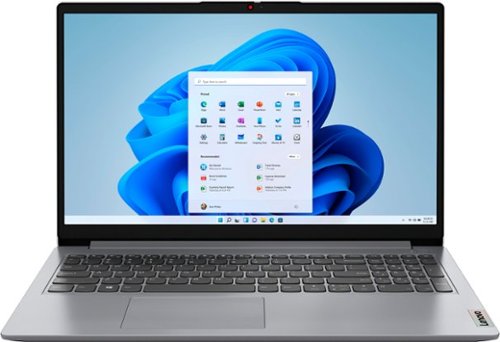
Lenovo - Ideapad 1 15.6" FHD Touch-Screen Laptop - Ryzen 7 5700U - 12GB Memory - 512GB SSD - Cloud Grey
Browse, explore and connect with confidence on the Lenovo IdeaPad 1 powered by ultra-fast AMD Ryzen~ 5000 U Series Mobile Processors on selected models. The IdeaPad 1 packs responsive performance in a thin and compact 17.9 mm chassis, making multitasking on-the-go a breeze. Get the most out of your device with a frameless display for more screen and Dolby Audio~ speakers, along with 10 hours of battery life and rapid charge. Great for video calls, the 1MP camera comes with a privacy shutter to keep out spying eyes, as well as Smart Noise Cancelling to eliminate background noise.
Can I edit videos with Davinci resolve on this? What integrated graphics does it have?

That will depend on the requirements and compatibility ofd the specific editting software you want to use. This Lenovo IdeaPad 1 15 laptop, model number 82R4002PUS, ships with integrated, AMD Radeon RX Vega 8 Version, graphics processing, integrated within the AMD Ryzen 7 5700U Processor and has Windows 11 S-Mode, 64-bit Operating System installed. Windows 11 S-Mode provides added security by only allowing APPs available ( and therefore certified by Microsoft) at the Microsoft Store. If you don't need the added security or you need to install APPs not available at the Microsoft Store, you can switch to standard Windows 11 Home 64-bit Operating System, at no additional cost. We recommend you check with the specific software publisher's web site, of the specific version of the editting software you want to use, for their compatibility with Windows 11 S-Mode 64-bit operating system and the minimum/recommended hardware requirements (Is a Graphics card required, the processor speed and the minimum required system RAM and the minimum available hard drive space) to run their program, then compare those requirements to this system's configuration. If you choose to switch out of S-Mode for Windows 11 Home: Here is a link to instructions for switching from Windows 10 S-Mode to Windows 10 Home: https://support.microsoft.com/en-us/help/4456067/windows-10-switch-out-of-s-mode
4 years, 2 months ago
by
Posted by:
Lenovo Product Expert

Lenovo - Chromebook 3 11.6" HD Laptop - Celeron N4020 - 4GB Memory - 64GB eMMC - Onyx Black
Fast, flexible, and fun, the Lenovo IdeaPad 3 Chromebook 11" brings everyone~s favorite Chromebook features, housed in a slim chassis, running on the lightning-fast Chrome OS that boots up in seconds, updates automatically, and is protected by built-in virus protection. Powered by Intel Celeron processor offers up to 10 hours of battery life, to seamlessly run all of your favorite apps at the same time.
Would I have a problem with YouTube or AOL?
That really will depend on the requirements and compatibility of the specific APPs you want to use. This Lenovo Chromebook 3 11, model number 82BA001FUS, ships with the Chrome Operating System installed and is compatible with Google Play Store APPs. Not all APPs at the Google Play Store are optimized for the Chrome OS. We recommend you check with the specific APPs software publisher's web sites, for the specific APPs you want to use, for their compatibility with the Chrome operating system and the minimum/recommended hardware requirements (Is a Graphics card required, the processor speed and the minimum required system RAM and the minimum available hard drive space) to run their program, then compare those requirements to this Chromebook's configuration.
4 years, 2 months ago
by
Posted by:
Lenovo Product Expert
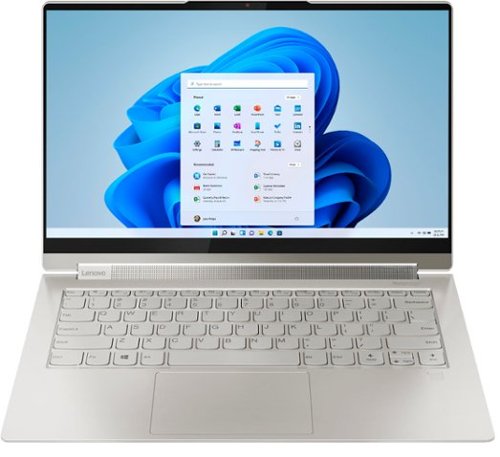
Lenovo - Yoga 9i 14 2-in-1 14" Touch-Screen Laptop - Intel Evo Platform Core i7 - 16GB Memory - 512GB SSD - Mica
Meet the Lenovo Yoga 9i, designed to put your experience first with the Intel Evo platform~s powerhouse combination of performance, responsiveness, battery life and stunning visuals. Innovative features are encased directly in a sleek 2-in-1 metal chassis, combined with the advanced mobile performance of 11th generation Intel Core processors and powerfully immersive entertainment.
What printers are most compatible?
This Intel Evo-Certified, lenovo Yoga 9i 14 is compatible with any wired or wireless printer that is compatible with the Windows 11 Operating System. We recommend you check with your printer manufacturer's web site for the compatibility of your specific printer model.
4 years, 2 months ago
by
Posted by:
Lenovo Product Expert
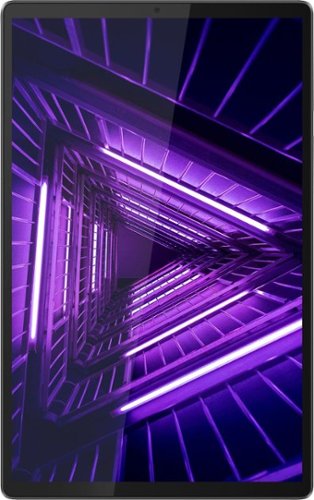
Lenovo - Tab M10 FHD Plus (2nd Gen) - 10.3" - Tablet - 32GB - Iron Gray
Lenovo~ Tab M10 Plus is one impressive media tablet from the 2nd generation tab family. Its standout metal design gives you a premium look and feel with modern simplicity. Inside lies a 10.3" FHD screen and dual speakers for truly immersive entertainment. This is one tablet you will want to use and pass around the house.
Is it unlocked for any carrier?
This Lenovo Tab M10 Plus Tablet, model number ZA5T0380US, has no cellular/broadband data capability built in. The Tab M10 Plus Tablet uses 802.11a/b/g/n/ac frequency WiFi only for internet connectivity. You can use a compatible cellular phone to create a WiFi HotSpot, then connect this Tab M10 Tablet to that WiFi signal. We recommend you contact your cellular provider for more information.
4 years, 2 months ago
by
Posted by:
Lenovo Product Expert
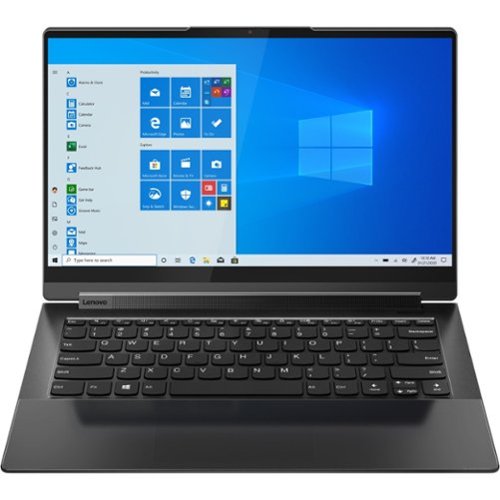
Lenovo - Yoga 9 14ITL5 2-in-1 14" Touch-Screen Laptop - Intel Core i7 with 16GB Memory - 512 GB SSD - Shadow Black
The Yoga 9 14" was engineered to put your experience first. It's packed with innovative features in a sleek 2-in-1 metal chassis in Shadow Black. The 11th Gen Intel Core processor enables you to explore the reaches of your creativity and productivity. And with a 14" up to UHD display optimized with Dolby Vision, you'll enjoy powerfully immersive visuals, combined with a rotating sound bar for three-dimensional audio.
Can I increase RAM on this model?
No. This Intel Evo-Certified, lenovo Yoga 9i 14, model number 82BG0091US, ships with 16GB Soldered LPDDR4x-4266MHz RAM Memory soldered to systemboard, no slots, dual-channel and is not upgradeable.
4 years, 2 months ago
by
Posted by:
Lenovo Product Expert
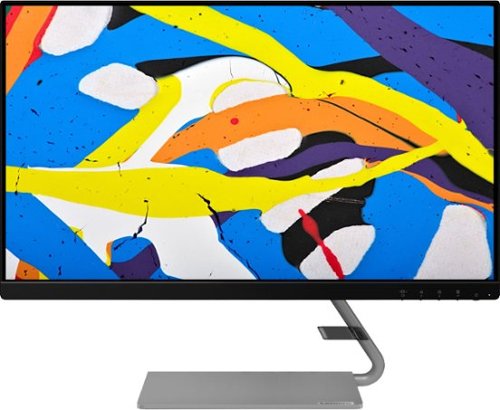
Lenovo - Q24i-1L 23.8" IPS LED FHD FreeSync Monitor Natural Low Blue Light Built-in Speakers (HDMI, VGA) - Black
Add a touch of class and confidence to your living space with the elegantly designed, ultra-slim Lenovo Q24i-1L monitor. Be it in the living room or the study, this sleek display with Full-HD resolution and NearEdgeless bezels bring beauty and functionality together in a perfect 23.8-inch package. Experience superior visuals with its In-Plane Switching display that makes the view from any angle striking. Bid goodbye to eye strain with Natural Low Blue Light and Eyesafe Display Certification that minimize harmful blue light and yellow distortions without impacting color accuracy. Moreover, T~V Rheinland Eye Comfort-certified panel ensures endless viewing comfort. Take your world of entertainment to the next level with the AMD FreeSync~ technology and dual speakers that offer seamless picture quality and rich audio for an immersive experience, every time.
is this monitor compatible with a lenovo chrome book
This Lenovo Q24i-1L Monitor is Operating System independent. It will work with any Chromebook via a HDMI or VGA connection. If your Lenovo Chromebook has a USB-c port with video out capability and no HDMI port, you can connect this external monitor via a USB-c to HDMI adapter, like this one: https://www.bestbuy.com/site/insignia-usb-c-to-hdmi-adapter-black/6473497.p?skuId=6473497
4 years, 2 months ago
by
Posted by:
Lenovo Product Expert
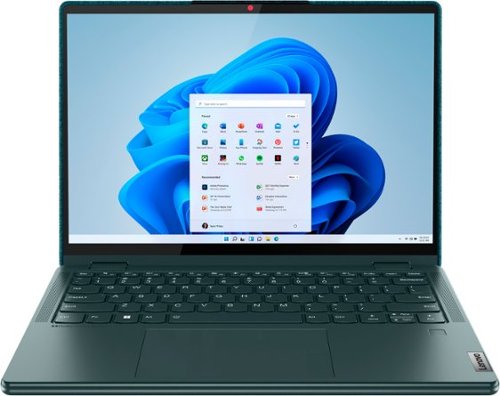
Lenovo - Yoga 6 13.3" WUXGA (1920 x 1200) Touch 2-in-1 Laptop -Ryzen 5 5500U - 8GB Memory - 256GB SSD - Dark Teal
Thin, light and framed by the comfort edge of the Lenovo Yoga 6 is both portable and comfortable to use. Add into that our commitment to sustainability, and we have the perfect on-the-go product for throwing in your bag and taking anywhere. Bring big-screen cinema to life with Dolby Vision on the breathtaking 16:10 FHD display with 100% sRGB for color accuracy paired with immersive Dolby Atmos optimized on front firing speakers.
I have been trying to use the mouse on the laptop but it doesn’t appear on the screen is there someway to fix it?
If you are referring to the integrated touchpad on this Lenovo Yoga 6 13, model number 82UD0002US, you can toggle the touchpad function on/off by tapping the HotKey in the F6 position on your keyboard. If this does not fix the issue, we recommed you contact lenovo tech Support for additional help at: 877-453-6686.
4 years, 2 months ago
by
Posted by:
Lenovo Product Expert
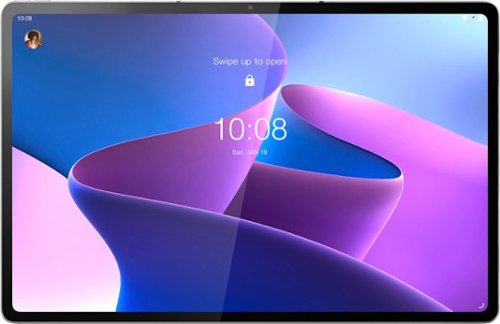
Lenovo - Tab P12 Pro - 12.6" - Tablet - 6GB - 128GB - Storm Grey
The Lenovo Tab P12 Pro doubles as a wireless second screen for your laptop while also supporting touch and pen input, thanks to Lenovo Project Unity. A perfect entertainment, gaming, and productivity powerhouse that's built for use outdoors and indoors, with an all-day battery and bright 12.6" 2K AMOLED display.
Can you switch out the microsd card for larger memory storage?
This Lenovo Tab P12 Pro Tablet, model number ZA9D0052US, ships with a 128GB UFS 3.1 solid state hard drive soldered on the systemboard, installed. There is a MicroSD card slot, that supports FAT32 file up to 1TB, exFAT file up to 1TB. The MicroSD Card is sold separately.
4 years, 2 months ago
by
Posted by:
Lenovo Product Expert
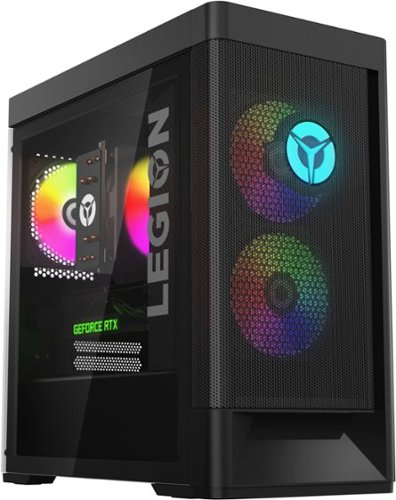
Lenovo - Legion Tower 5i Gaming Desktop - Intel Core i5-12400 - 16GB Memory - NVIDIA GeForce RTX 3050 - 256GB SSD + 1TB HDD - Black
Dominate your competition with the savage power and blistering speeds of your essential battlestation: the Lenovo Legion Tower 5i. 12th Generation Intel Core processors and the latest NVIDIA GeForce graphics cards deliver a stunning show of force with speed-barrier-breaking refresh rates at 4K, along with cool and quiet performance in a compact casing marked by a clean design and build.
how many m.2 slot will there be
This Lenovo Legion Tower 5i Gaming Desktop Computer, model number 90SU000RUS, ships with both a 256GB SSD M.2 2280 PCIe 4.0x4 NVMe + 1TB HDD 7200rpm 3.5 inch mechanical hard drive installed. The maximum storage capacity of this specific model configuration is: Up to five drives, 2x 3.5 inch HDD + 2x M.2 SSD + 1x open 2.5 HDD Bay - 3.5 inch HDD up to 2TB each, M.2 SSD up to 1TB each. We recommend you consult with your certified technician about your storage upgrade options.
4 years, 2 months ago
by
Posted by:
Lenovo Product Expert
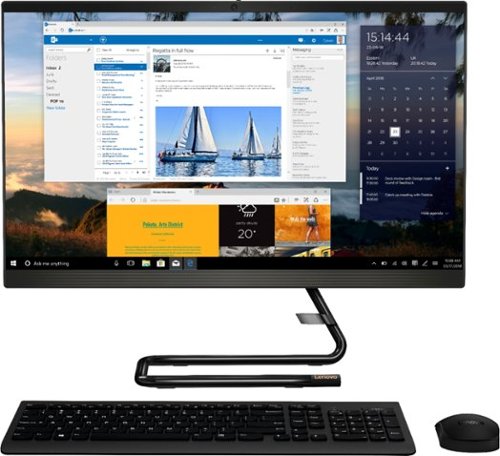
Lenovo - IdeaCentre AIO 3i 24" 23.8" Non-Touch All-In-One - Intel Core i3 - 8GB Memory - 256GB Solid State Drive - Black
For real slick performance and truly stylish engineering, take a look at the Lenovo~ IdeaCentre~ AIO 3i. It~s powered by a 10th generation Intel~ Core~ i3 processor, DDR4 memory, and a 256GB solid-state storage drive, so it can handle any task. With its streamlined stand and near-borderless display, it saves on desk space, too.
Is this Windows 11 Compatible? I presume it must be, but there doesn't seem to be anything on the product page explicitly confirming this.
This Lenovo IdeaCentre 3i 24 All-In-One System, model number F0EU00QXUS, ships with Windows 10 Home 64-bit, English Version Operating System installed. It does not have the required TPM 2.0 Security Chip installed for upgrading safely to Windows 11 64-bit Operating System.
4 years, 2 months ago
by
Posted by:
Lenovo Product Expert