Lenovo Product Expert
Lenovo Product Expert's Stats
Reviews
- Review Count0
- Helpfulness Votes0
- First ReviewNone
- Last ReviewNone
- Featured Reviews0
- Average Rating0
Reviews Comments
- Review Comment Count0
- Helpfulness Votes0
- First Review CommentNone
- Last Review CommentNone
- Featured Review Comments0
Questions
- Question Count0
- Helpfulness Votes0
- First QuestionNone
- Last QuestionNone
- Featured Questions0
- Answer Count37808
- Helpfulness Votes24,833
- First AnswerApril 21, 2014
- Last AnswerOctober 9, 2026
- Featured Answers0
- Best Answers2827
Lenovo Product Expert's Reviews
Lenovo Product Expert has not submitted any reviews.
Lenovo Product Expert's Questions
Lenovo Product Expert has not submitted any questions.
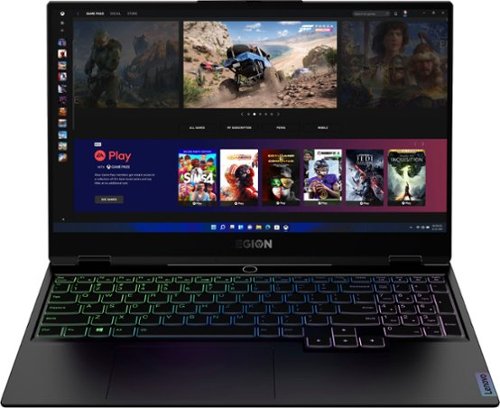
Lenovo - Legion Slim 7 15" Gaming Laptop - AMD Ryzen 7 5800H - 16GB Memory - NVIDIA GeForce RTX 3060 - 512GB SSD - Shadow Black
The Lenovo~ Legion Slim 7 was engineered for gamers who demand mobility and performance for day and night. Sporting a finely crafted chassis machined from 100% aluminum that is shockingly thin and impressively light, the Legion Slim 7 was expertly crafted for gamers who demand more.
Can this laptop run American Mcgee's Bad Day LA? It's my favorite game and I'd love to be able to play it on the go. Thanks in advance!

That really will depend on the requirements and compatibility of the specific game you want to run. We recommend you check with the specific game's software publisher's web site for their compatibility with Windows 11 Home 64-bit operating system and the minimum/recommended hardware requirements (Is a Graphics card required, the processor speed and the minimum required system RAM and the minimum available hard drive space) to run their program, then compare those requirements to this system's configuration.
4 years, 4 months ago
by
Posted by:
Lenovo Product Expert
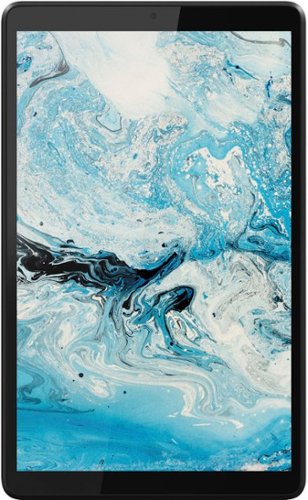
Lenovo - Tab M8 HD (2nd Gen) - 8" - Tablet - 32GB - Iron Grey
Lenovo Tab M8 is the 2nd generation mainstream tablet that comes with standout metal design, and is tailored to make your entertainment experience richer. The stunning 8" HD display brings you a crispier and brighter visual world. More than that, no matter you are watching a thrilling online movie or playing an exciting game, the fast speed and stable connection can also make your enjoyment perfect. Non-stop entertainment is just ON. Lenovo Tab M8, your best companion device with stunning performance and stylish design. The device that everyone wants to have.
can i charge this tablet using a wireless charger?
No. This Lenovo Tab M8 Tablet, model number ZA5G0060US, is not compatible with wireless charging. This Tab M8 Tablet uses the wired 5V/1A (5W) micro-USB 2.0 AC adapter/charger, 100-240V, 50-60Hz it ships with for charging.
4 years, 4 months ago
by
Posted by:
Lenovo Product Expert
Lenovo - Tab M8 HD (2nd Gen) - 8" - Tablet - 32GB - Iron Grey
Lenovo Tab M8 is the 2nd generation mainstream tablet that comes with standout metal design, and is tailored to make your entertainment experience richer. The stunning 8" HD display brings you a crispier and brighter visual world. More than that, no matter you are watching a thrilling online movie or playing an exciting game, the fast speed and stable connection can also make your enjoyment perfect. Non-stop entertainment is just ON. Lenovo Tab M8, your best companion device with stunning performance and stylish design. The device that everyone wants to have.
Would this be good for my grand child to play roblox, etc?
That really will depend on the requirements and compatibility of the specific game your grand child will be playing. This Lenovo Tab M8 Tablet, model number ZA5G0060US, ships with the Android 9.0 Operating System installed and is compatible with Google Play Store APPs. We recommend you check with the specific game's software publisher's web site for their compatibility with the Android 9.0 operating system and the minimum/recommended hardware requirements (Is a Graphics card required, the processor speed and the minimum required system RAM and the minimum available hard drive space) to run their program, then compare those requirements to this tablet's configuration.
4 years, 4 months ago
by
Posted by:
Lenovo Product Expert
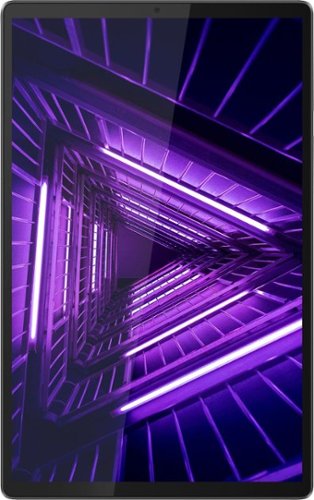
Lenovo - Tab M10 FHD Plus (2nd Gen) - 10.3" - Tablet - 32GB - Iron Gray
Lenovo~ Tab M10 Plus is one impressive media tablet from the 2nd generation tab family. Its standout metal design gives you a premium look and feel with modern simplicity. Inside lies a 10.3" FHD screen and dual speakers for truly immersive entertainment. This is one tablet you will want to use and pass around the house.
The Lenovo tab M10 came out in 2018, so if I buy it in 2022, does that mean that I will limit it to the number of updates, unlike newer models?
This Lenovo Tab M10 Plus Tablet, model number ZA5T0380US, Product Number - TB-X606F, ships with Android 9.0 Operating System installed and can be upgraded to Android 10.0 Operating System by the user and will receive updates for Android 10.0 OS if the user upgrades to that Operating System.
4 years, 4 months ago
by
Posted by:
Lenovo Product Expert
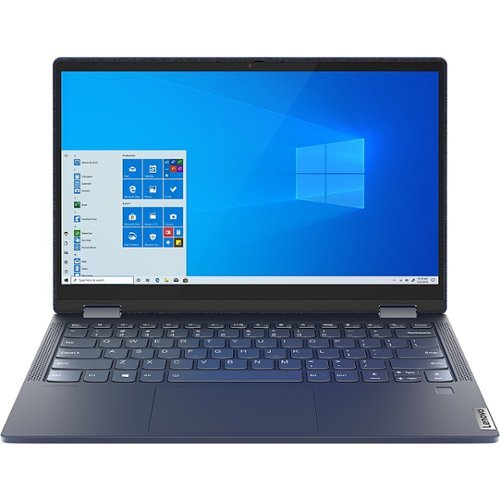
Lenovo - Yoga 6 13.3" Laptop - AMD Ryzen 5 - 8 GB Memory - 512 GB SSD - Abyss Blue
Featuring a premium textile cover, the Lenovo Yoga 6 is an ultra-portable 2-in-1 that combines unique style with the powerful responsiveness of an AMD Ryzen 5000 Series Mobile Processor, abundant memory and SSD storage. Enjoy a rich multimedia experience with the clarity of a 13.3" FHD touchscreen display, and enveloping sound with Dolby Atmos-optimized stereo speakers.
Does this model come with the fingerprint reader?
Yes. This Lenovo Yoga 6 13, model number 82ND006WUS, ships with a Touch style fingerprint reader on palm rest.
4 years, 4 months ago
by
Posted by:
Lenovo Product Expert
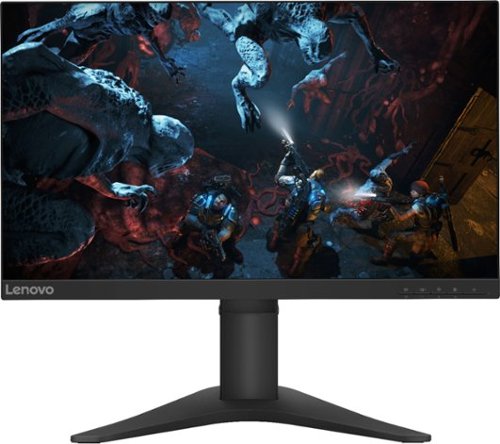
Lenovo - G25-10 24.5" LED FHD FreeSync Gaming Monitor (HDMI) - Raven Black
Amplify your gaming excitement with this Lenovo gaming monitor. The 24.5-inch screen features 1920 x 1080 resolution and NearEdgeless bezels, while a 144MHz refresh rate eliminates lag during intense gameplay. This Lenovo monitor is fueled by AMD FreeSync technology, and the blue light filter and height-adjustable stand provide hours of gaming comfort.
I'm trying to purchase a desktop computer setup to work from home. Is this monitor compatible with connecting to the Lenovo all in one touch screen desktop?
This Lenovo G25-10 Monitor, model number 65FEGCC2US, ships with both 1 x HDMI 1.4 port and 1 x DisplayPort 1.2 port for connection to a compatible computer.
4 years, 4 months ago
by
Posted by:
Lenovo Product Expert
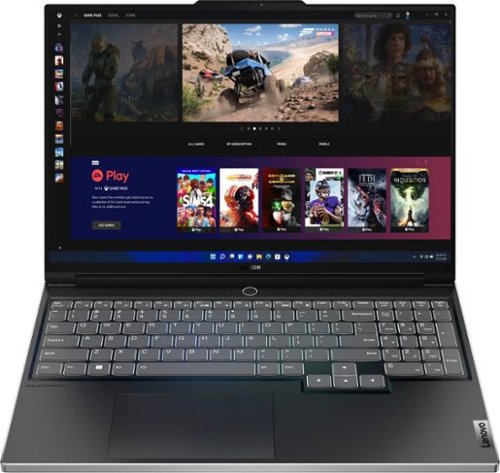
Lenovo - Legion Slim 7i 16" Full HD Gaming Laptop - Core i7-12700H - 16GB Memory - NVIDIA GeForce RTX 3060 - 512GB SSD - Onyx Grey
Engineered for those who know gaming is a way of life, the Lenovo~ Legion Slim 7, in Onyx Grey, is calibrated for next-gen creation and gaming alike. Redefine gaming experiences with the latest generation Intel Core i7 processor and NVIDIA GeForce RTX graphics that are AI-optimized via the Legion AI Engine, all the while cooled by the Legion Coldfront 3.0~s thermal system. The Legion Slim 7~s light and exhilarating design is further machined from an Aluminum and Magnesium blend that defies all basic laws of laptop engineering. Crush the competition in WUXGA for immersive gaming anywhere life takes you.
Why does this laptop have a 71Whr battery when the marketing material mentions it comes with a 99.9Whr battery?
This Lenovo Legion Slim 7i 16 Gaming Laptop, model number 82TF000RUS, ships with a Integrated 71Wh, Lithium-Polymer Battery, installed.
4 years, 4 months ago
by
Posted by:
Lenovo Product Expert
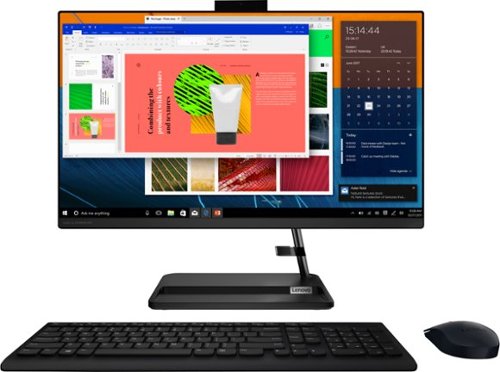
Lenovo - IdeaCentre AIO 3i 24" Touch-Screen All-In-One - Intel Core i3 - 8GB Memory - 256GB Solid State Drive - Black
Great things do come in the smallest packages. Housed in a sleek and compact frame, Lenovo IdeaCentre AIO 3i delivers peak performance with 11th generation Intel Core processing, while holding plenty of storage with a 256GB SSD. Three-sided narrow bezels on the FHD display and Harman-certified stereo speakers make this the consummate family PC.
Does the monitor move up and down?
No. The screen on this Lenovo IdeaCentre 3i 24 All-In-One Computer, model number F0G000FWUS, will tilt forward to a minus 5-degrees and backward to a plus 25-degrees.
4 years, 4 months ago
by
Posted by:
Lenovo Product Expert
Lenovo - Legion Slim 7i 16" Full HD Gaming Laptop - Core i7-12700H - 16GB Memory - NVIDIA GeForce RTX 3060 - 512GB SSD - Onyx Grey
Engineered for those who know gaming is a way of life, the Lenovo~ Legion Slim 7, in Onyx Grey, is calibrated for next-gen creation and gaming alike. Redefine gaming experiences with the latest generation Intel Core i7 processor and NVIDIA GeForce RTX graphics that are AI-optimized via the Legion AI Engine, all the while cooled by the Legion Coldfront 3.0~s thermal system. The Legion Slim 7~s light and exhilarating design is further machined from an Aluminum and Magnesium blend that defies all basic laws of laptop engineering. Crush the competition in WUXGA for immersive gaming anywhere life takes you.
is this WUXGA resolution or UHD like it says in the specs?
This Lenovo Legion Slim 7i 16 Gaming Laptop, model number 82TF000RUS, ships with a 16 inch (screen size measured diagonally) IPS - WUXGA (1920x1200) screen, with a brightness level of 300 nits, has an Anti-glare Coating, a refresh rate of 165Hz. This screen provides 100 Percent of the sRGB color gamut for excellent color accuracy, is both Dolby Vision and G-Sync Certified. This screen uses DC dimmer for added eye care.
4 years, 4 months ago
by
Posted by:
Lenovo Product Expert
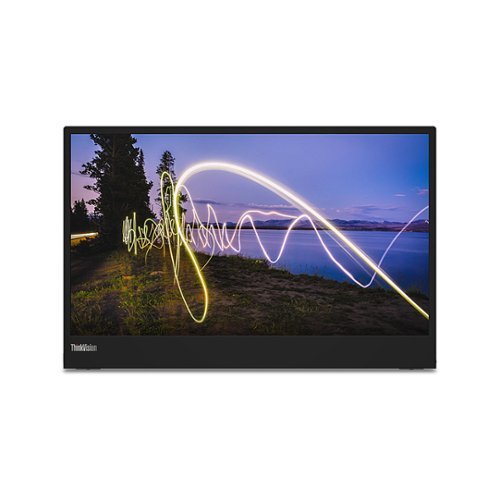
Lenovo - ThinkVision M15 15.6" LED Mobile Monitor (USB 3.1 Type-C) - Black
Make productivity portable with the ThinkVision M15. Its stunning form factor meticulously designed to expand and match the screen real estate of multiple kinds of laptop, this light and slim 15.6-inch FHD resolution mobile monitor weighs just 860 g while its head measures a mere 6 mm thick.
Does this come with a wall plug in?
No. This Lenovo ThinkVision M15 Mobile Monitor, model number 62CAUAR1US, has a true one-cable design solution, which means it can run off a single USB Type-C cable that delivers images, audio and data, as well as power, to the monitor from a connected compatible laptop for supreme convenience on the road. WHAT’S IN THE BOX: 1 x M15 Monitor, 1 x USB Type-C to Type-C Cable (1m), Quick Setup Guide, 1 x Pair of Clips, 1 x Sleeve.
4 years, 4 months ago
by
Posted by:
Lenovo Product Expert