Lenovo Product Expert
Lenovo Product Expert's Stats
Reviews
- Review Count0
- Helpfulness Votes0
- First ReviewNone
- Last ReviewNone
- Featured Reviews0
- Average Rating0
Reviews Comments
- Review Comment Count0
- Helpfulness Votes0
- First Review CommentNone
- Last Review CommentNone
- Featured Review Comments0
Questions
- Question Count0
- Helpfulness Votes0
- First QuestionNone
- Last QuestionNone
- Featured Questions0
- Answer Count37880
- Helpfulness Votes24,853
- First AnswerApril 21, 2014
- Last AnswerOctober 16, 2026
- Featured Answers0
- Best Answers2830
Lenovo Product Expert's Reviews
Lenovo Product Expert has not submitted any reviews.
Lenovo Product Expert's Questions
Lenovo Product Expert has not submitted any questions.
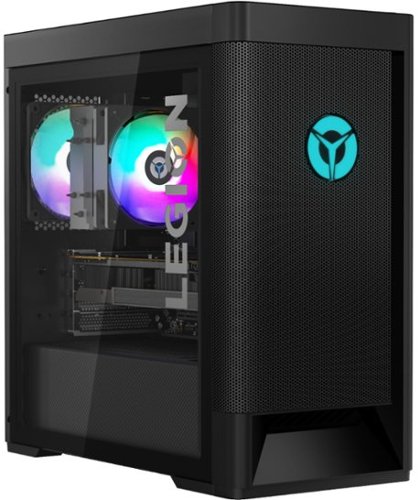
Lenovo - Legion Tower 5 AMD Gaming Desktop - AMD Ryzen 7-5800 - 16GB Memory - NVIDIA GeForce GTX 1660 Super - 256GB SSD + 1TB HDD - Raven Black
Engineered out of a passion for savage power and unmatched speed, the Lenovo~ Legion Tower 5 AMD delivers mind-blowing performance that combines AMD Ryzen processors and top-of-the-line NVIDIA~ GeForce~ graphics cards for blazing-fast frame rates at up to 4K resolution. Pushing far beyond the upper bounds of smaller rig configurations while keeping things cool and whisper quiet, the Legion Tower 5 is a marvel of build and design, accentuated by its illuminated blue LED logo and lighting, as well a transparent side panel that can properly showcase your internals.
Is it compatible with the latest 2021 version of Blender?

That will depend on the requirements and compatibility of the specific software you want to use. We recommend you check with the specific software publisher's web site for their compatibility with Windows 10 Home 64-bit operating system and the minimum/recommended hardware requirements (Is a Graphics card required, the processor speed and the minimum required system RAM and the minimum available hard drive space) to run their program, then compare those requirements to this system's configuration.
5 years ago
by
Posted by:
Lenovo Product Expert
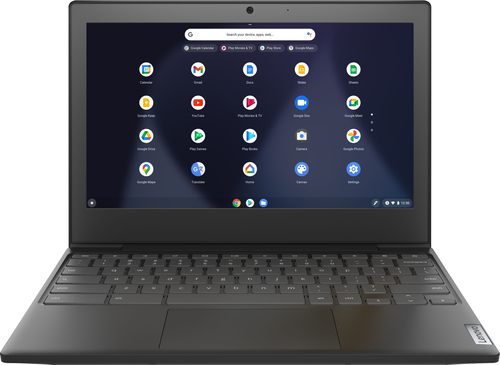
Lenovo - Chromebook 3 11" Chromebook - AMD A6 - 4GB Memory - 32GB eMMC Flash Memory
Fast, flexible, and fun, the Chromebook 3-11" brings everyone~s favorite Chromebook features, housed in a slim chassis, running on the lightning-fast Chrome OS that boots up in seconds, updates automatically, and is protected by built-in virus protection. Powered by an AMD A6 processor with up to 10 hours of battery life, the IdeaPad 3 Chromebook can seamlessly run all of your favorite apps at the same time
Can I do python and JavaScript with this?
That will depend on the requirements and compatibility of the specific APPs you want to use with the Lenovo Chromebook 3 11. This model ships with the Chrome Operating System and is compatible with Google Play Store APPs. We recommend you check with the specific APPs software publisher's web site, of the specific APPs you want to use, for their compatibility with the Chrome operating system and the minimum/recommended hardware requirements (Is a Graphics card required, the processor speed and the minimum required system RAM and the minimum available hard drive space) to run their program, then compare those requirements to this system's configuration.
5 years ago
by
Posted by:
Lenovo Product Expert
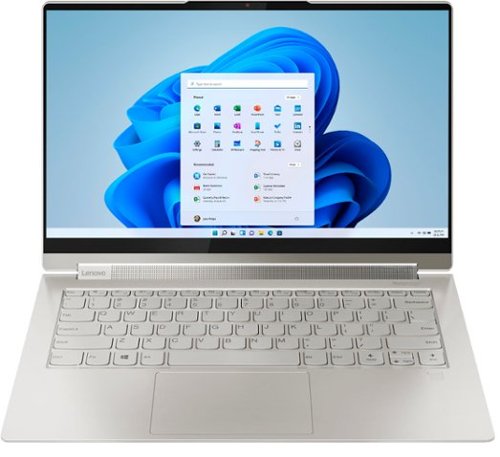
Lenovo - Yoga 9i 14 2-in-1 14" Touch-Screen Laptop - Intel Evo Platform Core i7 - 16GB Memory - 512GB SSD - Mica
Meet the Lenovo Yoga 9i, designed to put your experience first with the Intel Evo platform~s powerhouse combination of performance, responsiveness, battery life and stunning visuals. Innovative features are encased directly in a sleek 2-in-1 metal chassis, combined with the advanced mobile performance of 11th generation Intel Core processors and powerfully immersive entertainment.
2 questions: Can I use the pen to write in Google Docs? and, Can any other stylus be used on this particular computer (considering the pen it comes with only has a 1hour life)?
You can use the Yoga 9i 14 AES Protocol Active Pen with any APP that is compatible with the AES Protocol and/or is compatible with Windows Ink. The Yoga 9i 14 ships with its own rechargeable active pen that stores and charges within the onboard pen garage. Store the pen within its onboard pen dock when not in use, to maximize the pen usage.
5 years ago
by
Posted by:
Lenovo Product Expert
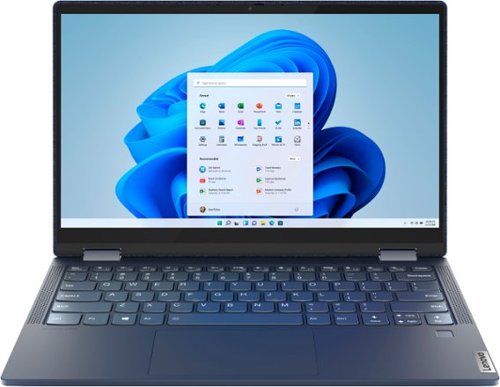
Lenovo - Yoga 6 13 2-in-1 13.3" Touch Screen Laptop - AMD Ryzen 7 - 16GB Memory - 512GB SSD - Abyss Blue with Fabric Cover
The Lenovo~ Yoga~ 6 is an ultra-portable 2-in-1 that combines unique style with the powerful responsiveness of an AMD Ryzen~ 5000 Series Mobile Processor, abundant memory and SSD storage. Enjoy a rich multimedia experience with the clarity of a 13.3" FHD touchscreen display, and enveloping sound with Dolby Atmos~-optimized stereo speakers.
How would you clean the fabric cover? Let's say you ate french fries and ketchup got on it after you ate/laughed like a savage while watching a show.
The Lenovo Yoga 6 13 model number 82ND0002US,is jacketed in a unique fabric-wrapped and, metallic Abyss Blue cover that is complemented by a stain resistant fabric finish. This unique 2 in 1 laptop does ship with detailed cleaning and maintenance suggestions included in the box. Here is a link to cleaning tips for your Yoga 6 13: https://support.lenovo.com/us/en/solutions/ht035676-keeping-your-computer-clean-notebooks-all-in-one-desktops-tiny-in-one-and-monitors. If you have questions about cleaning your Yoga 6 13 properly, we recommend you contact Lenovo Tech Support for additional help at: 877-453-6686.
5 years ago
by
Posted by:
Lenovo Product Expert
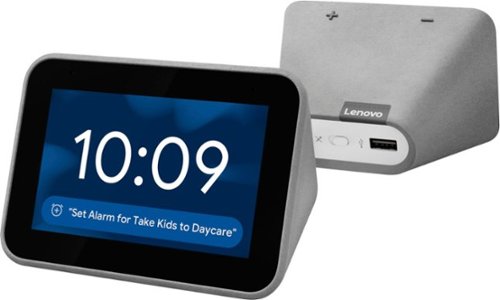
Lenovo - Smart Clock with Google Assistant - Gray
Wake up and start your day with this Lenovo smart clock. Wi-Fi connectivity and Google Assistant integration let you use voice commands to play music, check schedules and control smart home devices. This Lenovo smart clock offers hundreds of audio and media alarm options so you can choose how to wake up.
Can you turn off the light on the clock so that it never comes on
You can manually set the brightness of the Lenovo Smart Clock down to 1 Percent of brightness. Here is a link to a YouTube video that demonstrates the screen lighting of the Smart Clock: https://www.youtube.com/watch?v=PpidA-n6fLM&t=17s
5 years ago
by
Posted by:
Lenovo Product Expert
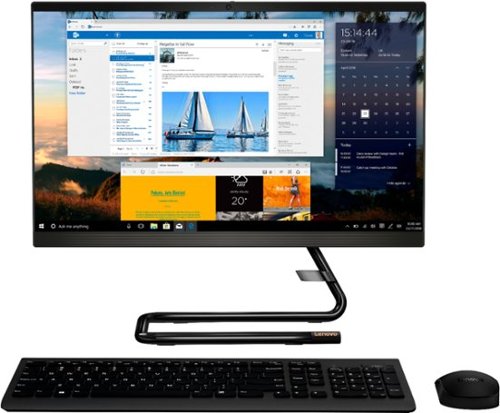
Lenovo - IdeaCentre A340-22IGM 21.5" Touch-Screen All-In-One - Intel Pentium Silver - 8GB Memory - 1TB HDD - Business Black
Finish office work flawlessly with this all-in-one Lenovo IdeaCentre desktop computer. The 1TB HDD provides ample storage space for projects and media, while the 8GB of RAM and Intel Pentium Silver processor let you run multiple programs effortlessly. This 21.5-inch Lenovo IdeaCentre desktop computer includes a Full HD touchscreen, and integrated Intel UHD graphics produce quality visuals.
Is this a gaming computer if not could it be modified to b one
The Lenovo IdeaCentre A340-22 All-In-One system model number F0EA003RUS, is a general use, light to moderate workload computer. This configuration ships with the 4-Core Intel Pentium Silver J5040 processor and uses Integrated Intel UHD Graphics 605 graphics processing. We recommend you check with the specific game's software publisher's web sites, of the games you want to play, for their compatibility with Windows 10 Home 64-bit operating system and the minimum/recommended hardware requirements (Is a Graphics card required, the processor speed and the minimum required system RAM and the minimum available hard drive space) to run their program, then compare those requirements to this system's configuration.
5 years ago
by
Posted by:
Lenovo Product Expert
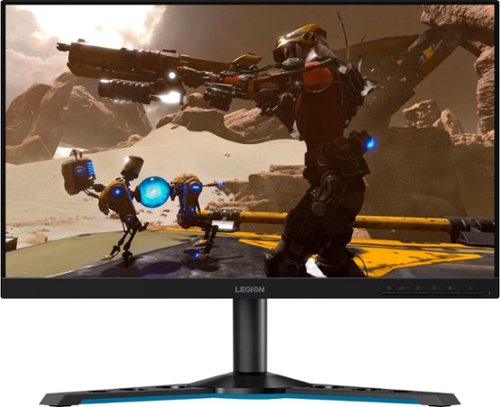
Lenovo - Legion Y25-25 24.5" IPS LED FHD FreeSync and G-SYNC Compatible Gaming Monitor (DisplayPort, HDMI, USB) - Raven Black
Professional Esport gaming is an extremely competitive space~where the difference between winning and losing comes down to the minutest of details. To stand out from the competition, you need equipment that matches the speed of your thought and actions. The Legion Y25-25 delivers wins in the toughest, most critical situations. NVIDIA~ G-SYNC~ Compatible technology takes motion blur out of the equation, improving visual clarity and making prolonged gaming sessions enjoyable. This monitor~s 24.5-inch In-Plane Switching (IPS) panel with a 240 Hz refresh rate and 1ms response time makes it possible to spot an opponent before they see you. When it comes down to a quickfire duel, that is the difference between firing first and getting shot.
Why does the monitor info accessed via the menu button say that the max refresh rate is 60Hz
The Lenovo Legion Y25-25 Monitor, model number 66AAGAC6US, has a maximum refresh rate of 240Hz when connected to a compatible video source (computer or gaming console). This monitor ships with both 1 x HDMI 2.0 and 1 x DP 1.2 ports for connecting a compatible video source to the monitor. Be sure your video source is compatible with this Legion Y25-25 Monitor or the default refresh rate will be 60Hz. If you have a compatible video source attached and the refresh rate remains 60Hz, we recommend you contact Lenovo Tech Support for monitors at: 866-426-0911.
5 years ago
by
Posted by:
Lenovo Product Expert
Lenovo - Chromebook 3 11" Chromebook - AMD A6 - 4GB Memory - 32GB eMMC Flash Memory
Fast, flexible, and fun, the Chromebook 3-11" brings everyone~s favorite Chromebook features, housed in a slim chassis, running on the lightning-fast Chrome OS that boots up in seconds, updates automatically, and is protected by built-in virus protection. Powered by an AMD A6 processor with up to 10 hours of battery life, the IdeaPad 3 Chromebook can seamlessly run all of your favorite apps at the same time
Is this computer good for making videos?
That will depend on the requirements and compatibility of the video creation APP you want to use. The Lenovo Chromebook 3 11 model number 82H40000US, ships with a 720p (HD) webcam and microphone, built in. It uses the Chrome Operating System and is compatible with Google Play Store APPs. We recommend you check with the video creation APP's software publisher's web site, of the APP you will be using, for their compatibility with the Chrome operating system and the minimum/recommended hardware requirements (Is a Graphics card required, the processor speed and the minimum required system RAM and the minimum available hard drive space) to run their program, then compare those requirements to this system's configuration.
5 years ago
by
Posted by:
Lenovo Product Expert
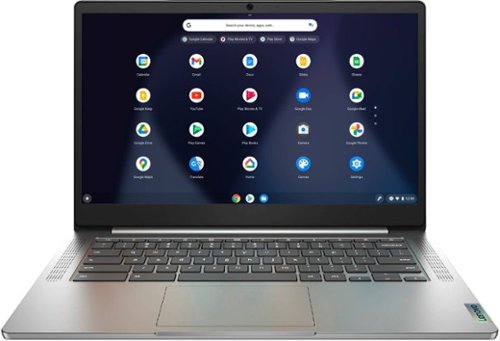
Lenovo - Chromebook 3 14" Laptop - Mediatek MT8183 - 4GB Memory - 64GB eMMC - Arctic Grey
Fast, flexible, and fun, the Chromebook 3-14" brings everyone~s favorite Chromebook features, running on the lightning-fast Chrome OS that boots up in seconds, updates automatically, and is protected by built-in virus protection. Powered by a MediaTek processor and up to 10 hours of battery life, it~ll seamlessly run all of your favorite apps at the same time.
will this chrome book use a mouse
Yes. You can use any mouse, wired or wireless that is compatible with the Chrome Operating System. We recommend you check with the manufacturer of the specific model mouse you plan to use with the Chromebook 3 14, for the requirements and compatibility of your specific model mouse.
5 years ago
by
Posted by:
Lenovo Product Expert
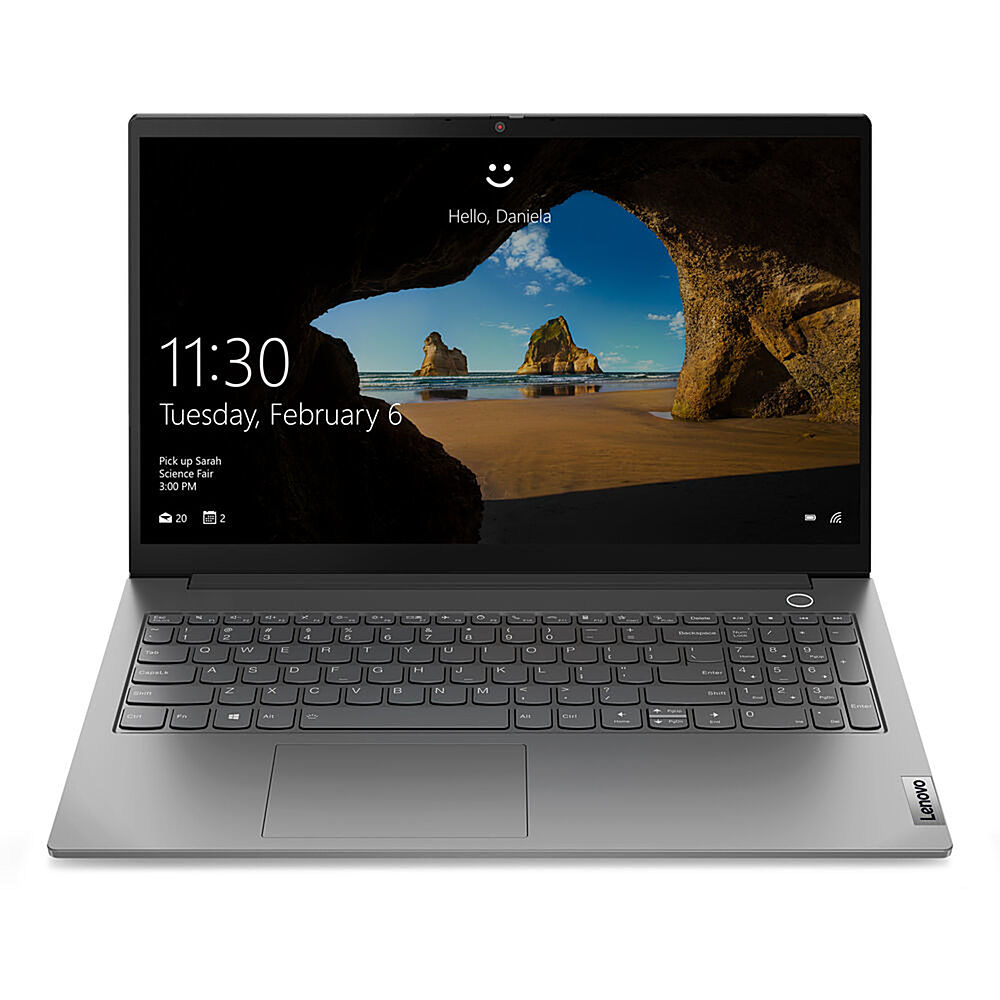
Lenovo - 15.6" ThinkBook 15 G2 ITL Laptop, 8GB Memory, Intel Core i5-1135G7, 256 SSD - Mineral Gray
Enjoy heavy-duty performance on the ThinkBook 15 Gen 2 laptop, thanks to advanced 11th Gen Intel Core processors enhanced by AI technology. With up to 512GB SSD storage and 8GB memory, this business laptop equips you for even the most intensive work. Thanks to Intelligent Cooling, you won't have to worry about it overheating.
This model, does has speakers??
Yes. The Lenovo ThinkBook 15 Laptop, model number 20VE003GUS, ships with the High Definition (HD) Audio, Realtek ALC3287 codec Audio Chip and has Stereo system speakers, 2W x2, with Dolby Audio sound enhancement software. The speakers are on the bottom front edge of the keyboard area of the computer.
5 years ago
by
Posted by:
Lenovo Product Expert