Lenovo Product Expert
Lenovo Product Expert's Stats
Reviews
- Review Count0
- Helpfulness Votes0
- First ReviewNone
- Last ReviewNone
- Featured Reviews0
- Average Rating0
Reviews Comments
- Review Comment Count0
- Helpfulness Votes0
- First Review CommentNone
- Last Review CommentNone
- Featured Review Comments0
Questions
- Question Count0
- Helpfulness Votes0
- First QuestionNone
- Last QuestionNone
- Featured Questions0
- Answer Count37880
- Helpfulness Votes24,853
- First AnswerApril 21, 2014
- Last AnswerOctober 16, 2026
- Featured Answers0
- Best Answers2830
Lenovo Product Expert's Reviews
Lenovo Product Expert has not submitted any reviews.
Lenovo Product Expert's Questions
Lenovo Product Expert has not submitted any questions.
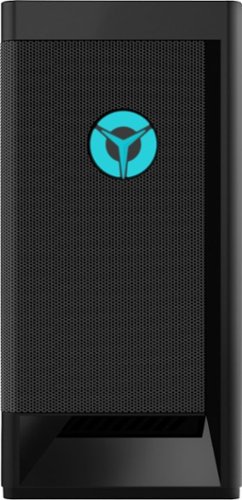
Lenovo - Legion Tower 5i Gaming Desktop - Intel Core i5-11400 - 8GB Memory - NVIDIA GeForce GTX 1660 Super - 256GB SSD + 1TB HDD - Raven Black
Engineered out of a passion for savage power and unmatched speed, the Lenovo~ Legion Tower 5i delivers mind-blowing performance that combines 11th Generation Intel~ Core~ processors and top-of-the-line NVIDIA~ GeForce~ graphics cards for blazing-fast frame rates at up to 4K resolution. Pushing far beyond the upper bounds of smaller rig configurations while keeping things cool and whisper quiet, the Legion Tower 5i is a marvel of build and design, accentuated by its illuminated blue LED logo and lighting, as well a transparent side panel that can properly showcase your internals.
Would this computer come with EUFI all ready set up for windows 11

Microsoft is still finalizing the requirements to upgrade from the latest version of Windows 10 to Windows 11 at this time. Here is a link to more information about upgrading to Windows 11: https://docs.microsoft.com/en-us/windows/whats-new/windows-11-requirements
5 years ago
by
Posted by:
Lenovo Product Expert
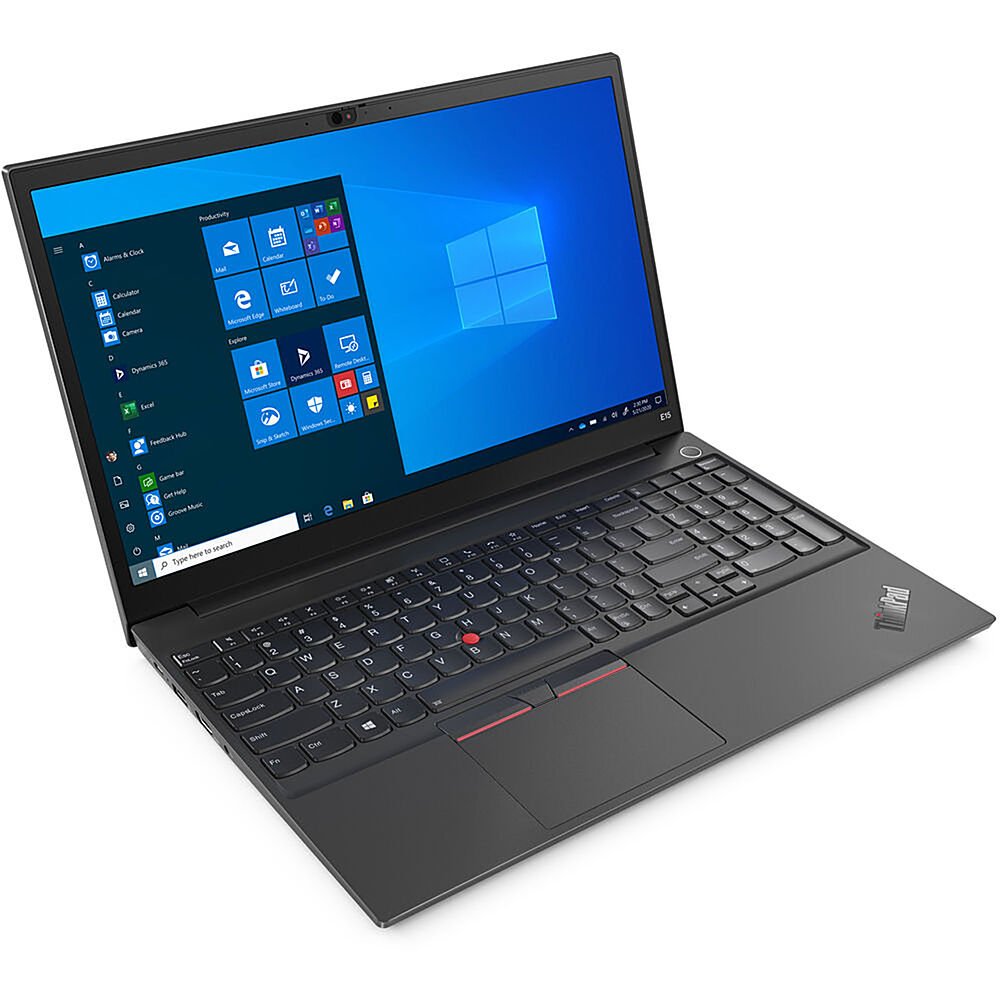
Lenovo - 15.6" ThinkPad E15 Gen 2 Laptop - Intel Core i5 - 8GB Memory - 256 SSD - Black
The ThinkPad E15 Gen 2 laptop harnesses the power of an 11th Gen Intel Core processor along with DDR4 memory and up to 1TB solid state storage drive to deliver high performance to your workday. It confidently handles whatever tasks come your way, and it even intelligently maintains the optimum temperature while running multiple apps.
Does this laptop have a backlit keyboard? Specs on Best Buy site says "yes" but Lenovo's PSREF sheet says "no."
The Lenovo ThinkPad E15 Laptop, model number 20TD003KUS, does not have a backlit keyboard.
5 years ago
by
Posted by:
Lenovo Product Expert
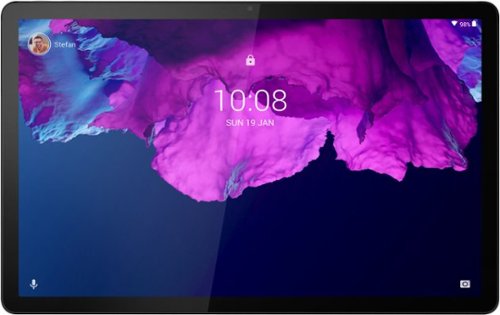
Lenovo - Tab P11 - 11" - Tablet - 64GB - Platinum Grey
Get bumped up to first-class experiences through the Lenovo Tab P11~s eye-catching 2K visuals on its 11" display, quad speakers with persistent user-facing stereo tuned by Dolby Atmos and 15 hours of battery life*, all housed in a slim aluminum-alloy casing with contemporary dual-tone finish. . And it also comes with the latest new kids mode with Google Kids Space, featuring content that helps kids discover, create and grow.
Can I do Zoom meetings with this?
That really will depend on the requirements and compatibility of the specific APP you want to use. The Lenovo Tab P11 Tablet ships with the Android 10 Operating System installed and is compatible with Google Play Store APPs. We recommend you check with the specific APPs software publisher's web site, of the APP you will be using, for their compatibility with the Android 10 operating system and the minimum/recommended hardware requirements (Is a Graphics card required, the processor speed and the minimum required system RAM and the minimum available hard drive space) to run their program, then compare those requirements to this system's configuration.
5 years ago
by
Posted by:
Lenovo Product Expert
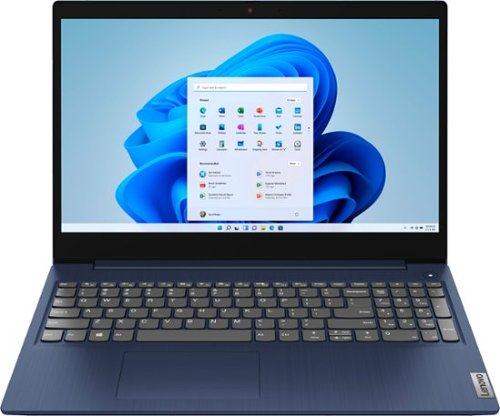
Lenovo - Ideapad 3 15 15.6" Touch-Screen Laptop - Intel Core i3 - 8GB Memory - 256GB SSD - Abyss Blue
Engineered for long-lasting performance, the Lenovo~ IdeaPad~ 3 15 delivers power in a laptop that's perfect for your everyday tasks, with features that you can depend on such as advanced mobile 10th Generation Intel Core processors and all day battery.
does it come with anti virus protection, if it doesn't can I add kaspersky to it
The Lenovo IdeaPad 3 15 Laptop, model number 81WR000FUS, ships with a 30-day trial of McAfee Virus Protection Software installed. It will activate automatically with the initial activation of Windows 10 and protect your computer for the 30-day trial period. You do not need to use McAfee VPS. You can uninstall McAfee and use the free Windows Defender VPS that comes with Windows 10 or you can uninstall McAfee and then install your choice of any compatible 3rd party VPS. The key is to uninstall McAfee if you will not be using it, as there can only be one active VPS on the computer at a time. Here is a link to information on uninstalling McAfee from Windows 10: https://service.mcafee.com/webcenter/portal/oracle/webcenter/page/scopedMD/s55728c97_466d_4ddb_952d_05484ea932c6/Page29.jspx?wc.contextURL=%2Fspaces%2Fcp&articleId=TS101331&_afrLoop=1355161020222084&leftWidth=0%25&showFooter=false&showHeader=false&rightWidth=0%25¢erWidth=100%25#!%40%40%3FshowFooter%3Dfalse%26_afrLoop%3D1355161020222084%26articleId%3DTS101331%26leftWidth%3D0%2525%26showHeader%3Dfalse%26wc.contextURL%3D%252Fspaces%252Fcp%26rightWidth%3D0%2525%26centerWidth%3D100%2525%26_adf.ctrl-state%3Dx25crirbo_9
5 years ago
by
Posted by:
Lenovo Product Expert
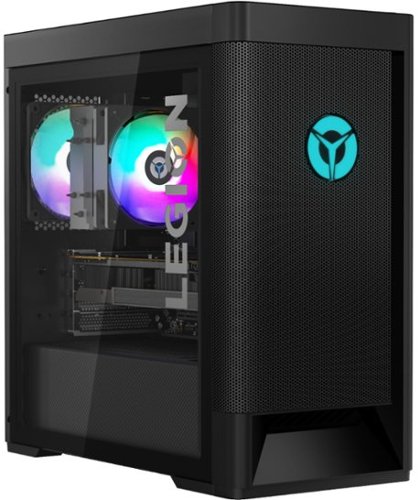
Lenovo - Legion Tower 5 AMD Gaming Desktop - AMD Ryzen 7-5800 - 16GB Memory - NVIDIA GeForce GTX 1660 Super - 256GB SSD + 1TB HDD - Raven Black
Engineered out of a passion for savage power and unmatched speed, the Lenovo~ Legion Tower 5 AMD delivers mind-blowing performance that combines AMD Ryzen processors and top-of-the-line NVIDIA~ GeForce~ graphics cards for blazing-fast frame rates at up to 4K resolution. Pushing far beyond the upper bounds of smaller rig configurations while keeping things cool and whisper quiet, the Legion Tower 5 is a marvel of build and design, accentuated by its illuminated blue LED logo and lighting, as well a transparent side panel that can properly showcase your internals.
How many display ports are there?
The Lenovo Legion Tower 5 AMD Gaming Desktop Computer, model number 90RB001AUS, ships with one DisplayPort and one HDMI port through the Nvidia GeForce GTX1660 Super GPU within this configuration.
5 years ago
by
Posted by:
Lenovo Product Expert
Lenovo - Legion Tower 5 AMD Gaming Desktop - AMD Ryzen 7-5800 - 16GB Memory - NVIDIA GeForce GTX 1660 Super - 256GB SSD + 1TB HDD - Raven Black
Engineered out of a passion for savage power and unmatched speed, the Lenovo~ Legion Tower 5 AMD delivers mind-blowing performance that combines AMD Ryzen processors and top-of-the-line NVIDIA~ GeForce~ graphics cards for blazing-fast frame rates at up to 4K resolution. Pushing far beyond the upper bounds of smaller rig configurations while keeping things cool and whisper quiet, the Legion Tower 5 is a marvel of build and design, accentuated by its illuminated blue LED logo and lighting, as well a transparent side panel that can properly showcase your internals.
For this desktop: Lenovo - Legion Tower 5 AMD Gaming Desktop - AMD Ryzen 7-5800 - 16GB Memory - NVIDIA GeForce GTX 1660 Super - 256GB SSD + 1TB HDD - Raven Black, can it support 3+ monitors? I feel that it can only support 2, one with HDMI and one with DP
The Lenovo Legion Tower 5 AMD Gaming Desktop Computer model number 90RB001AUS, can support the direct connection of two monitors, one through DisplayPort one through HDMI available through the Nvidia GeForce GTX1660 Super GPU installed within this configuration.
5 years ago
by
Posted by:
Lenovo Product Expert
Lenovo - Legion Tower 5i Gaming Desktop - Intel Core i5-11400 - 8GB Memory - NVIDIA GeForce GTX 1660 Super - 256GB SSD + 1TB HDD - Raven Black
Engineered out of a passion for savage power and unmatched speed, the Lenovo~ Legion Tower 5i delivers mind-blowing performance that combines 11th Generation Intel~ Core~ processors and top-of-the-line NVIDIA~ GeForce~ graphics cards for blazing-fast frame rates at up to 4K resolution. Pushing far beyond the upper bounds of smaller rig configurations while keeping things cool and whisper quiet, the Legion Tower 5i is a marvel of build and design, accentuated by its illuminated blue LED logo and lighting, as well a transparent side panel that can properly showcase your internals.
can I upgrade the ram for this computer? If so, which ram should I get and how much?
The Lenovo Legion Tower 5i Gaming Desktop Computer model number 90RS000DUS, ships with 8GB DDR4-3200MHz RAM - UDIMM, 8GB, DDR4, 3200, Hynix MEMORY, Lenovo Part Number - 5M30V06945. There are 4 DIMM slots within this configuration with a maximum RAM capacity of 128GB DDR4-3200MHz RAM. Here is a link to the complete parts list for this model configuration, including substitute parts, where available: https://pcsupport.lenovo.com/us/en/products/desktops-and-all-in-ones/legion-series/legion-t5-26iob6/90rs/90rs000dus/parts/display/model. We recommend you consult with your certified technician about your RAM upgrade options.
5 years ago
by
Posted by:
Lenovo Product Expert
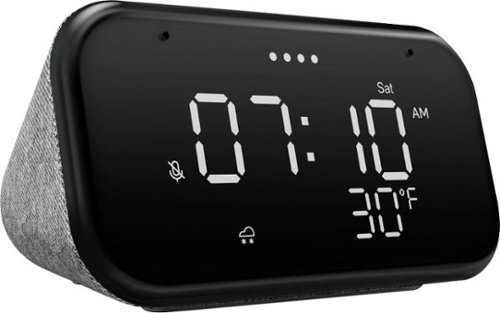
Lenovo - Smart Clock Essential 4" Smart Display with Google Assistant - Soft Touch Gray
The Lenovo Smart Clock Essential is the ultimate smart clock for any room. With a big & bold display you can check out the time from across the room, whether in the kitchen, in the living room or on a shelf. Talk to Google for hands-free help. From checking the time and weather, setting timers for cooking, adding items to your shopping list or making hands-free calls, the Lenovo Smart Clock Essential is here to help you be more productive and take back time. It~s also a great night-time companion with its built-in nightlight that provides a small source of light without waking up the whole family. No more stumbling around in the dark when searching for things. Listen to music, news, podcasts, and more with the clock~s quality speakers. Control over 40,000 compatible smart devices from over 5,000 brands. Ask Google to set the temperature, dim the lights, and more. Just say ~Hey Google.~
How can I stop the drop out in the casting from Spotify on phone, to the device. It always stops it's cast after some [non consistent] time passes. Spotify is still playing on the phone. When trying to reconnect, the phone can't see the device. Help! X
Install the Google Home APP on the device you want to stream music from to the Lenovo Smart Clock Essential. Be sure both the phone you have the Google Home APP installed on and the Smart Clock Essential are both connected to the same WiFi. Follow the steps displayed on the screen of your phone within the Google Home APP to setup the Smart Clock Essential. Select the music streaming service you want to use with the Smart Clock Essential. Here is a link to a YouTube video that demonstrates the setup process for the Smart Clock Essential: https://www.youtube.com/watch?v=oebcueXBCeU&t=35s. If you continue to have issues, we recommend you contact Lenovo Tech Support for Smart Devices at: 866-426-0911.
5 years ago
by
Posted by:
Lenovo Product Expert
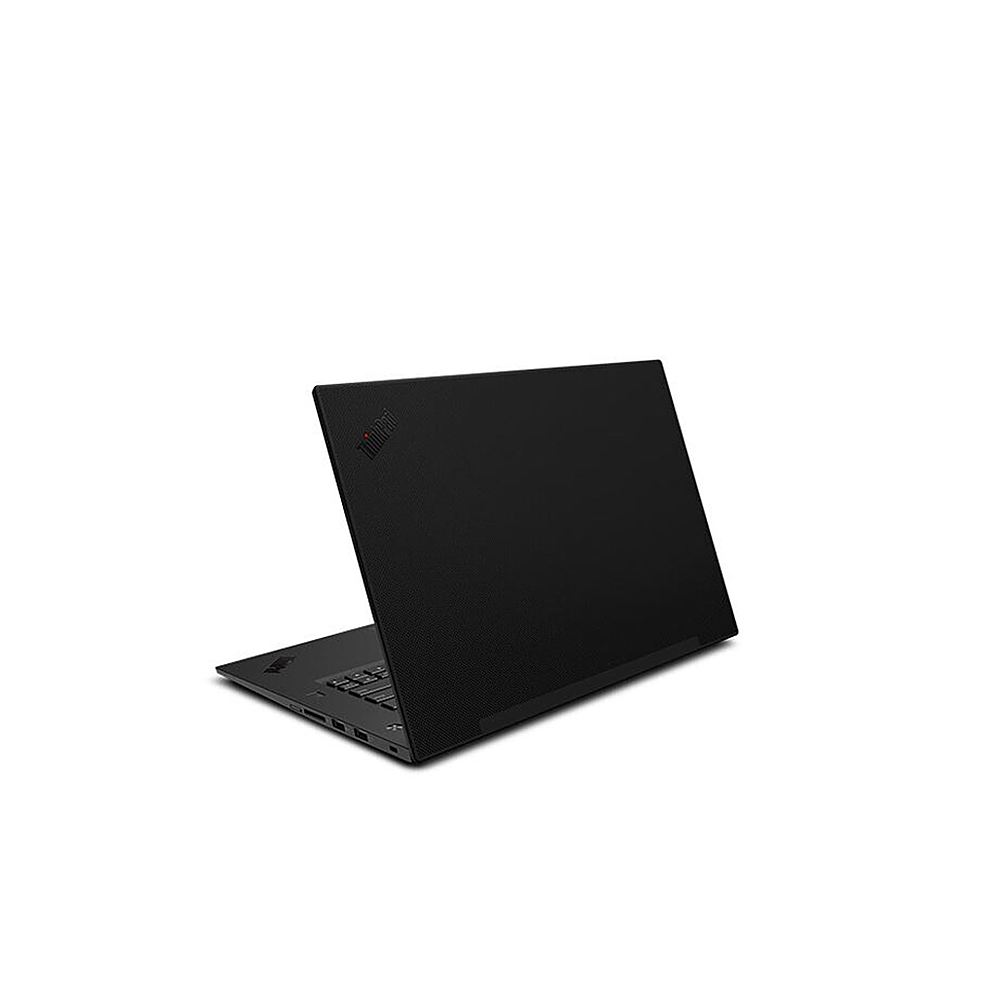
Lenovo - 15.6" Mobile Workstation P1 Gen 3 - Black
Fusing the portability of ThinkPad with the power of a workstation, P Series laptops feature ISV-certified applications, lightning-fast graphics & processing, and more cutting-edge technology to handle your compute-intensive needs - in a surprisingly thin, light package.
Is there a provision to add a second SSD in this model?
The maximum storage capacity for this configuration of the Lenovo ThinkPad P1 Gen 3, Mobile Workstation, model number 20TH000XUS is: Up to two drives, 2x M.2 SSD - M.2 2280 SSD up to 2TB. We recommend you contact your certified technician about your storage upgrade options.
5 years ago
by
Posted by:
Lenovo Product Expert
Lenovo - Smart Clock Essential 4" Smart Display with Google Assistant - Soft Touch Gray
The Lenovo Smart Clock Essential is the ultimate smart clock for any room. With a big & bold display you can check out the time from across the room, whether in the kitchen, in the living room or on a shelf. Talk to Google for hands-free help. From checking the time and weather, setting timers for cooking, adding items to your shopping list or making hands-free calls, the Lenovo Smart Clock Essential is here to help you be more productive and take back time. It~s also a great night-time companion with its built-in nightlight that provides a small source of light without waking up the whole family. No more stumbling around in the dark when searching for things. Listen to music, news, podcasts, and more with the clock~s quality speakers. Control over 40,000 compatible smart devices from over 5,000 brands. Ask Google to set the temperature, dim the lights, and more. Just say ~Hey Google.~
I’m divorced and have a varied schedule. Can I set morning wake times for my kids. Example being 6:45 Wednesday and Thursday and every other Monday?
You can set multiple alarms on your Lenovo Smart Clock Essential. To set an alarm on the Smart Clock Essential, you can either use Voice Command - Say something like: Hey Google, set an alarm for 8 a.m. Or use manual control - 1. Press and hold the alarm setup button for more than 2 seconds to enter the alarm clock setting mode. 2. Press the alarm setup button to confirm the current setting and automatically switch between the routine, hours and minutes categories. 3. Press the volume up/down buttons to set each category.
5 years ago
by
Posted by:
Lenovo Product Expert