Lenovo Product Expert
Lenovo Product Expert's Stats
Reviews
- Review Count0
- Helpfulness Votes0
- First ReviewNone
- Last ReviewNone
- Featured Reviews0
- Average Rating0
Reviews Comments
- Review Comment Count0
- Helpfulness Votes0
- First Review CommentNone
- Last Review CommentNone
- Featured Review Comments0
Questions
- Question Count0
- Helpfulness Votes0
- First QuestionNone
- Last QuestionNone
- Featured Questions0
- Answer Count37880
- Helpfulness Votes24,853
- First AnswerApril 21, 2014
- Last AnswerOctober 16, 2026
- Featured Answers0
- Best Answers2830
Lenovo Product Expert's Reviews
Lenovo Product Expert has not submitted any reviews.
Lenovo Product Expert's Questions
Lenovo Product Expert has not submitted any questions.
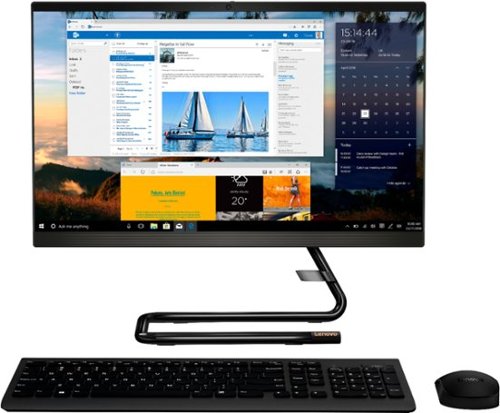
Lenovo - IdeaCentre A340-22IGM 21.5" Touch-Screen All-In-One - Intel Pentium Silver - 8GB Memory - 1TB HDD - Business Black
Finish office work flawlessly with this all-in-one Lenovo IdeaCentre desktop computer. The 1TB HDD provides ample storage space for projects and media, while the 8GB of RAM and Intel Pentium Silver processor let you run multiple programs effortlessly. This 21.5-inch Lenovo IdeaCentre desktop computer includes a Full HD touchscreen, and integrated Intel UHD graphics produce quality visuals.
Am I able to add another monitor to this all in one computer from Lenova

Yes. The Lenovo IdeaCentre A340-22 All-In-One system, model number F0EA003RUS, ships with 1x HDMI-out 1.4 port for connecting an external monitor.
5 years ago
by
Posted by:
Lenovo Product Expert
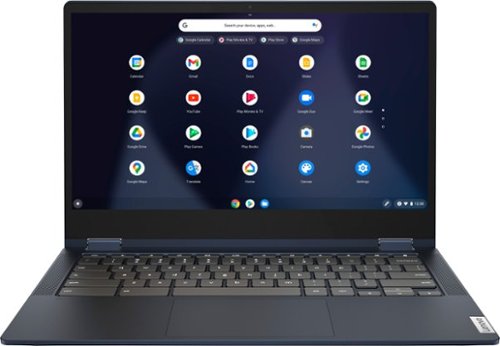
Lenovo - Flex 5 13" 2-in-1 Chromebook - Pentium 7505 - 4GB Memory - 32GB eMMC
Lenovo~ IdeaPad~ Flex 5 Chromebook 13", powered by Intel Pentium 7505 Processor, boasts up to 10 hours of battery life to let you get things done quickly and easily with all your favorite Chromebook features. Use your Google Account for seamless access to your files, photos, music and you can start an immersive entertainment experience with the user-facing stereo speakers and IPS FHD display~or you can enjoy more by apps downloaded on the Google Play Store. Any great idea pop up in mind? Just flip your Chromebook and dot your ideas with the Lenovo digital pen to catch the moment.
Is there a cover that can be used for this?
You can use any universal 13 inch or larger laptop case with this Chromebook.
5 years ago
by
Posted by:
Lenovo Product Expert
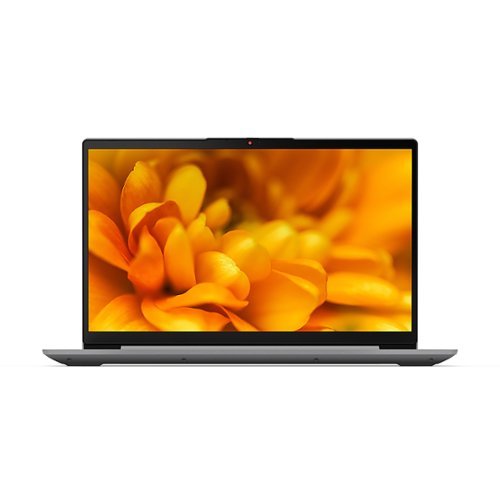
Lenovo - IdeaPad 3 15ITL06 15.6" Laptop - Intel Core i7 - 8 GB Memory - 256 GB SSD - Arctic Gray
The IdeaPad 3 is priced as an everyday-use laptop but engineered as something much more. Premium Intel processing as well as powerful memory and storage options means this PC delivers beyond expectations.
Does this laptop support power delivery?
The lenovo IdeaPad 3 15 Laptop, model number 82H8000DUS, ships with these ports: 1x Power connector, 1x Card reader, 1x USB 3.2 Gen 1, 1x USB-C 3.2 Gen 1 (support data transfer only), 1x HDMI 1.4b, 1x Headphone / microphone combo jack (3.5mm), 1x USB 2.0.
5 years ago
by
Posted by:
Lenovo Product Expert
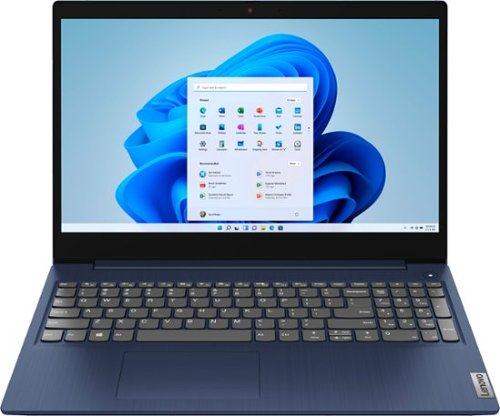
Lenovo - Ideapad 3 15 15.6" Touch-Screen Laptop - Intel Core i3 - 8GB Memory - 256GB SSD - Abyss Blue
Engineered for long-lasting performance, the Lenovo~ IdeaPad~ 3 15 delivers power in a laptop that's perfect for your everyday tasks, with features that you can depend on such as advanced mobile 10th Generation Intel Core processors and all day battery.
Do this laptop have external speakers that you can talk through or plug in a headset. I have a Lenovo now intel i5 and When I talk nobody can hear me but I can hear them. Also when I plug headset in i can hear but they can't hear me.
The Lenovo IdeaPad 3 15 Laptop, model number 81WR000FUS, has built in system speakers: Stereo system speakers, 1.5W x2, Dolby Audio. This Lenovo IdeaPad 3 15 ships with built in Dual Array Microphones along with a 720p (HD) webcam with manual Privacy Shutter built in. Always check that your computer is off mute for your microphone to function and then also check your audio settings within the conferencing APP you are using to be sure you are also off mute within the APP as well as the computer, so you can be heard.
5 years ago
by
Posted by:
Lenovo Product Expert
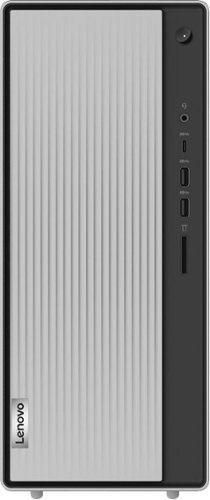
Lenovo - IdeaCentre 5i Desktop - Intel Core i7 - 12GB Memory - 1TB Hard Drive - Mineral Grey
Lenovo~ IdeaCentre~ 5i is a powerful, contemporary desktop powered by the latest Intel~ Core~ processors. Featuring gaming-grade graphics, fast DDR4 memory, and plenty ofstorage, it~s up to the task of having fun and will immerse you in it~and looks great in your home.
What programs are built in? I'm concerned about how much "bloatware" I may need to remove.
The Lenovo IdeaCentre 5i Desktop ships with just two adware programs, a 30-day trial of Microsoft Office 365 (as part of Windows 10 operating system) and a 30-day trial of McAfee virus protection. Lenovo computers ship with one of the cleanest factory software installs within the consumer computer industry.
5 years ago
by
Posted by:
Lenovo Product Expert
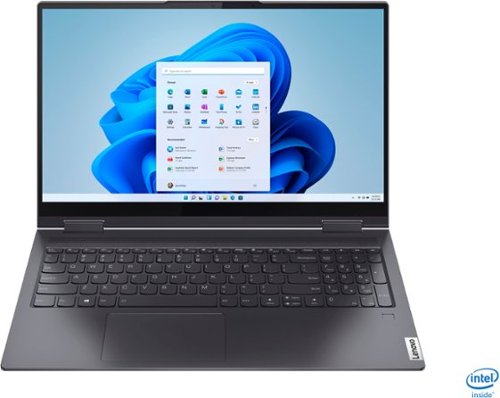
Lenovo - Yoga 7i 2-in-1 15.6" Touch Screen Laptop - Intel Core i5 - 8GB Memory - 256GB Solid State Drive - Slate Grey
The Lenovo Yoga 7i 15" combines versatile portability and enhanced productivity, thanks to the boundary-breaking performance and responsiveness of 11th generation Intel Core i5 processors and vibrant FHD clarity with Intel Iris Xe graphics. Go anywhere with a sleek 2-in-1 metal chassis featuring thoughtful details including a webcam privacy shutter..
How to Force quit - to restart ?
The recommended restart procedure for a Windows 10 laptop is explained hear: https://support.microsoft.com/en-us/windows/restart-reboot-your-pc-110262aa-fc79-1c33-7b00-c140ae3a6dac. If you can not reach the Windows 10 Start Menu, try these tips: https://www.howtogeek.com/680236/how-to-force-quit-an-app-on-windows-10/. If the issue continues, we recommend you contact Lenovo Tech Support for additional help at: 877-453-6686.
5 years ago
by
Posted by:
Lenovo Product Expert
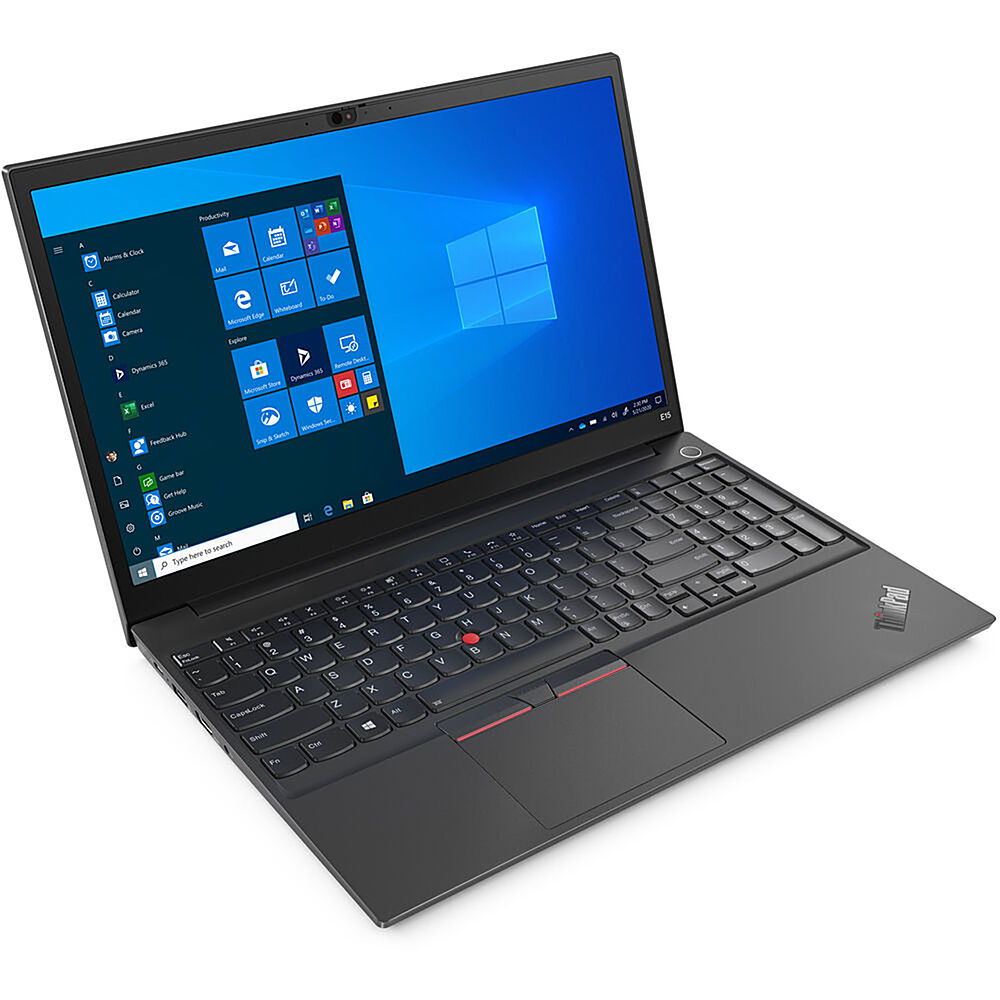
Lenovo - 15.6" ThinkPad E15 Gen 2 Laptop - Intel Core i3 - 8GB Memory - 256 SSD - Black
The ThinkPad E15 Gen 2 laptop harnesses the power of an 11th Gen Intel Core processor along with DDR4 memory and up to 1TB solid state storage drive to deliver high performance to your workday. It confidently handles whatever tasks come your way, and it even intelligently maintains the optimum temperature while running multiple apps.
CAN I ADD EXTRA SORAGE?
The Lenovo ThinkPad E15 Laptop, model number 20TD003JUS, ships with a 256GB M.2 2242 PCIe 3.0x4 NVMe solid state hard drive. The maximum supported storage capacity of this configuration is: Up to two drives, 2x M.2 SSD: M.2 2242 SSD up to 512GB or M.2 2280 SSD up to 1TB. We recommend you consult with your certified technician about your storage upgrade options.
5 years ago
by
Posted by:
Lenovo Product Expert
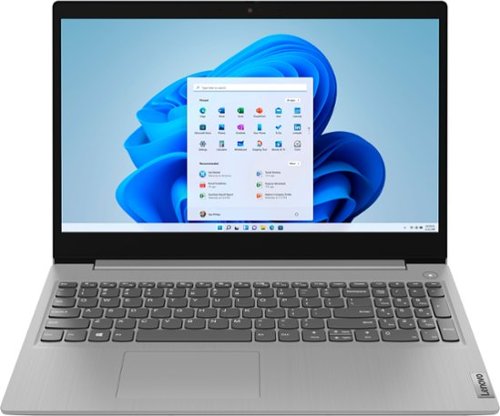
Lenovo - Ideapad 3 15 15.6" Laptop - AMD Ryzen 3 - 8GB Memory - 128GB SSD
Engineered for long-lasting performance, the Lenovo~ IdeaPad~ 3 delivers powerful performance with the latest AMD Mobile Processors with Radeon~ Graphics, in a laptop that's perfect for your everyday tasks, with features that you can depend on.
Does this laptop support Nano S and Nano X?
That will depend on the requirements and compatibility of the specific format hardware wallet you plan to use. The Lenovo IdeaPad 3 15 Laptop, model number 81W1018XUS, ships with Windows 10 S-Mode 64-bit Operating System. Windows 10 S-Mode provides added security by only allowing APPs available ( and therefore certified by Microsoft) at the Microsoft Store. If you don't need the added security or you need to install APPs not available at the Microsoft Store, you can switch to standard Windows 10 Home 64-bit Operating System, at no additional cost. We recommend you check with the specific hardware wallet manufacturer's web site, of the specific hardware wallet you plan to use, for their compatibility with Windows 10 S-Mode 64-bit operating system and the minimum/recommended hardware requirements (Is a Graphics card required, the processor speed and the minimum required system RAM and the minimum available hard drive space) to run their program, then compare those requirements to this system's configuration. If you choose to switch out of S-Mode for Windows 10 Home, here is a link to instructions for switching from Windows 10 S-Mode to Windows 10 Home: https://support.microsoft.com/en-us/help/4456067/windows-10-switch-out-of-s-mode
5 years ago
by
Posted by:
Lenovo Product Expert

Lenovo - IdeaPad 3 15ITL05 15.6" Laptop - Intel Core i3 - 8 GB Memory - 256 GB SSD - Almond
The Lenovo IdeaPad tailored to work and learn from home solutions that address eye strain, posture problems and at-home distractions, while deploying intelligent thermals for a cool and whisper-quiet system. The new privacy shutter on the camera also lets you reserve complete control over your privacy in the home and beyond.
Does this come with MS Office and if so, which version? And does this support Nano ledgers; if so, both Nano S and Nano X?
There is a 30-day trial of Microsoft Office 365 included as part of the Windows 10 S-Mode 64-bit operating system. In order to keep the program active after the trial period, you will need to purchase a product key. You will not need to download any additional software. With regard to the compatibility of Nano S and Nano X Ledgers, that will depend on the requirements and compatibility of the specific hardware wallet you plan to use. The Lenovo IdeaPad 3 15 Laptop, model number 81X800ECUS, ships with Windows 10 S-Mode 64-bit Operating System. Windows 10 S-Mode provides added security by only allowing APPs available ( and therefore certified by Microsoft) at the Microsoft Store. If you don't need the added security or you need to install APPs not available at the Microsoft Store, you can switch to standard Windows 10 Home 64-bit Operating System, at no additional cost. We recommend you check with the specific hardware wallet manufacturer's web site, of the specific hardware wallet you plan to use, for their compatibility with Windows 10 S-Mode 64-bit operating system and the minimum/recommended hardware requirements (Is a Graphics card required, the processor speed and the minimum required system RAM and the minimum available hard drive space) to run their program, then compare those requirements to this system's configuration. If you choose to switch out of S-Mode for Windows 10 Home, here is a link to instructions for switching from Windows 10 S-Mode to Windows 10 Home: https://support.microsoft.com/en-us/help/4456067/windows-10-switch-out-of-s-mode
5 years ago
by
Posted by:
Lenovo Product Expert
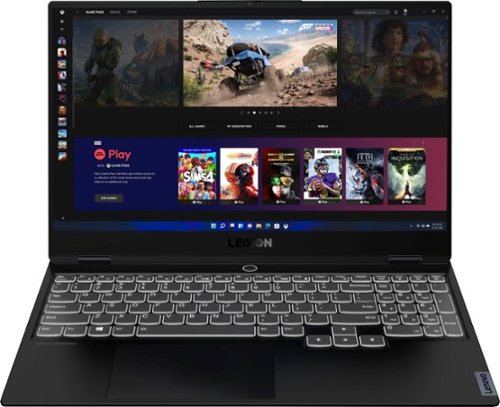
Lenovo - Legion Slim 7 15" 4K Ultra HD Gaming Laptop - AMD Ryzen 9 5900HX - 16GB Memory - NVIDIA GeForce RTX 3050 Ti - 1TB SSD - Shadow Black
The Lenovo~ Legion Slim 7 was engineered for gamers who demand mobility and performance for day and night. Sporting a finely crafted chassis machined from 100% aluminum that is shockingly thin and impressively light, the Legion Slim 7 was expertly crafted for gamers who demand more.
Does this computer have a Thunderbolt USB C port? It says USB C 3.0 There appears to be 2 USB ports, one that charges and 2 USB C ports.
No. The Lenovo Legion Slim 7 15 Gaming Laptop, Creator's Edition, model number 82K80081US, does not have a Thunderbolt Port. This model includes these ports: 1x Power connector, 1x Card reader, 1x USB 3.2 Gen 2, 2x USB-C 3.2 Gen 2 (support data transfer, Power Delivery 100w and DisplayPort 1.4) with video out capability, 1x Headphone / microphone combo jack (3.5mm), 1x USB 3.2 Gen 2 (Always On).
5 years ago
by
Posted by:
Lenovo Product Expert