Lenovo Product Expert
Lenovo Product Expert's Stats
Reviews
- Review Count0
- Helpfulness Votes0
- First ReviewNone
- Last ReviewNone
- Featured Reviews0
- Average Rating0
Reviews Comments
- Review Comment Count0
- Helpfulness Votes0
- First Review CommentNone
- Last Review CommentNone
- Featured Review Comments0
Questions
- Question Count0
- Helpfulness Votes0
- First QuestionNone
- Last QuestionNone
- Featured Questions0
- Answer Count37880
- Helpfulness Votes24,853
- First AnswerApril 21, 2014
- Last AnswerOctober 16, 2026
- Featured Answers0
- Best Answers2830
Lenovo Product Expert's Reviews
Lenovo Product Expert has not submitted any reviews.
Lenovo Product Expert's Questions
Lenovo Product Expert has not submitted any questions.
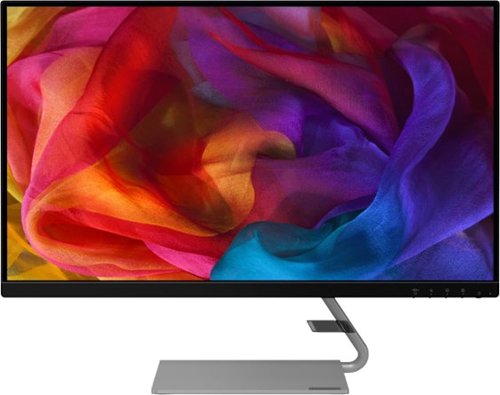
Lenovo - Q27q-1L 27" IPS LED QHD FreeSync Monitor Natural Low Blue Light Built-in Speakers (DisplayPort, HDMI) - Black
Designed to make a definite style statement in any space, the ultra-slim Lenovo Q27q-1L is a perfect blend of elegance and functionality. No matter how you look at it, the Lenovo Q27q-1L perfectly projects the vibrancy of colors on its In-Plane Switching (IPS) display. Paired with dual speakers, the Lenovo Q27q-1L leverages both the audio and visuals for an immersive entertainment experience. Enjoy flawless gaming and binge-watch shows without straining your eyes. Its premium design, accentuated by ultra-narrow bezels and QHD display, makes this ultra-slim monitor a stunning addition to your home. The latest eye comfort innovation, Natural Low Blue Light and Eyesafe Display Certification, provides maximum color accuracy minus the yellow distortions~so you can consume your favorite content without straining your eyes.
Will this work with a MacBook Pro?

That really will depend on the requirements and compatibility of the specific model computer you want to connect to the monitor. The Lenovo Q27q-1L Monitor is Operating System independent and it connects to a compatible computer via either DisplayPort 1.2 version or HDMI 1.4 version port. We recommend you check with your computer manufacturer's web site for the compatibility and requirements of your specific model computer, then compare those requirements and compatibility with this monitor's configuration.
5 years, 1 month ago
by
Posted by:
Lenovo Product Expert
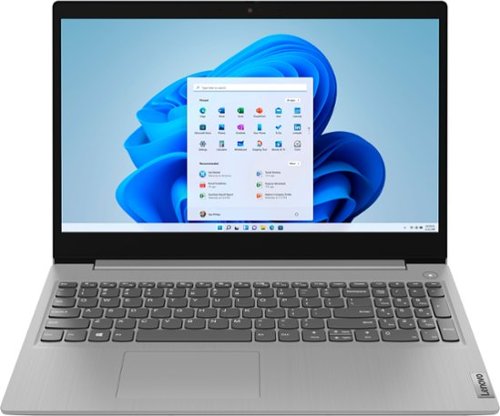
Lenovo - Ideapad 3 15 15.6" Laptop - AMD Ryzen 3 - 8GB Memory - 128GB SSD
Engineered for long-lasting performance, the Lenovo~ IdeaPad~ 3 delivers powerful performance with the latest AMD Mobile Processors with Radeon~ Graphics, in a laptop that's perfect for your everyday tasks, with features that you can depend on.
I purchased the model 81W1018XUS laptop for my Dad. I'm picking it up tomorrow. Can anyone tell me if it is possible to use an ethernet connection? He doesn't have wifi.
Although the Lenovo IdeaPad 3 15 Laptop, model number 81W1018XUS, you can connect this laptop to an ethernet cable by using a USB 3.0 to ethernet adapter like this one - it is sold separately: https://www.bestbuy.com/site/j5create-usb-3-0-to-gigabit-ethernet-adapter-gray/2001047.p?skuId=2001047
5 years, 1 month ago
by
Posted by:
Lenovo Product Expert
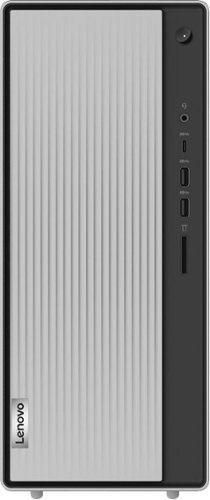
Lenovo - IdeaCentre 5i Desktop - Intel Core i7 - 12GB Memory - 1TB Hard Drive - Mineral Grey
Lenovo~ IdeaCentre~ 5i is a powerful, contemporary desktop powered by the latest Intel~ Core~ processors. Featuring gaming-grade graphics, fast DDR4 memory, and plenty ofstorage, it~s up to the task of having fun and will immerse you in it~and looks great in your home.
Is there a built in VGA port for my monitor?
Yes. The Lenovo IdeaCentre 5i Desktop Computer, model number 90NA0037US, ships with both a VGA port and an HDMI port for connecting an external monitor.
5 years, 1 month ago
by
Posted by:
Lenovo Product Expert
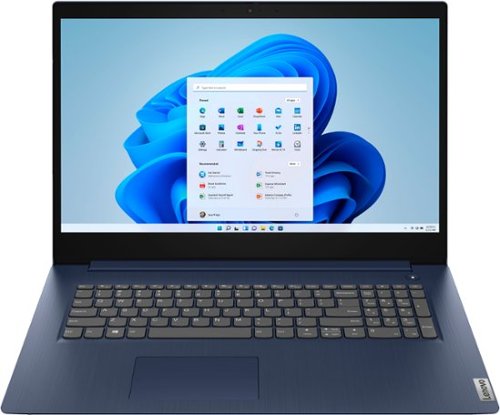
Lenovo - Ideapad 3 17 17" Laptop - Intel Core i5 - 8GB Memory - 1TB HDD - Abyss Blue
Engineered for long-lasting performance, the Lenovo~ IdeaPad~ 3 17 delivers power in a laptop that's perfect for your everyday tasks, with features that you can depend on such as advanced mobile 10th Generation Intel Core processors and all day battery.
what model power adapter is included with the ThinkPad 3 17 inch
The Lenovo IdeaPad 3 17 Laptop, model number 81WF004CUS, ships with a 65W Round Tip - Device side, (2-pin, Wall-mount) USA compatible AC adapter/charger.
5 years, 1 month ago
by
Posted by:
Lenovo Product Expert
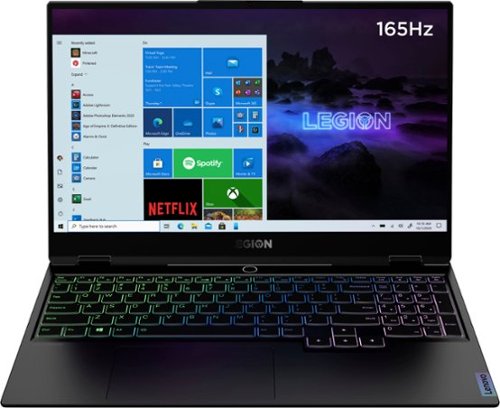
Lenovo - Legion Slim 7 15" Gaming Laptop - AMD Ryzen 7 5800H - NVIDIA GeForce RTX 3060 Max-Q - 16GB Memory - 512GB SSD
The Lenovo~ Legion Slim 7 was engineered for gamers who demand mobility and performance for day and night. Sporting a finely crafted chassis machined from 100% aluminum that is shockingly thin and impressively light, the Legion Slim 7 was expertly crafted for gamers who demand more.
Does this laptop have a backlit rgb keyboard?
Yes. The Lenovo Legion Slim 7 15 Gaming Laptop, model number 82K80001US, ships with a RGB LED Backlit, English (US), keyboard with 10-Key Numeric Pad included.
5 years, 1 month ago
by
Posted by:
Lenovo Product Expert
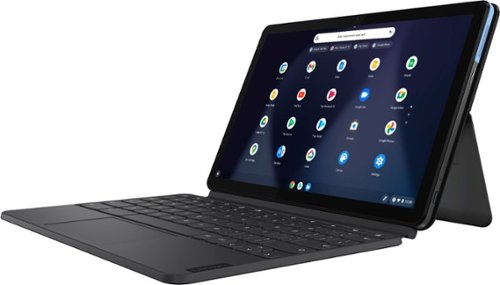
Lenovo - IdeaPad Duet Chromebook - 10.1 (1920x1200) Touch 2-in-1 Tablet - MediaTek P60T - 4G RAM - 128G eMCP4x - with Keyboard - Ice Blue + Iron Gray
Work on pending assignments while on the move with this Lenovo Chromebook Duet. The 10.1-inch touch screen provides an interactive user experience, while the 128GB of internal storage offer ample space for apps and media files. This Lenovo Chromebook Duet features a MediaTek Helio P60T processor and 4GB of RAM for effortless multitasking.
“Is it 4K? Can I download "What's Up" app OR "Tango" app or any other similar application?”
The Lenovo Chromebook Duet ships with a 10.1 inch (screen size measured diagonally) IPS - FHD (1920 x 1200) screen, with a brightness level of 400 nits. This screen provides 99 Percent of the sRGB (70 Percent NTSC) color gamut for excellent color accuracy. The Chromebook Duet ships with the Chrome Operating System and is compatible with Google Play Store APPs. We recommend you check with the specific APPs software publisher's web sites for the APPs you want to use, for their compatibility with the Chrome operating system and the minimum/recommended hardware requirements (Is a Graphics card required, the processor speed and the minimum required system RAM and the minimum available hard drive space) to run their program, then compare those requirements to this system's configuration.
5 years, 1 month ago
by
Posted by:
Lenovo Product Expert
Lenovo - Legion Slim 7 15" Gaming Laptop - AMD Ryzen 7 5800H - NVIDIA GeForce RTX 3060 Max-Q - 16GB Memory - 512GB SSD
The Lenovo~ Legion Slim 7 was engineered for gamers who demand mobility and performance for day and night. Sporting a finely crafted chassis machined from 100% aluminum that is shockingly thin and impressively light, the Legion Slim 7 was expertly crafted for gamers who demand more.
Does this laptop come with Killer Wi-Fi 6?
Yes. The Lenovo Legion Slim 7 15 Gaming Laptop, model number 82K80001US, ships with Killer Wi-Fi 6 AX1650 11ax, 2x2 frequency WiFi.
5 years, 1 month ago
by
Posted by:
Lenovo Product Expert
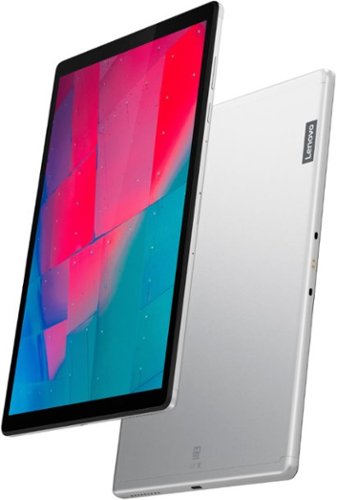
Lenovo - Tab M10 HD 2nd Gen with Google Kids Space - 10.1" - Tablet - 32GB - Platinum Gray
Lenovo~ Tab M10 HD is a 2nd-generation 10.1" HD tablet that packs a wallop while sporting a premium metal look and feel. A great device that offers top-notch visual and audio, it~s also built for families, featuring curated kid's content, parental controls and TUV-certified eye protection.
Can this have three different people with totally independent accounts to share this tablet, two adults and one child?
Yes. Android 10.0 Operating System supports multiple users on a single Android device by separating user accounts and application data. For instance, parents may allow their children to use the family tablet. Here is a link to instructions for doing this: https://support.google.com/nexus/answer/2865483?hl=en
5 years, 1 month ago
by
Posted by:
Lenovo Product Expert
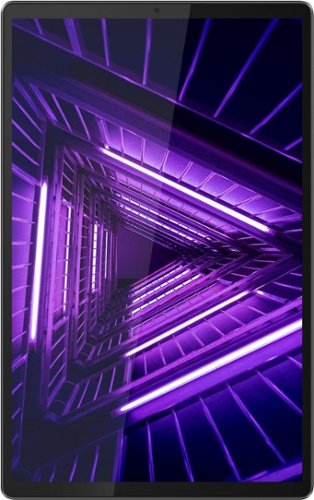
Lenovo - Tab M10 FHD Plus - 10.3" - Tablet - 32GB - Iron Gray
Lenovo~ Tab M10 Plus is one impressive media tablet from the 2nd generation tab family. Its standout metal design gives you a premium look and feel with modern simplicity. Inside lies a 10.3" FHD screen and dual speakers for truly immersive entertainment. This is one tablet you will want to use and pass around the house.
How are the writing apps? How is the accuracy of the writing instruments? If you were to rest your hand on it, does it mess up writing?
The Lenovo Tab M10 Plus Tablet is not compatible with any digital/active pen. You can use a capacitive touch stylus as a finger replacement on the tablet's touchscreen, like this one, since this is a non active/digital stylus, there would be no palm rejection software available: https://www.bestbuy.com/site/insignia-stylus-silver/3695185.p?skuId=3695185
5 years, 1 month ago
by
Posted by:
Lenovo Product Expert
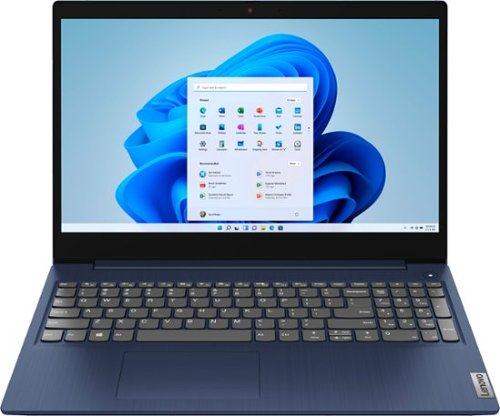
Lenovo - Ideapad 3 15 15.6" Touch-Screen Laptop - Intel Core i3 - 8GB Memory - 256GB SSD - Abyss Blue
Engineered for long-lasting performance, the Lenovo~ IdeaPad~ 3 15 delivers power in a laptop that's perfect for your everyday tasks, with features that you can depend on such as advanced mobile 10th Generation Intel Core processors and all day battery.
Can you play Fortnite on it?
That will depend on the requirements and compatibility of the specific game you want to play. This Lenovo IdeaPad 3 15 Laptop, model number 81WR000FUS, ships with Windows 10 S-Mode 64-bit Operating System. Windows 10 S-Mode provides added security by only allowing APPs available ( and therefore certified by Microsoft) at the Microsoft Store. If you don't need the added security or you need to install APPs not available at the Microsoft Store, you can switch to standard Windows 10 Home 64-bit Operating System, at no additional cost. We recommend you check with the specific game's software publisher's web site for their compatibility with Windows 10 S-Mode 64-bit operating system and the minimum/recommended hardware requirements (Is a Graphics card required, the processor speed and the minimum required system RAM and the minimum available hard drive space) to run their program, then compare those requirements to this system's configuration. If you choose to switch out of S-Mode for Windows 10 Home, here is a link to instructions for switching from Windows 10 S-Mode to Windows 10 Home: https://support.microsoft.com/en-us/help/4456067/windows-10-switch-out-of-s-mode
5 years, 1 month ago
by
Posted by:
Lenovo Product Expert