Lenovo Product Expert
Lenovo Product Expert's Stats
Reviews
- Review Count0
- Helpfulness Votes0
- First ReviewNone
- Last ReviewNone
- Featured Reviews0
- Average Rating0
Reviews Comments
- Review Comment Count0
- Helpfulness Votes0
- First Review CommentNone
- Last Review CommentNone
- Featured Review Comments0
Questions
- Question Count0
- Helpfulness Votes0
- First QuestionNone
- Last QuestionNone
- Featured Questions0
- Answer Count37880
- Helpfulness Votes24,853
- First AnswerApril 21, 2014
- Last AnswerOctober 16, 2026
- Featured Answers0
- Best Answers2830
Lenovo Product Expert's Reviews
Lenovo Product Expert has not submitted any reviews.
Lenovo Product Expert's Questions
Lenovo Product Expert has not submitted any questions.
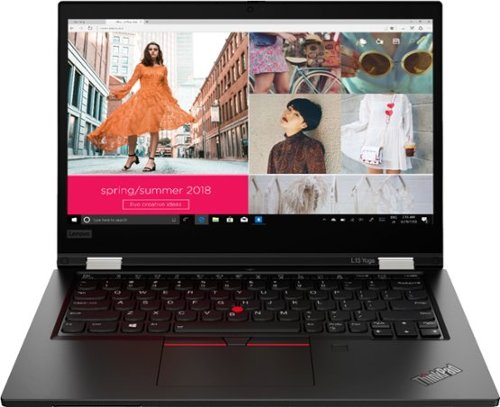
Lenovo - ThinkPad L13 Yoga 2-in-1 13.3" Touch Screen Laptop - Intel Core i5 - 8GB Memory - 256GB SSD - Black
More flexible than a traditional laptop, its 360~ hinge allows mobile workers to use it as a laptop or a tablet; or even in tent or stand mode for 1:1 presentations inside or outside the office. Includes features such as fingerprint reader, 720p camera and smart card reader. Meanwhile, the battery lasts up to 10 hours, ensuring uninterrupted productivity on the go.
Does this laptop have an Ethernet port?

Although there is no ethernet port built into the Lenovo ThinkPad L13 Yoga, model number 20VK001QUS, you can connect this laptop to an ethernet cable by using s USB 3.0 Type A to ethernet adapter like this one: https://www.bestbuy.com/site/j5create-usb-3-0-to-gigabit-ethernet-adapter-gray/2001047.p?skuId=2001047
5 years, 1 month ago
by
Posted by:
Lenovo Product Expert
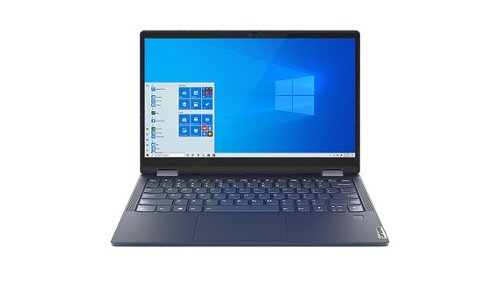
Lenovo - Yoga 6 13 2-in-1 13.3" Touch Screen Laptop - AMD Ryzen 7 - 16GB Memory - 1024GB SSD - Abyss Blue Fabric Cover
Featuring a premium textile cover, the Lenovo~ Yoga~ 6 is an ultra-portable 2-in-1 that combines unique style with the powerful responsiveness of an AMD Ryzen~ 4000 Series Mobile Processor, abundant memory and SSD storage. Enjoy a rich multimedia experience with the clarity of a 13.3" FHD touchscreen display, and enveloping sound with Dolby Atmos~-optimized stereo speakers
Does this have a HDMI port?
No. The Lenovo Yoga 6 13 model number 82FN0004US, ships with 2x USB-C 3.2 Gen 1 (support data transfer and DisplayPort 1.4) ports with video out capability. The Yoga 6 13 supports up to 3 independent displays via native display and 2 external monitors; supports external monitors via USB-C (up to 3840x2160@60Hz). You can connect an HDMI monitor to this laptop by using a USB-c to HDMI adapter, like this one: https://www.bestbuy.com/site/insignia-usb-c-to-hdmi-adapter-white/6424886.p?skuId=6424886
5 years, 1 month ago
by
Posted by:
Lenovo Product Expert
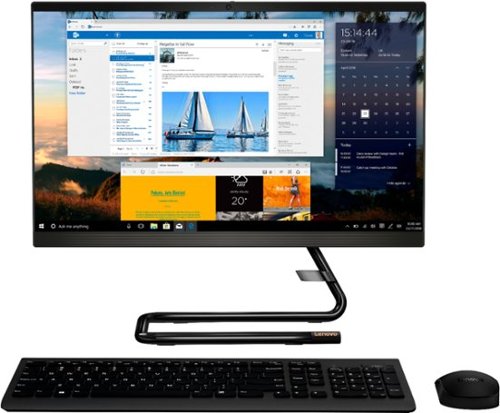
Lenovo - IdeaCentre A340-22IGM 21.5" Touch-Screen All-In-One - Intel Pentium Silver - 8GB Memory - 1TB HDD - Business Black
Finish office work flawlessly with this all-in-one Lenovo IdeaCentre desktop computer. The 1TB HDD provides ample storage space for projects and media, while the 8GB of RAM and Intel Pentium Silver processor let you run multiple programs effortlessly. This 21.5-inch Lenovo IdeaCentre desktop computer includes a Full HD touchscreen, and integrated Intel UHD graphics produce quality visuals.
How tiltable is the monitor screen? Does it tilt back and forward?
The Lenovo IdeaCentre A340-22 All-In-One system, model number F0EA003RUS, ships with a screen that will tilt forward to a plus 5 degrees and backward to a minus 22 degrees.
5 years, 1 month ago
by
Posted by:
Lenovo Product Expert
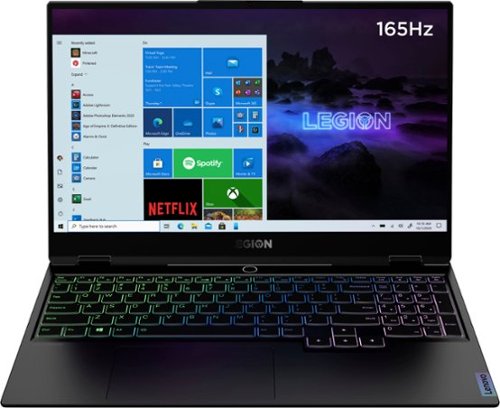
Lenovo - Legion Slim 7 15" Gaming Laptop - AMD Ryzen 7 5800H - NVIDIA GeForce RTX 3060 Max-Q - 16GB Memory - 512GB SSD
The Lenovo~ Legion Slim 7 was engineered for gamers who demand mobility and performance for day and night. Sporting a finely crafted chassis machined from 100% aluminum that is shockingly thin and impressively light, the Legion Slim 7 was expertly crafted for gamers who demand more.
are the keyboard keys anti ghosting keys?
The Lenovo Legion Slim 7 15 Gaming Laptop, model number 82K80001US, ships with the world-class Legion TrueStrike Keyboard, with 100 percent anti-ghosting, sub-millisecond response times and ‘soft-landing’ switches that mimic deep keystrokes at the same force actuation level also combine to achieve uncanny precision. Its dedicated media keys, numeric pad and larger trackpad improve overall gaming performance. Its highly-advanced soft-landing switches—featuring built-in vents for additional cold air intake—optimize ergonomics, amplify response times and deepen key travel for that satisfying clicky feel.
5 years, 1 month ago
by
Posted by:
Lenovo Product Expert
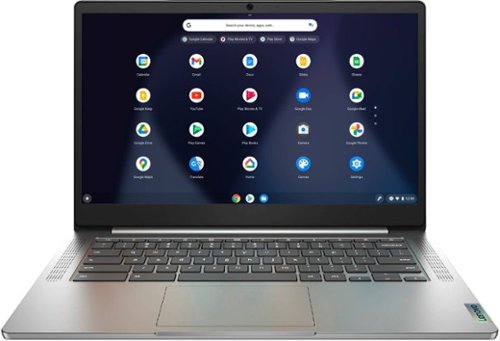
Lenovo - Chromebook 3 14" Laptop - Mediatek MT8183 - 4GB Memory - 64GB eMMC - Arctic Grey
Fast, flexible, and fun, the Chromebook 3-14" brings everyone~s favorite Chromebook features, running on the lightning-fast Chrome OS that boots up in seconds, updates automatically, and is protected by built-in virus protection. Powered by a MediaTek processor and up to 10 hours of battery life, it~ll seamlessly run all of your favorite apps at the same time.
Is this a good choice for a Dj? He will be using the virtual dj app and youtube music etc.
That will depend on the requirements and compatibility of the APPs that will be used. The Lenovo Chromebook 3 14 model number 82KN0000US, ships with the Chrome Operating System and is compatible with Google Play Store APPs. We recommend you check with the specific APPs software publisher's web sites, of the APPs that will be used, for their compatibility with the Chrome operating system and the minimum/recommended hardware requirements (Is a Graphics card required, the processor speed and the minimum required system RAM and the minimum available hard drive space) to run their program, then compare those requirements to this system's configuration.
5 years, 1 month ago
by
Posted by:
Lenovo Product Expert
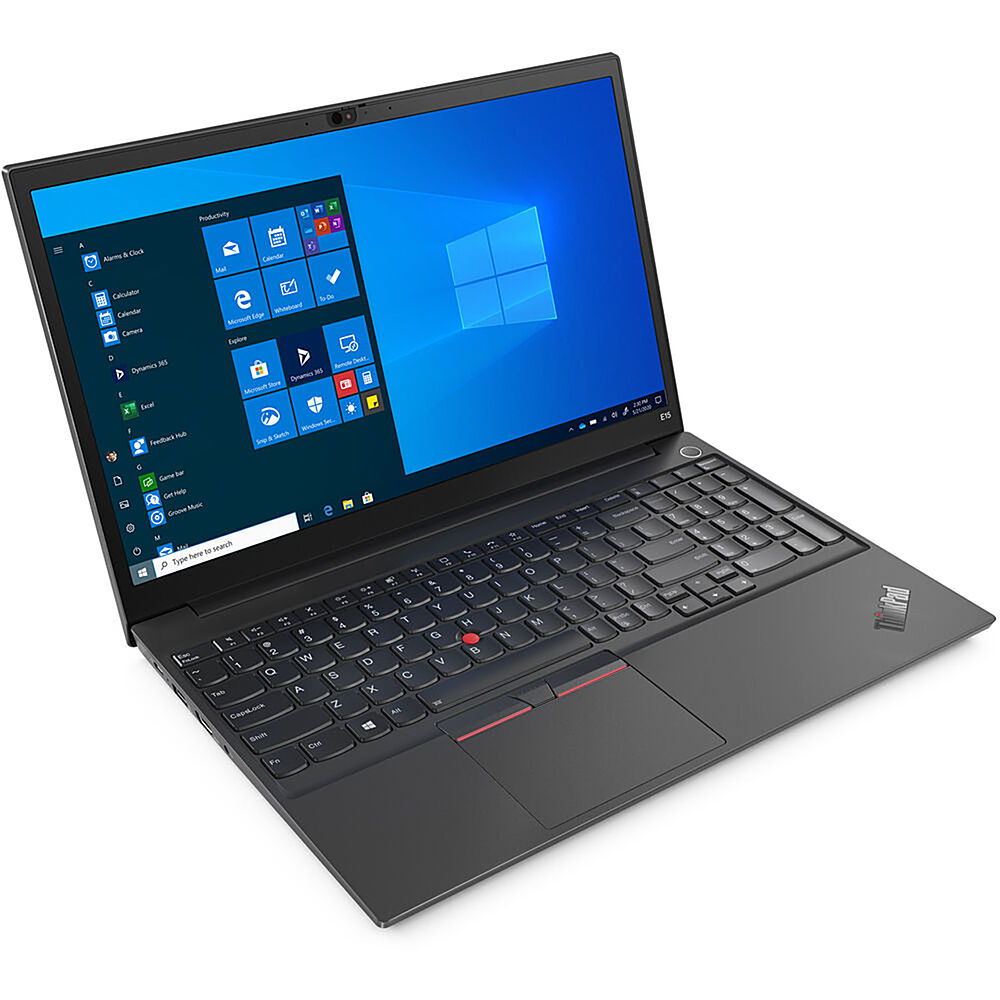
Lenovo - 15.6" ThinkPad E15 Gen 2 Laptop - Intel Core i3 - 8GB Memory - 256 SSD - Black
The ThinkPad E15 Gen 2 laptop harnesses the power of an 11th Gen Intel Core processor along with DDR4 memory and up to 1TB solid state storage drive to deliver high performance to your workday. It confidently handles whatever tasks come your way, and it even intelligently maintains the optimum temperature while running multiple apps.
Is it standard software - Business Pro ?
The Lenovo ThinkPad E15 Gen 2 Laptop, model number 20TD003JUS, ships with Windows 10 Pro 64 bit Operating System, English Version.
5 years, 1 month ago
by
Posted by:
Lenovo Product Expert
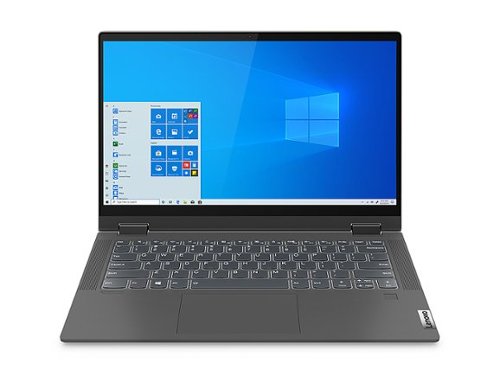
Lenovo - Flex 5 14" 2-in-1 14" Touch-Screen Laptop - AMD Ryzen 5 - 8GB Memory - 128GB SSD - Graphite Gray
Proudly powered by an AMD Ryzen~ mobile processor with Radeon~ graphics, the 14" Lenovo~ Flex 5 offers you excellent all-around performance, graphics and productivity in a flexible device built to be what you need it to be.
Does this laptop come with a privacy shutter and a fingerprint reader?
Yes. The Lenovo Flex 5 14 model number 81X200C8US, ships with both a 720p (HD) webcam with manual Privacy Shutter and a fingerprint reader.
5 years, 1 month ago
by
Posted by:
Lenovo Product Expert
Lenovo - Flex 5 14" 2-in-1 14" Touch-Screen Laptop - AMD Ryzen 5 - 8GB Memory - 128GB SSD - Graphite Gray
Proudly powered by an AMD Ryzen~ mobile processor with Radeon~ graphics, the 14" Lenovo~ Flex 5 offers you excellent all-around performance, graphics and productivity in a flexible device built to be what you need it to be.
Is the Display panel IPS or TN?
The Lenovo Flex 5 14 model number 81X200C8US, ships with a 14 inch (screen size measured diagonally) IPS - FHD (1920x1080) 10-point Multi-touch screen, with a brightness level of 250 nits, has a Glossy finish. This screen provides 67 Percent of the sRGB (45 Percent NTSC) color gamut.
5 years, 1 month ago
by
Posted by:
Lenovo Product Expert

Lenovo - IdeaCentre A540 24" Touch-Screen All-In-One - AMD Ryzen 3-Series - 8GB Memory - 256GB Solid State Drive
Get the job done with this Lenovo IdeaCentre all-in-one computer. The 23.8-inch Full HD capacitive display offers high-quality visuals and smooth touch operation while typing, and 8GB of RAM lets you run several windows simultaneously. This Lenovo IdeaCentre all-in-one computer features a 256GB SSD for fast data access and an AMD Ryzen 3 3200 processor for seamless performance while streaming.
Will this computer system work using my cricut maker program. Also is this Bluetooth adaptable?
Whether the Lenovo IdeaCentre A540-24 All-In-One system is compatible with a specific hardware peripheral device, will depend on the requirements and compatibility of the specific peripheral hardware piece. We recommend you check with the hardware manufacturer's web site of the specific model device you want to connect and use, for their compatibility with Windows 10 Home 64-bit operating system and the minimum/recommended hardware requirements (Is a Graphics card required, the processor speed and the minimum required system RAM and the minimum available hard drive space) to run their program, then compare those requirements to this system's configuration. The IdeaCentre A540-24 AIO ships with Bluetooth 4.0 capability built in.
5 years, 1 month ago
by
Posted by:
Lenovo Product Expert
Lenovo - Legion Slim 7 15" Gaming Laptop - AMD Ryzen 7 5800H - NVIDIA GeForce RTX 3060 Max-Q - 16GB Memory - 512GB SSD
The Lenovo~ Legion Slim 7 was engineered for gamers who demand mobility and performance for day and night. Sporting a finely crafted chassis machined from 100% aluminum that is shockingly thin and impressively light, the Legion Slim 7 was expertly crafted for gamers who demand more.
The Lenovo website for the Legion Slim 7 15'' mentions that Xrite-Pantone Color Management software comes preloaded on the device, while I couldn't find that on my system, or any ICC profiles. Is the software preloaded only for the 4k variant?
The Lenovo Legion Slim 7 15 Gaming Laptop, model number 82K80001US, ships with this included software, factory installed: Lenovo Vantage. Dolby Vision, Xrite-Pantone Color Management, McAfee Antivirus (Trial version), Microsoft 365 Trial.
5 years, 1 month ago
by
Posted by:
Lenovo Product Expert