Lenovo Product Expert
Lenovo Product Expert's Stats
Reviews
- Review Count0
- Helpfulness Votes0
- First ReviewNone
- Last ReviewNone
- Featured Reviews0
- Average Rating0
Reviews Comments
- Review Comment Count0
- Helpfulness Votes0
- First Review CommentNone
- Last Review CommentNone
- Featured Review Comments0
Questions
- Question Count0
- Helpfulness Votes0
- First QuestionNone
- Last QuestionNone
- Featured Questions0
- Answer Count37880
- Helpfulness Votes24,854
- First AnswerApril 21, 2014
- Last AnswerOctober 16, 2026
- Featured Answers0
- Best Answers2830
Lenovo Product Expert's Reviews
Lenovo Product Expert has not submitted any reviews.
Lenovo Product Expert's Questions
Lenovo Product Expert has not submitted any questions.
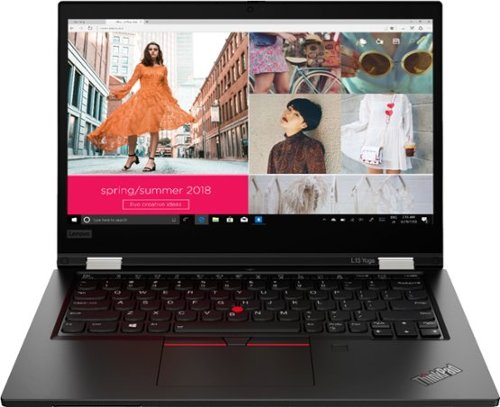
Lenovo - ThinkPad L13 Yoga 2-in-1 13.3" Touch Screen Laptop - Intel Core i5 - 8GB Memory - 256GB SSD - Black
More flexible than a traditional laptop, its 360~ hinge allows mobile workers to use it as a laptop or a tablet; or even in tent or stand mode for 1:1 presentations inside or outside the office. Includes features such as fingerprint reader, 720p camera and smart card reader. Meanwhile, the battery lasts up to 10 hours, ensuring uninterrupted productivity on the go.
What version of Windows 10 comes pre-installed, Pro or Home?

The Lenovo ThinkPad L13 Yoga model number 20VK001QUS, ships with Windows 10 Home 64-bit Operating System.
5 years, 4 months ago
by
Posted by:
Lenovo Product Expert
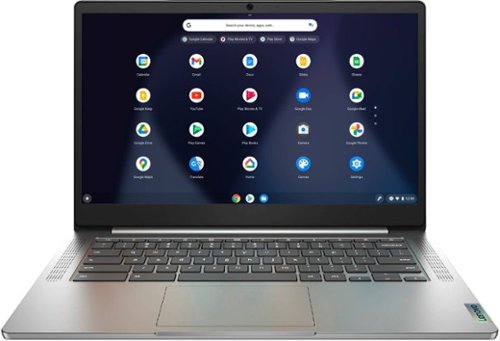
Lenovo - Chromebook 3 14" Laptop - Mediatek MT8183 - 4GB Memory - 64GB eMMC - Arctic Grey
Fast, flexible, and fun, the Chromebook 3-14" brings everyone~s favorite Chromebook features, running on the lightning-fast Chrome OS that boots up in seconds, updates automatically, and is protected by built-in virus protection. Powered by a MediaTek processor and up to 10 hours of battery life, it~ll seamlessly run all of your favorite apps at the same time.
How many years will this particular model receive system and security updates?
The Lenovo Chromebook 3 14 model number 82KN0000US, will receive Google updates through June 2026.
5 years, 4 months ago
by
Posted by:
Lenovo Product Expert
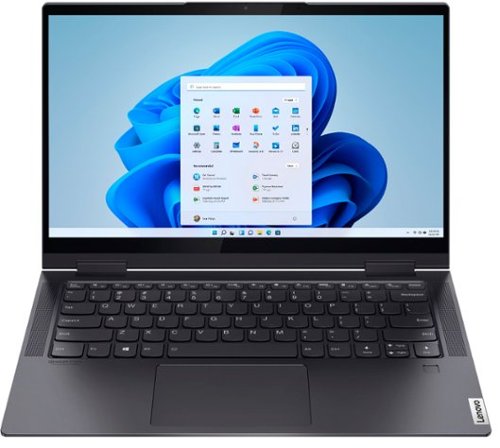
Lenovo - Yoga 7i 2-in-1 14" Touch Screen Laptop - Intel Evo Platform Core i7 - 12GB Memory - 512GB Solid State Drive - Slate Grey
The Lenovo~ Yoga~ 7i 14" combines versatile portability and enhanced productivity, thanks to the boundary-breaking performance and responsiveness of 11th generation Intel~ Core~ i7 processors and vibrant FHD clarity with Intel~ Iris~ Xe graphics. Go anywhere with a sleek 2-in-1 metal chassis featuring thoughtful details including a webcam privacy shutter.
Can this run an external graphics card through a thunderbolt port?
That will depend on the requirements and compatibility of the device you want to connect. The Intel Evo-Certified, Lenovo Yoga 7i-14 ships with 2 Thunderbolt 4.0 ports. We recommend you check with the device manufacturer that you want to connect to the Yoga 7i-14 for the compatibility and requirements of the specific device model, then compare those specifications to the Yoga 7i-14 configuration.
5 years, 4 months ago
by
Posted by:
Lenovo Product Expert
Lenovo - Yoga 7i 2-in-1 14" Touch Screen Laptop - Intel Evo Platform Core i7 - 12GB Memory - 512GB Solid State Drive - Slate Grey
The Lenovo~ Yoga~ 7i 14" combines versatile portability and enhanced productivity, thanks to the boundary-breaking performance and responsiveness of 11th generation Intel~ Core~ i7 processors and vibrant FHD clarity with Intel~ Iris~ Xe graphics. Go anywhere with a sleek 2-in-1 metal chassis featuring thoughtful details including a webcam privacy shutter.
Does only having the USB port cause issues? Especially for a student going to college?
If you need more standard USB Type A ports you can always add a portable USB Hub like this one: https://www.bestbuy.com/site/insignia-4-port-usb-3-0-hub-black/4333600.p?skuId=4333600
5 years, 4 months ago
by
Posted by:
Lenovo Product Expert
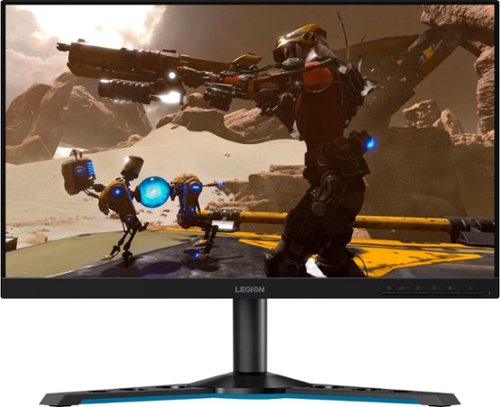
Lenovo - Legion Y25-25 24.5" IPS LED FHD FreeSync and G-SYNC Compatible Gaming Monitor (DisplayPort, HDMI, USB) - Raven Black
Professional Esport gaming is an extremely competitive space~where the difference between winning and losing comes down to the minutest of details. To stand out from the competition, you need equipment that matches the speed of your thought and actions. The Legion Y25-25 delivers wins in the toughest, most critical situations. NVIDIA~ G-SYNC~ Compatible technology takes motion blur out of the equation, improving visual clarity and making prolonged gaming sessions enjoyable. This monitor~s 24.5-inch In-Plane Switching (IPS) panel with a 240 Hz refresh rate and 1ms response time makes it possible to spot an opponent before they see you. When it comes down to a quickfire duel, that is the difference between firing first and getting shot.
Can I add a speaker to the Y25-25
The Lenovo Legion Y25-25 Monitor has a 3.5mm Audio Out jack for connecting a headset or external speakers.
5 years, 4 months ago
by
Posted by:
Lenovo Product Expert
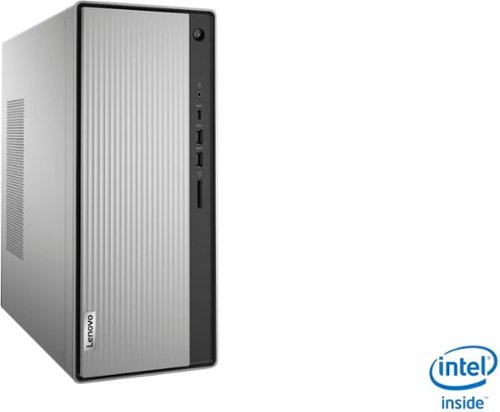
Lenovo - IdeaCentre 5i Desktop - Intel Core i5 - 8GB Memory - 1TB Hard Drive - Mineral Grey
Lenovo~ IdeaCentre~ 5i is a powerful, contemporary desktop powered by the latest Intel~ Core~ processors. Featuring gaming-grade graphics, fast DDR4 memory, and plenty ofstorage, it~s up to the task of having fun and will immerse you in it~and looks great in your home.
can this machine run windows 10 pro? i know it comes with home
Yes. You can purchase the Windows 10 Pro 64-bit upgrade and install it on this computer.
5 years, 4 months ago
by
Posted by:
Lenovo Product Expert
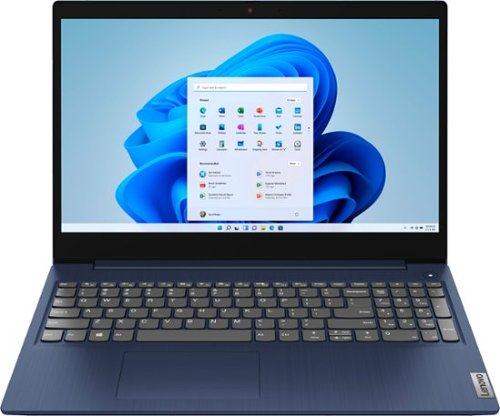
Lenovo - Ideapad 3 15 15.6" Touch-Screen Laptop - Intel Core i3 - 8GB Memory - 256GB SSD - Abyss Blue
Engineered for long-lasting performance, the Lenovo~ IdeaPad~ 3 15 delivers power in a laptop that's perfect for your everyday tasks, with features that you can depend on such as advanced mobile 10th Generation Intel Core processors and all day battery.
Does it have a headphone jack and internal disk?
The Lenovo IdeaPad 3 15 Laptop, model number 81WR000FUS, ships with a 3.5mm headphone / microphone combo jack. Although there is no built in CD/DVD drive within this model, you can use an external, USB-based Windows 10 compatible CD/DVD drive with this laptop, like this one: https://www.bestbuy.com/site/lg-8x-external-usb-double-layer-dvdrw-cd-rw-drive-black/5852919.p?skuId=5852919. This model ships with Windows 10 S-Mode 64-bit Operating System. Windows 10 S-Mode provides added security by only allowing APPs available ( and therefore certified by Microsoft) at the Microsoft Store. If you don't need the added security or you need to install APPs not available at the Microsoft Store, you can switch to standard Windows 10 Home 64-bit Operating System, at no additional cost. Here is a link to instructions for switching from Windows 10 S-Mode to Windows 10 Home: https://support.microsoft.com/en-us/help/4456067/windows-10-switch-out-of-s-mode
5 years, 4 months ago
by
Posted by:
Lenovo Product Expert
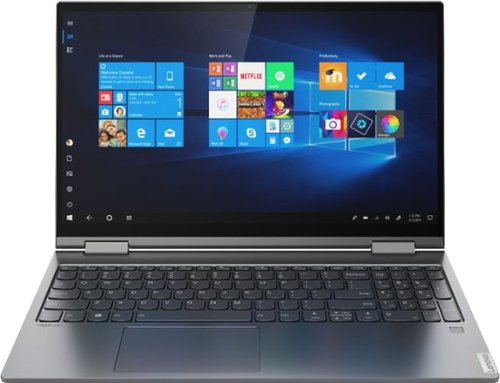
Lenovo - Yoga C740 2-in-1 15.6" Touch Screen Laptop - Intel Core i5 - 8GB Memory - 512GB SSD + 32GB Optane H10 - Iron Grey
Combining sleek design, long-lasting battery life, and smart high-speed processing, the Lenovo Yoga C740 blazes a trail with the latest 10th Generation Intel Core processors. Furthering Yoga~s famous 2-in-1 versatility, the Yoga C740 is available in both 14" and 15.6" sizes, offering the clarity of up to a FHD VESA400 HDR display, Dolby Atmos speakers, and a webcam privacy shutter for a robust user experience.
Is there an HDMI port? I see one listed in specs, but don't see any ports from the images.
No. The Lenovo Yoga C740-15 model number 81TD0078US, ships with a USB-c port with video out capability. You can connect an HDMI external monitor to the Yoga C740-15 by using a USB-c to HDMI adapter like this one: https://www.bestbuy.com/site/insignia-usb-c-to-hdmi-adapter-white/6424886.p?skuId=6424886
5 years, 4 months ago
by
Posted by:
Lenovo Product Expert
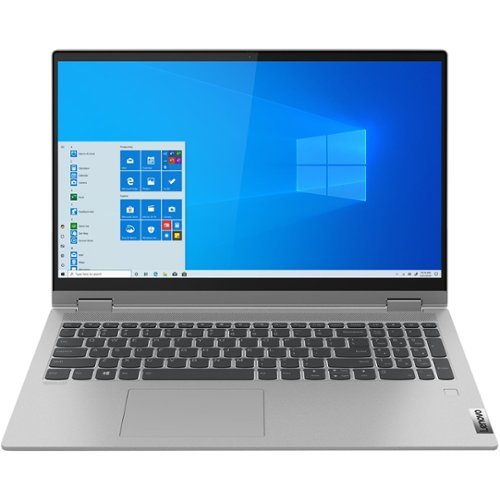
Lenovo - IdeaPad Flex 5 15IIL05 2-in-1 15.6" Touch-Screen Laptop - Intel Core i3 - 8GB Memory - 128GB SSD - Graphite Gray
Lenovo IdeaPad Flex 5 15IIL05 Convertible 2-in-1 Laptop: Work, game or stream your favorite shows with this Lenovo IdeaPad Flex 5 two-in-one laptop. The Intel Core i3 processor and 8GB of RAM deliver reliable performance, while the 15.6-inch Full HD LCD touchscreen offers high-quality visuals and intuitive control. This Lenovo IdeaPad Flex 5 two-in-one laptop features a 128GB SSD for fast startups.
Is this a good laptop for college students?
That really will depend on the software you will be using and the requirements and compatibility of that software. We recommend you check with the specific software publisher's web sites of the APPs you will need to use, for their compatibility with Windows 10 Home 64-bit operating system and the minimum/recommended hardware requirements (Is a Graphics card required, the processor speed and the minimum required system RAM and the minimum available hard drive space) to run their program, then compare those requirements to this system's configuration.
5 years, 4 months ago
by
Posted by:
Lenovo Product Expert
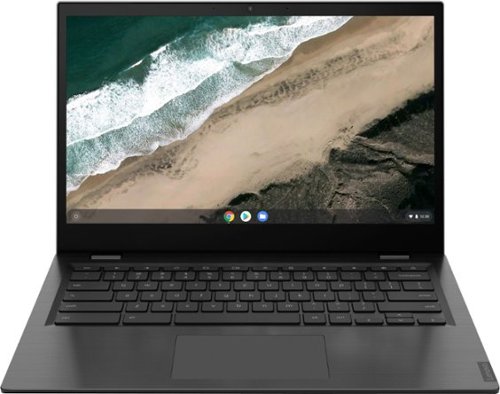
Lenovo - S345-14AST 14" Touch-Screen Chromebook - AMD A6-Series - 4GB Memory - AMD Radeon R5 - 32GB eMMC Flash Memory - Platinum Gray
Lenovo S345-14AST Chromebook: Complete daily computing tasks with this Lenovo Chromebook. The AMD processor offers performance for executing tasks quickly, and the 4GB of RAM let you run several applications seamlessly. This Lenovo Chromebook has a 32GB eMMC SSD for swift data access and start-up times, while the AMD Radeon R5 graphics deliver crisp visuals on the 14-inch Full HD display.
Can you upgrade the ram and can you add a m2 internal ssd?
No. Both the RAM and the eMMC solid state hard drive are soldered to the motherboard and are not upgradeable.
5 years, 4 months ago
by
Posted by:
Lenovo Product Expert