Lenovo Product Expert
Lenovo Product Expert's Stats
Reviews
- Review Count0
- Helpfulness Votes0
- First ReviewNone
- Last ReviewNone
- Featured Reviews0
- Average Rating0
Reviews Comments
- Review Comment Count0
- Helpfulness Votes0
- First Review CommentNone
- Last Review CommentNone
- Featured Review Comments0
Questions
- Question Count0
- Helpfulness Votes0
- First QuestionNone
- Last QuestionNone
- Featured Questions0
- Answer Count37918
- Helpfulness Votes24,858
- First AnswerApril 21, 2014
- Last AnswerOctober 21, 2026
- Featured Answers0
- Best Answers2831
Lenovo Product Expert's Reviews
Lenovo Product Expert has not submitted any reviews.
Lenovo Product Expert's Questions
Lenovo Product Expert has not submitted any questions.
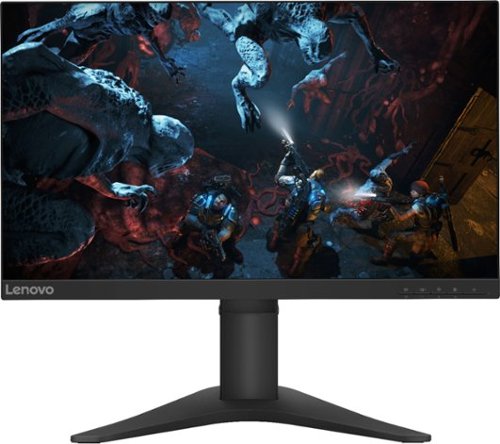
Lenovo - G25-10 24.5" LED FHD FreeSync Gaming Monitor (HDMI) - Raven Black
Amplify your gaming excitement with this Lenovo gaming monitor. The 24.5-inch screen features 1920 x 1080 resolution and NearEdgeless bezels, while a 144MHz refresh rate eliminates lag during intense gameplay. This Lenovo monitor is fueled by AMD FreeSync technology, and the blue light filter and height-adjustable stand provide hours of gaming comfort.
Is the Hdmi cable it comes with 1.4? Also when was this monitor released. I can’t find where it says it’s labeled as new and I expected something this good to be reviewed by a lot of people by now.

The Lenovo G25-10 Monitor was first available of sale in November, 2019. Here is a link to the HDMI cable that comes with this monitor: https://www.lenovo.com/us/en/accessories-and-monitors/cables-and-adapters/cables/CABLE-Lenovo-HDMI-to-HDMI-cable/p/0B47070.
6 years, 6 months ago
by
Posted by:
Lenovo Product Expert
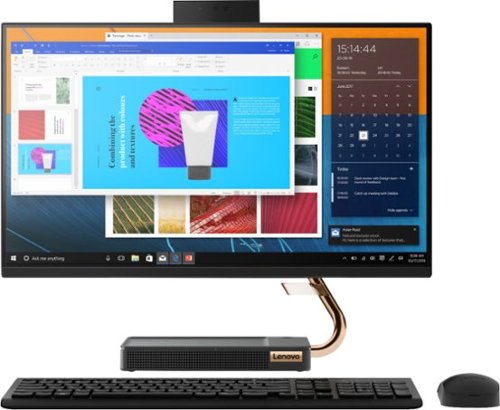
Lenovo - A540-24API 23.8" Touch-Screen All-In-One - AMD Ryzen 3-Series - 8GB Memory - 256GB Solid State Drive - Black
Get the job done with this Lenovo IdeaCentre all-in-one computer. The 23.8-inch Full HD capacitive display offers high-quality visuals and smooth touch operation while typing, and 8GB of RAM lets you run several windows simultaneously. This Lenovo IdeaCentre all-in-one computer features a 256GB SSD for fast data access and an AMD Ryzen 3 3200 processor for seamless performance while streaming.
Is this computer good for medical billing/work from home?
That will depend on the software you will need to use. We recommend you check with the specific software publisher's web site for their compatibility with Windows 10 Home 64-bit operating system and the minimum/recommended hardware requirements (Is a Graphics card required, the processor speed and the minimum required system RAM and the minimum available hard drive space) to run their program, then compare those requirements to this system's configuration.
6 years, 6 months ago
by
Posted by:
Lenovo Product Expert
Lenovo - A540-24API 23.8" Touch-Screen All-In-One - AMD Ryzen 3-Series - 8GB Memory - 256GB Solid State Drive - Black
Get the job done with this Lenovo IdeaCentre all-in-one computer. The 23.8-inch Full HD capacitive display offers high-quality visuals and smooth touch operation while typing, and 8GB of RAM lets you run several windows simultaneously. This Lenovo IdeaCentre all-in-one computer features a 256GB SSD for fast data access and an AMD Ryzen 3 3200 processor for seamless performance while streaming.
Will the Lenovo 540 support an old Microsoft natural keyboard, which is connected via USB cord?
That will depend on whether the old keyboard is compatible with Windows 10. We recommend you check with the keyboard manufacturer's manufacturer's web site for the compatibility of your specific model of keyboard with Windows 10.
6 years, 6 months ago
by
Posted by:
Lenovo Product Expert
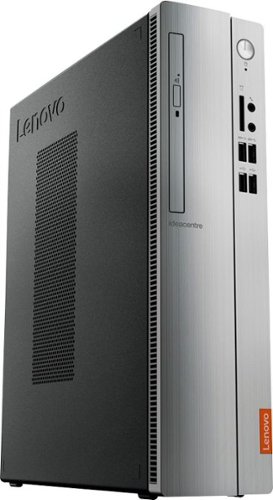
Lenovo - IdeaCentre 310S Desktop - AMD A9-Series - 4GB Memory - 1TB Hard Drive - Silver
Upgrade your PC with this Lenovo IdeaCentre computer. Its 4GB of RAM and 1TB hard drive provide a powerful performance, and the AMD A9 processor with integrated Radeon graphics powers through your favorite apps, media and games. This Lenovo IdeaCentre computer has a slim form factor for high space efficiency.
Can I buy a Video Camera and Microphone that is compatible with this Lenovo Computer and is the installation easy or hard?
The Lenovo IdeaCentre 310s Desktop, model number 90G90068U, ships with a 7 in 1 SD card reader, that is compatible with SD, SDHC, SDXC, MMC, MMC Plus, MS, MS Pro version smart cards. If you can find a video camera that uses one of these smart cards, that would be one way of getting video from your camera to this computer. In order to play the video on this computer, you will need software that can read the video format the camera produces. Please keep in mind, The Lenovo IdeaCentre 310s desktop, model number 90G90068US, is a mid-level, moderate use configuration, with its AMD A9-9425 processor. This Dual-Core processor has a base speed of 3.1GHz and a boost speed of up to 3.7GHz. This configuration has 4GB of DDR4-2666MHz RAM. It is good with Microsoft Office type programs, internet browsing and other moderate work. Be sure that any video player and or editing software you want to use with your video is compatible with this computer's configuration.
6 years, 6 months ago
by
Posted by:
Lenovo Product Expert
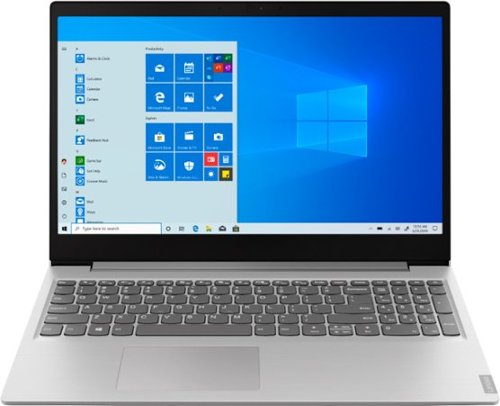
Lenovo - IdeaPad 15.6" Laptop - AMD Ryzen 3 - 8GB Memory - 256GB Solid State Drive - Platinum Gray/IMR
Complete daily tasks quickly with this Lenovo IdeaPad laptop. An AMD Ryzen 3 3200U processor and 8GB of RAM run multiple demanding applications simultaneously for easy multitasking, and the 256GB SSD provides ample storage space and swift boots. This Lenovo IdeaPad laptop has AMD Radeon Vega 3 integrated graphics for delivering quality visuals on the 15.6-inch Full HD display.
Is it possible to connect 2 monitors to this laptop. Not a duplicate of the same screen, but to have 2 different windows open.
You can connect one external monitor via the HDMI-Out port and use the computer screen as the second screen for a two screen setup. Select Extent Screen" when setting up the external monitor for two separate views.
6 years, 6 months ago
by
Posted by:
Lenovo Product Expert
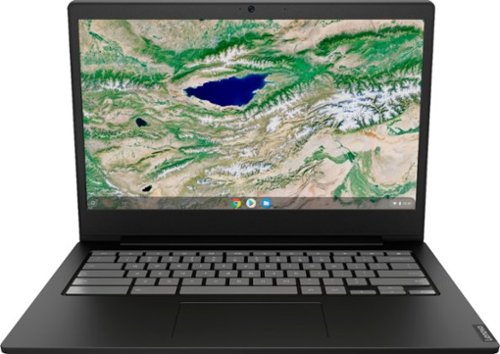
Lenovo - S340-14 Touch 14" Touch-Screen Chromebook - Intel Celeron - 4GB Memory - 32GB eMMC Flash Memory - Onyx Black
Lenovo S340-14 Touch Chromebook: Boost productivity with this 14-inch Lenovo Chromebook laptop. The Intel Celeron processor and 4GB of RAM let you run multiple programs at once, while the 32GB eMMC drive provides responsive storage for your files and applications. This Lenovo Chromebook laptop has a built-in 720p webcam and microphone for hassle-free video conferencing, and the 45W USB-C adapter ensures fast charging.
What is the end of life date for this model? When was it manufactured?
The Lenovo S340-14 Chromebook model number 81V30000US, was first available for sale in September, 2019. The specific manufacture date of each model is printed on the outside of the box the S340-14 ships in. Here is the Google Automatic Update Policy: https://support.google.com/chrome/a/answer/6220366?hl=en
6 years, 6 months ago
by
Posted by:
Lenovo Product Expert
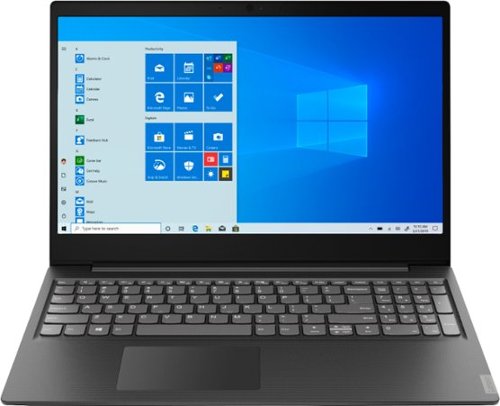
Lenovo - S145-15AST 15.6" Laptop - AMD A6-Series - 4GB Memory - 1TB Hard Drive - Black
Lenovo S145-15AST Laptop: Stay connected and engaged with this 15.6-inch Lenovo IdeaPad notebook. The 1TB hard drive stores the largest files and applications, and the AMD A6 processor makes demanding programs run smoothly. This Lenovo IdeaPad notebook has 4GB of RAM that let you manage multiple tabs at once and a 15.6-inch display that makes streaming content look crisp and detailed.
Does it have a hdmi output?
Yes. The Lenovo IdeaPad S145-15 laptop, model number 81N3009BUS, ships with one HDMI-Out port.
6 years, 6 months ago
by
Posted by:
Lenovo Product Expert
Lenovo - IdeaCentre 310S Desktop - AMD A9-Series - 4GB Memory - 1TB Hard Drive - Silver
Upgrade your PC with this Lenovo IdeaCentre computer. Its 4GB of RAM and 1TB hard drive provide a powerful performance, and the AMD A9 processor with integrated Radeon graphics powers through your favorite apps, media and games. This Lenovo IdeaCentre computer has a slim form factor for high space efficiency.
Can a second monitor be added to this computer right out of the box? Need dual monitors for work.
Yes. The Lenovo IdeaCentre 310s Desktop, model number 90G90068U, ships with one VGA port and one HDMI port that can be used to connect two monitors to this computer.
6 years, 6 months ago
by
Posted by:
Lenovo Product Expert
Lenovo - S340-14 Touch 14" Touch-Screen Chromebook - Intel Celeron - 4GB Memory - 32GB eMMC Flash Memory - Onyx Black
Lenovo S340-14 Touch Chromebook: Boost productivity with this 14-inch Lenovo Chromebook laptop. The Intel Celeron processor and 4GB of RAM let you run multiple programs at once, while the 32GB eMMC drive provides responsive storage for your files and applications. This Lenovo Chromebook laptop has a built-in 720p webcam and microphone for hassle-free video conferencing, and the 45W USB-C adapter ensures fast charging.
Can you play the sims 4 and Minecraft on this?
That will depend on the requirements and compatibility of the specific games. The Lenovo S340-14 Chromebook uses the Chrome Operating System and is compatible with Google Play Store and Chrome Web Store APPs. We recommend you check with the specific game's software publisher's web sites for their compatibility with the Chrome operating system and the minimum/recommended hardware requirements (Is a Graphics card required, the processor speed and the minimum required system RAM and the minimum available hard drive space) to run their program, then compare those requirements to this system's configuration.
6 years, 6 months ago
by
Posted by:
Lenovo Product Expert
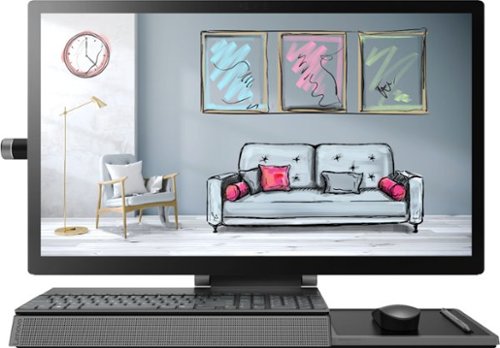
Lenovo - Yoga A940-27ICB 27" Touch-Screen All-In-One - Intel Core i7 - 16GB Memory - 1TB Hard Drive + 256GB Solid State Drive
Tackle important projects or watch movies with this Lenovo Yoga desktop computer. The display measures 27 inches diagonally for a detailed view, and the adjustable design ensures optimal viewing. This Lenovo Yoga desktop computer has a touchscreen, keyboard and mouse for easy interfacing, and the Intel Core i7 delivers reliable high-speed performance.
How can I do wireless charging with this machine. Thx
The Lenovo Yoga A940-27ICB 27-inch Touch-Screen All-In-One system has a wireless charging pan that you can use to charge a compatible cell phone that is wireless charging compatible, by just placing the wireless chargeable phone on the charging pad. The phone must be capable of wireless charging and have wireless charging enabled on the phone.
6 years, 6 months ago
by
Posted by:
Lenovo Product Expert