Lenovo Product Expert
Lenovo Product Expert's Stats
Reviews
- Review Count0
- Helpfulness Votes0
- First ReviewNone
- Last ReviewNone
- Featured Reviews0
- Average Rating0
Reviews Comments
- Review Comment Count0
- Helpfulness Votes0
- First Review CommentNone
- Last Review CommentNone
- Featured Review Comments0
Questions
- Question Count0
- Helpfulness Votes0
- First QuestionNone
- Last QuestionNone
- Featured Questions0
- Answer Count37723
- Helpfulness Votes24,785
- First AnswerApril 21, 2014
- Last AnswerSeptember 25, 2026
- Featured Answers0
- Best Answers2823
Lenovo Product Expert's Reviews
Lenovo Product Expert has not submitted any reviews.
Lenovo Product Expert's Questions
Lenovo Product Expert has not submitted any questions.
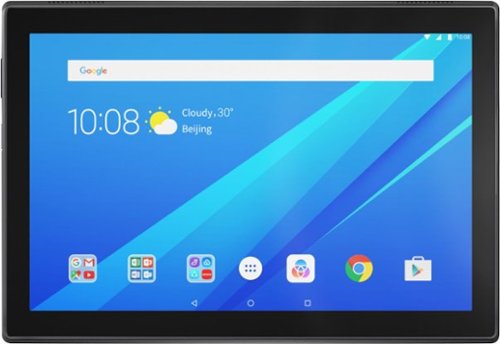
Lenovo - Tab4 10 - 10.1" - Tablet - 32GB - Slate Black
Enjoy an immersive multimedia experience with this Lenovo tablet. Its 10.1-inch HD touch screen shows colorful photos and movies, and it supports multiple users, so the whole family can have a dedicated profile and storage space. This Lenovo tablet has 2GB of RAM for multitasking smoothly, and the 32GB of ROM and microSD card slot provide media storage.
Is this device compatible with iOS?

The Tab 4,10.1" is an Android 7.1 tablet,(upgradable to Android 8.0) and does not support the Apple iOS.
7 years, 9 months ago
by
Posted by:
Lenovo Product Expert
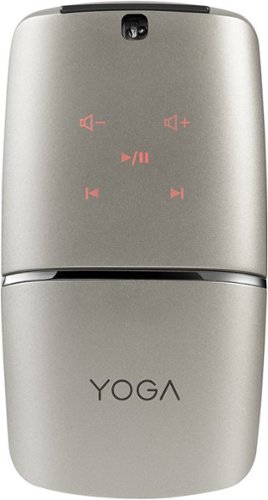
Lenovo - YOGA Wireless Optical Mouse - Silver
Navigate different interfaces with this Lenovo YOGA mouse. This wireless device provides versatile compatibility with its Bluetooth 4.0 and 2.4GHz Wi-Fi connectivity. Rotate the hinge of this Lenovo YOGA mouse to set it on flat mode and to activate its multilayer adaptive touch pad for controlling projector presentations or A/V playback.
My yoga mouse didn’t work. I charged it, and then power on but after a some some time it power off. And didn’t power On again . I push the the power button even for 1 minuet but I doesn’t power on. And shows any light.
Here is a link to the quick start guide for the Lenovo YOGA Mouse, if you continue to have issues with the YOGA mouse, we recommend you call Lenovo Tech Support at 877-453-6686. Here's the link to the Quick Start Guide: https://download.lenovo.com/consumer/options/lenovo_yoga_mouse_qsg_v2.0_201701.pdf
7 years, 9 months ago
by
Posted by:
Lenovo Product Expert
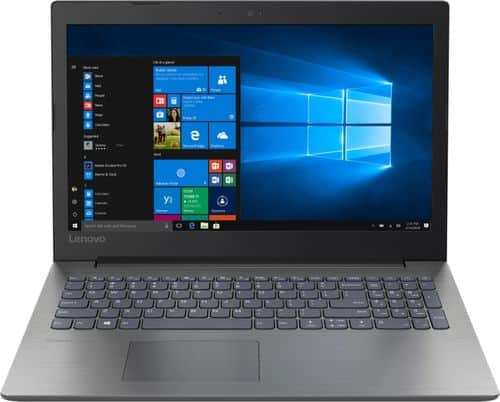
Lenovo - 330-15ARR 15.6" Laptop - AMD Ryzen 3 - 8GB Memory - 1TB Hard Drive - Onyx Black
Handle your workload with this 15.6-inch Lenovo IdeaPad 330 laptop. Ideal for maximizing productivity, the AMD Ryzen 3 processor delivers the power to smoothly handle a variety of demanding enterprise applications. This Lenovo IdeaPad 330 laptop features 8GB of RAM that lets you handle multiple tasks at once without impacting system performance.
can this run special edition
That will depend on the requirements and compatibility of the software. We recommend you check with the software publisher's web site for their compatibility with Windows 10 Home 64-bit operating system and the minimum/recommended hardware requirements (Is a Graphics card required, the processor speed and the minimum required system RAM and the minimum available hard drive space) to run their program, then compare those requirements to this system's configuration.
7 years, 9 months ago
by
Posted by:
Lenovo Product Expert
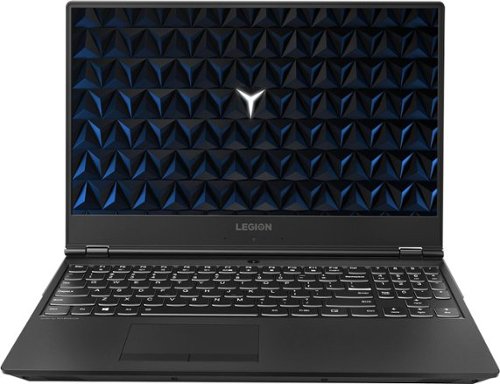
Lenovo - Legion Y530 15.6" Gaming Laptop - Intel Core i7 - 8GB Memory - NVIDIA GeForce GTX 1050 Ti - 1TB Hard Drive - Black
Play your favorite PC games with this 15.6-inch Lenovo laptop. Its Intel Core i7 processor and 8GB of RAM let you run multiple programs without performance lag, and its 1TB hard drive provides plenty of file storage space. This Lenovo laptop has a powerful NVIDIA GeForce GTX 1050Ti graphics card for fast rendering of images and videos.
Hi, I have 2 questions: 1. Do you have an international guarantee? I am from Peru. 2. Does this model include an intel optane memory? I read in one of the replies from lenovo that yes you include it. In the description of the laptop does not mention it.
There is no International manufacturer's warranty. This is a North American model. The manufacturer's warranty is valid in North America only. This model is Intel Optane Ready. It does not ship with Optane memory.
7 years, 9 months ago
by
Posted by:
Lenovo Product Expert
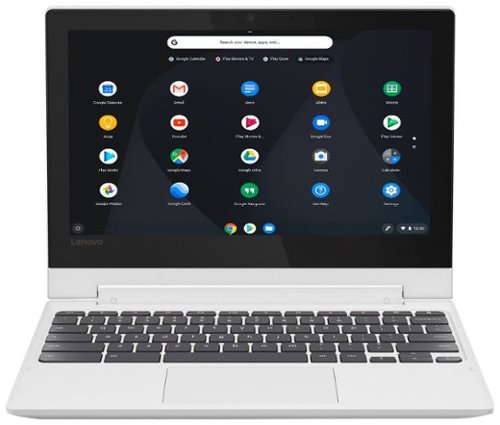
Lenovo - 2-in-1 11.6" Touch-Screen Chromebook - MT8173c - 4GB Memory - 32GB eMMC Flash Memory
Maximize productivity with this 11.6-inch Lenovo Chromebook computer. Its MediaTek processor and 4GB of RAM power its Chrome operating system, and the 32GB eMMC flash memory stores and protects necessary files. This Lenovo Chromebook computer has a 720p webcam for taking HD photos and video and videoconferencing with friends and associates.
I'm having difficulty finding a stylus that will work with it for the screen. The ones with rubber tips seem to just want to move the screen around. I need to have people sign on the screen or maybe there is a setting I haven't enabled correctly?
The Lenovo C330 Chromebook is not compatible with any active/digital pen. The only stylus you can use with this device is the capacitive touch (rubber-tipped) stylus.
7 years, 9 months ago
by
Posted by:
Lenovo Product Expert
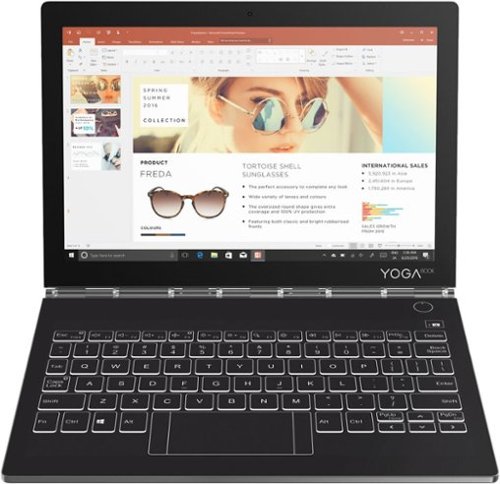
Lenovo - Yoga Book C930 2-in-1 10.8" Touch-Screen Laptop - Intel Core i5 - 4GB Memory - 128GB Solid State Drive
Cover your computing needs with this Lenovo Yoga Book laptop. At 10.8 inches and less than 2 lbs., it's highly portable, and the Intel Core i5 processor, 4GB of RAM and 128GB solid-state drive provide ample power for daily computing. This Lenovo Yoga Book laptop has a second screen that switches between a keyboard and tablet display as needed.
The expert reviews of the 128GB model all say it has the QHD IPS LCD (2560 x 1600) screen. That includes Tom's Hardware, Verge, CNET, and Engadget. However, both Best Buy and Ebay say the 128GB model has the 1920x1080 screen. So which is it?
Model number ZA3S0136US ships with a 1920 x 1080 (FHD) resolution screen.
7 years, 9 months ago
by
Posted by:
Lenovo Product Expert
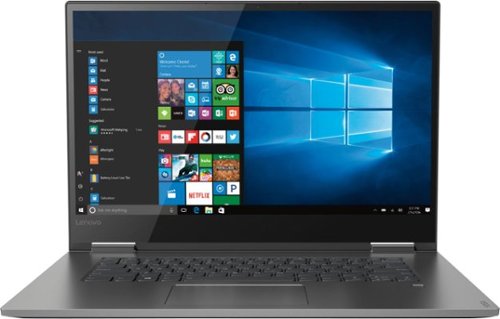
Lenovo - Yoga 730 2-in-1 15.6" Touch-Screen Laptop - Intel Core i5 - 8GB Memory - 256GB Solid State Drive - Iron Gray
Complete tasks while you're mobile with this Lenovo Yoga laptop. It transitions to a tablet with touch-screen control, and then back to a laptop for typing, and its Bluetooth capability lets you connect wireless peripherals for extra control. This Lenovo Yoga laptop has a powerful eighth-generation Intel Core processor and 8GB of RAM for speedy computing.
Does this Lenovo have Cortana?
Yes as a part of the Windows 10 operating system.
7 years, 9 months ago
by
Posted by:
Lenovo Product Expert
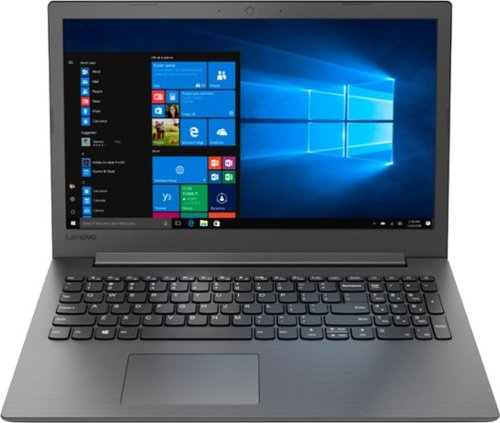
Lenovo - 130-15AST 15.6" Laptop - AMD A6-Series - 4GB Memory - AMD Radeon R4 - 500GB Hard Drive - Black
Stream content, tackle schoolwork or navigate your favorite websites with this Lenovo IdeaPad laptop. An AMD A6-9225 accelerated processor and 4GB of system memory let you run apps and software without lag, while the Windows 10 OS ensures intuitive operation. AMD Radeon R4 graphics ensure smooth video playback, making this laptop ideal for binge-watching your favorite shows. With a 15.6-inch HD LED-backlit display, this Lenovo IdeaPad laptop delivers crisp, clear image quality.
Is this laptop good for streaming and playing Fortnite?
That will depend on the requirements of the streaming service and the specific game. We recommend you check with the streaming service and the specific game's software publisher's web sites for their compatibility with Windows 10 Home 64-bit operating system and the minimum/recommended hardware requirements (Is a Graphics card required, the processor speed and the minimum required system RAM and the minimum available hard drive space) to run their program, then compare those requirements to this system's configuration.
7 years, 9 months ago
by
Posted by:
Lenovo Product Expert
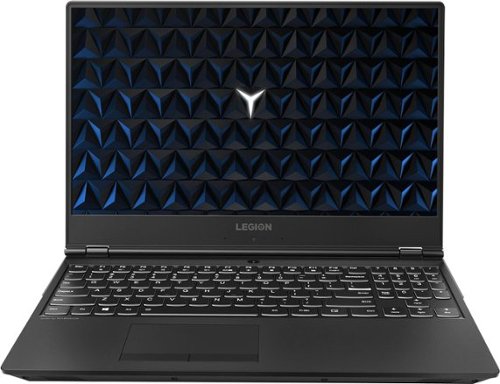
Lenovo - Legion Y530 15.6" Gaming Laptop - Intel Core i7 - 16GB Memory - NVIDIA GeForce GTX 1050 Ti - 1TB Hard Drive - Black
Load AAA game titles with this 15.6-inch Lenovo Legion gaming laptop. Its 1TB of storage lets you save large downloads, and the NVIDIA GeForce GTX 1050 Ti graphics card renders fluid Full HD visuals. This Lenovo Legion gaming laptop has 16GB of RAM and a hexa-core Intel Core i7 processor for powerful performance.
Is the memory upgradable? Since it only comes with one HDD, can a certain SSD be added eventually? I'm thinking of getting it, but would like to upgrade it with an additional SSD.
The RAM is not upgradable, the maximum RAM this configuration can support is 16GB. This configuration ships with 16GB of Intel Optane Memory. This solid state memory supports the standard 1TB hard drive. The Optane Memory keeps an image of the Windows 10 operating system and the programs and files used most by the operator. This provides fast boot up of the system, quick opening of the most used programs and files. Optane Memory allows the standard 1TB hard drive to operate like a hybrid drive.
7 years, 9 months ago
by
Posted by:
Lenovo Product Expert
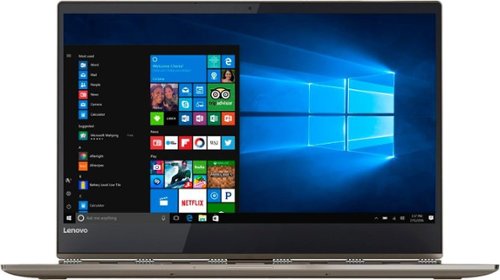
Lenovo - Yoga 920 2-in-1 13.9" Touch-Screen Laptop - Intel Core i7 - 8GB Memory - 256GB Solid State Drive - Bronze
Take care of your business on this Lenovo Yoga convertible laptop, which switches from computer to tablet with just a flip. The thin design holds 8GB system memory to keep up with multitasking, and Intel Core i7 provides super-fast processing speeds. The 13.9-inch HD display on this Lenovo Yoga convertible laptop brings streaming video to life.Learn more.
Does this model come with an HDMI port?
No, this model uses a Thunderbolt port for video out. To connect an external HDMI monitor to this device, you will need a Thunderbolt to HDMI adapter.
7 years, 9 months ago
by
Posted by:
Lenovo Product Expert