Samsung
Samsung's Stats
Reviews
- Review Count0
- Helpfulness Votes0
- First ReviewNone
- Last ReviewNone
- Featured Reviews0
- Average Rating0
Reviews Comments
- Review Comment Count0
- Helpfulness Votes0
- First Review CommentNone
- Last Review CommentNone
- Featured Review Comments0
Questions
- Question Count0
- Helpfulness Votes0
- First QuestionNone
- Last QuestionNone
- Featured Questions0
- Answer Count73632
- Helpfulness Votes37,926
- First AnswerApril 24, 2013
- Last AnswerAugust 14, 2026
- Featured Answers0
- Best Answers3940
Samsung's Reviews
Samsung has not submitted any reviews.
Samsung's Questions
Samsung has not submitted any questions.
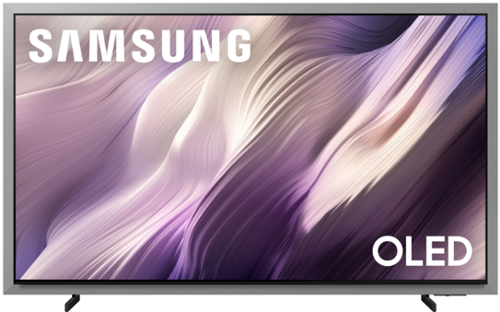
Unbeatable contrast with AI-powered pixel-level control, on a floating, glare-free screen that enhances movies, games and your home decor. Enjoy 5,000+ artworks from world-renowned artists and galleries, and you can reduce cable clutter on up to 8 HDMI devices with Wireless One Connect Ready. Also, get blazing-fast, ultra-smooth frame rates in video games with the Ultimate Gaming Pack.
What is the location distance from the edges of the TV for the leg stands? Does the distance change if you go with a larger version of this TV?

All models and sizes of Samsung TVs feature various measurements. The leg width of the 55” S95H is 35.7”.
~ Samsung Specialist
~ Samsung Specialist
2 weeks, 5 days ago
by
Posted by:
Samsung
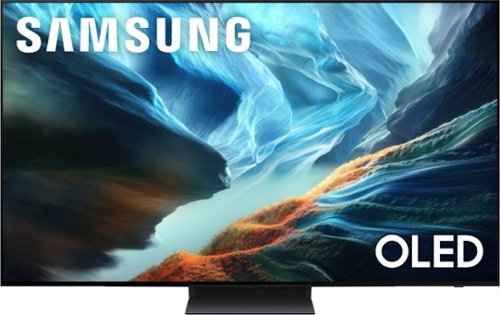
Level up your OLED experience and leave distracting reflections behind with Glare Free technology. Self-illuminating pixels precisely control brightness, contrast and color on this thin, sleek TV. Video games become ultra-smooth up to 165Hz thanks to the Ultimate Gaming Pack and the AI-powered processor enhances shows and movies for phenomenal depth and vibrant detail.
What is the factory warranty
The S90H TV comes with a 1-year Parts & Labor Manufacturer’s Warranty when purchased brand-new from an authorized dealer.
~ Samsung Specialist
~ Samsung Specialist
2 weeks, 5 days ago
by
Posted by:
Samsung
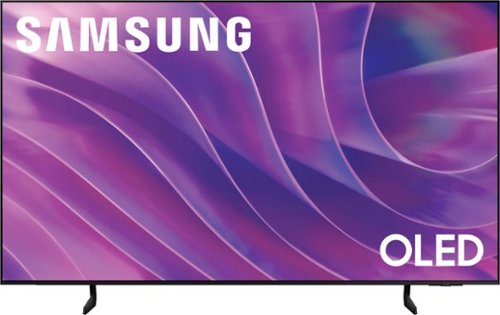
Self-illuminating pixels deliver the dramatic contrast of OLED and dazzling, expert-validated color, driven by our advanced AI processor. Experience a stunning picture with enhanced brightness and depth, all in a sleek design with a thin bezel. Dive into your content with Samsung Vision AI experiences and immerse yourself in multi-dimensional audio with top-firing speakers.
Can you disable the Vision AI stuff?
Catman - Please give us the opportunity to better assist with this by reaching Samsung Support at: 1-800-SAMSUNG (8AM – 9PM EST Mon – Fri, 8AM – 6PM Sat – Sun) or Chat with us on Samsung.com: https://www.samsung.com/us/support/contact/
~ Samsung Specialist
~ Samsung Specialist
2 weeks, 5 days ago
by
Posted by:
Samsung
Unbeatable contrast with AI-powered pixel-level control, on a floating, glare-free screen that enhances movies, games and your home decor. Enjoy 5,000+ artworks from world-renowned artists and galleries, and you can reduce cable clutter on up to 8 HDMI devices with Wireless One Connect Ready. Also, get blazing-fast, ultra-smooth frame rates in video games with the Ultimate Gaming Pack.
Do have a service that unboxes the tv and places it on a table
For information on professional TV setup and connection services, visit your local Best Buy store or check here:
https://www.bestbuy.com/site/tv-home-theater-services/tv-connect-setup/pcmcat1547141555465.c?id=pcmcat1547141555465
~ Samsung Specialist
https://www.bestbuy.com/site/tv-home-theater-services/tv-connect-setup/pcmcat1547141555465.c?id=pcmcat1547141555465
~ Samsung Specialist
2 weeks, 5 days ago
by
Posted by:
Samsung
Level up your OLED experience and leave distracting reflections behind with Glare Free technology. Self-illuminating pixels precisely control brightness, contrast and color on this thin, sleek TV. Video games become ultra-smooth up to 165Hz thanks to the Ultimate Gaming Pack and the AI-powered processor enhances shows and movies for phenomenal depth and vibrant detail.
U purchased an open box like new Samsung Tv. The set unfortunately came with a the two missing brackets that attached to the stand portion of the set. Section A.
Orkahn - Please directly contact or visit your local Best Buy for assistance with this.
~ Samsung Specialist
~ Samsung Specialist
2 weeks, 5 days ago
by
Posted by:
Samsung
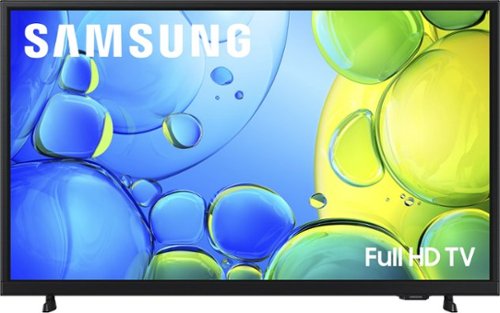
Step up to Full HD for a significantly clearer picture than regular HD. Enjoy impressive, fine-tuned colors and deep contrast, all wrapped in a sleek design and secured by triple-layer protection. Virtual 3-D sound is enhanced and tracks movement on screen for a truly immersive experience.
Can I program this tv in Mexico
Hi Paco,
The F6000F TV is intended for use within the U.S. and operates on 110-120V power only.
~ Samsung Advisor
The F6000F TV is intended for use within the U.S. and operates on 110-120V power only.
~ Samsung Advisor
3 weeks, 1 day ago
by
Posted by:
Samsung
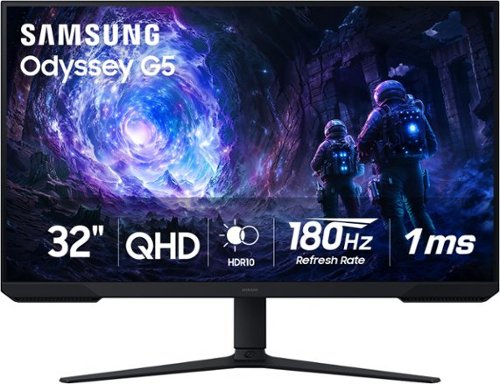
Samsung~s 32~ Odyssey G5 G51F Gaming Monitor boasts incredibly detailed, pin-sharp images with QHD resolution (2560x1440). HDR10 provides brighter highlights, improved contrast and color accuracy, making every scene feel more vivid and realistic. 180Hz Refresh Rate and near-instant 1ms Response Time (MPRT) captures all your moves with reduced lag for ultra-smooth gameplay. AMD FreeSync Premium Pro reduces choppiness, screen lag, and image tears. Black Equalizer allows you to adjust dark areas in games, so you can locate opponents hiding in the deepest shadows. Virtual Aim Point allows you to hit your marks with next-level accuracy, giving you the optimal aim with crosshairs on the screen. Auto Source Switch+ instantly switches to a new source signal when connected devices are turned on, without having to use multiple inputs. Ergonomic stand makes it simple to tilt and adjust the monitor for total gaming comfort.
Does this monitor have VESA mounting capability?
QTip:
Yes, the Samsung Odyssey G51F monitor has VESA mounting capability.
- Samsung Monitors
Yes, the Samsung Odyssey G51F monitor has VESA mounting capability.
- Samsung Monitors
3 weeks, 1 day ago
by
Posted by:
Samsung
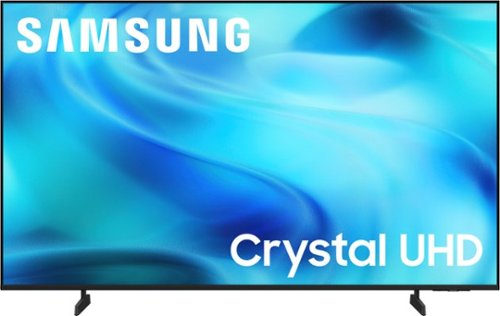
Watch all your content in crisp 4K resolution, with rich contrast, amazing color and clear picture. Discover thousands of subscription-free channels, including 700+ premium channels with Samsung TV Plus. Also, play thousands of video games without a console thanks to Samsung Gaming Hub. Enjoy peace of mind for years to come with the TV brand rated #1 in durability.
Why am I not getting the OTA channels I want from my antenna I plug it into?
Hi,
If your U8000H TV isn’t receiving all available channels, first check that your coaxial cable is securely connected. Then, try running Auto Program by going to: Home > left directional key > Settings > All Settings > General & Privacy > Broadcasting > Auto Program
If the issue persists, a factory reset may help: Home > left directional key > Settings > All Settings > General & Privacy > Factory Data Reset (this will restore all settings on your TV)
Please also note:
• Broadcasting settings are only accessible when your source is set to TV.
• These settings are not available when watching TV via a cable or satellite box.
If you continue to experience issues, please don’t hesitate to contact Samsung Customer Support at 1-800-SAMSUNG (8AM – 9PM EST Mon – Fri, 8AM – 6PM Sat – Sun). LiveChat agents and additional resources are also available through the ‘Support’ link on our Samsung website.
~ Samsung Advisor
If your U8000H TV isn’t receiving all available channels, first check that your coaxial cable is securely connected. Then, try running Auto Program by going to: Home > left directional key > Settings > All Settings > General & Privacy > Broadcasting > Auto Program
If the issue persists, a factory reset may help: Home > left directional key > Settings > All Settings > General & Privacy > Factory Data Reset (this will restore all settings on your TV)
Please also note:
• Broadcasting settings are only accessible when your source is set to TV.
• These settings are not available when watching TV via a cable or satellite box.
If you continue to experience issues, please don’t hesitate to contact Samsung Customer Support at 1-800-SAMSUNG (8AM – 9PM EST Mon – Fri, 8AM – 6PM Sat – Sun). LiveChat agents and additional resources are also available through the ‘Support’ link on our Samsung website.
~ Samsung Advisor
3 weeks, 1 day ago
by
Posted by:
Samsung
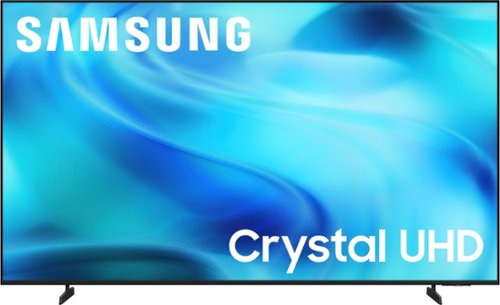
Watch all your content in crisp 4K resolution, with rich contrast, amazing color and clear picture. Discover thousands of subscription-free channels, including 700+ premium channels with Samsung TV Plus. Also, play thousands of video games without a console thanks to Samsung Gaming Hub. Enjoy peace of mind for years to come with the TV brand rated #1 in durability.
Can this tv connect to a Bluetooth speaker?
Hi Ricky,
Yes, the U8000H TV is Bluetooth-enabled.
~Samsung Advisor
Yes, the U8000H TV is Bluetooth-enabled.
~Samsung Advisor
3 weeks, 1 day ago
by
Posted by:
Samsung
Watch all your content in crisp 4K resolution, with rich contrast, amazing color and clear picture. Discover thousands of subscription-free channels, including 700+ premium channels with Samsung TV Plus. Also, play thousands of video games without a console thanks to Samsung Gaming Hub. Enjoy peace of mind for years to come with the TV brand rated #1 in durability.
Is this TV compatible with a SONY soundbar
Hi Janet,
The U8000H TV is compatible with soundbars that feature HDMI or are Bluetooth-enabled.
~Samsung Advisor
The U8000H TV is compatible with soundbars that feature HDMI or are Bluetooth-enabled.
~Samsung Advisor
3 weeks, 1 day ago
by
Posted by:
Samsung