Lenovo Product Expert
Lenovo Product Expert's Stats
Reviews
- Review Count0
- Helpfulness Votes0
- First ReviewNone
- Last ReviewNone
- Featured Reviews0
- Average Rating0
Reviews Comments
- Review Comment Count0
- Helpfulness Votes0
- First Review CommentNone
- Last Review CommentNone
- Featured Review Comments0
Questions
- Question Count0
- Helpfulness Votes0
- First QuestionNone
- Last QuestionNone
- Featured Questions0
- Answer Count37735
- Helpfulness Votes24,786
- First AnswerApril 21, 2014
- Last AnswerSeptember 28, 2026
- Featured Answers0
- Best Answers2823
Lenovo Product Expert's Reviews
Lenovo Product Expert has not submitted any reviews.
Lenovo Product Expert's Questions
Lenovo Product Expert has not submitted any questions.
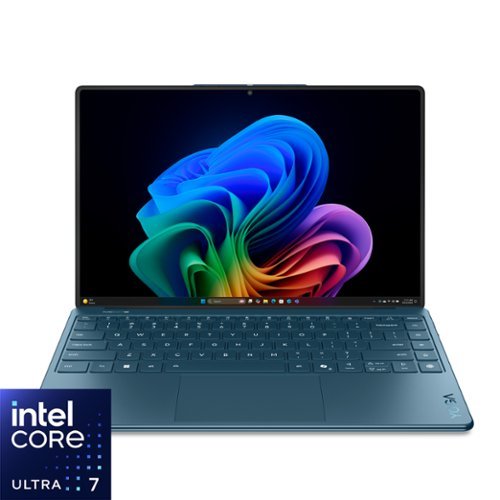
Lenovo - Yoga Slim 9i - Copilot+ PC - 14" 4K 120Hz OLED Touchscreen Laptop - Intel Core Ultra 7 258V 2024 - 32GB RAM - 1TB SSD - Tidal Teal
Let nothing come between you and your creative vision with the Yoga Slim 9i. Packed with serious innovation, from the world~s first camera-under-display (CUD) and 98% screen-to-body ratio to sleek gradient glass. The 14~ 4K OLED display and Intel Core Ultra processor deliver powerful performance, battery life, and security for your nonstop grind.
Does this laptop has a USB PORT?

Hi User75, thanks for your question. This Lenovo Yoga Slim 9i includes two Thunderbolt™ 4 ports with USB PD 45–65W and DisplayPort™ 2.1 support, giving you fast data transfer and compatibility with a wide range of peripherals. You can easily add standard USB-A ports by using a hub or docking station like the ones offered on the Best Buy website here: (https://www.bestbuy.com/site/searchpage.jsp?id=pcat17071&st=USB-C%20to%20USB-A%20hub). Please feel free to reach out to us if you have any further questions.
2 weeks, 1 day ago
by
Posted by:
Lenovo Product Expert
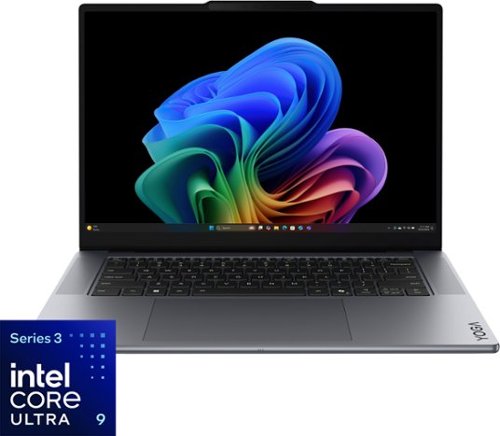
Turn your vision into reality with smarter tools and connections. The Yoga Pro 7i Aura Edition, powered by Intel Core Ultra processors and NVIDIA discrete graphics, boosts AI-driven performance for seamless rendering, multitasking, and edits. Lenovo X Power keeps it cool, while the PureSight Pro Tandem OLED display brings your work to life with vivid colors.
Can you leave the laptop plugged in all the time without any adversity?
Hi Randy823, thanks for your question. Yes, you can leave the Lenovo Yoga Pro 7i Aura Edition plugged in for long stretches without hurting the battery. Lenovo builds in smart battery management features that prevent overcharging and help reduce long‑term wear. For the best overall battery health, it’s still a good idea to let it run down once in a while and to turn on Lenovo’s battery protection features like Conservation Mode, which you can easily enable in the Lenovo Vantage app that comes preinstalled. Please feel free to reach out to us if you have any further questions.
2 weeks, 1 day ago
by
Posted by:
Lenovo Product Expert
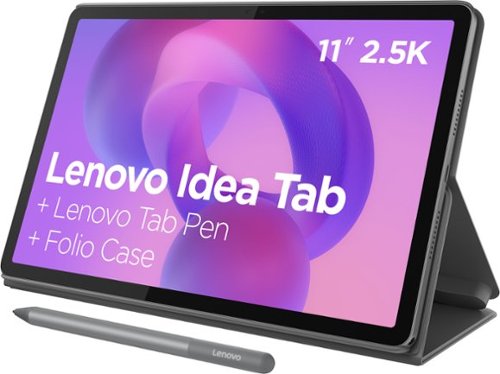
Make studying smoother and staying on track easier with the Lenovo Idea Tab, your AI-powered study buddy. The 11~ 2.5K display with a 90Hz refresh rate and quad Dolby Atmos speakers deliver clear visuals and rich sound for focused learning, lectures and fun. Need help on the spot? Instantly search or translate information on your screen with Circle to Search with Google, all without switching apps, enhanced by the Lenovo Tab Pen with 40% improved latency for smoother, more natural writing. Open the Notepad app and use Lenovo AI Notes to keep writing when you~re stuck, rephrase messy notes, or quickly summarize long content. Powered by the MediaTek D6300 with up to 70% more power*, multitasking feels smooth and effortless. Add the Pogo-pin Folio Keyboard (sold seperately) for easy typing, and count on all-day battery life to keep up wherever your day takes you.
does this have GPS?
Hi 99jeep4x4, thanks for your question. Yes, this Lenovo Idea Tab includes built‑in GPS, so you can navigate with supported location-based apps.
2 weeks, 1 day ago
by
Posted by:
Lenovo Product Expert
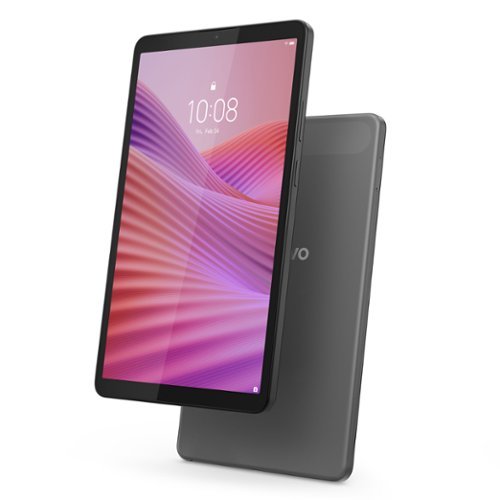
Discover a compact 8.7~ palm-sized tablet that offers great versatility in one with the Lenovo Tab One. Its portable size transforms into your go-to entertainment companion, delivering efficient performance, smooth multimedia experiences, and all-day usability. It offers the perfect combination of portability, feature, and performance~seamlessly adapting to your lifestyle with versatile accessories.
What are the overall dimensions/measurements (inches) and weight (oz) of this tablet? Thank you!
Hi Tikaro, thanks for your question. This Lenovo Tab One measures 8.31 inches in height, 4.91 inches in width, and 0.33 inches in depth. Please feel free to reach out to us if you have any further questions.
2 weeks, 1 day ago
by
Posted by:
Lenovo Product Expert
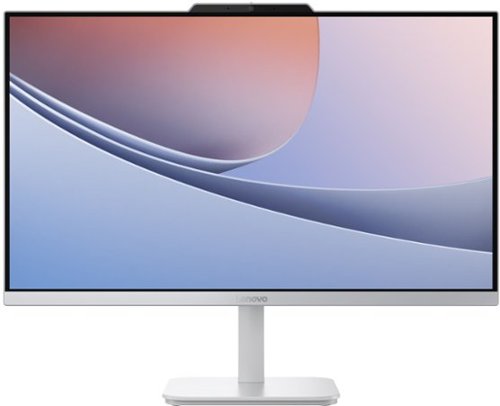
Blend style with functionality for your home with this sleek all-in-one desktop. This space-saving unibody design features a stunning 23.8" FHD display with ultra-thin 3-side bezels. Powered by an Intel N100 processor, the Lenovo A100 is perfect for everyday tasks at a great value.
Is it touch screen
Hi, thanks for your question. This Lenovo A100 All-in-One does not have a touchscreen display. If this is an important feature for you, we would love to work with you to help you find the right system for your needs. Please feel free to reach out to us if you would like any assistance or have any further questions.
2 weeks, 1 day ago
by
Posted by:
Lenovo Product Expert
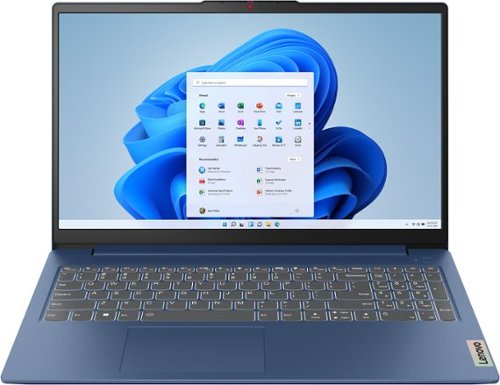
The slim, lightweight and military-grade resilient IdeaPad Slim 3 is built for smart and heavy work and study on the go, featuring AMD Ryzen processors and Smart Power.
Does it support 3 d printer
Hi Sandy, thanks for your question. Yes, you can use a 3D printer with this Lenovo IdeaPad Slim 3. Most 3D printers connect through USB or Wi‑Fi and work with standard 3D‑printing software, which this laptop supports. We recommend confirming that this IdeaPad Slim 3 meets the system requirements for the specific 3D‑printing software you plan to use. Please feel free to reach out to us if you have any further questions.
2 weeks, 3 days ago
by
Posted by:
Lenovo Product Expert
The slim, lightweight and military-grade resilient IdeaPad Slim 3 is built for smart and heavy work and study on the go, featuring AMD Ryzen processors and Smart Power.
This laptop has a IPS screen?
Hi Baturin, thanks for your question. This Lenovo IdeaPad Slim 3 features a 15.6" FHD (1920x1080) TN panel. Please feel free to reach out to us if you have any further questions.
2 weeks, 3 days ago
by
Posted by:
Lenovo Product Expert
Discover a compact 8.7~ palm-sized tablet that offers great versatility in one with the Lenovo Tab One. Its portable size transforms into your go-to entertainment companion, delivering efficient performance, smooth multimedia experiences, and all-day usability. It offers the perfect combination of portability, feature, and performance~seamlessly adapting to your lifestyle with versatile accessories.
Will a pin work with the Leveno 8.7 HD tablet?
Hi St, thanks for your question. We’re not certain whether your question refers to a security PIN or a stylus, so we’ll address both. This Lenovo Tab One supports PIN security to help protect your device. If your question is about stylus use, this model doesn’t include pen support. For stylus‑enabled options, the Lenovo Idea Tab is a great choice and is available as a bundle with a pen and folio case here: (https://www.bestbuy.com/product/lenovo-idea-tab-11-2-5k-tablet-8gb-ram-128gb-ufs-with-tab-pen-and-folio-case-luna-grey/JJGH3S2LRS/sku/6642810). Please feel free to reach out to us if you have any further questions.
2 weeks, 3 days ago
by
Posted by:
Lenovo Product Expert
Make studying smoother and staying on track easier with the Lenovo Idea Tab, your AI-powered study buddy. The 11~ 2.5K display with a 90Hz refresh rate and quad Dolby Atmos speakers deliver clear visuals and rich sound for focused learning, lectures and fun. Need help on the spot? Instantly search or translate information on your screen with Circle to Search with Google, all without switching apps, enhanced by the Lenovo Tab Pen with 40% improved latency for smoother, more natural writing. Open the Notepad app and use Lenovo AI Notes to keep writing when you~re stuck, rephrase messy notes, or quickly summarize long content. Powered by the MediaTek D6300 with up to 70% more power*, multitasking feels smooth and effortless. Add the Pogo-pin Folio Keyboard (sold seperately) for easy typing, and count on all-day battery life to keep up wherever your day takes you.
Can you make phone calls with this device?
Hi Letti, thanks for your question. This Lenovo Idea Tab does not support cellular capabilities for phone calls or text messages. However, you can still use apps like WhatsApp, Facebook Messenger, and others to send messages or make calls whenever you have an internet connection. Please feel free to reach out to us if you have any further questions.
2 weeks, 3 days ago
by
Posted by:
Lenovo Product Expert
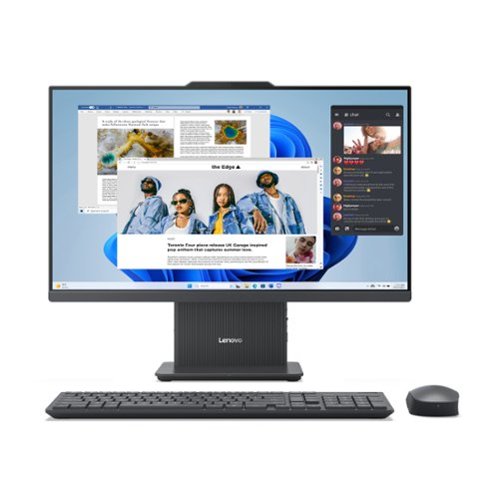
The clean lines and compact frame of the Lenovo IdeaCentre AIO encase a singularly performance-driven machine, with an AMD Ryzen 3 7000 Series processor for raw power and ultra-fast performance. And the tiny desk footprint of this quintessential family PC belies its entertainment features, including a wide three-sided narrow bezel FHD display and powerful stereo speakers by Harman.
What accessories go with this?
Hi Barb, thanks for your question. This Lenovo IdeaCentre AIO comes with a wireless keyboard and mouse. The system runs Windows 11 Home, which offers broad compatibility with peripherals, including printers, secondary monitors, external storage, etc. If you have any further questions, please feel free to reach out to us.
2 weeks, 3 days ago
by
Posted by:
Lenovo Product Expert