Lenovo Product Expert
Lenovo Product Expert's Stats
Reviews
- Review Count0
- Helpfulness Votes0
- First ReviewNone
- Last ReviewNone
- Featured Reviews0
- Average Rating0
Reviews Comments
- Review Comment Count0
- Helpfulness Votes0
- First Review CommentNone
- Last Review CommentNone
- Featured Review Comments0
Questions
- Question Count0
- Helpfulness Votes0
- First QuestionNone
- Last QuestionNone
- Featured Questions0
- Answer Count37880
- Helpfulness Votes24,853
- First AnswerApril 21, 2014
- Last AnswerOctober 16, 2026
- Featured Answers0
- Best Answers2830
Lenovo Product Expert's Reviews
Lenovo Product Expert has not submitted any reviews.
Lenovo Product Expert's Questions
Lenovo Product Expert has not submitted any questions.
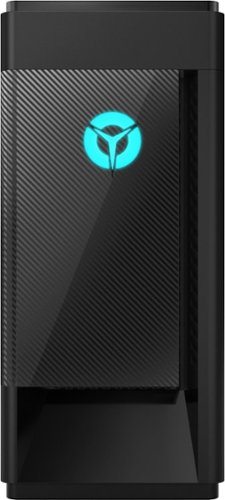
Lenovo - Legion Tower 5i - 90NC00R5US 28/Core i5-10400F/8/256GB/1TB/Nvidia GeForce GTX1650 Super/Windows 10 - Phantom Black
Engineered out of a passion for savage power and unmatched speed, the Lenovo~ Legion Tower 5i delivers mind-blowing performance that combines 10th Generation Intel~ Core~ processors and top-of-the-line NVIDIA~ GeForce~ graphics cards for blazing-fast frame rates at up to 4K resolution. Pushing far beyond the upper bounds of smaller rig configurations while keeping things cool and whisper quiet, the Legion Tower 5i is a marvel of build and design, accentuated by its illuminated blue LED logo and lighting, as well a transparent side panel that can properly showcase your internals.
I plugged in everything correctly, but when I turn it on, my monitor just shows a gray screen with my mouse, but no indication of installing anything. Did I do something wrong? I heard windows 10 came with the computer but it seems to not be working atm..

Check your video connections at both the monitor and the computer. Be sure you are using a good cable and the connections are secure on both sides. Try rebooting the computer. Windows 10 is installed on the computer and at initial startup, you should see and hear, if you have speakers connected, the step by step setup instructions for Windows 10. If you still see no image on the screen after checking the cable connections and rebooting the computer, we recommend you contact Lenovo Tech Support for additional help at: 866-426-0911.
5 years, 2 months ago
by
Posted by:
Lenovo Product Expert
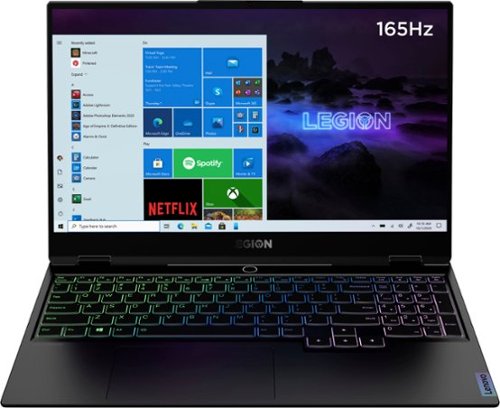
Lenovo - Legion Slim 7 15" Gaming Laptop - AMD Ryzen 7 5800H - NVIDIA GeForce RTX 3060 Max-Q - 16GB Memory - 512GB SSD
The Lenovo~ Legion Slim 7 was engineered for gamers who demand mobility and performance for day and night. Sporting a finely crafted chassis machined from 100% aluminum that is shockingly thin and impressively light, the Legion Slim 7 was expertly crafted for gamers who demand more.
I posed this Question: What is the difference between the Lenovo Legion model 82K80001US vs 82K80082US? I was sent back a reference that shows no differences. If there's no differences why are there two different model numbers?
Two different production runs for the same configuration. One SKU is currently Out Of Stock.
5 years, 2 months ago
by
Posted by:
Lenovo Product Expert
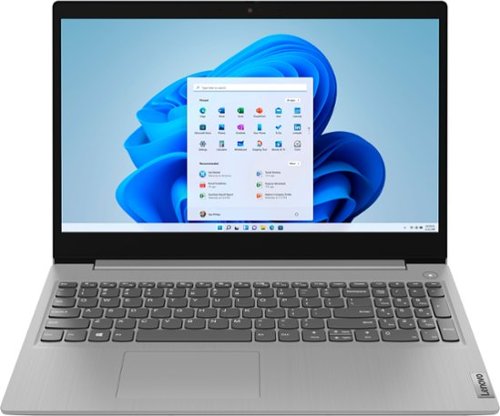
Lenovo - Ideapad 3 15 15.6" Laptop - AMD Ryzen 3 - 8GB Memory - 128GB SSD
Engineered for long-lasting performance, the Lenovo~ IdeaPad~ 3 delivers powerful performance with the latest AMD Mobile Processors with Radeon~ Graphics, in a laptop that's perfect for your everyday tasks, with features that you can depend on.
Can I download the Sims 4 on the computer?
That really will depend on the requirements and compatibility of the game you want to download. The Lenovo IdeaPad 3 15 Laptop, model number 81W1018XUS, ships with Windows 10 S-Mode 64-bit Operating System. Windows 10 S-Mode provides added security by only allowing APPs available ( and therefore certified by Microsoft) at the Microsoft Store. If you don't need the added security or you need to install APPs not available at the Microsoft Store, you can switch to standard Windows 10 Home 64-bit Operating System, at no additional cost. We recommend you check with the specific game's software publisher's web site for their compatibility with Windows 10 S-Mode 64-bit operating system and the minimum/recommended hardware requirements (Is a Graphics card required, the processor speed and the minimum required system RAM and the minimum available hard drive space) to run their program, then compare those requirements to this system's configuration. If you choose to switch out of S-Mode to Windows 10 Home, here is a link to instructions for switching from Windows 10 S-Mode to Windows 10 Home: https://support.microsoft.com/en-us/help/4456067/windows-10-switch-out-of-s-mode
5 years, 2 months ago
by
Posted by:
Lenovo Product Expert
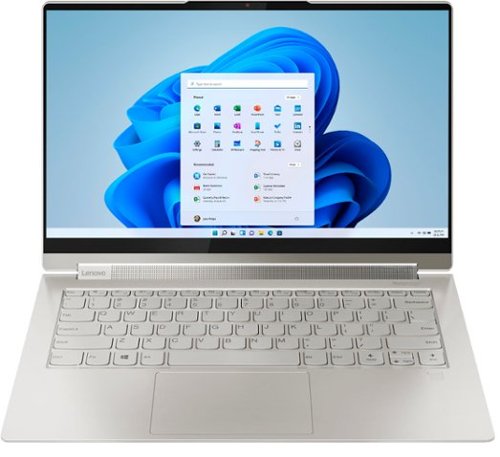
Lenovo - Yoga 9i 14 2-in-1 14" Touch-Screen Laptop - Intel Evo Platform Core i7 - 16GB Memory - 512GB SSD - Mica
Meet the Lenovo Yoga 9i, designed to put your experience first with the Intel Evo platform~s powerhouse combination of performance, responsiveness, battery life and stunning visuals. Innovative features are encased directly in a sleek 2-in-1 metal chassis, combined with the advanced mobile performance of 11th generation Intel Core processors and powerfully immersive entertainment.
Can this laptop be connected to multiple screens through a usb-c connected docking station?
The Intel Evo-Certified, Lenovo Yoga 9i 14 model number 82BG000CUS, supports up to 3 independent displays via native display and 2 external monitors; supports external monitors via Thunderbolt (up to 5120x3200@60Hz), through direct connection with the monitors. You can also use a Thunderbolt 3.0/4.0 compatible universal docking station as well.
5 years, 2 months ago
by
Posted by:
Lenovo Product Expert
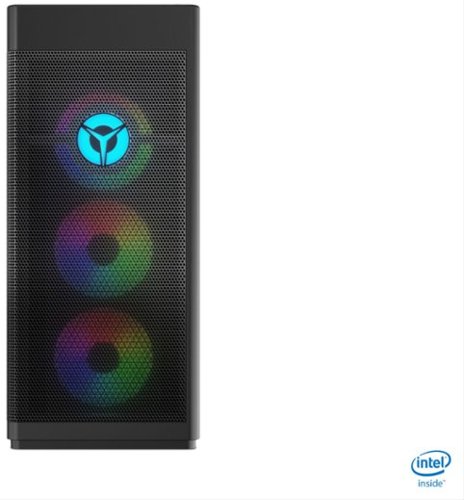
Lenovo - Legion Tower 7i Gaming Desktop - Intel Core i7-10700K - 16GB Memory - NVIDIA GeForce RTX 3060 -512GB SSD - Black
Engineered out of a passion for savage power and unmatched speed, the Lenovo~ Legion Tower 7i delivers overclocked performance, available with an Intel~ Core~ i7-10700K processor, and NVIDIA~ GeForce RTX~ 3060 graphics cards for blazing-fast frame rates at over 4K resolution. Smashing through ceilings in a robust 34 L chassis, accented by over 16 million colors via an ARGB lighting system with transparent side panel.
We want to add 16 GB RAM. Can anyone advise on part number or product - is it one 16 GB, or do we need to purchase two x 8GB? Thank you
The Lenovo Legion Tower 7i Gaming Desktop Computer, model number 90Q800CEUS, ships with 16GB DDR4-3200MHz RAM (2 x 8GB) 2 x 8GB D4 32U LMKU8G68AHFHD-32A MEMORY, Lenovo Part Number - 5M30V06967. Here is a link to the complete parts list for this configuration: https://pcsupport.lenovo.com/us/en/products/desktops-and-all-in-ones/legion-series/legion-t7-34imz5/90q8/90q800ceus/parts/display/model
5 years, 2 months ago
by
Posted by:
Lenovo Product Expert
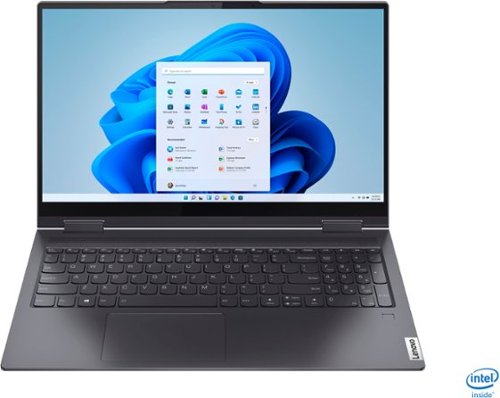
Lenovo - Yoga 7i 2-in-1 15.6" Touch Screen Laptop - Intel Core i5 - 8GB Memory - 256GB Solid State Drive - Slate Grey
The Lenovo Yoga 7i 15" combines versatile portability and enhanced productivity, thanks to the boundary-breaking performance and responsiveness of 11th generation Intel Core i5 processors and vibrant FHD clarity with Intel Iris Xe graphics. Go anywhere with a sleek 2-in-1 metal chassis featuring thoughtful details including a webcam privacy shutter..
Is this laptop compatible with a laptop lock?
No. The Lenovo Yoga 7i 15 model number 82BJ0001US, does not have a Kensington Lock Port.
5 years, 2 months ago
by
Posted by:
Lenovo Product Expert
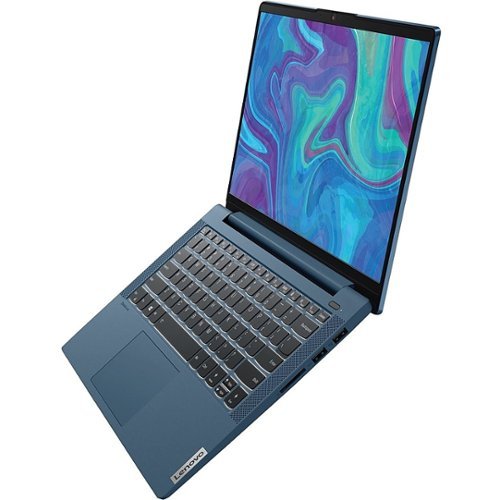
Lenovo - IdeaPad 5 15ITL05 15.6" Laptop - Intel Core i7 - 12 GB Memory - 512 GB SSD - Graphite Gray
We designed the displays on the IdeaPad 5 laptop to pack as much screen space into the surface area as possible, pushing visuals to the edge and giving you a viewing experience that feels bigger.
How long is the battery life? / How many hours of use for each charge?
The Lenovo IdeaPad 5 15 Laptop, model number 82FG00EQUS, ships with a 3CELL_57WH_INTERNAL, Lithium Polymer Battery, which within this configuration, has a battery life of up to 12 hours, depending on the work the device is performing.
5 years, 2 months ago
by
Posted by:
Lenovo Product Expert
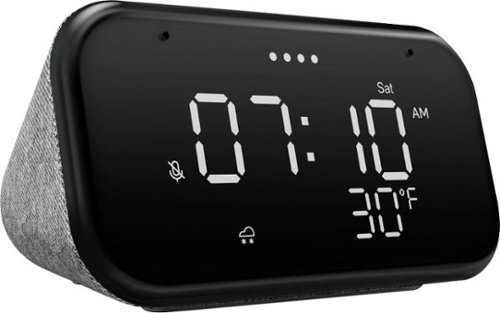
Lenovo - Smart Clock Essential 4" Smart Display with Google Assistant - Soft Touch Gray
The Lenovo Smart Clock Essential is the ultimate smart clock for any room. With a big & bold display you can check out the time from across the room, whether in the kitchen, in the living room or on a shelf. Talk to Google for hands-free help. From checking the time and weather, setting timers for cooking, adding items to your shopping list or making hands-free calls, the Lenovo Smart Clock Essential is here to help you be more productive and take back time. It~s also a great night-time companion with its built-in nightlight that provides a small source of light without waking up the whole family. No more stumbling around in the dark when searching for things. Listen to music, news, podcasts, and more with the clock~s quality speakers. Control over 40,000 compatible smart devices from over 5,000 brands. Ask Google to set the temperature, dim the lights, and more. Just say ~Hey Google.~
Are you able to play music as the alarm with this clock, or just a default beeping? Thanks
Yes. You do have the ability to set music alarms from your favorite artist, radio station, or podcast from your favorite streaming service like YouTube Music, Spotify, Pandora, SiriusXM, Tune-in, and more. Just say "Okay Google set a music alarm" to get started.
5 years, 2 months ago
by
Posted by:
Lenovo Product Expert
Lenovo - Legion Slim 7 15" Gaming Laptop - AMD Ryzen 7 5800H - NVIDIA GeForce RTX 3060 Max-Q - 16GB Memory - 512GB SSD
The Lenovo~ Legion Slim 7 was engineered for gamers who demand mobility and performance for day and night. Sporting a finely crafted chassis machined from 100% aluminum that is shockingly thin and impressively light, the Legion Slim 7 was expertly crafted for gamers who demand more.
What is the difference between the Lenovo Legion model 82K80001US vs 82K80082US?
Here is a link to the comparison web page: https://www.bestbuy.com/site/compare?skus=6455138,6470819
5 years, 2 months ago
by
Posted by:
Lenovo Product Expert
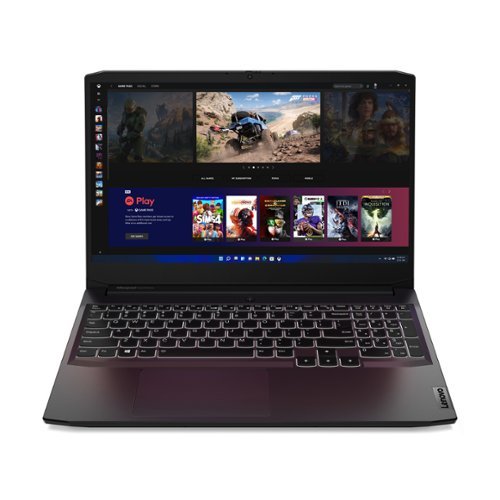
Lenovo - IdeaPad Gaming 3 15" Laptop - AMD Ryzen 5 5600H - NVIDIA GeForce GTX 1650 - 8GB Memory - 512GB SSD
Time to elevate your game and esports experience beyond the realm of the ~just acceptable~ with a PC that stands tall amongst your gaming circle. Engineered with AMD Ryzen~ 5600H processor, NVIDIA~ GeForce~ GTX 1650 graphics, DDR4 memory and M.2 NVMe SSD storage options, the Lenovo~ IdeaPad~ Gaming 3 projects a quiet and serene confidence with smooth, crystal-clear visuals and seamless gameplay that stays cool through improved thermals. The IdeaPad Gaming 3 is also stunning visually turned on or off with an 120 Hz clear FHD display and an advanced gaming keyboard.
Are they keyboard lights customizable?
No. The Lenovo IdeaPad 3 15 Gaming Laptop, model number 82K20003US, ships with a backlit keyboard that is white in color only. You can turn on the backlighting by holding down the FN Key and tapping the Spacebar: Once to turn on the backlighting, twice to increase the intensity of the backlighting and three times to turn off the backlighting.
5 years, 2 months ago
by
Posted by:
Lenovo Product Expert