Lenovo Product Expert
Lenovo Product Expert's Stats
Reviews
- Review Count0
- Helpfulness Votes0
- First ReviewNone
- Last ReviewNone
- Featured Reviews0
- Average Rating0
Reviews Comments
- Review Comment Count0
- Helpfulness Votes0
- First Review CommentNone
- Last Review CommentNone
- Featured Review Comments0
Questions
- Question Count0
- Helpfulness Votes0
- First QuestionNone
- Last QuestionNone
- Featured Questions0
- Answer Count37906
- Helpfulness Votes24,856
- First AnswerApril 21, 2014
- Last AnswerOctober 20, 2026
- Featured Answers0
- Best Answers2830
Lenovo Product Expert's Reviews
Lenovo Product Expert has not submitted any reviews.
Lenovo Product Expert's Questions
Lenovo Product Expert has not submitted any questions.
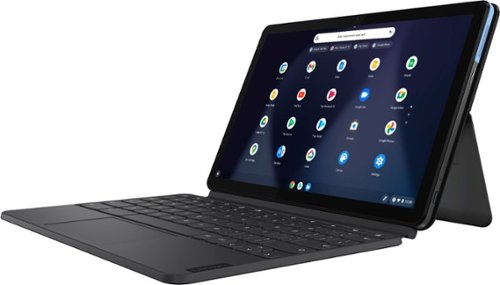
Lenovo - IdeaPad Duet Chromebook - 10.1 (1920x1200) Touch 2-in-1 Tablet - MediaTek P60T - 4G RAM - 128G eMCP4x - with Keyboard - Ice Blue + Iron Gray
Work on pending assignments while on the move with this Lenovo Chromebook Duet. The 10.1-inch touch screen provides an interactive user experience, while the 128GB of internal storage offer ample space for apps and media files. This Lenovo Chromebook Duet features a MediaTek Helio P60T processor and 4GB of RAM for effortless multitasking.
Will the display remain upright when opened without being on a flat surface and using the kickstand? Or, Does the display support itself without the kickstand when attached to the keyboard? Wondering if I can use it while in bed without table or tray.

You will need the kickstand/cover attached to position the screen in the upright position.
5 years, 5 months ago
by
Posted by:
Lenovo Product Expert
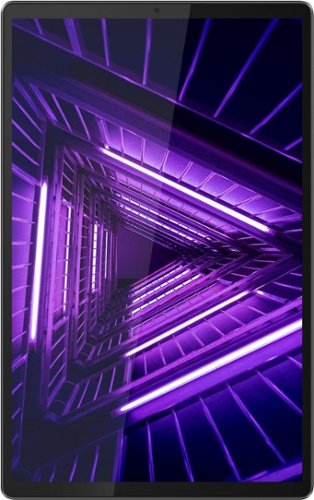
Lenovo - Tab M10 FHD Plus - 10.3" - Tablet - 32GB - Iron Gray
Lenovo~ Tab M10 Plus is one impressive media tablet from the 2nd generation tab family. Its standout metal design gives you a premium look and feel with modern simplicity. Inside lies a 10.3" FHD screen and dual speakers for truly immersive entertainment. This is one tablet you will want to use and pass around the house.
Are you able to connect two Bluetooth headsets and listen to them at the same time? like if you would like to watch a movie with two people using separate Bluetooth headset.
Yes. The Lenovo Tab M10 Plus Tablet ships with Bluetooth 5.0 capability, so you can connect two Bluetooth 5.0 enabled headphones to this tablet at the same time.
5 years, 5 months ago
by
Posted by:
Lenovo Product Expert
Lenovo - IdeaPad Duet Chromebook - 10.1 (1920x1200) Touch 2-in-1 Tablet - MediaTek P60T - 4G RAM - 128G eMCP4x - with Keyboard - Ice Blue + Iron Gray
Work on pending assignments while on the move with this Lenovo Chromebook Duet. The 10.1-inch touch screen provides an interactive user experience, while the 128GB of internal storage offer ample space for apps and media files. This Lenovo Chromebook Duet features a MediaTek Helio P60T processor and 4GB of RAM for effortless multitasking.
Is there other color versions?
Images for this Question
(click to see full-size image)

Currently the only color available for the Lenovo Chromebook Duet, model number ZA6F0016US is the Ice Blue + Iron Gray combination.
5 years, 5 months ago
by
Posted by:
Lenovo Product Expert
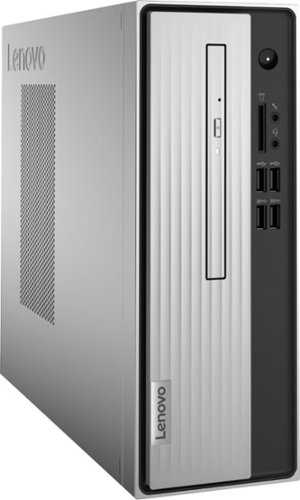
Lenovo - IdeaCentre 3 07ADA Desktop - AMD Athlon -Series - 4GB Memory - 1TB HDD - Silver
Lenovo IdeaCentre 3 07ADA Desktop: Get the job done with this silver Lenovo IdeaCentre 3 desktop computer. An AMD Athlon 3050U processor and 4GB of RAM run multiple programs simultaneously for increased productivity, while the 1TB HDD offers vast storage space for your files and applications. This Lenovo IdeaCentre 3 desktop computer includes a wired mouse and keyboard for easy operation.
Does it have an operating system already installed (ex Windows 10)?
Yes. The Lenovo IdeaCentre 3 Desktop Computer, model number 90MV0001US, ships with Windows 10 Home 64-bit Operating System installed. The user will need to activate and setup Windows 10 at the initial startup. There are both easy audio as well as on-screen step by step setup instructions.
5 years, 5 months ago
by
Posted by:
Lenovo Product Expert
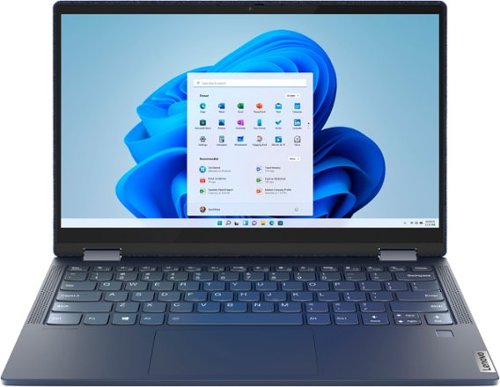
Lenovo - Yoga 6 13 2-in-1 13.3" Touch Screen Laptop - AMD Ryzen 7 - 16GB Memory - 512GB SSD - Abyss Blue Fabric Cover
Featuring a premium textile cover, the Lenovo~ Yoga~ 6 is an ultra-portable 2-in-1 that combines unique style with the powerful responsiveness of an AMD Ryzen~ 4000 Series Mobile Processor, abundant memory and SSD storage. Enjoy a rich multimedia experience with the clarity of a 13.3" FHD touchscreen display, and enveloping sound with Dolby Atmos~-optimized stereo speakers
What version of AMD Radeon does this laptop have?
The Lenovo Yoga 6 13 model number 82FN0003US, ships with integrated graphics processing within its AMD Ryzen 7 4700U processor. It is the integrated, AMD Radeon Graphics version.
5 years, 5 months ago
by
Posted by:
Lenovo Product Expert
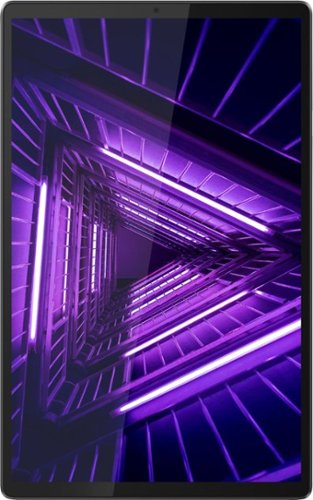
Lenovo - Tab M10 FHD Plus - 10.3" - Tablet - 128GB - Iron Gray
Lenovo~ Tab M10 Plus is one impressive media tablet from the 2nd generation tab family. Its standout metal design gives you a premium look and feel with modern simplicity. Inside lies a 10.3" FHD screen and dual speakers for truly immersive entertainment. This is one tablet you will want to use and pass around the house.
Can this tablet connect to a TV using an HDMI cable, maybe using an adapter on the tablet end?
The Lenovo Tab M10 Plus Tablet, model number ZA5T0237US, has one USB-C 2.0 (support data transfer, OTG and Power Delivery). You can use a USB-c to HDMI adapter to connect this tablet to a TV.
5 years, 5 months ago
by
Posted by:
Lenovo Product Expert
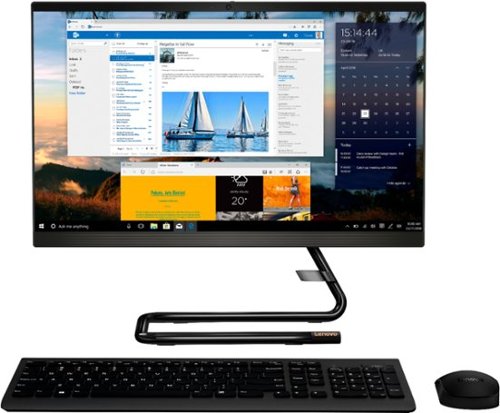
Lenovo - IdeaCentre A340-22IGM 21.5" Touch-Screen All-In-One - Intel Pentium Silver - 8GB Memory - 1TB HDD - Business Black
Finish office work flawlessly with this all-in-one Lenovo IdeaCentre desktop computer. The 1TB HDD provides ample storage space for projects and media, while the 8GB of RAM and Intel Pentium Silver processor let you run multiple programs effortlessly. This 21.5-inch Lenovo IdeaCentre desktop computer includes a Full HD touchscreen, and integrated Intel UHD graphics produce quality visuals.
Does this computer come with a Built-in microphone so you can talk on zoom
Yes. The Lenovo IdeaCentre A340-22 All-In-One system ships with a 720p (HD) webcam and built in microphone for video conferencing.
5 years, 5 months ago
by
Posted by:
Lenovo Product Expert
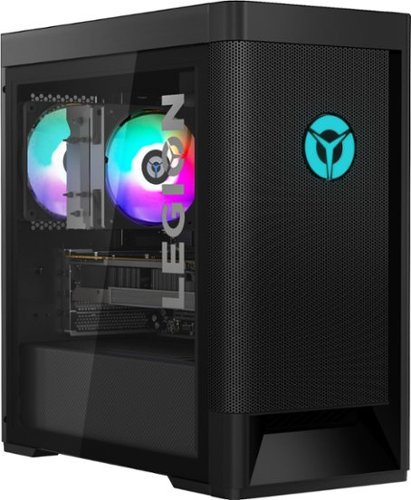
Lenovo - Legion Tower 5 AMD Gaming Desktop - AMD Ryzen 7-3700X - 16GB Memory - NVIDIA GeForce GTX 1660 Super - 256GB SSD+ 1TB HDD - Phantom Black
Engineered out of a passion for savage power and unmatched speed, the Lenovo~ Legion Tower 5 AMD delivers mind-blowing performance that combines AMD Ryzen processors and top-of-the-line NVIDIA~ GeForce~ graphics cards for blazing-fast frame rates at up to 4K resolution. Pushing far beyond the upper bounds of smaller rig configurations while keeping things cool and whisper quiet, the Legion Tower 5 is a marvel of build and design, accentuated by its illuminated blue LED logo and lighting, as well a transparent side panel that can properly showcase your internals.
My pc just arrived but it won’t turn on
We are sorry to hear that you are having issues with the initial startup of your Lenovo Legion Tower 5 AMD Gaming Desktop Computer. Try unplugging your computer. Wait 15-minutes. Now plug the computer back in. While pushing the power button, also tap the F2 Key repeatedly until you see the Lenovo One Key Recovery Screen. Here you will be able to reset the computer back to original factory settings and begin the setup process again. If the issue continues, we recommend you contact Lenovo Tech Support at: 866-426-0911.
5 years, 5 months ago
by
Posted by:
Lenovo Product Expert
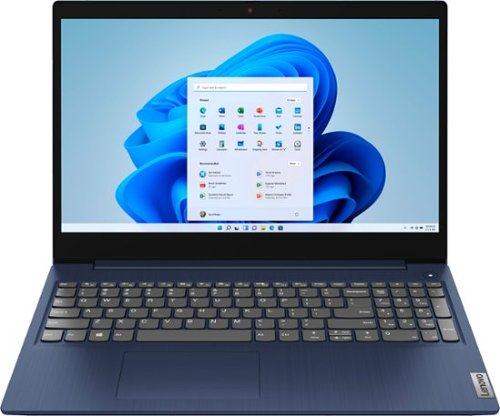
Lenovo - Ideapad 3 15 15.6" Touch-Screen Laptop - Intel Core i3 - 8GB Memory - 256GB SSD - Abyss Blue
Engineered for long-lasting performance, the Lenovo~ IdeaPad~ 3 15 delivers power in a laptop that's perfect for your everyday tasks, with features that you can depend on such as advanced mobile 10th Generation Intel Core processors and all day battery.
I've read so many reviews that mention the "gaming" aspect of this laptop. Is that basically all it's good for?
The Lenovo IdeaPad 3 15 Laptop, model number 81WR000FUS, is a general use configuration, capable of managing light to moderate workloads. This model ships with Windows 10 S-Mode 64-bit Operating System. Windows 10 S-Mode provides added security by only allowing APPs available ( and therefore certified by Microsoft) at the Microsoft Store. If you don't need the added security or you need to install APPs not available at the Microsoft Store, you can switch to standard Windows 10 Home 64-bit Operating System, at no additional cost. We always recommend you check the requirements and compatibility of any software/games you will be installing on your new computer, before you invest in any computer. Be sure your new computer can support the software/games you will need to use.
5 years, 5 months ago
by
Posted by:
Lenovo Product Expert
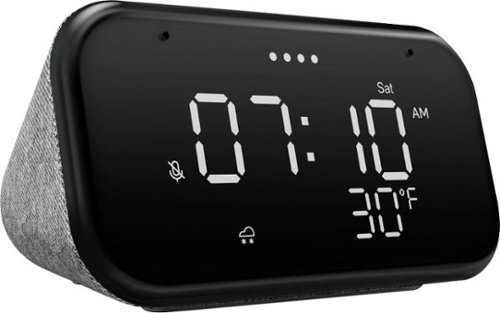
Lenovo - Smart Clock Essential 4" Smart Display with Google Assistant - Soft Touch Gray
The Lenovo Smart Clock Essential is the ultimate smart clock for any room. With a big & bold display you can check out the time from across the room, whether in the kitchen, in the living room or on a shelf. Talk to Google for hands-free help. From checking the time and weather, setting timers for cooking, adding items to your shopping list or making hands-free calls, the Lenovo Smart Clock Essential is here to help you be more productive and take back time. It~s also a great night-time companion with its built-in nightlight that provides a small source of light without waking up the whole family. No more stumbling around in the dark when searching for things. Listen to music, news, podcasts, and more with the clock~s quality speakers. Control over 40,000 compatible smart devices from over 5,000 brands. Ask Google to set the temperature, dim the lights, and more. Just say ~Hey Google.~
Is this like the show where I can watch you tube
No. You will not be able to watch YouTube videos on the Lenovo Smart Clock Essential's built in screen.
5 years, 5 months ago
by
Posted by:
Lenovo Product Expert