Lenovo Product Expert
Lenovo Product Expert's Stats
Reviews
- Review Count0
- Helpfulness Votes0
- First ReviewNone
- Last ReviewNone
- Featured Reviews0
- Average Rating0
Reviews Comments
- Review Comment Count0
- Helpfulness Votes0
- First Review CommentNone
- Last Review CommentNone
- Featured Review Comments0
Questions
- Question Count0
- Helpfulness Votes0
- First QuestionNone
- Last QuestionNone
- Featured Questions0
- Answer Count37744
- Helpfulness Votes24,786
- First AnswerApril 21, 2014
- Last AnswerSeptember 29, 2026
- Featured Answers0
- Best Answers2823
Lenovo Product Expert's Reviews
Lenovo Product Expert has not submitted any reviews.
Lenovo Product Expert's Questions
Lenovo Product Expert has not submitted any questions.
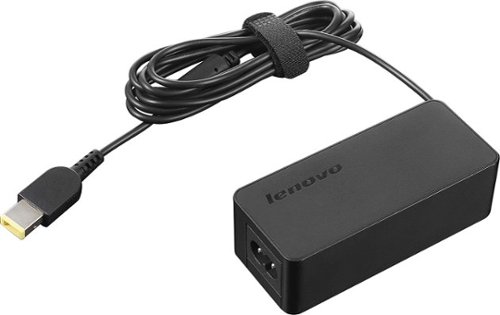
AC Adapter for Select Lenovo Yoga Laptops - Black
With a compact, easy-to-use design, this Lenovo AC adapter delivers 45W of power to keep your Lenovo Yoga laptop charged and ready to use at home or in your office. Overload protection ensures safe use.
Will this work for a lenovo ideapad 2 in 1 14 laptop

I need the model number of the Lenovo IdeaPad 2 in 1 14" Laptop, there are several different models.
8 years, 6 months ago
by
Posted by:
Lenovo Product Expert
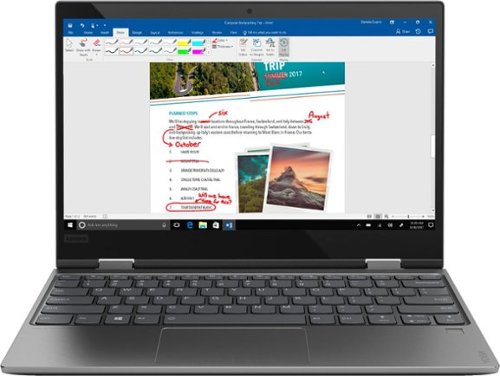
Lenovo - Yoga 720 2-in-1 12.5" Touch-Screen Laptop - Intel Core i5 - 8GB Memory - 128GB Solid State Drive - Iron Gray
Experience the flexibility of this Lenovo Yoga laptop. It weighs less than 3 lbs. for effortless transport, and the Intel Core i5 processor and 8GB of DDR4 RAM let you run multiple demanding programs at once. This Lenovo Yoga laptop has a 128GB solid-state drive for fast data retrieval and boot times when you power it on.
If I close my laptop without shutting it off, and then open it, the mousepad doesn’t work. I have to switch it off and then on to make cursor move. Couldn’t find anything in the setting to fix it. Help me, please!
Just use the HotKey in the F6 position to turn the Touchpad back on. There was a recent Windows 10 update that changed the default setting for the Touchpad to off when waking from sleep mode. The HotKey in the F6 position toggles this feature on/off. You can update the Touchpad BIOS/Driver by following the link below to look for new driver updates for your specific system. Use the "Update Your System" feature to be sure you get all of the BIOS and drive updates for your specific device. As always, be sure to create a restore point on your system before you make any changes. You can do this by just typing "restore point" in the search window within Cortana and follow the link to create a restore point. If the problem persists, we recommend you call Lenovo Tech Support at: 877-453-6686. Here is the link:
https://pcsupport.lenovo.com/us/en/products/laptops-and-netbooks/yoga-series/yoga-720-12ikb?linkTrack=Homepage%3ABody_Search+Products&searchType=3&keyWordSearch=Yoga%2520720-12IKB%2520Laptop%2520%2528ideapad%2529
https://pcsupport.lenovo.com/us/en/products/laptops-and-netbooks/yoga-series/yoga-720-12ikb?linkTrack=Homepage%3ABody_Search+Products&searchType=3&keyWordSearch=Yoga%2520720-12IKB%2520Laptop%2520%2528ideapad%2529
8 years, 6 months ago
by
Posted by:
Lenovo Product Expert
AC Adapter for Select Lenovo Yoga Laptops - Black
With a compact, easy-to-use design, this Lenovo AC adapter delivers 45W of power to keep your Lenovo Yoga laptop charged and ready to use at home or in your office. Overload protection ensures safe use.
will this adapter replace model # ADLX45NCC3A (Ac adaptor)
Images for this Question
(click to see full-size image)


Yes, this would replace the ADLX45NCC3A model adapter.
8 years, 6 months ago
by
Posted by:
Lenovo Product Expert
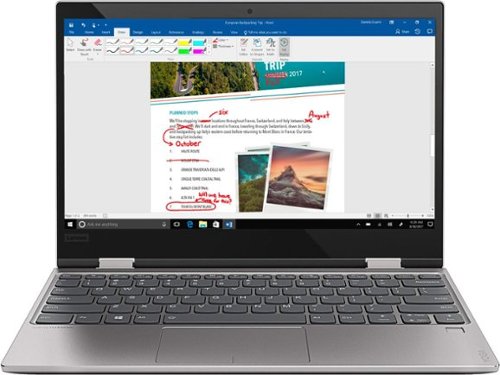
Lenovo - Yoga 720 12.5" Touch-Screen Laptop - Intel Core i3 - 4GB Memory - 128GB Solid State Drive - Platinum
Complete daily work tasks with this 12-inch Lenovo Yoga laptop. The Intel Core i3 processor and 4GB of RAM let you power through to-do lists, and the 128GB solid-state drive stores important files securely. The wide-angle touch-screen display of this Lenovo Yoga laptop has ultra-thin bezels to let you see more of your videos.
Are there any cases/skins for this laptop? Thanks
You can use most universal cases made for a 13" laptop with this device. Because this is an ultra portable model, check the case dimensions to be sure.
8 years, 6 months ago
by
Posted by:
Lenovo Product Expert
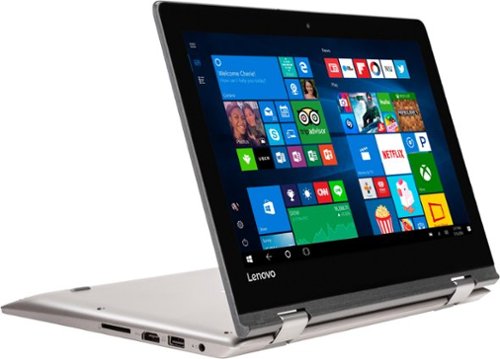
Lenovo - 2-in-1 11.6" Touch-Screen Laptop - Intel Celeron - 2GB Memory - 64GB eMMC Flash Memory - Black
Boost productivity wherever you are with this 11-inch Lenovo IdeaPad 2-in-1 laptop. It weighs less than 3 lbs. for effortless transport, and the Intel Celeron processor and 2GB of RAM run multiple software programs without slowing you down. This Lenovo IdeaPad 2-in-1 laptop has 64GB of flash memory for fast data retrieval.
Is the webcam HD ?
The web cam resolution for this model is 720p.
8 years, 6 months ago
by
Posted by:
Lenovo Product Expert
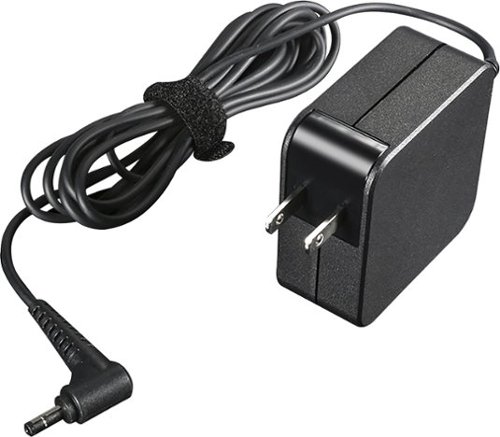
Lenovo - 45W Power Adapter Universal - Black
Power compatible Ideapad 100 model laptops with this Lenovo AC wall adapter. It provides 45W of consistent power for a stable charge and comes with a 1-year warranty.
is the input 100-240v-1.6A
The input voltage range for this adapter is: 100 V AC to 240 V AC
8 years, 6 months ago
by
Posted by:
Lenovo Product Expert
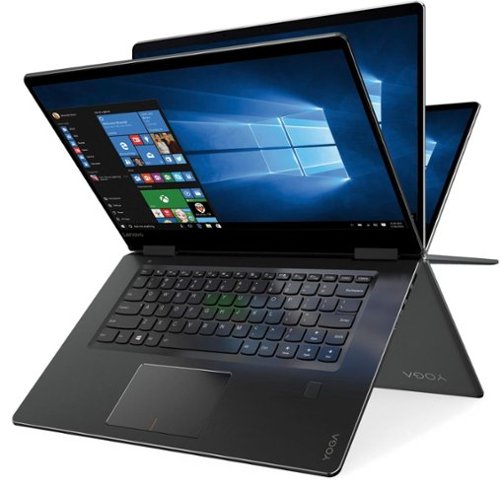
Lenovo - Yoga 710 2-in-1 15.6" Touch-Screen Laptop - Intel Core i5 - 8GB Memory - 256GB Solid State Drive - Black
Only at Best Buy Work and play wherever you go with this 15-inch Lenovo Yoga laptop. Equipped with a 4-in-1 card reader and two USB 3.0 ports, this multifunctional machine works with a range of external storage devices. Stay in touch when you use the 720p camera and combo array microphone included with this 15-inch Lenovo Yoga laptop to videoconference with friends and clients.
What are the differences between this model (710-151KB) and the 710 80V50010US model?
Model number 80V50010US is the model on the page your question is linked to. They are the same model.
8 years, 6 months ago
by
Posted by:
Lenovo Product Expert
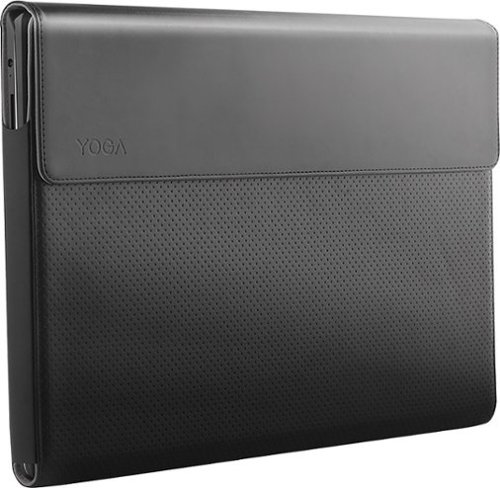
Lenovo - Laptop Sleeve - Black
Carry your Yoga laptop in this protective Lenovo sleeve. Its envelope-like design makes it simple to secure the computer for placing in a bag or carrying in the sleeve alone. With faux leather material and dedicated port openings, this durable 15-inch Lenovo sleeve protects your laptop while providing port access.
Will this fit the lenova Yoga 920 Vibes?
The dimensions of the Yoga 920 Vibes laptop are: 12.7" x 8.8" x 0.5" inches.
The dimensions of this sleeve are: 14.3" x 10" x 1.1" inches.
The dimensions of this sleeve are: 14.3" x 10" x 1.1" inches.
8 years, 6 months ago
by
Posted by:
Lenovo Product Expert
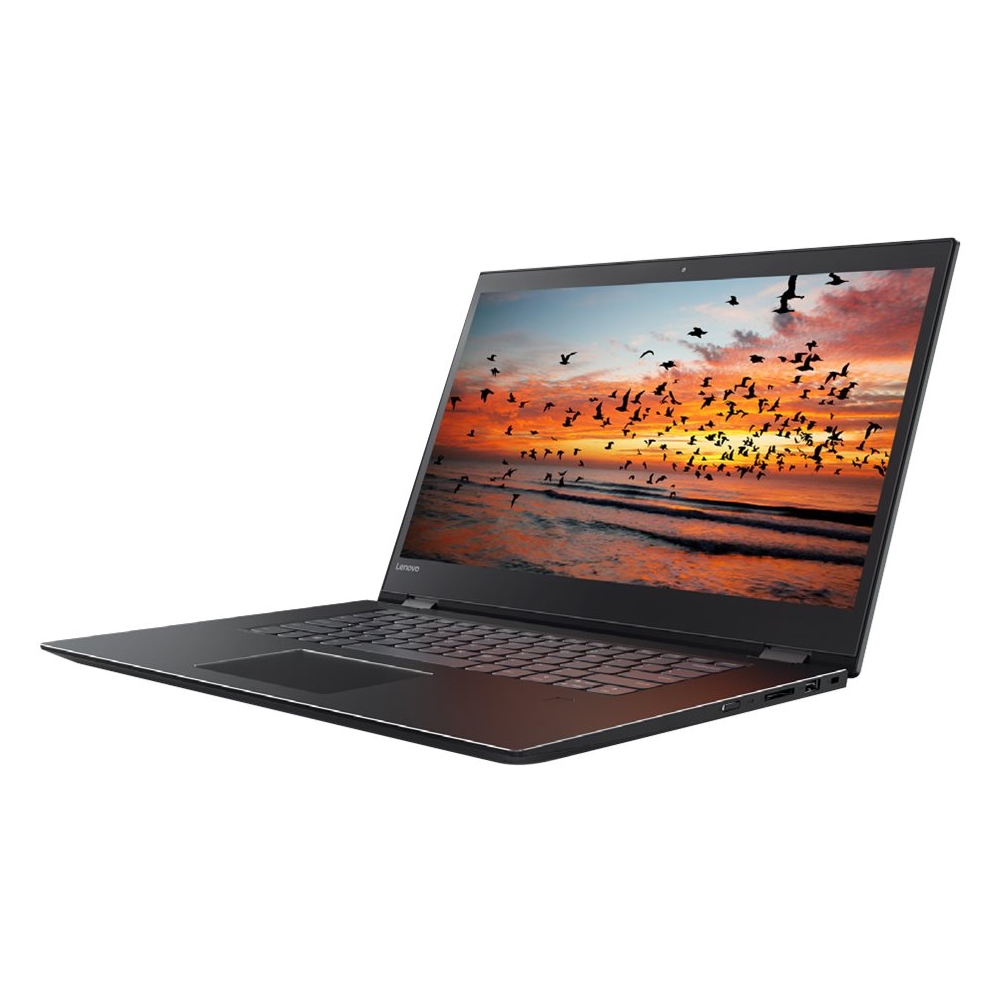
Lenovo - 2-in-1 15.6" 4K Ultra HD Touch-Screen Laptop Intel Core i7 16GB Memory - NVIDIA GeForce 940MX - 1TB HDD + 256GB SSD - Onyx Black
Lenovo Convertible 2-in-1 Laptop: Travel light with this 15.6-inch Lenovo Flex laptop. Its 360-degree hinge lets you access the responsive touch screen and use it as a tablet, and its powerful Intel Core i7 processor and 16GB of RAM provide smooth multitasking capability. This Lenovo Flex laptop has a 256GB solid-state drive for fast boot times and a 1TB HDD to store files securely.
Will this work with a docking station? If so which one?
No, there is not specific docking station made for this Lenovo Flex 5 1570 81CA laptop. You can use a USB universal port replicator to achieve similar results with this device.
8 years, 6 months ago
by
Posted by:
Lenovo Product Expert
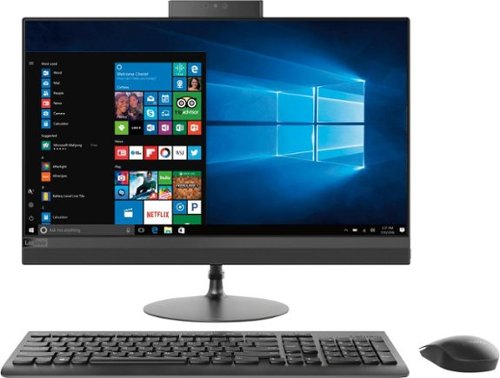
Lenovo - 520-24AST 23.8" Touch-Screen All-In-One - AMD A12-Series - 8GB Memory - 1TB Hard Drive - Black
Stay on top of your work with this Lenovo IdeaCentre all-in-one desktop computer. Its 8GB of RAM allows efficient multitasking and the 1TB hard drive stores important documents and image files securely. This Lenovo IdeaCentre all-in-one desktop computer includes an AMD Radeon R7 graphics card for streaming high-quality games and videos.
I just got this AIO. Great but there is a small interaction delay. I assume that the reason could be because I work with many tabs and multitask at the same time. I'm looking to add an additional 8gb RAM. What kind and specs need to meet?
This system uses DDR4-2400MHz RAM.
8 years, 6 months ago
by
Posted by:
Lenovo Product Expert