Lenovo Product Expert
Lenovo Product Expert's Stats
Reviews
- Review Count0
- Helpfulness Votes0
- First ReviewNone
- Last ReviewNone
- Featured Reviews0
- Average Rating0
Reviews Comments
- Review Comment Count0
- Helpfulness Votes0
- First Review CommentNone
- Last Review CommentNone
- Featured Review Comments0
Questions
- Question Count0
- Helpfulness Votes0
- First QuestionNone
- Last QuestionNone
- Featured Questions0
- Answer Count38033
- Helpfulness Votes24,867
- First AnswerApril 21, 2014
- Last AnswerNovember 6, 2026
- Featured Answers0
- Best Answers2833
Lenovo Product Expert's Reviews
Lenovo Product Expert has not submitted any reviews.
Lenovo Product Expert's Questions
Lenovo Product Expert has not submitted any questions.
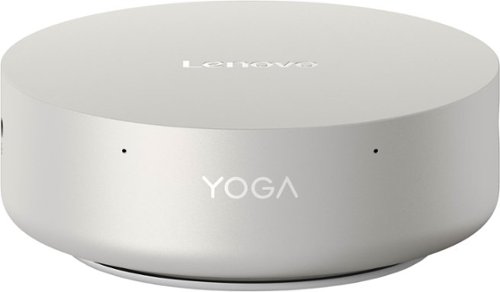
Discover the silent force of AI computing. The Lenovo Yoga Mini harnesses Intel Core Ultra Series 3 processors to power through creative workflows and dominate multitasking, delivering pro-grade performance in a compact design that breaks all limits.
Is this the same product found on the Lenovo site as coming soon? The descriptions for the out ports is different.

Hi, thanks for your question. We apologize for any confusion caused by the differences between product pages. This Lenovo Yoga Mini Desktop is part of the same product lineup, and to clarify its connectivity, the system includes the following ports: a Thunderbolt™ 4 port, a USB‑C port (USB 10Gbps / USB 3.2 Gen 2), a second USB‑C port with USB Power Delivery‑in, a USB‑A port (USB 10Gbps / USB 3.2 Gen 2), an HDMI® 2.1 TMDS port, and a 2.5GbE Ethernet (RJ‑45) port on the rear. On the left side of the device, you will find an additional Thunderbolt™ 4 port and a 3.5mm headphone/microphone combo jack. Please feel free to reach out to us if you have any further questions.
2 months, 2 weeks ago
by
Posted by:
Lenovo Product Expert
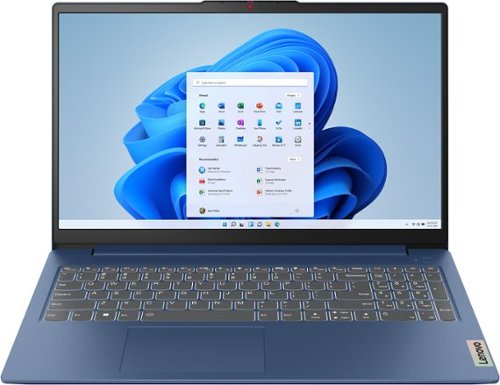
The slim, lightweight and military-grade resilient IdeaPad Slim 3 is built for smart and heavy work and study on the go, featuring AMD Ryzen processors and Smart Power.
Is this model the one with the fingerprint lock
Hi, thanks for your question. This Lenovo IdeaPad Slim 3 does not include a fingerprint reader. If this is a feature you’re looking for, Lenovo offers a wide range of devices that have built-in fingerprint readers. Best Buy offers the Lenovo IdeaPad Slim 3x, which includes a fingerprint reader for enhanced security and faster logins. For your convenience, we have linked the product page here: (https://www.bestbuy.com/product/lenovo-ideapad-slim-3x-copilot-pc-15-3-2k-touchscreen-laptop-snapdragon-x-2025-16gb-memory-256gb-ssd-luna-grey/JJGSH82JL5/sku/6619147). Please feel free to reach out to us if you would like any assistance finding the right laptop for you or if you have any further questions.
2 months, 2 weeks ago
by
Posted by:
Lenovo Product Expert
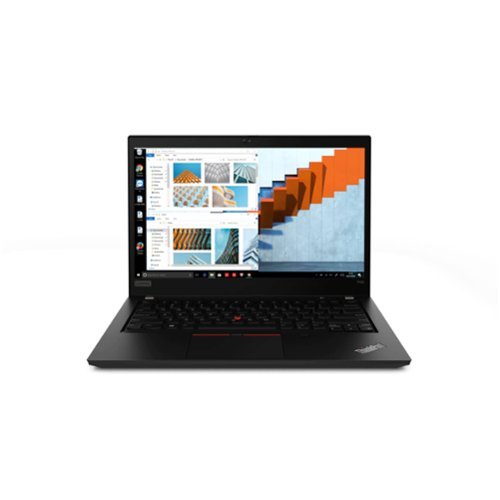
The Lenovo ThinkPad T490 is a reliable business laptop built for productivity and durability. Powered by an Intel i5-8365U processor and 8GB of RAM, it delivers dependable performance for office applications and multitasking. A 256GB SSD ensures fast boot times and responsive operation. Its 14-inch display and Windows 11 Pro make it ideal for professional use.
Does it have Bluetooth capability?
Hi Chambers, thanks for your question. Yes, this Lenovo ThinkPad T490 includes Bluetooth 5.1, allowing users to connect wireless peripherals such as mice, keyboards, headsets, and other compatible devices with ease. Please feel free to reach out to us if you have any further questions.
2 months, 2 weeks ago
by
Posted by:
Lenovo Product Expert
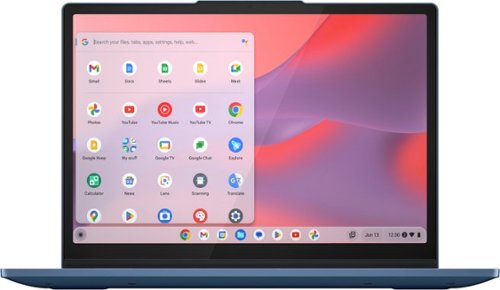
Lenovo - IdeaPad Flex 3i Chromebook Laptop - 12.2" 2K Touchscreen - Intel N100 2023 - 4GB Memory - 64GB eMMC - Abyss Blue
Untether the limits of your mobile home office or study space with an agile 2-in-1 12" IdeaPad Flex 3i Chromebook laptop. Featuring Intel performance, an FHD IPS display, and long battery life, your options stay wide open for web-browsing, study, or work, no matter where you go. Open your Chromebook to boot up in seconds, touch the screen to select and drag, and stay focused uninterruptedly. Close the physical shutter as you finish your video call to protect your privacy, and flip the keyboard to the back and watch your favorite channel on YouTube. Multi-mode for every mood ~ it is as simple as that.
Is there any stylus that is compatible with this Chromebook?
Hi Stacy, thanks for your question. This Lenovo IdeaPad Flex 3i Chromebook does not support pen input. If this is an important feature for you, we would be happy to work with you to help you find the right system for you. Please feel free to reach out to us if you have any further questions.
2 months, 2 weeks ago
by
Posted by:
Lenovo Product Expert
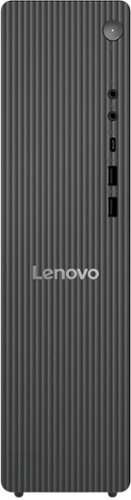
Lenovo - IdeaCentre Tower 8 Desktop - AMD Ryzen 7 250 - 16GB Memory - 1TB SSD - Luna Grey
A perfect blend of form and function, the Lenovo IdeaCentre Tower Desktop, powered by the latest Intel processors, has an ultra-compact design that fits seamlessly into any home. With blazing SSD storage and lightning-fast connectivity, you can connect, make, and share effortlessly with all your friends and family.
How many usb ports
Hi, thanks for your question. This Lenovo IdeaCentre Tower Desktop includes one USB‑C port (USB 5Gbps / USB 3.2 Gen 1) with 15W charging, along with two USB‑A ports (USB 5Gbps / USB 3.2 Gen 1) on the front of the device. On the back, you’ll find two USB‑A ports (Hi‑Speed USB / USB 2.0) and two additional USB‑A ports (USB 5Gbps / USB 3.2 Gen 1), giving you a total of 6 USB-A ports and a USB-C port to connect a wide range of peripherals. Please feel free to reach out to us if you have any further questions.
2 months, 2 weeks ago
by
Posted by:
Lenovo Product Expert
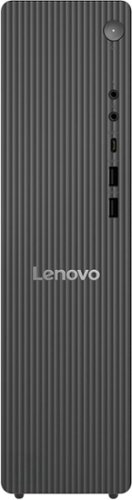
Meet the IdeaCentre Tower 8L, designed to elevate your home workspace. Crafted from recycled material, this essential, streamlined desktop houses a powerful Intel Processor and Intel Graphics, with ample storage and versatile connectivity options to bring your digital world together.
This computer only has one display output (hdmi). Why does the computer not provide a graphics card expansion slot internally like many other high-end Lenovo’s with this form factor?
Hi hamish, thanks for your question. This Lenovo IdeaCentre Tower Desktop includes one USB‑C port (USB 5Gbps / USB 3.2 Gen 1) with 15W charging, along with two USB‑A ports (USB 5Gbps / USB 3.2 Gen 1) on the front of the device. On the back, you’ll find two USB‑A ports (Hi‑Speed USB / USB 2.0) and two additional USB‑A ports (USB 5Gbps / USB 3.2 Gen 1), giving you a total of 6 USB-A ports and a USB-C port to connect a wide range of peripherals. Please feel free to reach out to us if you have any further questions.
2 months, 2 weeks ago
by
Posted by:
Lenovo Product Expert
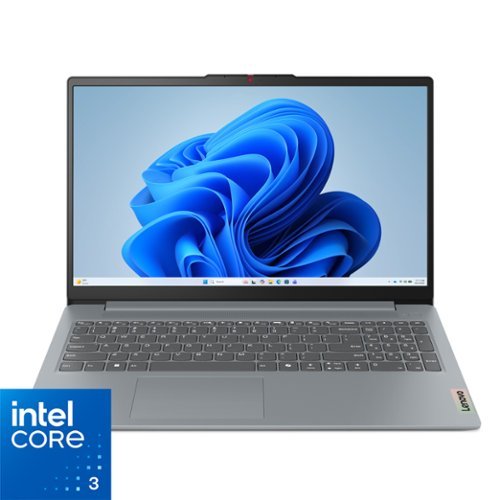
Impossibly slim, the Lenovo IdeaPad Slim 3i is amazingly dynamic and remarkably smart to take your work and play to the next level. Combined with an array of AI-driven productivity features, you~ve got the full works right in your hands.
How many usb outlets on this device
Hi Smk, thanks for your question. This Lenovo IdeaPad Slim 3i includes two USB‑A ports (USB 5Gbps / USB 3.2 Gen 1) and one USB‑C port (USB 5Gbps / USB 3.2 Gen 1). The USB‑C port supports Power Delivery (45–65W) as well as DisplayPort™ 1.2, giving you flexible options for charging and connecting external displays. Please feel free to reach out to us if you have any further questions.
2 months, 2 weeks ago
by
Posted by:
Lenovo Product Expert
Impossibly slim, the Lenovo IdeaPad Slim 3i is amazingly dynamic and remarkably smart to take your work and play to the next level. Combined with an array of AI-driven productivity features, you~ve got the full works right in your hands.
I'm looking for a simple laptop that can handle the usual daily use of YouTube and school work but also one that can handle decent games the main ones that come to mind are league of legends to play with my friends and project zomboid
Hi Julian, thanks for your question. This Lenovo IdeaPad Slim 3i is powered by the Intel Processor N355, making it an excellent choice for users looking to handle lightweight tasks, workloads, and entertainment. After researching both game titles, this Lenovo IdeaPad Slim 3i meets the recommended specifications for League of Legends, ensuring the game will run smoothly while playing with your friends. The other game title, Project Zomboid, typically requires more resources to render the denser environments. This IdeaPad Slim 3i meets the minimum PC requirements, but you may see frame drops when exploring larger areas or during more intense moments. If you are interested in higher performance, Lenovo offers the IdeaPad Slim 3i with an Intel Core i5-1355U paired with 16GB of RAM, making it more aligned with the Recommended Requirements of Project Zomboid. For your convenience, we have linked the product page here: (https://www.bestbuy.com/product/lenovo-ideapad-slim-3i-15-6-full-hd-laptop-intel-core-i5-1335u-2023-16gb-memory-256gb-ssd-arctic-grey/JJGH3Q8PXV/sku/6668499). If you would like any more assistance or have any further questions, please feel free to reach out to us through the Q&A section of this product page.
2 months, 2 weeks ago
by
Posted by:
Lenovo Product Expert
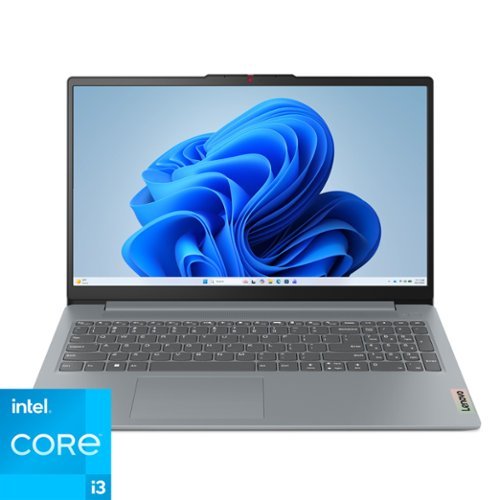
Lenovo - IdeaPad Slim 3i 15.6" Full HD Laptop - Intel Core i3-N305 2023 - 8GB Memory 128GB Storage - Arctic Grey
The IdeaPad Slim 3i is smart and made for heavy on-the-go users from libraries and cafes to airport terminals, with a lightweight and thin profile that's 10% slimmer than the previous generation yet still military-grade rugged. Get the important stuff done on the go with powerful 13th Gen Intel Core i3 processors, the adaptive performance of Smart Power, and full-function Type-C port while you learn, work, and stream on a Full HD display with up to 88% AAR.
1. Will converting this from Windows 11 safe mode to Windows 11 Home impact the speed, storage, or any other aspect of performance? 2. Is the preloaded Microsoft office only compatible with Office 365 or also the one-time purchase version of Microsoft?
Hi Mds05, thanks for your question. Converting from Windows 11 Home in S Mode can sometimes affect performance, as Windows 11 Home can use more background resources. We recommend staying within Windows 11 Home in S Mode if all of your intended apps are offered in the Microsoft Store. If your needs go beyond what is offered through the Microsoft Store, we recommend converting to Windows 11 Home to have greater control over your system. The included Microsoft Office Applications can be used with Microsoft Office Home 2024 as well as Microsoft Office 365. Please feel free to reach out to us if you have any further questions.
2 months, 2 weeks ago
by
Posted by:
Lenovo Product Expert
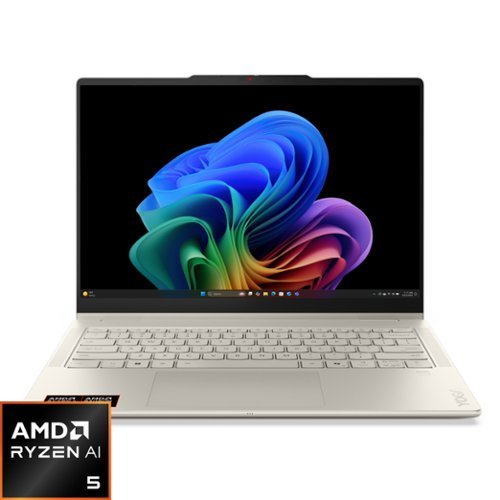
Create anywhere, your way, with the Yoga 7a 2-in-1. Its 360~ convertible design and responsive touchscreen let you switch between tablet, tent, or laptop mode effortlessly. Add the optional Yoga Pen for smooth, precise control wherever inspiration strikes. Powered by a AMD Ryzen AI 5 430 processor and a 50 TOPS NPU, this Copilot+ PC is optimized by Lenovo~s AI Core to immaculately balance power and performance. The 14" PureSight OLED display, featuring a 60Hz refresh rate and Dolby Vision, delivers bold, vibrant colors that make your ideas pop.
Is the RAM upgradable
Hi Dave, thanks for your question. This Lenovo Yoga 7a features soldered memory, which prevents the RAM from being upgraded after purchase. If upgradability is an important factor for you, we’d be happy to help you explore other Lenovo models that offer expandable memory so you can find the best fit for your needs. Please feel free to reach out to us if you have any further questions.
2 months, 2 weeks ago
by
Posted by:
Lenovo Product Expert