Samsung
Samsung's Stats
Reviews
- Review Count0
- Helpfulness Votes0
- First ReviewNone
- Last ReviewNone
- Featured Reviews0
- Average Rating0
Reviews Comments
- Review Comment Count0
- Helpfulness Votes0
- First Review CommentNone
- Last Review CommentNone
- Featured Review Comments0
Questions
- Question Count0
- Helpfulness Votes0
- First QuestionNone
- Last QuestionNone
- Featured Questions0
- Answer Count74227
- Helpfulness Votes37,974
- First AnswerApril 24, 2013
- Last AnswerSeptember 13, 2026
- Featured Answers0
- Best Answers3948
Samsung's Reviews
Samsung has not submitted any reviews.
Samsung's Questions
Samsung has not submitted any questions.
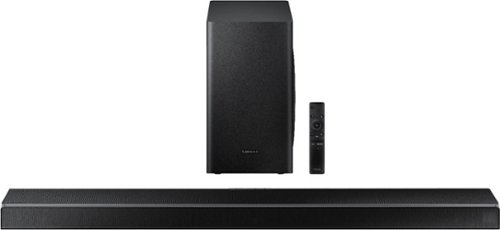
Samsung - 5.1-Channel Soundbar with Wireless Subwoofer and Acoustic Beam - Black
Upgrade your entertainment room with this Samsung soundbar. The 6.5-inch subwoofer and 1.5-inch tweeters deliver powerful well-balanced sound, and Bluetooth connectivity lets you stream audio wirelessly. This Samsung soundbar includes a remote control for handling playback easily, while the HDMI and USB ports allow for flexible connectivity to a wide range of devices.
Will the sound bar play TV audio to wireless or Bluetooth Headphones so as not to disturb others late at night?

Hi EarthwormJim, The sound bar will not output to a Bluetooth headset. Though if you have a 2020 Samsung TV, it will through the Dual output Audio option. Enjoy your day! ^Scott
5 years, 10 months ago
by
Posted by:
Samsung
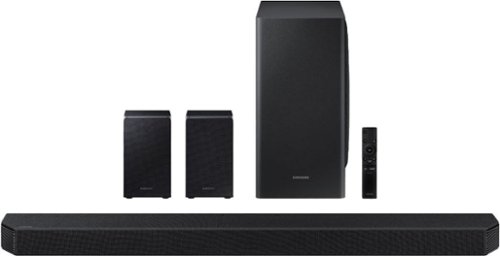
Samsung - 9.1.4-Channel Soundbar with Wireless Subwoofer and Dolby Atmos/DTS:X - Black
The HW-Q950T has immersive sound quality with True 9.1.4ch sound. With Up-firing rear speakers including Q-symphony, Dolby Atmos, DTS:XUsability-, adaptive sound, game Pro Mode. Premium Design textile by Kvadrat along with seamless connectivity and built in voice assistant, this is the best fit for Samsung QLED TV.
I have just purchased the HW-Q900T and I have already set it up.... can I buy the rear satellite speakers from the Q950 separately? I do not want to return item since already set up.
Hi Milo, you're in luck, the rear speakers for the HW-Q900T are the SWA-9000s. They are available here: https://www.bestbuy.com/site/samsung-wireless-rear-loudspeakers-black/5754515.p?skuId=5754515. ^Scott
5 years, 10 months ago
by
Posted by:
Samsung
Samsung - 9.1.4-Channel Soundbar with Wireless Subwoofer and Dolby Atmos/DTS:X - Black
The HW-Q950T has immersive sound quality with True 9.1.4ch sound. With Up-firing rear speakers including Q-symphony, Dolby Atmos, DTS:XUsability-, adaptive sound, game Pro Mode. Premium Design textile by Kvadrat along with seamless connectivity and built in voice assistant, this is the best fit for Samsung QLED TV.
Does this only work with Samsung TVs? I have a Sony 85” and want this set up. This seems to be the best one on the market but unsure if compatible to a Sony TV
Hi Derek, great news, it works with virtually any TV with an HDMI port! You'll be hearing that Dolby Atmos and DTS:X spatial audio in no time. Enjoy! ^Scott
5 years, 10 months ago
by
Posted by:
Samsung

Samsung - 65" Class 9 Series LED 4K UHD Smart Tizen TV
Watch your favorite movies in high definition with this 65-inch Samsung Crystal 4K smart TV. The ultra-fast processor and dynamic crystal display deliver true-to-life color and a high-resolution picture, so you never miss a detail. With next-gen apps and automatic game enhancer settings, this Samsung Crystal 4K smart TV is packed with entertainment options while ensuring an optimal gaming experience.
Why movies on Netflix are too dark? Any idea how to fix it I used too have the 8000 series and is much brighter
Hi QOTUZ, If you change the picture mode between natural, dynamic, standard, etc. you will likely find the right setting for that content. Enjoy the TV! ^Scott
5 years, 10 months ago
by
Posted by:
Samsung
Samsung - 65" Class 9 Series LED 4K UHD Smart Tizen TV
Watch your favorite movies in high definition with this 65-inch Samsung Crystal 4K smart TV. The ultra-fast processor and dynamic crystal display deliver true-to-life color and a high-resolution picture, so you never miss a detail. With next-gen apps and automatic game enhancer settings, this Samsung Crystal 4K smart TV is packed with entertainment options while ensuring an optimal gaming experience.
The specs show a 3 year parts and labor warranty! This is fantastic and a big reason why I purchased this TV! I assume this is a fact?
Hi Ed, the 65" RU9000 does indeed have a 3 year parts and labor warranty through the manufacturer. Congrats! ^Scott
5 years, 10 months ago
by
Posted by:
Samsung
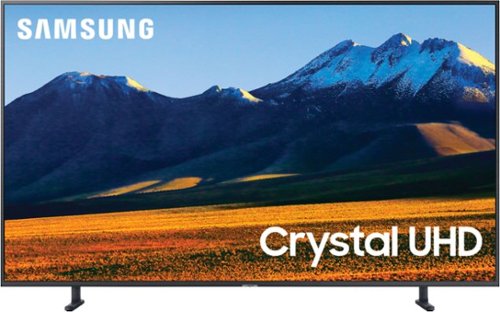
Samsung - 75" Class 9 Series LED 4K UHD Smart Tizen TV
Stream your favorite shows and movies with this 75-inch Samsung 4K smart TV. The HDR 10+ engine delivers true-to-life color accuracy and picture clarity, while the 120Hz refresh rate keeps up with high-speed action. This Samsung 4K smart TV features multiple HDMI ports, USB interfaces and Wi-Fi functionality for versatile connectivity.
how to connect a Polk soundbar and bass speaker to Samsung 75" Class 9 Series TV
Hi Lee1129, While I can't speak specifically to the ports on a Polk soundbar, you can connect most sound bars through HDMI, digital optical, or Bluetooth. HDMI generally be the best option as it can usually carry more advanced types of content to the sound bar. Cheers! ^Scott
5 years, 10 months ago
by
Posted by:
Samsung
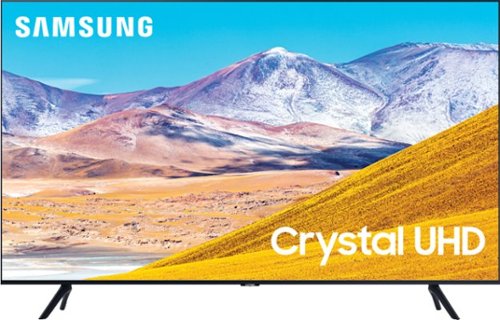
Samsung - 65" Class 8 Series LED 4K UHD Smart Tizen TV
Stream all your favorite shows on this 65-inch Samsung Smart TV. The variety of smart features and applications provides access to a range of streaming services, and compatibility with virtual assistants offers convenient voice-controlled functionality. This Samsung Smart TV has a Crystal Processor 4K that automatically enhances the image quality of movies and shows.
Does this tv have a specific hdmi port for 4K?
Hi Carlos, good news, every HDMI port is 4K compatible! Cheers! ^Scott
5 years, 10 months ago
by
Posted by:
Samsung
Samsung - 65" Class 8 Series LED 4K UHD Smart Tizen TV
Stream all your favorite shows on this 65-inch Samsung Smart TV. The variety of smart features and applications provides access to a range of streaming services, and compatibility with virtual assistants offers convenient voice-controlled functionality. This Samsung Smart TV has a Crystal Processor 4K that automatically enhances the image quality of movies and shows.
Difference between the various series? What exactly do the series refer to?
Hi Lizard, in 2020 Samsung has 12 lines in its traditional lineup as well 5 different lines within its lifestyle collection. We don't have space in here to walk you through the extrordinary differences between the 82" TU6950 ($1297) and the 85" Q950T ($11,999). Thankfully we have the best trained friendliest experts in the business waiting to show you exactly what you're paying for with each model. Here's a link to find your closest store where you can see how lifelike a TV can get. Cheers! ^Scott
5 years, 10 months ago
by
Posted by:
Samsung
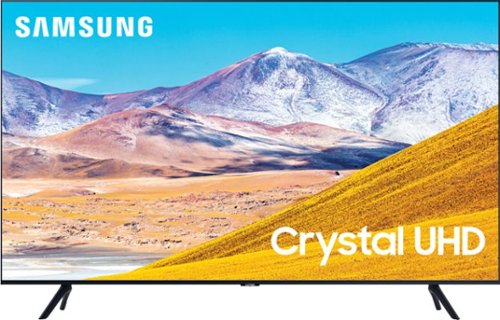
Samsung - 85" Class 8 Series LED 4K UHD Smart Tizen TV (2020)
Experience audiovisual entertainment in stunning quality with this Samsung Ultra HD smart TV. The HDR engine ensures accurate color reproduction, while compatibility with popular virtual assistants enables voice control. This Samsung Ultra HD smart TV features Wi-Fi and Bluetooth functions for flexible wireless connectivity, and the large 85-inch 4K display provides an immersive viewing experience in living rooms and home theaters.
Will an 86 in tv fit on 79 in entertainment center
Hi J, You're in luck, the legs on the 85" TU8000 are 67.1" apart. Enjoy your new giant TV! ^Scott
5 years, 10 months ago
by
Posted by:
Samsung
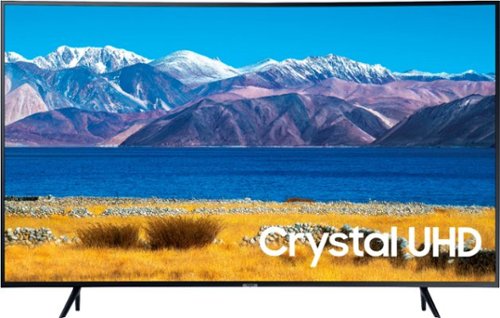
Samsung - 65" Class TU8300 Curved LED 4K UHD Smart Tizen TV (2020)
Samsung 65" TU8300 Curved 4K UHD Smart TV
Can you connect you phone to it does it have google air play an screen mirror
Hi Flyy, With Samsung SmartThings if you have a recent Android or iOS device you can screen mirror content. With iOS devices you can also share through AirPlay2. Cheers! ^Scott
5 years, 10 months ago
by
Posted by:
Samsung